

AIMIBO Wireless Display Adapter 4K 5G – Direct Plug & Play HDMI Wireless Dongle for iOS Android Windows MacOS Phone Tablet Laptop PC Cast Video to HDTV Monitor Projector, Support Airplay Miracast DLNA
€70





Price: $69.99
(as of Aug 03, 2025 05:26:22 UTC – Details)
From the brand




Best Gift Beloved

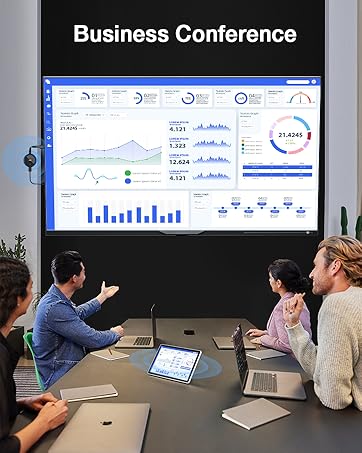
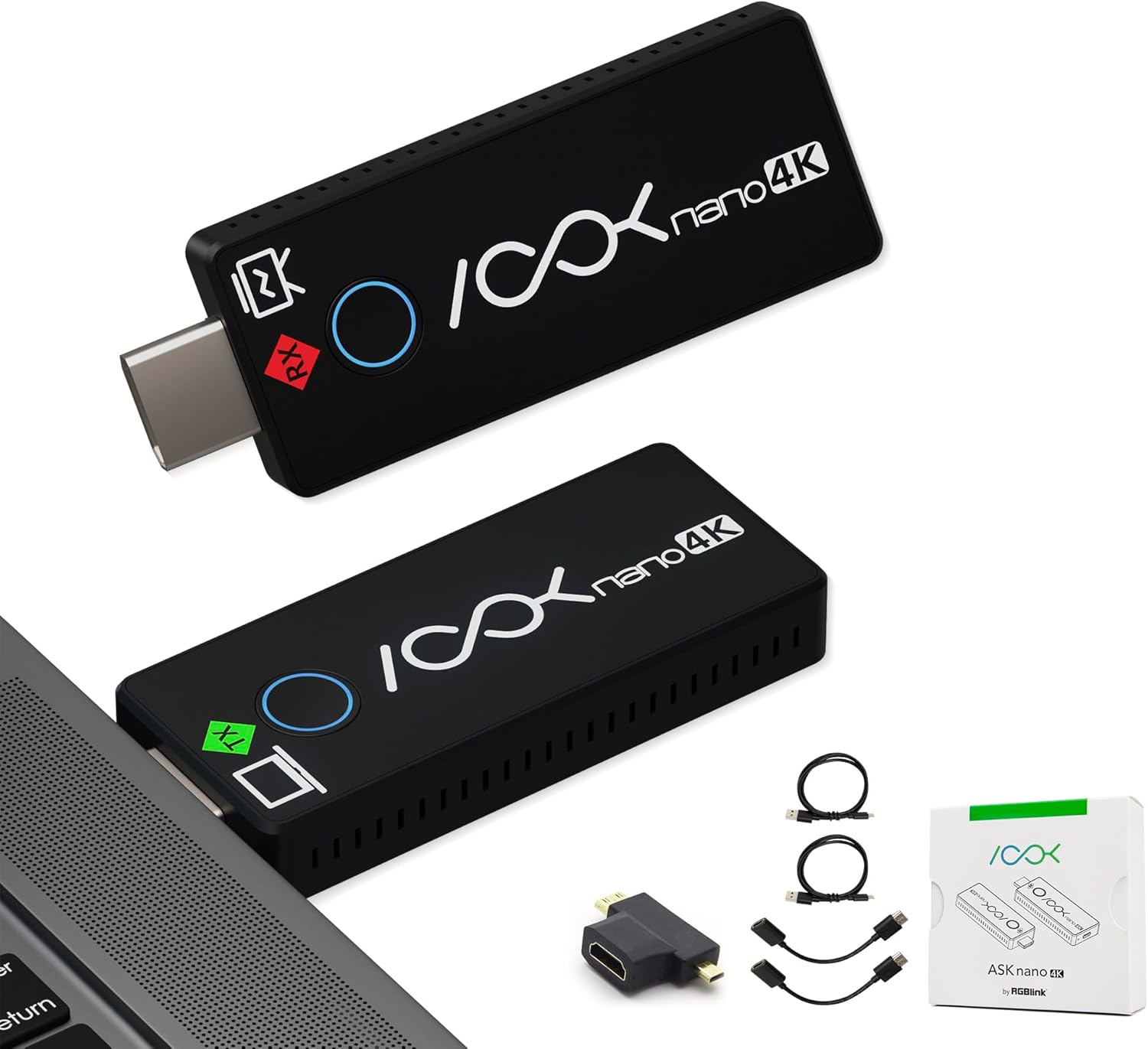
【2025 New Version Adapter – Simplify Your Screen Sharing】Make screen sharing effortless with the AIMIBO NEW Wireless Display Adapter. Instantly stream from your laptop, PC, tablet, or smartphone to your HDTV, projector, or monitor. No extra steps or complicated setup required now
【Dual Casting Modes – Direct & DLNA Mode】Enjoy great flexibility with dual casting modes. The Direct Mirror mode is perfect for iOS and Mac OS users, allowing for instant streaming. For a more stable and extended streaming experience, use the DLNA mode with your router network
【Plug and Play Simplicity】No apps or Bluetooth are required. Simply plug the wireless HDMI adapter into your TV, power it through your TV’s USB port (5V/1.5A), and in minutes, you’re ready to cast HD video and audio. Plus, you can easily switch between DLNA Connect and Direct Mirror modes with the simple press of a button, making it perfect for conference rooms, classrooms and home entertainment
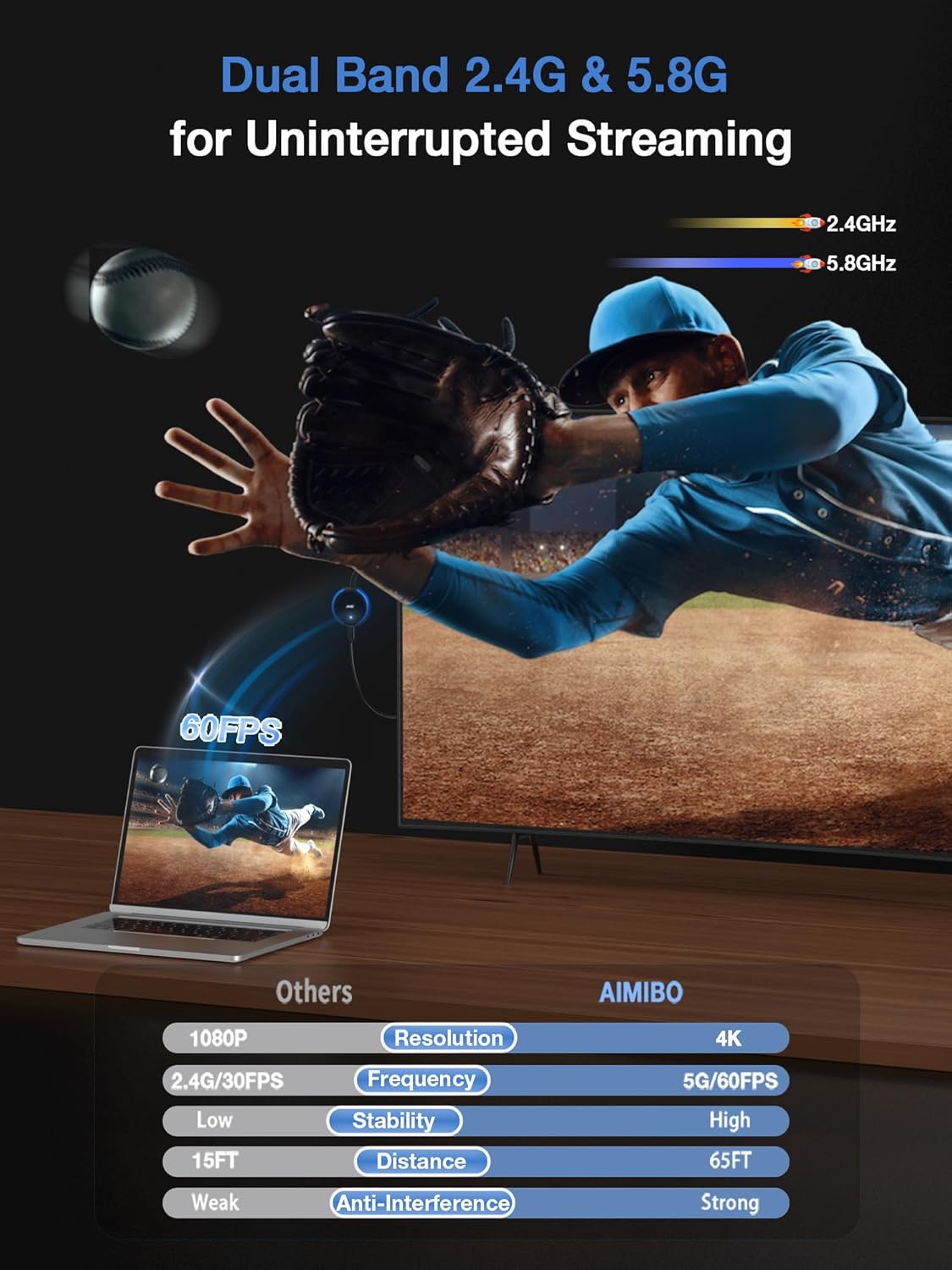
【Dual Band 2.4G & 5.8G for Uninterrupted Streaming】Unlike other wireless display adapters on the market that only support 2.4G, our HDMI wireless adapter utilizes both 2.4G and 5.8G frequencies delivering smoother and faster streaming. Whether you’re giving a critical presentation, enjoying your favorite movies, or engaging in a video conference, AIMIBO dongle ensures a stable, high-speed connection with zero latency, keeping you connected and productive in any scenario
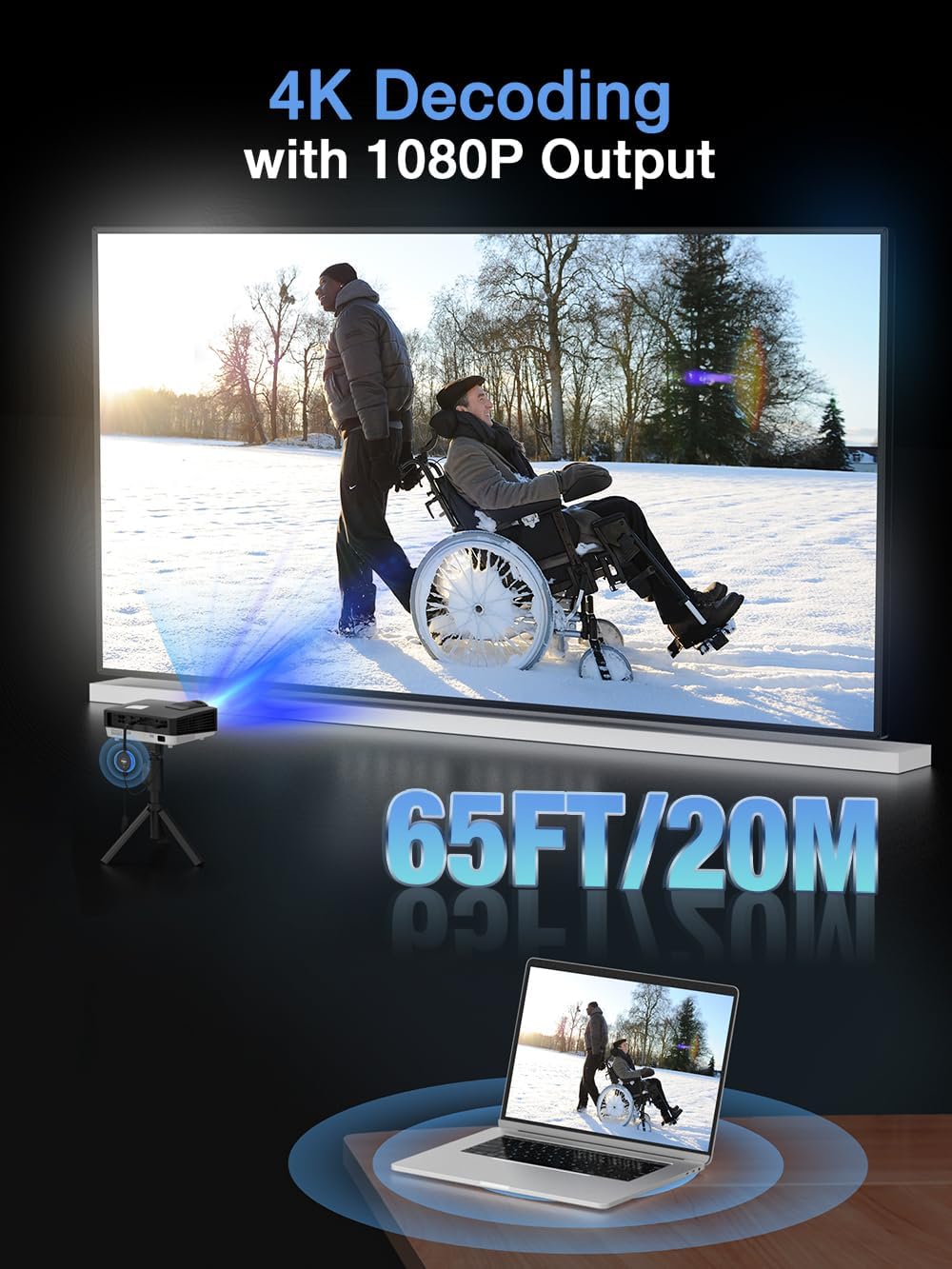
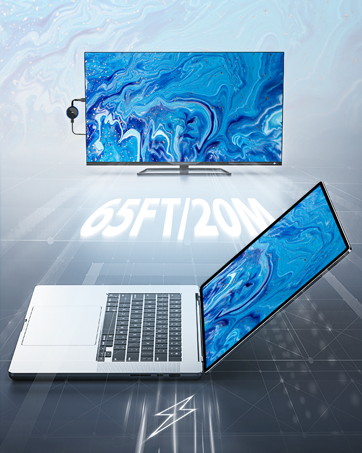
【Stunning 4K HD Quality & Long-Range Transmission】Immerse yourself in sharp, high-definition visuals with 4K Ultra HD input. Share content from your smartphones, tablets, and laptops – the output is then converted to a smooth 1080P HD at 60Hz streaming experience.Turn your HDTV into a PC monitor or a cinematic screen.With a robust wireless range of up to 65FT (20M), it ensures reliable long-distance connectivity within the same space
【Wide Compatibility】Compatible with most smartphones, tablets, laptops, and computers, like, iOS, Android, Windows, macOS devices. Windows makes sure it has wireless function. Supports wireless protocols like AirPlay, DLNA, Cast, and Miracast. For Windows & Android users, stream from Neflix, Prime Video, HBO Max, Hulu Plus, and more. For i-Phone, i-Pad, MacBook, mirror apps like Safari, Office, YouTube, Skype, Reddit, and other non-HDCP-protected apps
13 reviews for AIMIBO Wireless Display Adapter 4K 5G – Direct Plug & Play HDMI Wireless Dongle for iOS Android Windows MacOS Phone Tablet Laptop PC Cast Video to HDTV Monitor Projector, Support Airplay Miracast DLNA
Add a review
Related Products


€70
Catherine Roeper –
Works Great
Works great. Highly recommend
JEFF –
Wireless Display Adapter
Because the adapter was designed to be plugged in and played, I was able to connect it to an HDMI port that was already there on my television and power it via the USB port without having to deal with complicated drivers. Within a few seconds, the dongle was recognized by my Windows laptop under the Devices menu, and I was able to stretch my desktop to a resolution that was true to 4K. The process of switching to an Android phone was just as simple: I just hit the Cast icon, chose the SSID of the adapter, and then my preferred streaming applications displayed on the large screen without any noticeable latency. Even when my companion used AirPlay to link her MacBook and iPhone, screen sharing remained completely stable for the whole of the presentation. In the mornings of weekdays, I depend on the adapter to beam the productivity suite of my laptop on a secondary monitor. This practically doubles the amount of space I have available to work without the need for extra wires. During the unplanned meetings of the team, the columns of the spreadsheet appeared in the viewfinder, and the slide decks shifted in an instant. After work hours, the same dongle converts into a center for entertainment: I mirror my tablet to watch streaming services in the kitchen, and then I switch to my phone to participate in a karaoke session with my family on the television in the living room. The fact that I can easily switch between Miracast, DLNA, and AirPlay modes means that I am no longer restricted to a single ecosystem or another.
ASHLEY –
Amazing
recently purchased the 2025 AIMIBO Wireless Display â Red Edition, and Iâm honestly impressed by how well it performs. Setup was quick and easy just plug it in, connect via Wi-Fi, and youâre mirroring your screen in minutes. It works flawlessly with my phone and laptop, and I experienced no lag during video playback or presentations. The video quality is excellent crisp 1080p with no noticeable delay and the connection remains stable, even at a distance. I use it for both work presentations and streaming content at home, and it handles both perfectly.
Antonio –
Convenient, But Not for Serious Streaming
Itâs easy to set up, compact enough to throw in a bag, and works with a decent range of devicesâincluding iOS, Android, and Windows. Signal stability is decent, and for simple stuff like photo casting or basic presentations, it does the job. Customer support was also surprisingly helpful when I had questions.That said, itâs got some real limits. Video quality isnât great, and I ran into occasional connectivity issues. It didnât play nice with one of my Windows 11 machines, and the mouse pointer froze when I used an external monitor. Forget about smooth YouTube playbackâthis isnât built for that. Fine if you keep expectations low.
Fiona –
Easy to use
It was easy to set up, just plug it in, connect, and itâs ready to go. I use it to stream videos and photos from my phone to the big screen, and the picture is clear with no delays. It works with both my iPhone and my Windows laptop, which ishelpful. The signal stays strong even when I walk around the room. The size is small, so itâs easy to carry around if I want to take it somewhere.
Angel –
Handles streaming with ease.
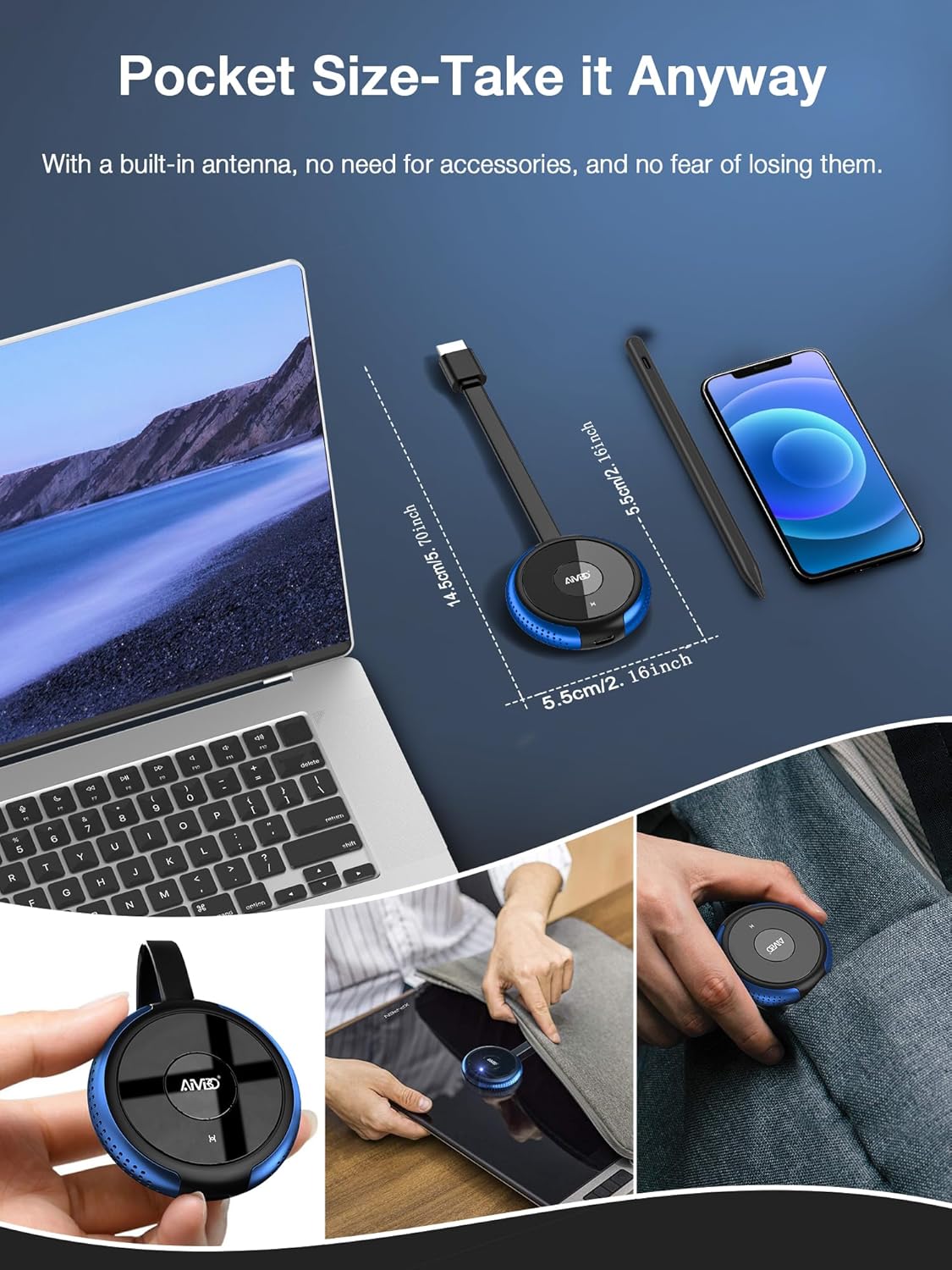
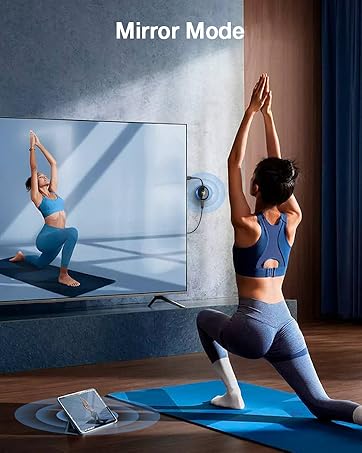
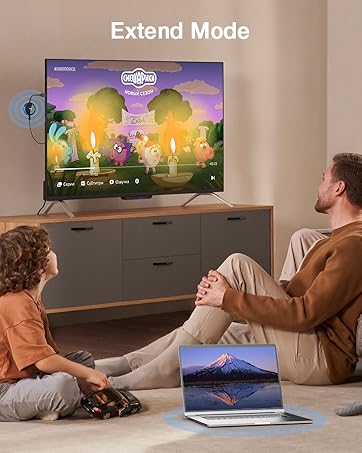
This wireless display adapter has 4K resolution. It’s plug-and-play and features a dual casting mode design, making screen sharing easier and more convenient than ever. Supports two mirroring modes: direct mirror and DLNA mirror. Strong anti-interference ability, high stability, transmission range up to 65 feet, reliable performance. Dual-band 2.4G and 5G frequencies provide a fast and smooth wireless connection for uninterrupted streaming. 4K decoding with 1080P output provides a clear and detailed viewing experience. It offers three streaming modesâoff-screen, extend, and mirrorâthat can be switched easily. Pocket-sized, easy to take anywhere. Therefore, this wireless HDMI adapter can handle streaming, presenting, and sharing content with ease. For me, I like staying comfortable while enjoying home theater entertainment at home, and this is exactly what I need.
Bella –
Easy to use!
This wireless display adapter is easy to use to support screen sharing. I use it to share my documents from my laptop to the display screen during the meeting. I also brought it with me on my last trip to share the YouTube channel from my phone to the hotel TV for my kids to watch. All works great. With its lightweight and portable design, it is easy to store and carry. The design looks modern and easy to use, with no messy wires, just plug and play. The shared images are sharp, and the sound is good. It connects well with my phone and laptop, no problem during the show time. This wireless adapter is convenient for me at work or for my entertainment time. The user manual is detailed and helpful, it guides step by step, easy to follow. So far, I am satisfied with the ease and functionality of this device.
Chloe Davis –
The adapter feels lightweight but not fragile
I got this display adapter mainly to use my phone and laptop screen on a bigger monitor without needing extra wires, and Iâve been using it for a couple of days now. When I first opened the box, I didnât expect much, but after plugging it into the HDMI port and powering it through USB on my TV, the setup moved along quicker than I thought it would. I use a phone and a Windows laptop, and both are connected with no issues. I press a button to switch between screen types, and thatâs been handy depending on what Iâm doingâsometimes watching videos, sometimes just mirroring work stuff. It takes a little bit to load the screen when switching between devices, but once it connects, it keeps going without interruptions. I also like that it works from across the room, so I can sit comfortably without being close to the screen. The adapter feels lightweight but not fragile, and I just keep it plugged in when not in use. I think it works best for simple streaming and screen sharing, like meetings or presentations, or just to have a bigger screen for my usual stuff.
Michael C. –
This works fine flipping through photos, casting from my Android phone to TV, but could not handle playing YouTube video
Wendy P –
I am terrible with technology and this was extremely easy to use! We went on holiday and I could stream easy enough to the TV. Small enough to throw in the bag. Honestly great piece of kit.
klopperoo –
I’ve been using the AIMIBO 4K Wireless Display Adapter for a few weeks now, and it’s made streaming content to my TV a breeze. The plug-and-play feature means no complicated setups or drivers to install; you simply plug it into your TV, and it’s ready to go. This adapter supports a wide range of devices, from my iPhone to my Windows laptop, making it a versatile tool for both personal and professional use.The image quality when streaming in 4K is impressive, though it’s worth noting that the output is limited to 1080p on my setup. However, the clarity and color are still top-notch. It handles basic mirroring tasks like presentations or watching movies without any noticeable lag, which is great for my needs.The compatibility with Miracast, DLNA, and Airplay means I can connect various devices without issues, although I’ve found that the stability can vary depending on the device and network conditions. It’s not perfect; I’ve experienced some occasional connectivity hiccups, particularly when streaming video from my PC, where the picture quality can become pixelated or glitchy with high-definition content.The silver design is sleek and matches well with modern electronics. The adapter is compact, which is handy for portability, though I wish the USB cable for power was a bit longer. Cleaning and maintenance are straightforward, as there aren’t many parts to deal with.Overall, this AIMIBO adapter is a solid choice if you’re looking for an easy way to mirror your devices to a larger screen. Just manage your expectations regarding the 4K claim and be prepared for some minor setup tweaks for optimal performance.
Geoff –
These devices are great. If you have a Windows computer or an Android.Unfortunately, as I’m squarely sat in the middle of the Apple ecosystem, I find that frustration finds me at every corner when trying to get my phone screen onto a big screen in a hotel.However, this is not an issue with the device, but with how apps work on Apple Phones.It’s easy enough to get my phone screen showing, and access to any photos and videos that are natively on my phone. I can watch YouTube with no issue… but as soon as I try Netflix or Disney+ I run into HDCP issues which plague even using a Lightning to HDMI cable.I have an Apple TV that I sometimes take away with me, if I’m going away for a couple of nights. With this I can just watch my stuff easily, but I wanted something smaller than can just plug in and connect my phone to, and this doesn’t work with the apps I wanted it to. Contemplating getting a small Android device to see if that works any better.This device though seems to work flawlessly for everything it’s advertised as.
Amazon Customer –
I got this to cast my android phone screen to my projector but despite spending ages have not got beyond the opening screen giving you a choice of DLNA or Direct.Thought it might be my Samsung phone being too old but also no luck with a newer Oukitek Android 14 phone.Tried a Windows 10 laptop and got as far as where you choose which device you want to cast to but when you click on AMB (as per the on screen instruction) it just comes up with a permanent “disconnecting” icon.No luck either with my sons iPhone.Can only think the problem is with my projector and will update after I try it in a TV.Tried laptop with dongle attached to TV and still get the scrolling “disconnecting” icon and also another bar at the top of my screen with the same info that I can’t get rid of.