

V410 NDI PTZ Camera, 2K 10x Hybrid Zoom Video Conference Webcam, AI-Powered Noise Cancellation, 4 Preset Positions, 350° Pan&60° Tilt, 120° FOV, Remote Control for Zoom/Teams/Google Meet
€400


Price: $399.99
(as of Aug 07, 2025 09:16:50 UTC – Details)
Product Description
The video showcases the product in use.The video guides you through product setup.The video compares multiple products.The video shows the product being unpacked. hero-video Merchant Video

With premium CMOS sensor, ensuring your online meetings are conveyed with unparalleled sharpness.

Built-in mics record stereo sound, delivering clear voices regardless of distance or ambient noise.

The Type-C port connects to a PC, while the RJ45 port links to a network switch for streaming.

NDI enables real-time transmission of HD video, audio, and metadata over standard Ethernet networks.

You can mount it on a tripod through the 1/4” screw hole, or simply place it on a wall or desk.
1 2K Webcam
2 AI Noise Cancellation
3 Multiple Interface
4 NDI Technology
5 Multiple Installations
The video showcases the product in use.The video guides you through product setup.The video compares multiple products.The video shows the product being unpacked. video Merchant Video
Optical Zoom
With 4x optical zoom and 2.5x digital zoom (10x hybrid zoom), the conference camera delivers crystal-clear images at maximum magnification, maintaining clarity without distortion
The video showcases the product in use.The video guides you through product setup.The video compares multiple products.The video shows the product being unpacked. video Merchant Video
True Autofocus Technology
Fast autofocus technology ensures sharp, focused shots every time, ensuring clarity for important subjects.
The video showcases the product in use.The video guides you through product setup.The video compares multiple products.The video shows the product being unpacked. video Merchant Video
Pan & Tilt Smoothly
The PTZ webcam smoothly rotates 350° horizontally (±175°) and 60° vertically (±30°), offering precise adjustments for your preferred viewing angle with effortless remote control.
 4 Preset Positions
V410 offers 4 camera presets, saving pan, tilt, and zoom settings for quick transitions between different viewing angles at the touch of a button.
 Broad Compatibility
 NEARITY NearSync for Tailored Configuration
In NearSync, you can effortlessly customize parameters and update the device firmware to suit your preferences. Just download NearSync from NEARITY official website and install in on your PC!
 Trust of Customers
 Video Conference
 Lecture
 Live Broadcast
 Church Streaming
How far is the microphone’s pickup distance?
Our video conference camera boasts a pickup range of up to 10ft/3m, optimized by our built-in AGC algorithm. It’s ideal for stability and clarity.
Do I need to install other software to set up this webcam?
No additional software or drivers are required! Our PTZ webcam features plug-and-play functionality, ensuring hassle-free setup. Simply connect them to your computer, and it’s ready to go.
Can this PTZ webcam be used on a Mac Book?
Absolutely! Our conference webcam has been rigorously tested and verified for compatibility with Mac Book models, including M1, M2, M3, and X86 processors.
【10x Hybrid Zoom & Auto Focus】The conference camera features 4x optical zoom and 2.5x digital zoom, maintaining non-distortion and crystal-clear images even at maximum magnification. Fast and sharp auto focus keeps your subjects sharp, guaranteeing frustration-free, focused shots every time.
【Premium CMOS Sensor for 2K QHD Images】Elevate your visuals with stunning 2K clarity, thanks to our conference camera’s premium CMOS sensor. Witness exceptional image quality in various decoding formats, ensuring your online meetings are conveyed with unparalleled sharpness and detail.
【350° Pan & 60° Tilt Range】Take control remotely as the NEARITY webcam can smoothly rotates 350° horizontally (±175°) and 60° vertically (±30°), offering precise adjustments for your preferred angle. Navigate effortlessly with the included remote control. (Please note: Angle adjustments are not available in tracking mode, only in manual mode.)
【AI-Powered Noise Cancellation】Immerse yourself in superior audio capture with V410’s dual microphones. These built-in mics record stereo sound within an 8-meter radius, delivering clear voices regardless of distance or ambient noise. Our webcam’s advanced noise cancellation ensures pristine audio, even in noisy environments. Elevate your communication experience with the webcam with microphones.
【Remote Control & Privacy Protection】Enjoy effortless control with the pocket-sized remote, offering a range of functionalities. Easily turn on/off the camera, adjust camera angles, manually zoom images, save up to 4 preset positions, and more—all at your fingertips. Plus, ensure privacy with the camera’s automatic lens retraction to its original position when video is disabled, safeguarding your workspace. For added security, the rubber lens cover provides an extra layer of protection.
4 reviews for V410 NDI PTZ Camera, 2K 10x Hybrid Zoom Video Conference Webcam, AI-Powered Noise Cancellation, 4 Preset Positions, 350° Pan&60° Tilt, 120° FOV, Remote Control for Zoom/Teams/Google Meet
Add a review
Related Products


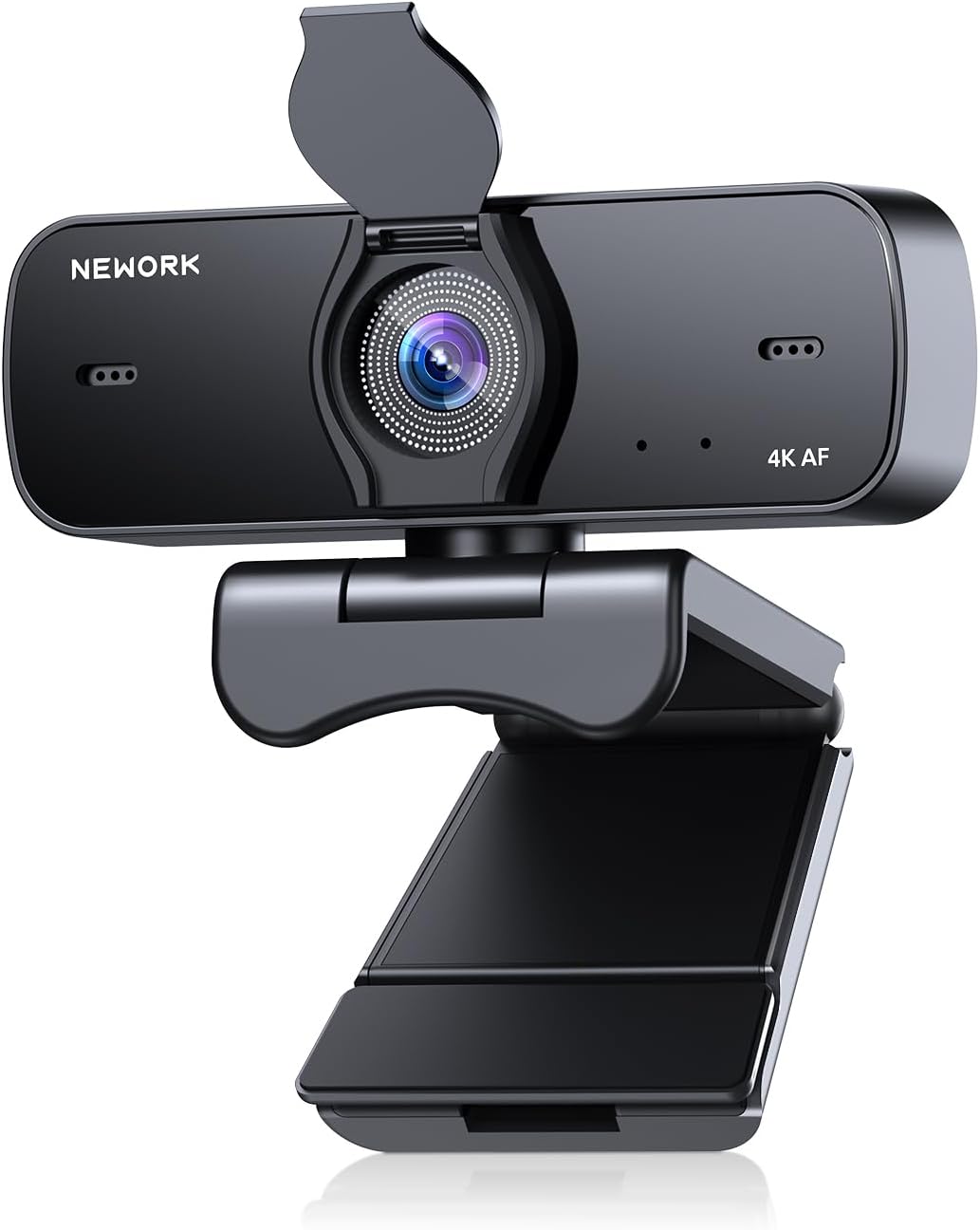

€400
Thomas –
Hardware is great, software works well, but documentation could be better
This is a great PTZ camera for video calls, conferences, etc. The package includes the camera itself, together with the power adapter, a remote control, a cover for the camera, a long USB-A-to-C cable and an instruction booklet. The remote control requires two AAA batteries (not included) and the camera has a USB-C port, so a USB-A port on the device being connected to it is expected.The instruction booklet provides details about the hardware, including identifying the various connectors for power, USB, Ethernet, etc., as well as the locations of the microphone, tripod connector, etc. It also explains the function of each of the buttons on the remote control. Whatâs lacking, however, is information about the software.To update the firmware and configure the device, I had to download software from Nearity. I first used this camera with a Mac, so started by checking the App Store. It contains a Mac app called âNearityâ, published by Suzhou AuditoryWorks Co., Ltd (obviously Chinese), so tried installing that. It was unable to detect the device â it looks like itâs for Nearityâs audio devices â so I uninstalled it and searched online.On online search turned up a downloadable Mac (and Windows) app called NearSync, so I downloaded the installer for that. It was able to detect the camera, update the firmware and allow me to configure the device. The long and short of the software is: download and install NearSync, not Nearity.The hardware is great, and the software works pretty well. The cameraâs physical rotation and angle can be configured using the remote control, with four presets. There are also buttons for zooming in/out at high or low speeds, for flipping the image horizontally or vertically, switch between 50/60 Hz, turning the camera off/on and resetting it.The NearSync software allows more advanced control, whilst also displaying information like the firmware version, and allowing the firmware to be updated. The device could probably be used without installing NearSync, but I donât know if firmware updates would be possible. Without them, the camera would be stuck running old firmware.The NearSync software allows configuration of image settings like saturation, brightness, contrast, hue, white balance, frequency (50 or 60 Hz) and HDR. The white balance can be set to âautoâ and the HDR setting says it cannot be enabled at 60 fps. The HDR setting can nevertheless be turned on when the frequency (mislabelled âFrequenceâ) is set to 60 Hz, and it does appear to have an impact (my display supports HDR).NearSync also offers various device-configuration settings. The camera can be set to âManualâ or âAuto Framingâ mode, the latter of which automatically zooms in on the people in the image. The auto-framing feature works pretty well, and itâs suitable for things like video chatting/conferencing, but it has a tendency to zoom in and out too much, so Iâd avoid it for things like presentations.The device-configuration settings also include configuring Visca over IP, which is useful if the Ethernet port is used for connectivity. I only use the USB port, so this isnât an issue. The rotation, angle and zoom can also be set in the device-configuration settings, along with horizontal/vertical flipping and OSD mirror. Thereâs a setting to switch to preset 1 when the camera is turned on, rather than returning to the previous position, which can be useful.Thereâs also a âPrivacy Protectionâ setting in the device-configuration settings. Thereâs no explanation of what it does, but I thought it might toggle the feature that causes the camera to point backwards when the video is turned off. It doesnât seem to turn that feature off, so I donât know what it does.There are some quirks with the software, including lack of documentation of some settings and a non-standard UI, but it works reasonably well.Overall, this is a great PTZ camera and the software is fairly good too. I can definitely recommend it, but the documentation could be much better than it is.
sharpnova –
Makes My Workshops Look Professional
Running a lot of online workshops from my home office, I really needed something more flexible than a basic webcam. This PTZ camera has been a fantastic update to my setup. The 2K video quality is a big step up and provides a crisp, professional image that people have commented on. The best part is the pan, tilt, and zoom which is super smooth and quiet using the little remote. I’ve programmed four different preset positions and this is probably my favorite feature. I have one for a wide shot, one zoomed on my face, one aimed at my Whiteboard, and another on a product display area. Being able to switch between them with one button press makes everything look much more dynamic. The 10x hybrid zoom is impressive and I can get a clear close-up from across the room. It works with my regular video conference software with no issues at all.
Jason Dragon –
Great Quality and very useful!
Even at maximum magnification, the conference camera’s 5x optical zoom and 3x digital zoom preserve undistorted, crystal-clear images. Thanks to the superior CMOS sensor in our conference camera, you can enhance your graphics with breathtaking 4K quality. Quick and accurate auto focus keeps your objects sharp, ensuring focused shots every time. Experience outstanding image quality across a range of decoder formats, guaranteeing that your virtual meetings are communicated with unmatched clarity and detail.With its official Zoom certification, the Nearity V415 provides a smooth interaction with Zoom Rooms. It also integrates easily with other well-known platforms like Google Meet, Microsoft Teams, and Webex, guaranteeing flexibility in your collaboration tools. With the two microphones on the V415 model, you can fully immerse yourself in excellent audio capture. Regardless of distance or background noise, these built-in microphones capture stereo sound within an 8-meter range and produce distinct voices. Even in busy situations, our webcam’s sophisticated noise reduction ensures crystal-clear audio. Improve the quality of your interactions with the camera by adding microphones.With a variety of functions, the pocket-sized remote control provides easy control. With just a few clicks, you can quickly turn the camera on or off, change the camera’s angle, manually zoom photos, store up to four preset locations, and much more. Additionally, protect your workspace and maintain privacy with the camera’s automated lens retraction to its initial position when video is disabled. The rubber lens cover adds an additional degree of security and protection.
Alex –
Quality camera
This is a very high-end PTZ camera. The image quality is excellent with 4K output and incredibly sharp video. The remote gives handy controls to configure or position the camera from a distance. The multiple outputs make this a very versatile tool as it can send video over HDMI, USB, or NDI. The NDI option is especially beneficial for me since I have existing NDI hardware and software that this can integrate with. The one downside I found is that the only power option seems to be using the AC adapter as my POE and USB-C connections were unable to power the camera. Overall, this is a very nice camera with features that make it a good value.