

ASUS ROG Swift 32” 4K Mini LED Gaming Monitor (PG32UQXR) -UHD (3840 x 2160), 160Hz, 1ms, Fast IPS, Local dimming, FreeSync Premium Pro, HDMI 2.1, DisplayPort 2.1 with DSC, Quantum Dot, DisplayHDR1000
€980


Price: $979.99
(as of Aug 08, 2025 00:41:31 UTC – Details)
ASUS ROG Swift PG32UQXR is the premier 4K 160Hz DP2.1 gaming monitor. Designed to deliver incredibly lifelike gaming visuals, Swift PG32UQXR has 576 independent mini LED zones that deliver a peak brightness of 1000 nits, while quantum-dot technology enables over one billion colors for accuracy and smoother gradations.
32-inch 4K (3840 x 2160) mini LED gaming monitor with 160 Hz refresh rate designed for professional gamers
ASUS Fast IPS technology enables a 1ms response time (GTG) for sharp gaming visuals with high frame rates
Full Array Local Dimming (FALD) backlight delivers 576 independent LED zones and peak brightness 1000 nits with DisplayHDR 1000 certification
HDMI 2.1 supports native 4K 120 Hz gaming without chroma subsampling (4:4:4) on PlayStation 5 and Xbox Series X
Extensive connectivity options including DisplayPort 2.1 with Display Stream Compression (DSC), HDMI 2.1, USB hub, and a tripod socket on top of the monitor
Customers say
Customers praise the monitor’s display quality for its bright, sharp colors and amazing picture for gaming, while also appreciating its build quality and resolution, with one customer noting it works right away at 144Hz. The brightness receives mixed feedback, with some finding it very bright while others say it’s almost too bright. Color accuracy is also mixed, with several customers reporting yellow hue issues. While some consider it a good deal, others find it expensive, and customers report receiving broken units.
9 reviews for ASUS ROG Swift 32” 4K Mini LED Gaming Monitor (PG32UQXR) -UHD (3840 x 2160), 160Hz, 1ms, Fast IPS, Local dimming, FreeSync Premium Pro, HDMI 2.1, DisplayPort 2.1 with DSC, Quantum Dot, DisplayHDR1000
Add a review
Related Products
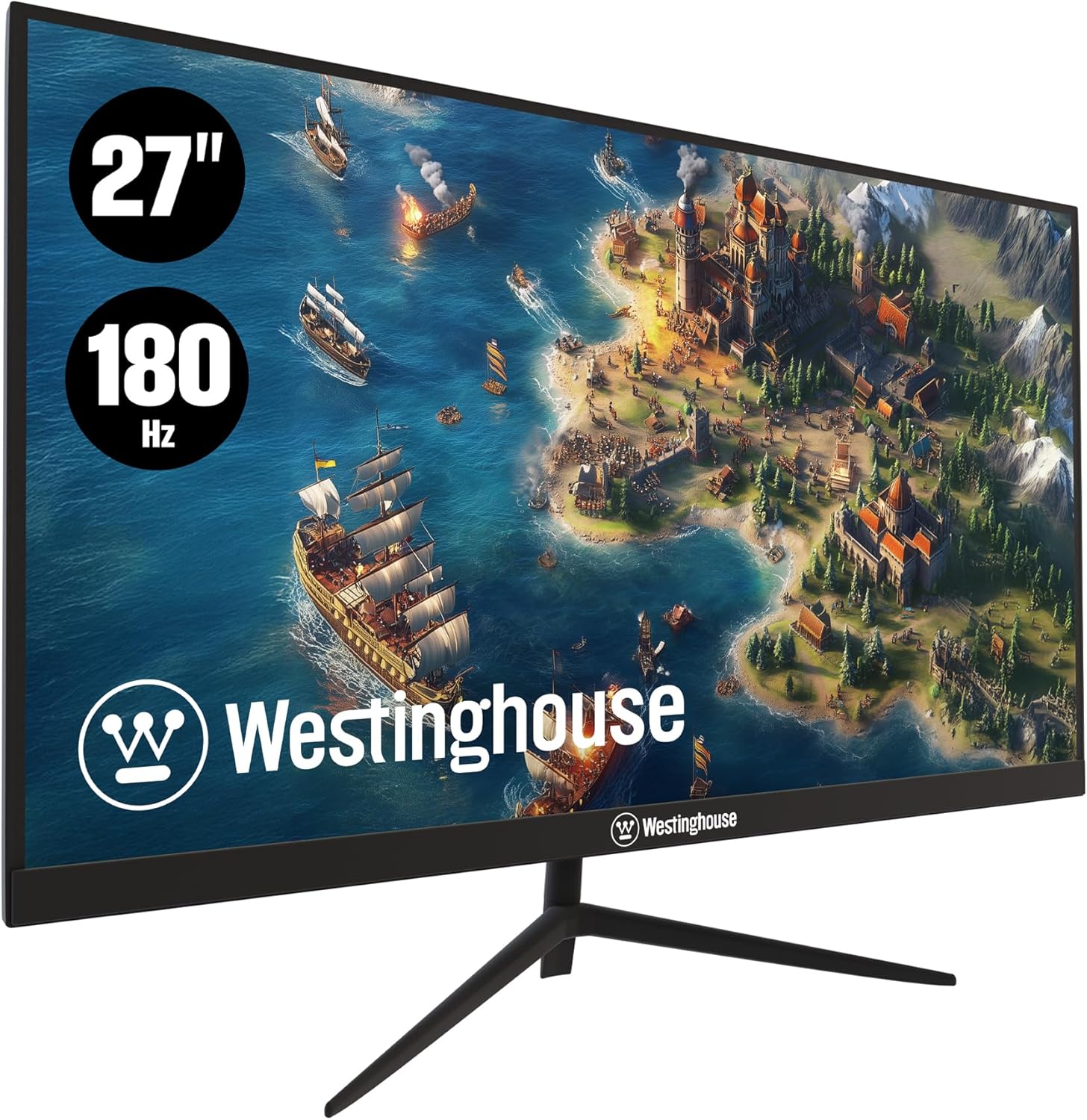


€980
Sean Findley –
Killer monitor that needs a killer graphics card
ASUS ROG Swift PG32UQRIf shopping for a new monitor, you might have noticed ASUS ROG Swift PG32UQ — minus the ‘R’ of this revised model. This revised model has a better color gamut than the previous version.Unboxing: monitor was a pleasure to unbox. It came with a strap to keep the styrofoam together. Included was a little box with manuals, warranty card, and a bunch of ROG stickers. I consider ROG to be a great brand, so the stickers will be placed on various items.Calibration: The monitor comes with a slip inside a plastic ziplock bag showing factory calibration results. This is a nice touch and a measure of Asus’s commitment to quality assurance. No stuck or broken pixels.On this note, you will have to fiddle with the monitor, adjust it, adjust setting through NVidia app, to get it to your liking. It could take a couple of hours, there are high performance techy terms to research. Try them all, turn them off and on. See what you like.Performance: although this monitor is GSYNC capable, it is GSYNC compatible, meaning it does not have a GSYNC module built in. Therefore, if your frame rate drops too far below 48 fps, or if you are getting 28fps while the monitor is set for 120fps, the GSYNC compatible will not help you. You need a graphics card that is very powerful to do this monitor justice. I have a liquid-cooled 4090. I suggest a 3080 or above. Regarding colors and brightness, I have this monitor set to permanent HDR mode. Games, Visual Studio, doesn’t matter. HDR. Looks great and is brighter than you will expect. Without HDR, the monitor is still VERY bright. Colors POP. You will see details in games that you’ve never seen before. Given these positives, contrast ratio is a little weak, but no stars deducted as it is an IPS monitor and that’s the trade off.Again, do not buy this monitor unless you have a very serious graphics card to support it. Why buy a Ferrari with a four cylinder engine? Same thing.My primary computer’s specs (I have four rigs and ten 4k monitors):Corsair 1000D case with twenty Corsair QL led fans.EVGA 1600 watt platinum power supply.So much RGB, it looks like Star Wars or Tron.Two 480mm radiators.Liquid cooled I9 12900k with copper IHC and liquid metal. 5.2 ghz, never passes 75 celsius even under the most rigorous benchmark tests.4x2TB Samsung 980 pros (gen 4)128 gigabytes of 3600mhx DDR4 ramA special card to add tons of ultra fast USB ports, have about 14 usb ports in totalMSI 4090 Suprim Liquid (got very very lucky, first day of release)
Marc E –
Fantastic mini LED monitor for gaming and work…
Full disclosure, bought this on Prime Day for a pretty good price so that does affect my ratings. The monitor was incredibly well packed and the instructions to install were clear and easy. It came with a cable case, cables, welcome cards and instructions. It gave me a very premium vibe and it was appreciated.I run this at 144, at 4k resolutions on my Mac and windows PC’s. It auto switches between them well. The display is big, colorful and clear. Zero dead pixels. Game play was fantastic, resolution incredible. This is my first mini LED and I am not disappointed in any way. You need to dial this monitor in so be prepared to use its menus and your PC’s to get it right but your reward will be a good looking display.One nit pick… the LED logo display on the back stays on, even when the monitor sleeps. You choices are always on, always off or if you attach to your PC via USB, have the PC control it with armory crate software. I leave it off…..
GrayArea –
I think this is the monitor I’ve been looking for
Edit: Excellent monitor. It does have some ghosting and doesn’t always keep up with movement perfectly, but it’s pretty good. It has also flickered a couple times (rarely). However, everything else about it is still awesome. I highly recommend this monitor.Sharp picture (95/100), HDR functions very well so far, good bright sharp colors, no noticeable ghosting, no clipping, no flicker, no noticeable distortion, crisp text, no blur anywhere, no dead pixels noticed… monitor can be raised/lowered about 8 inches up/down, can swivel vertically (30 degree ish range of motion), and can turn horizontally, so ergonomics are decent… after a few days of testing on Cyberpunk 2077, Yakuza Zero, and other media at the highest graphics settings, it runs like a dream and captures all of the lighting and other special effects almost perfectly.I’m going to continue testing and pushing this throughout the return period, but as of right now I couldn’t be happier with this monitor. This is what I was looking for for my gaming PC. Price is a little steep though.It’s big – 32″ may be too big for some PC Gamers, but it’s just right for my setup and adds to the immersion.Currently using:RTX4080 SuperAMD Ryzen 9 7900X3D128GB RAM
Brandon Jimenez –
Really nice monitor
Really nice 4k monitor visually games and whatever you watch on it looks amazing. However I feel like bang for buck is definitely a 1440p monitor for cheaper. I feel like this is a hit expensive but it’s 4kbso it’s to be expected. Enjoying it overall no complaints I have it for pa5 pro and play everything at 4k
Sergio Lozano –
En cuestión estética cumple con la gama gamer y su RGB no es tan vistoso que para mi no importa tanto, con respecto a la instalación con la base no tiene dificultad ya que tiene 2 tornillos instalados que se ensamblan sin problema con el tronco trasero del monitor, el monitor gira hasta hacerlo vertical que para mi me sorprendió, sobre los aspectos visuales con el PS5 y el Series X es una maravilla, para un monitor de 27″ en 4k en un panel IPS los colores se ven muy nÃtidos, se pueden apreciar muy bien los negros sin tanta luz de fondo, el HDR está decente que para mi está balanceado para que haya buen contraste en la modalidad FPS ya que juego warzone y eso a mi me gusta ya que se pueden ver mejor las sombras y los oponentes a una larga distancia, en cuestión de juegos RPG o de aventuras he estado jugando StarWars Jedi Fallen Order con las fucniones 4K, HDR y a 120FPS en modo calidad de imagen y no en modo rendimiento con respecto a mas FPS, por lo que para mi me gusta juagar mas en ese modo (calidad de imagen) y se ve fantastico, no utilizo mucho la función de VRR por que no veo mucho la diferencia con consolas, aun asà este monitor está preparado para jugar con rendimiento en FPS con VRR y HDR ya que cuenta con Free Sync Premium Pro. Para mi de lo mejor para las consolas de nueva generación este monitor, que hasta este momento lo vende amazon EEUU al precio mas bajo que es de 9,929 pesos mexicanos ya con envÃo ya que estaba alrededor de 13,600 pesos, ya con este precio (9,929 pesos) para mi en lo particular es mejor que el M28U de Gigabyte y el Predator XB283K que manejan esos precios similares.
PierreWang –
I upgraded from a 2k 32â rog display to this one, because I personally still play more fps games and 32â is really a bit big for me, my friend has a rog mini LED 4k display, but my friend said that this kind of screen will have the risk of burn-in, and eventually I chose this display, the overall color performance is good, to maintain the ASUS high-end monitor! The color performance is good overall, and it maintains the consistent style of ASUS high-end monitors in the swift series. Overall I can give it a 9/10. If you have a decent graphics card and are considering 4k resolution with a higher refresh rate, you are worth buying this display.
Carlos –
El único problema es que no funciona la app del monitor porque Intel secuestra el controlador, lo que impide ajustar manualmente los parámetros de brillo, color, saturación, contraste y gamma.Asegúrate de que el puerto Thunderbolt de tu laptop soporta HDMI 2.1; de otra forma, es un desperdicio de dinero, porque no podrás disfrutar de la fluidez y suavidad de los 120 o 144 hertz.
Jason –
As my main gaming monitor it checked off every box. First time gaming at 4K. Hard to go back to 1440p- No issues with dead pixels- Didnât notice much back light bleed- HDR could be better but that wasnât the main selling point for me- Only knock against is the lack of USB C port
Arcangel Abyss –
Tanto la frecuencia de actualización, como el RTX sumado con el HDR y en 4K… Hacen la experiencia de uso un deleite total, eso si, para sacar el mejor rendimiento necesitas de menos una RTX3080 (muy re imendado)