

MUNBYN Bluetooth Thermal Label Printer RW403B, Wireless 4×6 Shipping Label Printer for Small Business, Compatible with Android, iPhone, Windows, Mac, Chromebook, Print Width 1.57″-4.25″
Original price was: €120.€80Current price is: €80.




Price: $119.99 - $79.99
(as of Aug 08, 2025 21:48:41 UTC – Details)
From the brand


Warehouse Printers and Labels
Home Printers and Labels
Commercial Printers and Labels
Creative Printers and Labels


RW402B Shipping Label Printer
Bluetooth Label Printer
General Series thermal Labels
New Release Generic Labels
Special Series thermal Labels
Creative Series thermal Labels
Label Holder
Postal Scale
Quick and Easy Setup: This bluetooth thermal label printer offers seamless connectivity with no downloads needed. Enjoy 24 months of expert tech support—double the industry standard—and driver-free integration with FedEx, UPS, USPS, Amazon, Shopify, Etsy, and eBay to streamline your workflow.
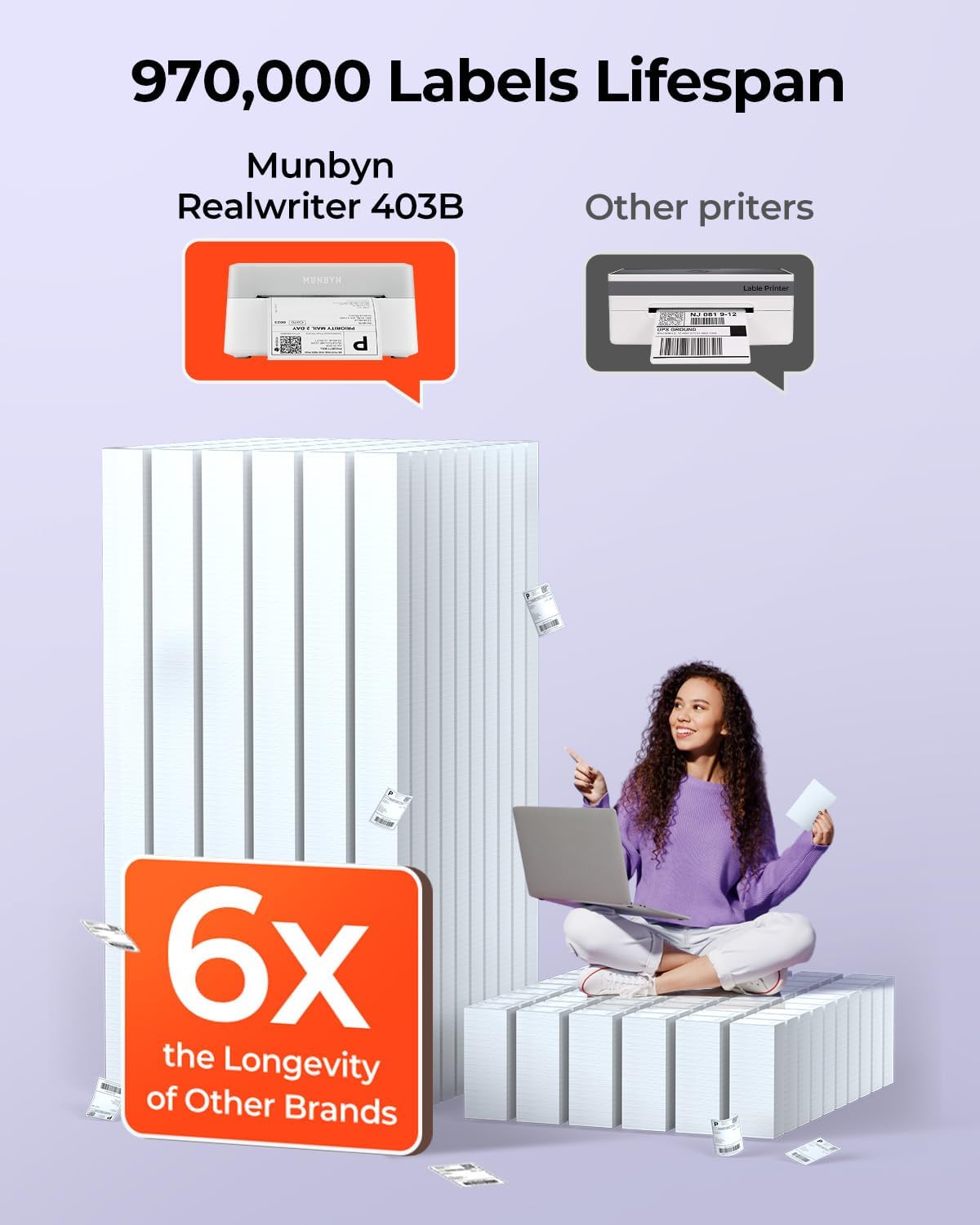
Save on Long-Term Costs: Designed as a durable thermal printer, it lasts up to 970,000 labels—six times more than ordinary devices. Its professional-grade engineering ensures a near-zero jam rate (<0.01%), maximizing productivity while minimizing waste and errors, saving you money long-term.
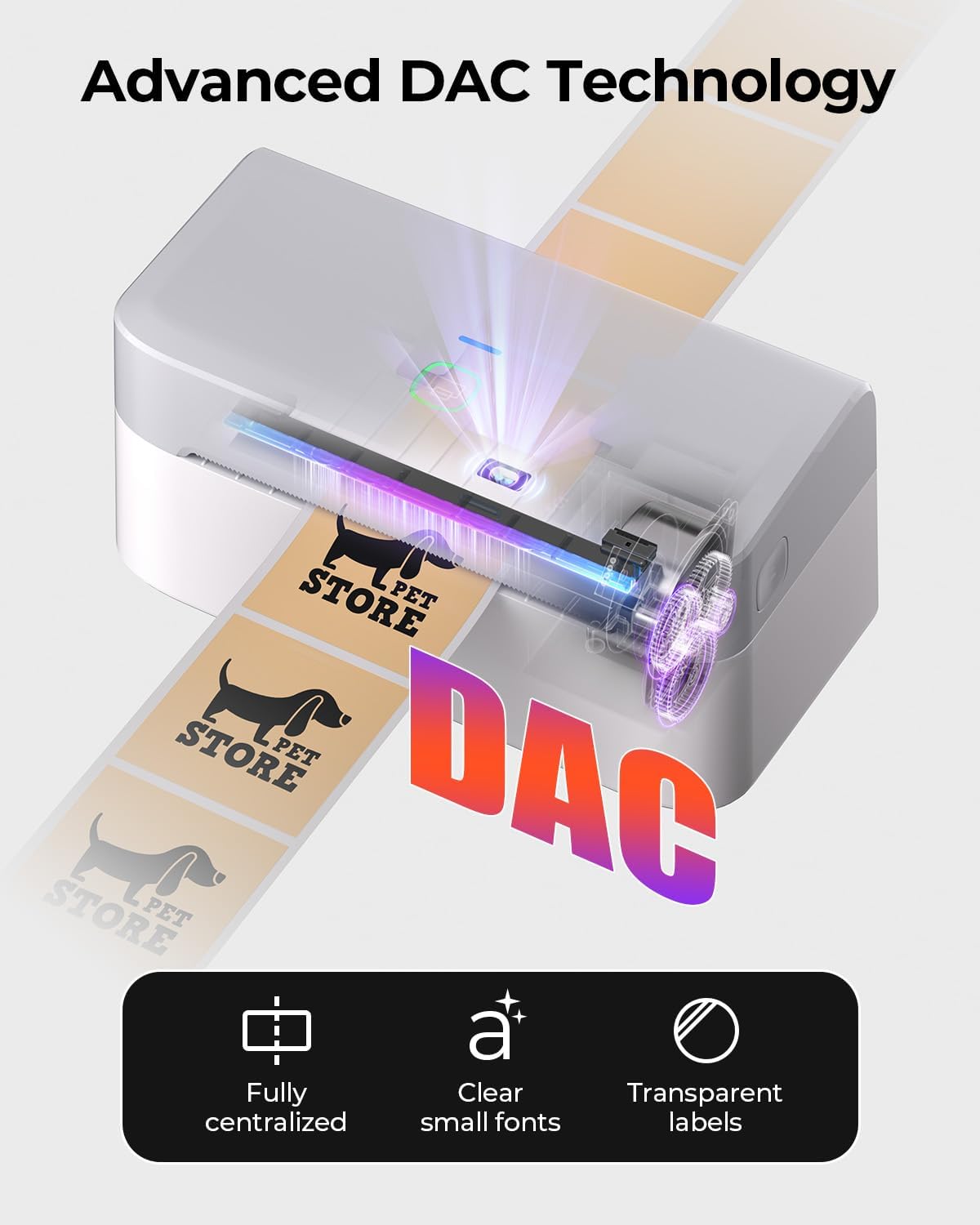
DAC Dynamic Algorithm Tech: As the first thermal shipping label printer with a 4-inch DAC chip, it auto-calibrates to eliminate 99.8% of label misalignment and delivers military-standard precision for flawless packaging and shipping labels.
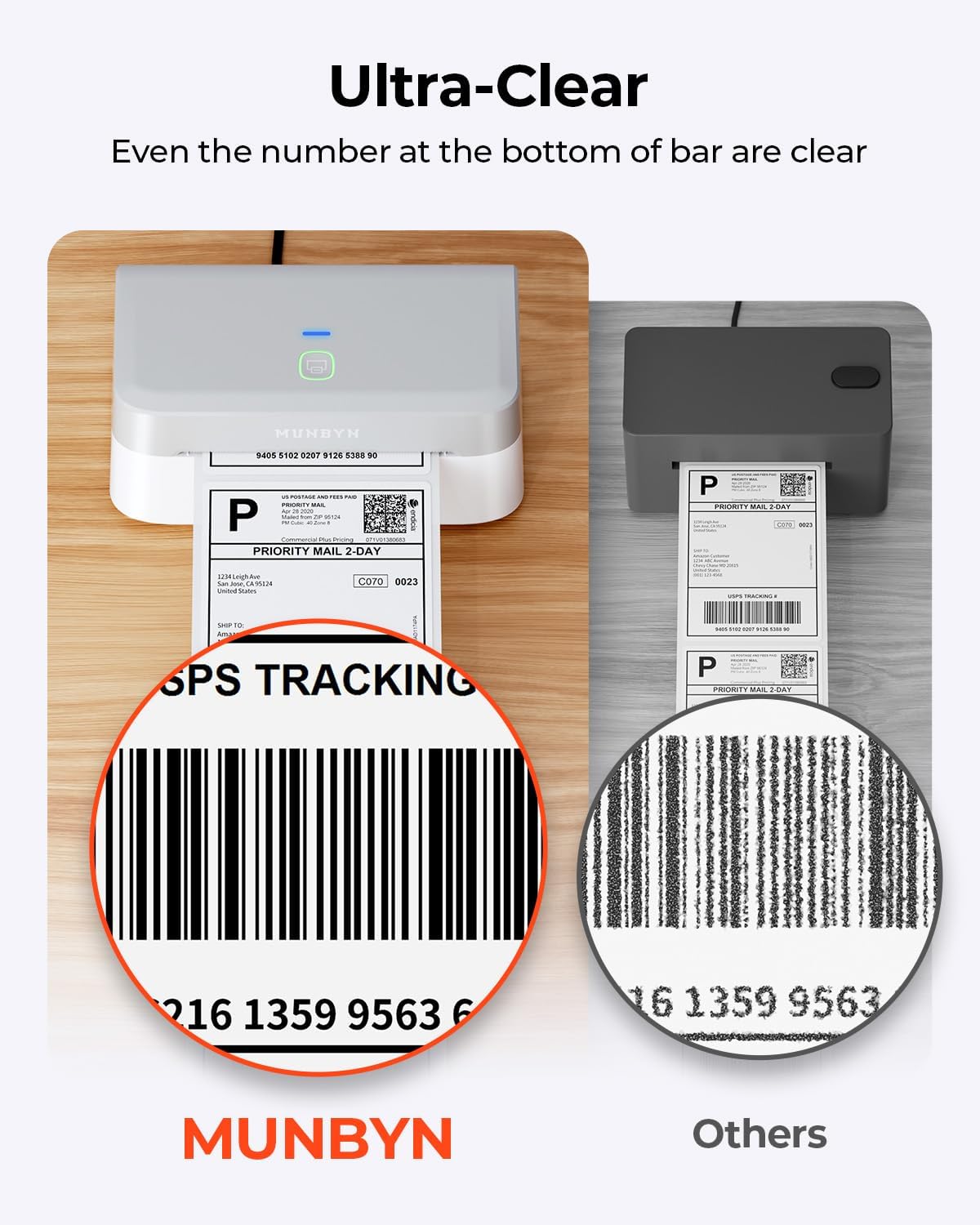
Enhanced Clarity: Built for professional-grade output, this shipping label printer ensures 0.1 mm font legibility. It’s ideal for creating crisp monochrome labels, including return slips, inventory tags, home organization stickers, and branding materials.
Whisper-Quiet Performance: Operating at just 60 dB—quieter than typing—this thermal label printer maintains focus in quiet environments like home offices, libraries, or shared workspaces.
Streamline Your Printing Tasks: Effortlessly design labels using the ‘Munbyn Print’ app (iOS/Android) or ‘Munbyn Editor’ (Chrome). Access 3,500+ design elements, 2,000+ templates, 80+ fonts, OCR/voice recognition, and USB connectivity for non-Bluetooth desktops.
Customers say
Customers find the label printer produces crisp printing and is easy to set up, taking under 10 minutes to connect to Android devices. They appreciate its fast printing speed, compact size, and usefulness for labels, with one customer noting it’s perfect for small businesses. Customers like the design features, with one mentioning the ability to use nice fonts, and the Bluetooth functionality receives positive feedback.
6 reviews for MUNBYN Bluetooth Thermal Label Printer RW403B, Wireless 4×6 Shipping Label Printer for Small Business, Compatible with Android, iPhone, Windows, Mac, Chromebook, Print Width 1.57″-4.25″
Add a review
Related Products


Original price was: €120.€80Current price is: €80.
clickcait –
Super Easy and Helpful Tool to Use!
MUNBYN thermal printers are awesome! This one was super easy to set up with bluetooth. I love that I can be in any part of my office and have access to the printer as long as it is connected/plugged in and have less wires to handle to do so.Packaging was nice and it came securely in a nice cardboard box.I found that setting up different kinds of paper was very easy and interchangeable. I used both the rectangular and circle labels of the MUNBYN brand so I’m not sure how it will hold up with non-branded papers. There is a special website that is associated to MUNBYN so that you can set up your prints the right way. It helps you design your labels quickly and also lets you use some nice fonts as well.Overall, I think that the printer makes labels quickly, takes up less space, and will improve my overall functional ability while packing orders. I have bought from MUNBYN before in 2021 (which was not a printer with bluetooth functions) and so the upgrade was obvious. I would buy from MUNBYN again.PROS: easy/fast set up, nice website for setting up prints, great overall design and sleekness of a printer.CONS: the fact that I can’t thing of more things that need labels just so that I can use it again.
Meriah –
Munbyn RW403B (Real Writer 403 Bluetooth) Thermal Printer for small business
I decided to get the Munbyn RW403B when I discovered that the ITPP941AP was not able to print on transparent labels (it prints on every other printer paper beautifully, I just fell in love with the transparent circle stickers and HAD to have them!). The upgrade is amazing! The RW403B is even more compact, meaning it takes up even less desk space than the 941AP. You just plug it into the wall, connect to your WiFi/bluetooth or wire it to your laptop (it comes with instructions for all the options), insert your sticker paper with the sticker side up and youâre ready to print!The cord is nice and long so youâre not tethered a foot from the wall and can put it where it fits your space best. The Bluetooth functionality is awesome, allowing you to print from your phone, iPad, or laptop wirelessly. It supports non apple devices as well.When you plug it in and turn it on, there will be a red light on the top. This is to indicate there is no sticker paper in the machine. Use the button on the right side to open the machine to add your paper. Run it below the âfingersâ of the guide rail and slide the guide rails to fit your paper width tightly but not so tight your sticker paper edges are crushed.When you close the machine top, the light will go either teal (showing paired/connected) or green then it will automatically run your sticker paper forward and backward to learn the size of the paper/sticker youâre using then stop, ready to print onto the first sticker in the machine.Next, design your sticker. You can either upload a standard shipping label from files, or design your sticker in the Munbyn app design space. You can upload photos from your camera roll, add text and change the fonts, curve, and format of the text, add icons/images from the EXTENSIVE Munbyn graphics library, even create barcodes and QR codes in app.Keep in mind itâs a thermal printer, not ink. Anything white will not print, and lighter colors will be printed in saturation level/greyscale. For the best boldest prints create your stickers using black designs.When youâve created your design, hit print and your Munbyn printer will spit out your sticker. You can choose the quantity you want to print, but I suggest printing one test sticker first. Check the alignment of your design and if it needs to be adjusted, use the alignment arrows in the design space to get it lined up to where it will print centered. Sometimes itâs perfect, sometimes it takes a bit of nudging to get it just right (pretty normal for thermal printers in general) but Iâve found that once one prints perfectly, the rest will print on the same alignment as long as you donât open the machine and move the printer paper guides. So adjust and retest until it comes out exactly how you want then enter the larger quantity you want to print.Iâve successfully printed on the transparent Munbyn 2×2 circle stickers, the Munbyn Silver transparent 2×2 circle stickers, the Munbyn White Shell 2×2 circle stickers and the regular Munbyn white 2×2 circle stickers, as well as the standard 4×6 shipping label size, all without any issues whatsoever. I added photos of the 4 circle stickers for comparison. All of them are super sticky and adhere well to whatever I stick them to.I paired my machine with the Munbyn label holder for rolls and fan fold labels and it works like a charm feeding the stickers into the machine while keeping my desk neat and tidy too.As a bonus, their customer support is great! I contacted them when my original printer wouldnât recognize the transparent round stickers and they helped me troubleshoot and directed me to the printer that WOULD print them. They were super kind, friendly, and responsive.If youâre comparing thermal printers, or trying to decide which Munbyn thermal printer to choose, I highly recommend the RW403B, especially if you run a small business and want to be able to print your own logo stickers from your phone!
Bernadette –
Easy to use, good for small business
I love this brand! I had the older Munbyn printer for about 3â4 years, and it worked great, but it was time for an upgrade. This new model is not only prettier, but also lighter and much easier to load stickers into. I use Munbynâs thermal stickers as well, and everything works seamlessly. The app is super easy to use, and the printing speed is faster than before. As a small business owner, this is an affordable and efficient way to print custom stickers. Highly recommend, great tool and definitely worth the price!
Teresa G –
Small business necessity!
Why did you pick this product vs others?:Great for any small business!! Compact, easy set up and quick printing! One of the best tools for my small business! Came exactly as described. Love the Bluetooth feature! Easy to print shipping labels or custom stickers for packaging! So many printing options! The App is super friendly and easy to use, only took a few minutes to set up and the printer was off and running! Great addition to my office! Â
Jessica Jeffreys –
Love Munbyn
I just received this yesterday and itâs a great thermal printer, especially for small businesses, mobile vendors, or anyone who needs quick, no-ink receipt or label printing on the go. I had a different munbyn printer before this and decided it was finally time for an upgrade. (no Bluetooth on my last one)Easy Bluetooth Pairing: The setup was straightforward. Paired with my phone in under a minute, and the connection has remained stable. I had a bit more trouble with my laptop but that could’ve just been my own issues. Once installed pretty quick and easy printing.No Ink Needed: Since it uses thermal printing, thereâs no hassle with ink cartridges. Just pop in the thermal paper roll and go.Print Quality: Clear text and logos, especially on standard receipt paper. Nothing crazy or different from other printers but I like it for what I need it.If you need a convenient, wireless thermal printer for receipts, labels, or small documents, this is a solid choice. and make sure youâre using good-quality thermal paper for best results.As I only got it yesterday, everything has been great and I was able to print several labels pretty quickly but I’ll update after a couple of more weeks of use.
William –
Super easy set up and use! Very efficient
This printer is amazing! Took me less than 5 minutes to set up and test. Prints SO FAST! The app makes creating labels super easy and has a lot of fun templates to use. I have an Etsy shop that I print shipping labels for and this is about to make that process seamless. Itâs small, compact, perfect size and takes up no space at all. 10/10!Â