

Keychron K3 Version 2, 84 Keys Ultra-Slim Wireless Bluetooth/USB Wired Mechanical Keyboard with White LED Backlit, Low-Profile Keychron Mechanical Red Switch Compatible with Mac Windows
€84


Price: $83.99
(as of Sep 26, 2025 21:47:30 UTC – Details)
Product description
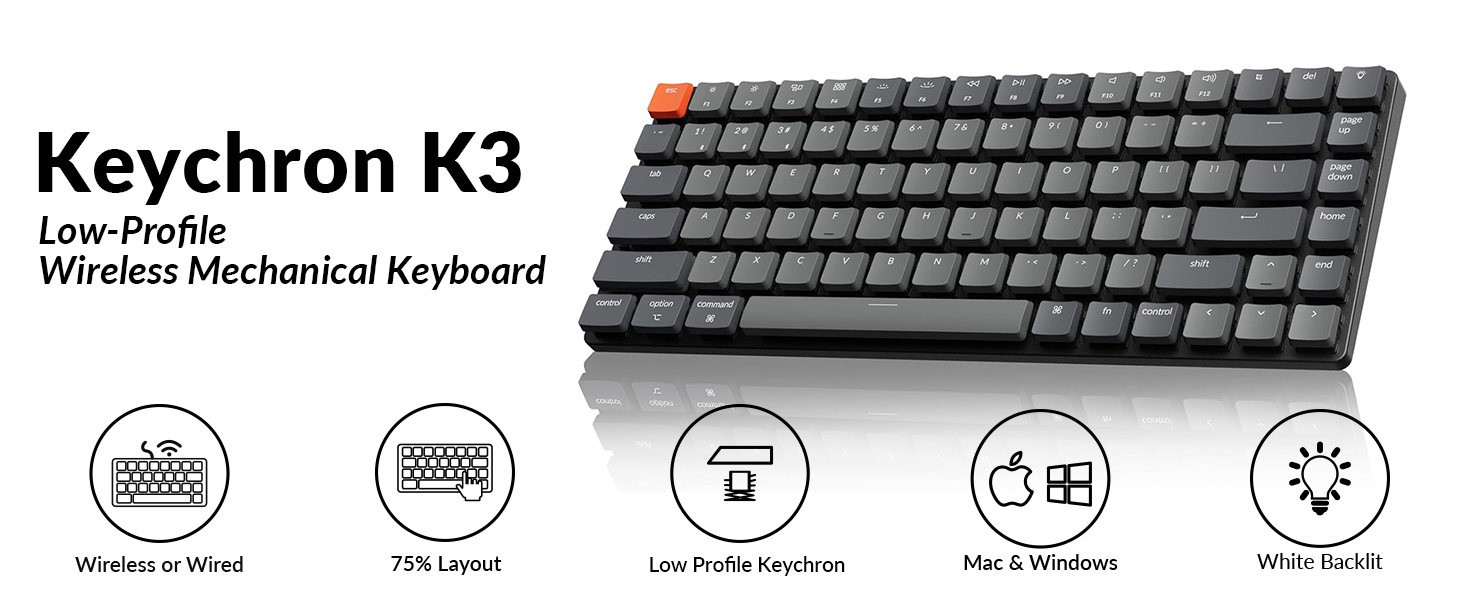
84-keys
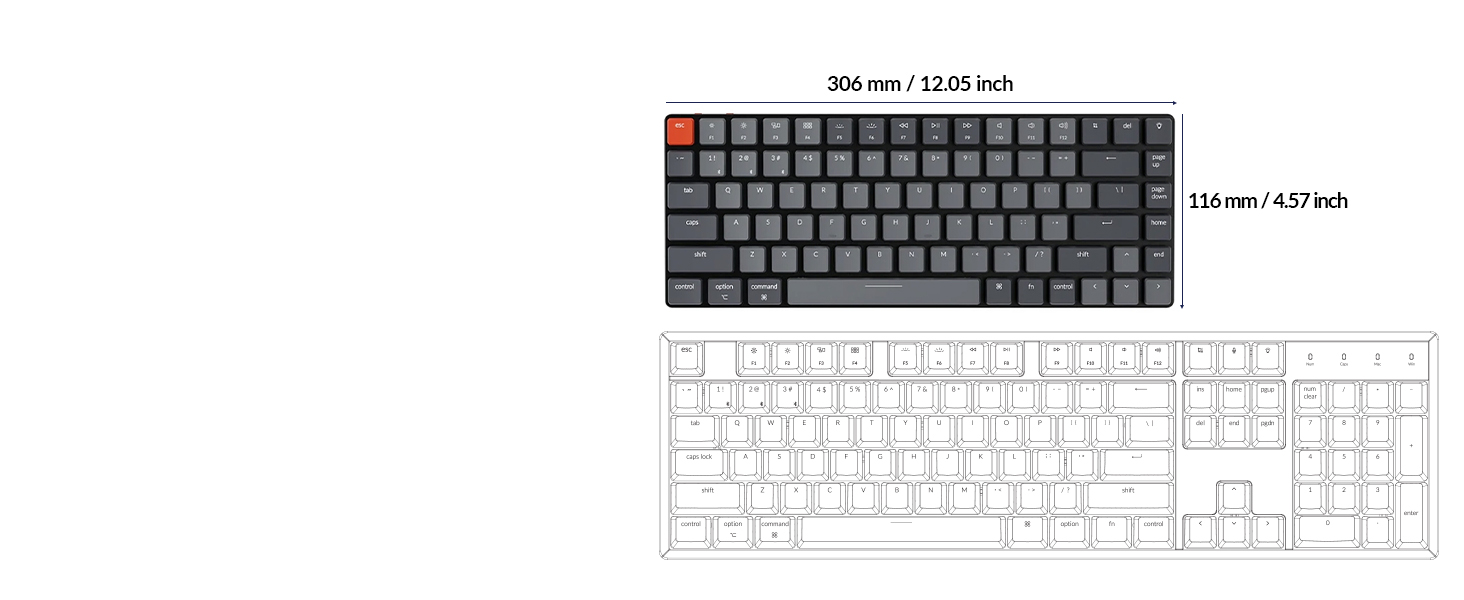
Compact 75% Layout
A low-profile compact 75% layout (84-keys) wireless mechanical keyboard.
Low-Profile Keys
Ultra-Slim Body
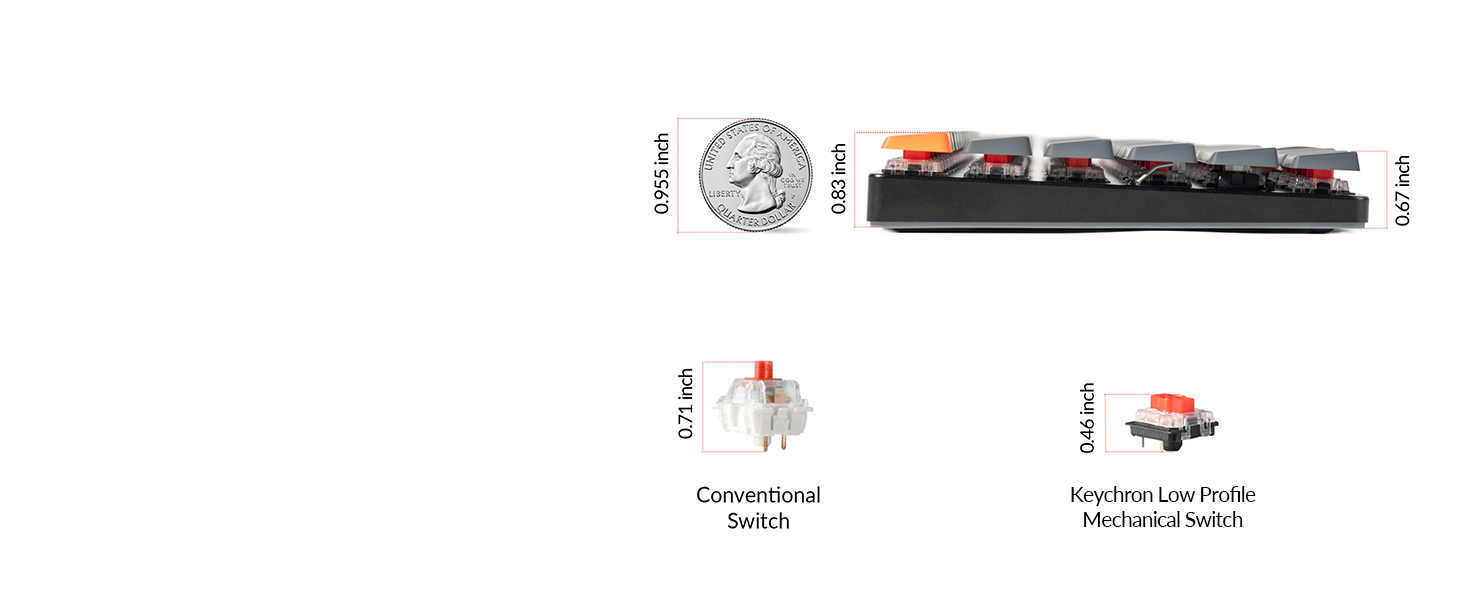
The redesigned low-profile Gateron switch is 40% slimmer than conventional normal profile switches.
Switch Operating Systems
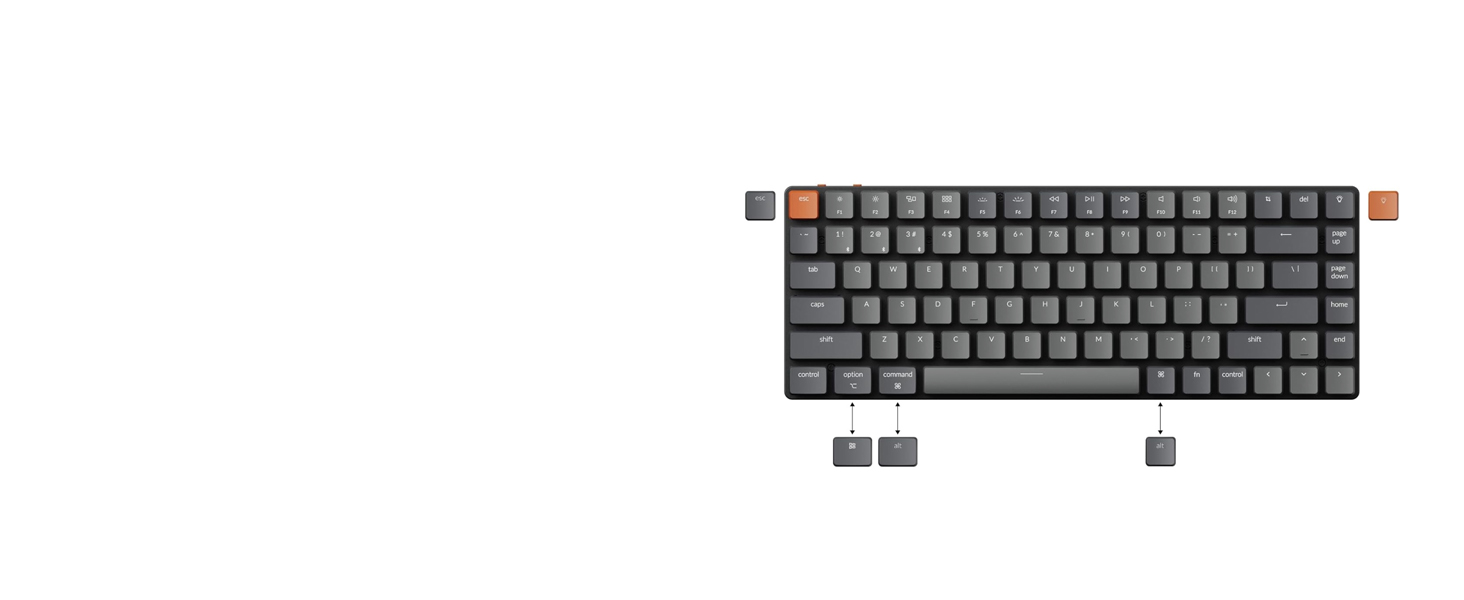
Support macOS / Windows
Offers layout compatible with Mac and Windows. Includes keycaps for both macOS and Windows.
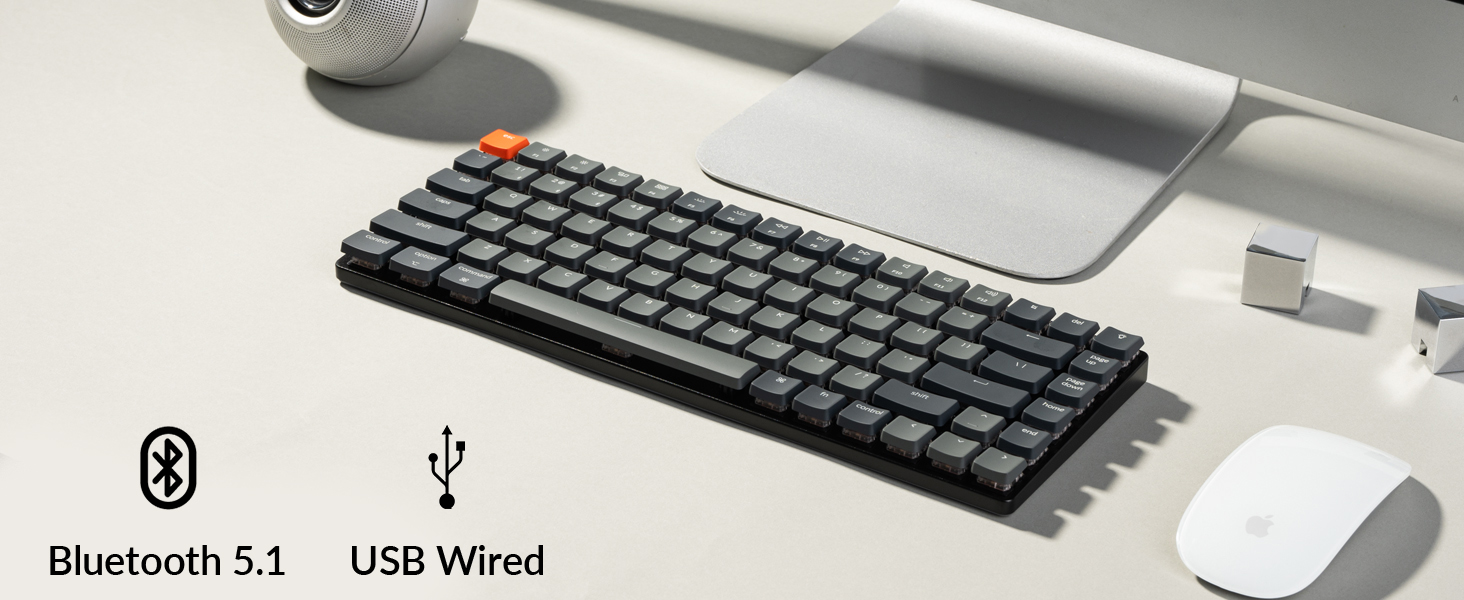
Wireless and Wired
Multi-Device Connectivity
Connect up to 3 devices via the stable Broadcom Bluetooth 5.1 chipset and switch easily.
1 75% Layout
2 Ultra-Slim
3 macOS / Windows
4 Multitasking
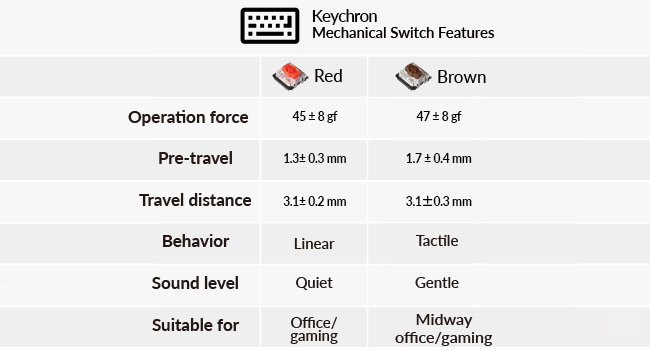 Low-Profile Gateron Mechanical Switch
The redesigned low-profile Gateron mechanical switch is 40% slimmer than conventional switches with a 50 million keystroke lifespan to provide unrivaled tactile responsiveness.
 MX-Styled Stabilizers
The MX-styled stem and stabilizers design will enhance keyboard reliability, and deliver better typing experiences.
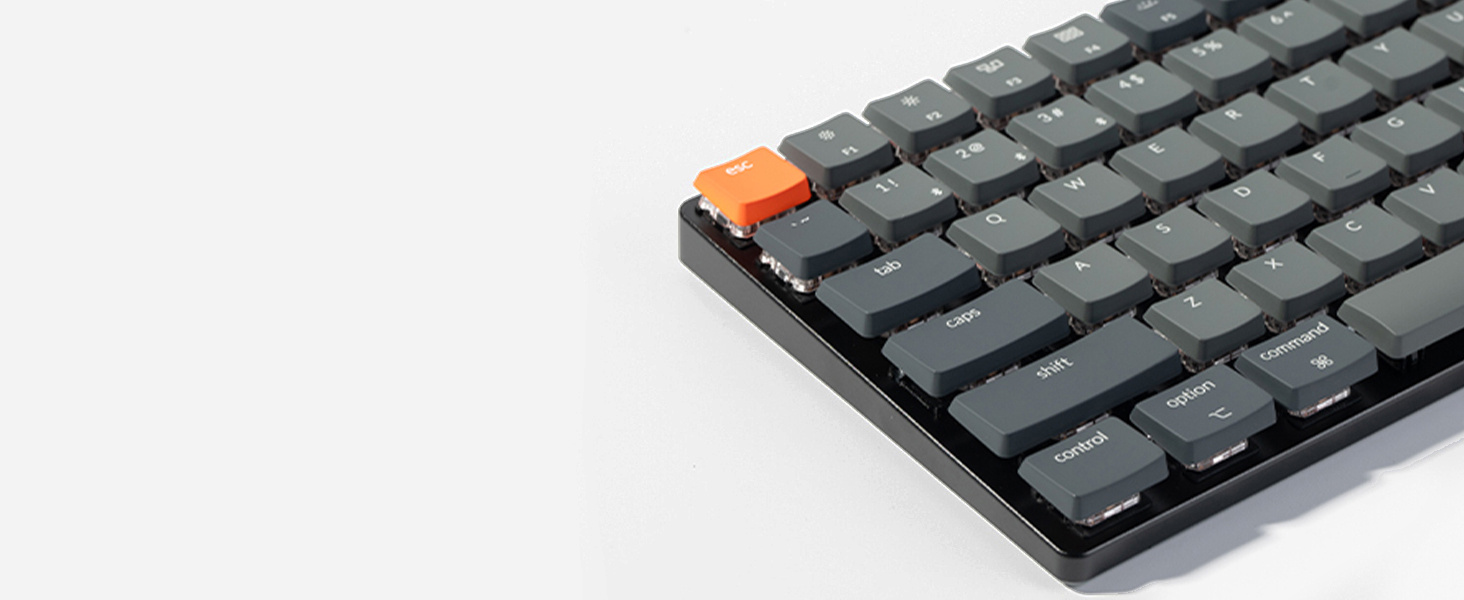 Low-Profile Keycaps
The K3 is equipped with MX-style keycaps for improved reliability and a better typing experience.
 North-facing White Backlit
The north-facing white LED is designed to better illuminate backlight from the typist’s angle.
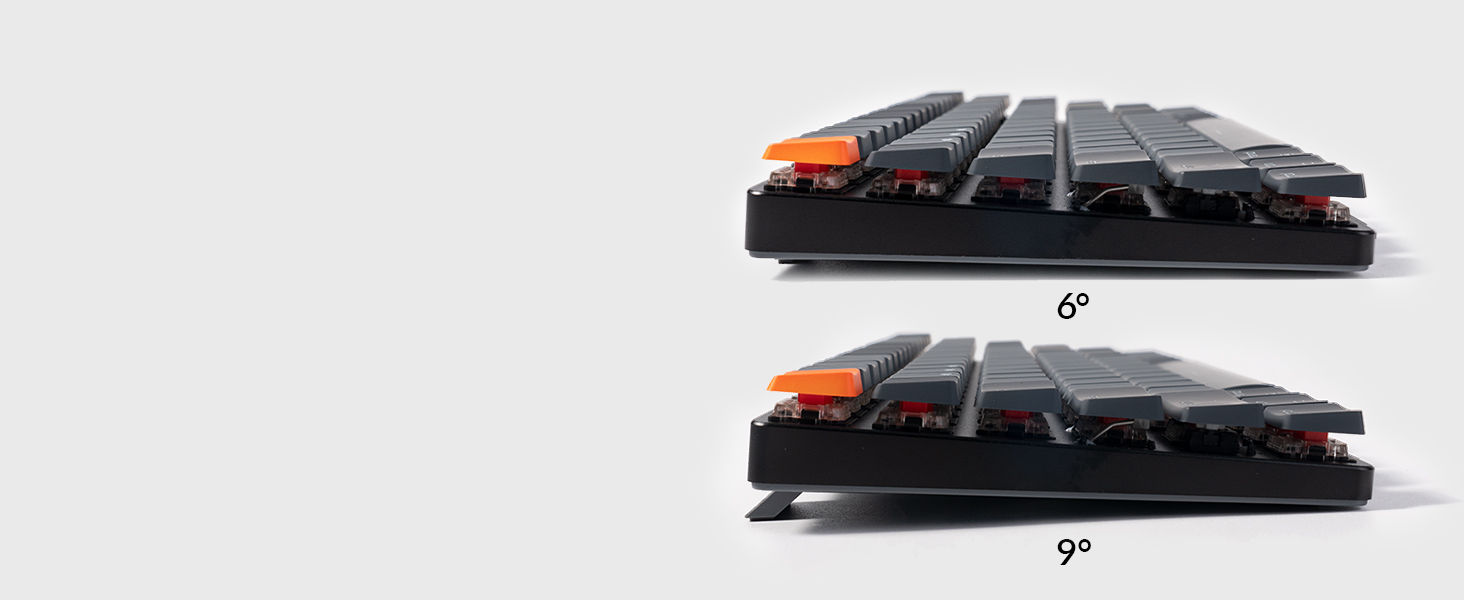 Ergonomic Support
Three levels of adjustable typing angle aim to provide long-lasting ergonomic wrist support.
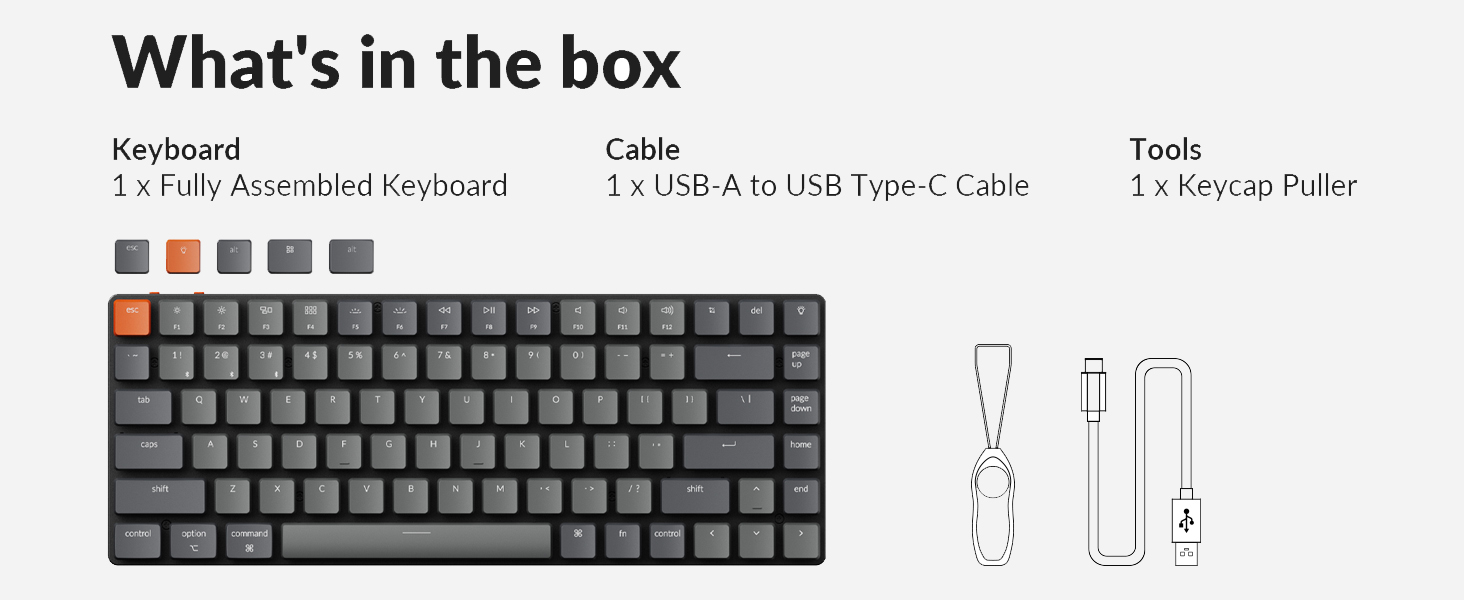
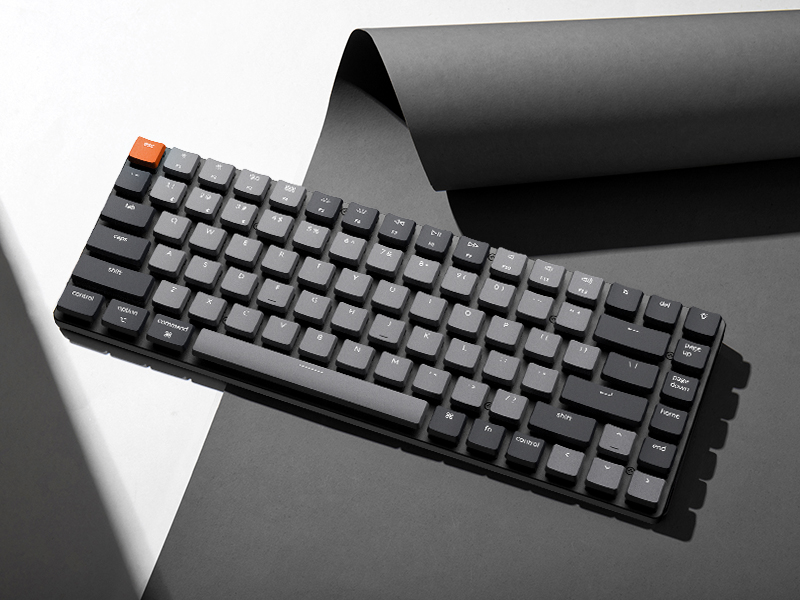
Keychron K3 Low-Profile Wireless Mechanical Keyboard 
Keychron K3 is a compact 75% layout white backlit Bluetooth mechanical keyboard designed for Mac and Windows, designed to maximize your workspace and improve productivity. It has all the necessary multimedia and function keys, providing two reliable connection modes, wireless and wired.
Bluetooth Connection Steps
Slide the toggle switch to the Bluetooth position. Hold Fn + 1 until the Bluetooth indicator flashes repeatedly. Enable Bluetooth on your device, search for the keyboard, and connect.
Bluetooth connection video: see troubleshooting guide for details.
 Bluetooth Not Connecting? Try These Steps
Factory reset the keyboard: Hold Fn + Z + J for 4 seconds.Power cycle all devices, including your computer and keyboard. Disable auto-sleep mode: Hold Fn + S + O for 4 seconds. Test the keyboard with other devices (phone, tablet, iPad, etc.). If it connects, the keyboard itself is working fine. 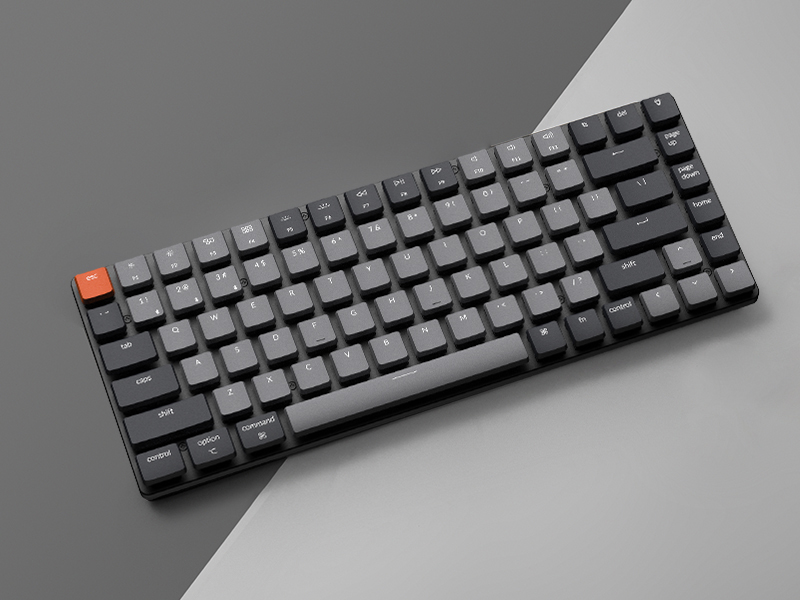 For Windows
Uncheck “Allow the computer to turn off the keyboard to save power” in power management under the device manager.Update the Bluetooth firmware If it’s still possible for your keyboard to connect to your device: see troubleshooting guide for details.Reset the Bluetooth drivers on your PC. 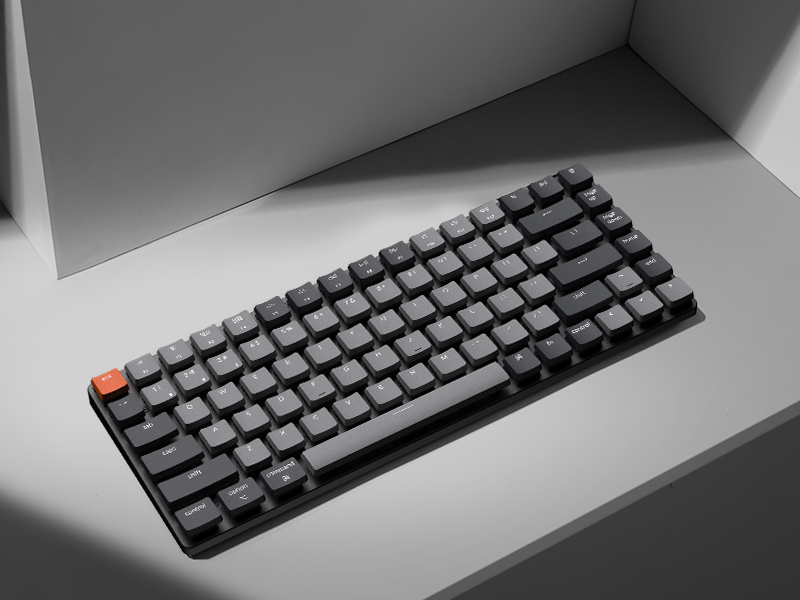 For macOS
Check Mac’s Wi-Fi and Bluetooth interference: see troubleshooting guide for details.Try these troubleshooting tips: see troubleshooting guide for details. 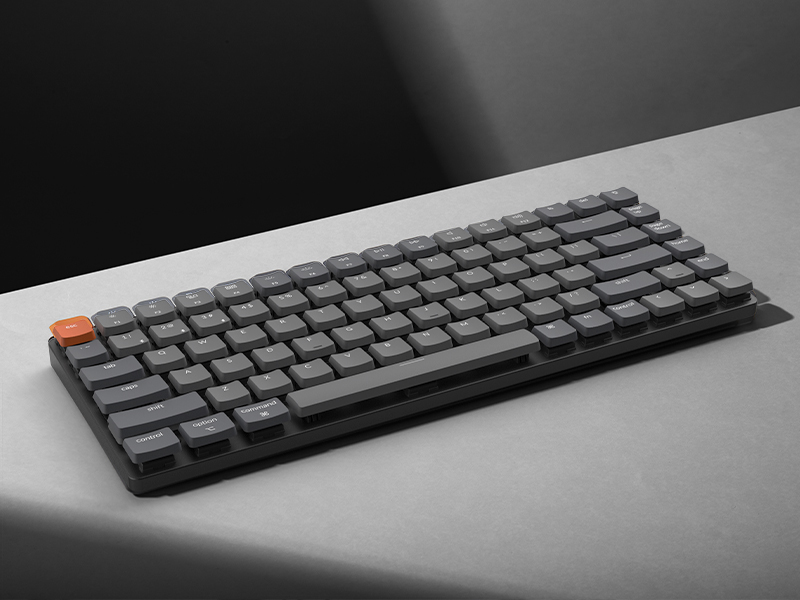 Can’t Type After Waking Up Mac?
This issue is caused by Apple’s FileVault, which prevents third-party Bluetooth keyboards from unlocking the login screen. Keychron keyboards support FileVault login in wired mode only.
Solutions:
Turn off FileVault to enable normal login. Use a wired connection to enter your password. Keychron keyboards support FileVault login in wired mode only. 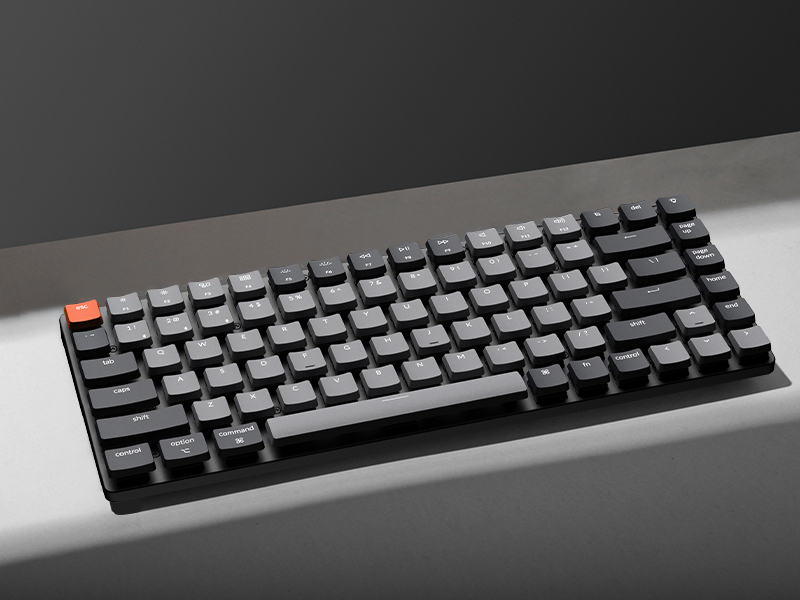 Typing experience of the switch is not as expected
The low-profile switch has a lower height or thinner body, it will trigger a keystroke faster than conventional normal profile switch.
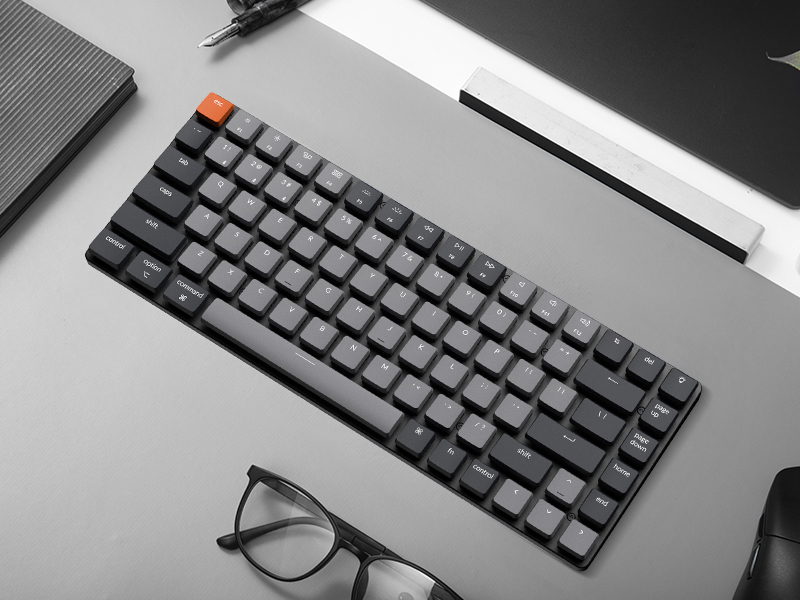
Dimension 306 x 116 x 22 mm / 12.05 x 4.57 x 0.83 Inch Weight About 483g / 1.06lbs Number of Keys 84 keys Switches Low profile Keychron mechanical Switch Frame Material ABS+Aluminum frame Keycap Material ABS Backlit White Backlit Polling Rate 1000Hz (Wired Mode) / 90Hz (Wireless Mode) Connection Bluetooth and Type-C cable Battery 1550mAh Rechargeable li-polymer battery Compatible System macOS/Windows Operating Environment -10 to 50℃ BT Working Time Up to 34 hours (Lowest brightness) Number of Multimedia Keys 12
Keychron K3, a compact 75% layout ultra-slim wireless mechanical keyboard built for peak productivity and a great tactile typing experience.
Be ready to multitask without missing a beat by connecting the K3 with up to 3 devices via the stable Broadcom Bluetooth 5.1 chipset and switch between your laptop, PC, tablet and phone seamlessly. *Keep the distance between the keyboard and the device within reasonable limits to minimize signal interference.
With a unique Mac layout, the K3 has all the necessary Mac multimedia keys while still being compatible with Windows. Extra keycaps for both Windows and Mac operating systems are included. *If it doesn’t match your device exactly, you can try updating the keyboard’s firmware.
The redesigned low-profile Keychron mechanical switch is 40% slimmer than conventional switches with a shorter pre-travel and total travel distance that triggers an input and feedback faster than conventional/normal-profile mechanical switches.
Together with the reinforced aluminum body (plastic bottom frame) make the K3 one of the thinnest and lightweight wireless mechanical keyboards on the market. The K3 also comes with a floating keycap design with a charming white backlight with modern keycap legends to sync with your mood.
Customers say
Customers find this mechanical keyboard to be of good quality, with a mechanical feel that’s particularly suitable for gaming, and appreciate its compact size and solid build. The keyboard receives positive feedback for its noise level, with one customer noting its pleasant click without being too loud. The Bluetooth connectivity and functionality receive mixed reviews – while some report no problems, others experience frequent disconnections and intermittent key functionality. Battery life is also mixed, with some customers reporting good performance while others find it drains quicker than expected.
11 reviews for Keychron K3 Version 2, 84 Keys Ultra-Slim Wireless Bluetooth/USB Wired Mechanical Keyboard with White LED Backlit, Low-Profile Keychron Mechanical Red Switch Compatible with Mac Windows
Add a review
Related Products


€84
Francesco C. –
Excellent slim keyboard with great features
Iâve been using the Keychron K3 Version 2 for a few weeks, and Iâm really impressed. The sound quality is satisfying, key presses feel tactile and have a pleasant click without being too loud. Bluetooth connectivity is smooth and stable; I can easily switch between devices without any lag.The brightness adjustment for the backlight is intuitive and bright enough to type comfortably even in dark rooms. All the keys function perfectly, including the function row and multimedia shortcuts.The overall keyboard quality feels solid yet lightweight, and the slim design is perfect for my desk setup. Itâs also highly compatible with Windows, macOS, and iOS, making it very versatile. Overall, itâs an excellent keyboard for both work and casual use, and I would highly recommend it.
Electrosoft –
Fantastic keyboard and well priced
After watching a Bitwit video where he said this is still his favorite travel keyboard (he was flying), I found an open box of the same model and figured I’d give it a try for not only my laptop but a SFF for travel.Kyle was spot on. I absolutely love this keyboard.For the price, it is better than many more expensive models (I’m looking at you Razer). The value is fantastic.Unlike many portable keyboards, it has much better key travel along with both Bluetooth and USB capability. Good click, backlighting and quiet sounding keys.I like it so much I plan on picking up another one for my wife to use with her laptop.
Amazon Customer –
Keyboard product design is a fine art. And this is the masterpiece.
As a “fussy keyboard user” I buy many keyboards at no expense spared. I’m not sure there’s any keyboard I like much more than this at any price.I bought this for travel but really I may use it all the time.The price, basically if it was about two times the price it is, I’d still pay it.It appears to me much better made than, say, steel series keyboards at 3x the price. (And steel series keyboards flake out after a year.)As everyone has said (a) it feels rock, rock, rock solid, strong and heavy (b) it’s super-low profile (c) the connectivity is perfect (I normally only go for wired, so I’m very critical of anything bluetooth) (d) every product feature is perfectly thought out.My only SUGGESTIONS for the product team. Just add a sticker, or white printing, on the rear of the keyboard, with the two commands one needs to know to start it up, etc. (I just grabbed a “white paint pen” and wrote the commands on the back.)Secondly, may I suggest selling some sort of “travel guard” which would be a very strong kind of clip- or slide- on guard which goes over the keys, for when you throw it in your carry-on luggage. (Imagine something that looks like an aerox mouse, with a drilled surface.)Essentially, this is a perfect product. I chose the “most quiet, fastest, zero click” blue switches and they’re perfect. I am a programmer and writer so I type billions of words and command-arrow type clicks a day.I’ve added two “size comparison to typical objects and other overpriced keyboards”, hope it helps someone
DC –
Very Good Office Keyboard
Mechanical, but feels more like a laptop keyboard than a bulky mechanical (Good thing in my opinion)The Bluetooth switching is the main purpose I got this and it works flawlessly when connected. Bluetooth was annoying getting my devices to connect for the first time, no issues after that though. (Had to put the keyboard on top of the devices until they synced)No issues with battery, or input lag as other reviews concerned. Using this in place of my Ducky One-2 keyboard now.
Jesse S. –
Best K-series Iâve Had
I love the slim design of this keyboard so much more than the previous K2, it weighs so much less and really skyrockets the mobility for myself. Iâve never liked the RBG functionality on these keyboards – it always seemed so out of place for it, so the white backlight only is perfect for me. I had switched from my previous K2 to a few other keyboards over the years but it was nice to come back to the K3 and feel right at home with the keyboard layout. I use both Mac and Windows machines so I love having the option to switch (I wish they made hybrid keycaps though!). The keys donât feel lacking despite their new slim design, it still has excellent travel / tactile feel. Bluetooth is solid. I think its excellent quality and value for this model and Keychron really shows their care in presentation and design.
ovialet –
It was exactly what I needed
I’ve had this keyboard for just 3 weeks, and so far it’s still working great. It’s perfect for me: excellent sound, size, colorsâeverything is spot on. An incredible purchase, just as I expected.Even though I read terrible reviews about this keyboard, I wanted to give it a try because it was exactly what I needed. Its quality has nothing to envy compared to other mechanical keyboards.Iâll give you an update if any issues appear in the next couple of weeks or months.
John –
Love this keyboard. Mac and WIndows keys and functionality. Has easy media keys. Great battery. Delivered quickly, perfect condition, nice packaging!
Manoj –
Interesting keyboard., it is my second me chanical keyboard, first has logi mechini, no usb support as well as down grade windows such as windows 7. Keychron has an interesting forma factor, lightning was awesome. Easy to connect. Type c cable was premium, well covered. Even though it come with dtc courier they managed to deliver at my door. Actually I feel it too small. I primarily used it for professionals uses.
Cynthia –
It is a great keyboard. Very light weight and thin. The keys feel nice. Easy to switch between devices, response time is around 1 second. However, I got a defected one. I tried to charge it on day one but I couldn’t see any light indicator. So I thought it was charging anyways. After 2 weeks of use, I realized that’s actually a led indicator next to the usb C port. and it was flashing red. I read the user manual again and found out that red flashing means battery low. The next thing happened is that my keyboard died. And now I can only use it with wire.
moath –
صارÙ٠اسبÙع عÙد٠٠جÙدة اÙÙ Ùتج ٠٠تازة + صÙت٠ÙاطÙÙ Ù Ø´ ٠رتÙع ز٠باÙ٠اÙÙÙبÙردات اÙÙ ÙÙاÙÙÙا٠ØØØ Ø§ÙØµØ ÙÙÙ ØØØ ÙستاÙ٠سعرÙ
Daniel ElÃas Cicourel Michel –
Excelente calidad, diseño 11/10