

iDPRT Portable-Printer Wireless for Travel, 300DPI Inkless Thermal Small Printers for Home Use, Office, Vehicles, Mobile Bluetooth Printer Supports 8.5″ x 11″ US Letter, for Smartphone & PC,White Gray
Original price was: €76.€50Current price is: €50.



Price: $75.99 - $49.99
(as of Sep 30, 2025 03:56:34 UTC – Details)
From the brand

iDPRT MT610 Portable Printer
Perfect for home, small office, and school use.
iDPRT Portable Thermal Printer
iDPRT Portable Printer


Portable Thermal Printing: iDPRT MT610 mobile printer uses the latest inkless printing technology; it only takes 4-6 seconds to print a prints with 300DPI density.Perfect for home, small office, and school use.
High Compatibility:Portable wireless printer are generally compatible with a variety of operating systems and applications,including iOS,Android,and Windows,MacBook.The thermal printer supports a variety of paper sizes,including 8.5″x11″ US Letter & Legal,A4 & A5,and 2″,3″,and 4″ thermal paper.(note: unlike traditional printers, this thermal printer only supports thermal printing paper)
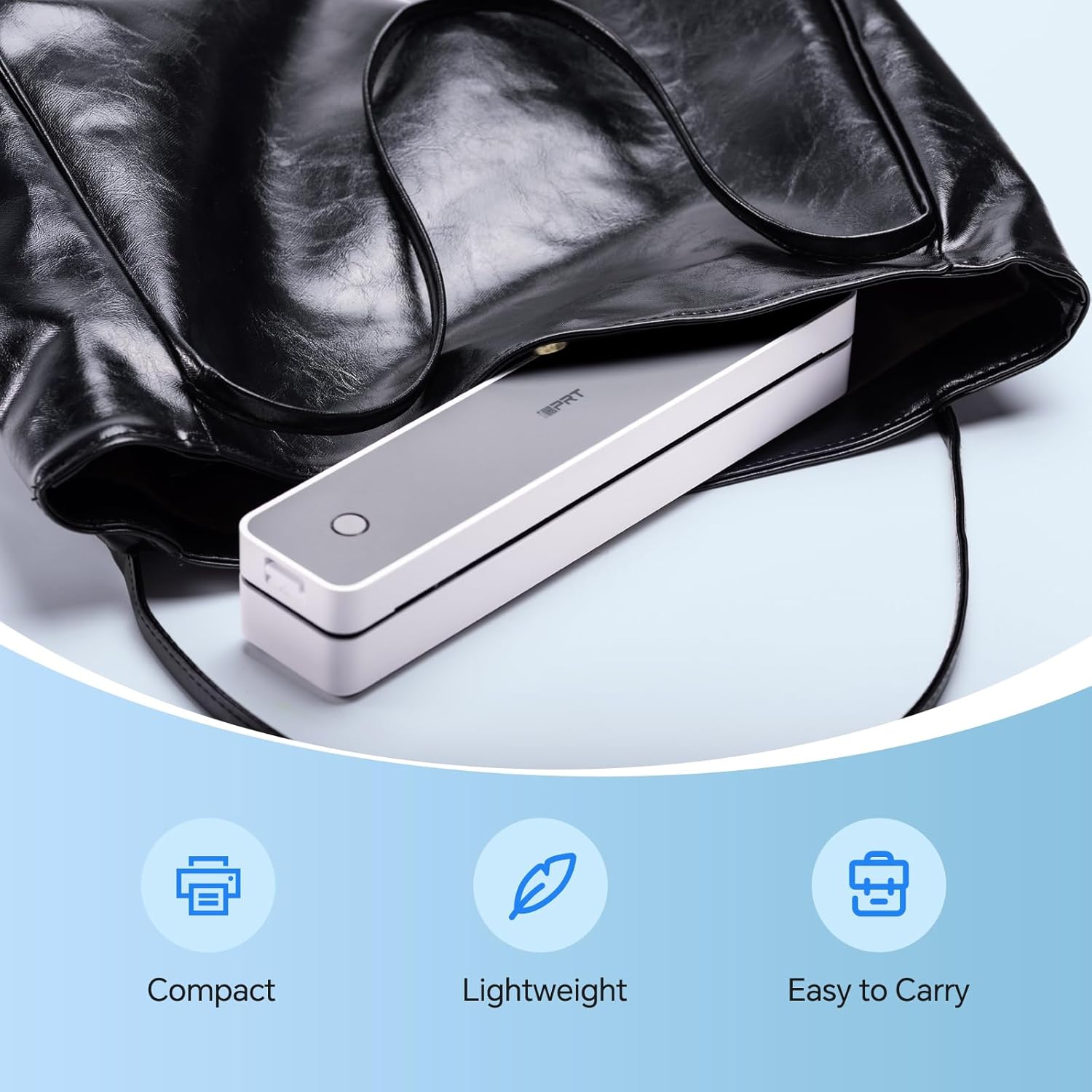
Print Anytime and Anywhere:This compact printer only 498g and 26 x 5.6 x 4.6 cm body size, which is lightweight, whether you are in the car, at home, outdoors or your travels, you can print your contracts, office documents, lists, invoices, labels and any documents you need at any time. It is also the best choice as a gift
IDPRT MT610 Printing on Phone:Connect via Bluetooth on your phone: (1 )Download “Hereprint” app from app store; (2) Turn on the wireless printer;(3) Turn on your phone Bluetooth and open the “Hereprint” app;(4) Add MT610 device in the upper left corner of the app to establish a Bluetooth connection;(5)Select the file type to start print
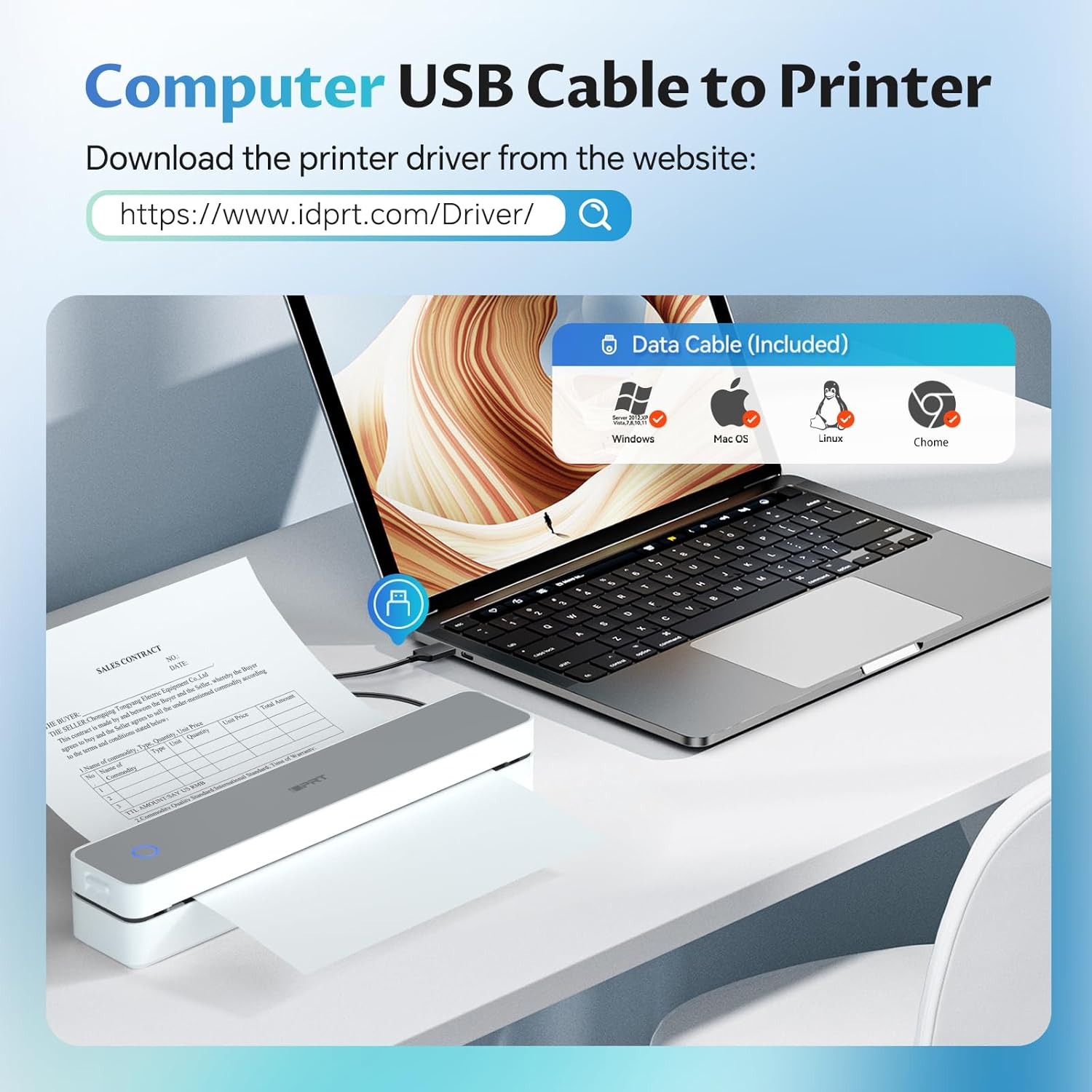
Printing on PC:(1)Use the USB cable to connect the MT610 printer to your computer; (2) Please download and install the MT610 Pro driver from iDPRT website; (3) Select and open your document, and choose iDPRT MT610 in the printer list
PC STARTS PRINTING: Step 1:Use the USB cable to connect the MT610 Pro printer to your computer; Step 2:Please download and install the MT610 Pro driver from the iDPRT website; Step 3: Select and open your document, and choose iDPRT MT610 Pro-xxx in the printer list
Customers say
Customers find the printer’s output quality excellent and appreciate its compact size and quick print speed. The device is easy to set up with a simple app interface and is perfect for traveling. While some customers say it’s great for the money, others note that the thermal paper is expensive. The connectivity receives mixed feedback, with several customers reporting issues connecting it to their laptops.
6 reviews for iDPRT Portable-Printer Wireless for Travel, 300DPI Inkless Thermal Small Printers for Home Use, Office, Vehicles, Mobile Bluetooth Printer Supports 8.5″ x 11″ US Letter, for Smartphone & PC,White Gray
Add a review
Related Products


![Canon Megatank GX2020 All-in-One Wireless Supertank [Megatank] Printer | Print, Copy and Scan| Mobile Printing |2.7″ LCD Color Touchscreen | Auto Document Feeder and Auto Duplex Printing](https://m.media-amazon.com/images/I/71KWZwpMfmL._AC_SL1500_.jpg)
Original price was: €76.€50Current price is: €50.
Giselle –
Easy to use and great for document printing, does not print color
Great printer I love it very travel convenient, not difficult to use once you can figure out how to turn it on. I love it and would definitely buy again, have already recommendedto multiplefriends and they used my for a test run and they lover it too. â¤ï¸â¤ï¸â¤ï¸
Nessa Brown –
Cool Printer!
I found it hardest to connect by my laptop because of all the things you had to go into after you downloaded the stuff for it on the laptop, took forever trying to figure it out so I just had success connecting it to my phone by Bluetooth through the app you download for it on your phone and printing happened immediately, and I love all the controls on the app for the printer how you can make your ink and paper then the ink quality really good just choose the darkness and lightness of your prints carefully to turn out good.The only horrible thing about this is the SOUND, I was covering my ears when it prints… it’s a really shrieky annoying screech like noise only last few seconds the whole time it’s printing.I love you can sit this anywhere and print anything, it’s all black and white ink but it’s still nice.The directions pretty easy far as how to connect and turn the printer on and love the added thermal paper it already comes with for a start because I used all those for trat printing but it was all folded and I didn’t like that really.I was testing this for papers I’m making to go with hand written gospel tracts I made.I’m printing this from Google Docs/Drive, pictures of the Lord Jesus to show His shroud for His resurrection and that it’s visual proof He paid for our sin and you can see your Saviour’s face.
kreuz –
Works well enough- UPDATE again
02-06-25I purchased paper with better registration marks and ran the tests again. I increased the * to 4. Minus a * for the inconsistency with Word files.My test criteria:Handles US and European paper sizes.Handles continuous fanfoldSupports Word and PDF filesLightweightReadable outputWorks with Galaxytab S9—-My test results:Galaxytab s9- YESWeight- 525g (this is the lightest weight of the printers tested)Output quality- EXCELLENT print output (Images were not tested)PDF- YESWord- Sometimes (HRT tech support suggests that Word files be converted to PDF)A4- YESUS letter- YESFanfold- YES02-02-25This has been an exceedingly frustrating printer. The output quality is the best of the printers tested.My Printer system (printer + app) test criteria:Handles US and European paper sizes.Handles continuous fanfoldSupports Word and PDF filesLightweightReadable outputWorks with Galaxytab S9—-Galaxytab s9- YESweight- 525g (this is the lightest weight of the printers tested)output quality- EXCELLENT print output (Images were not tested)PDF- YESWord- NOA4- YESUS letter- YESFanfold- MOSTLY NO. Continuous fanfold relies on registration marks. There seems to be a sensor offset at about 8 cm from the right paper edge (the reg mark must be on the paper non-print side) but it is inconsistent in reading the mark (This is probably a problem in the app not the printer but both must work together).You can save Word files as PDF and feed single sheets of paper (this is tedious). If that is not a problem then the printer is good. The output quality is good enough that if your documents are short, it may be ok.01-02-25The HerePrint app fails with Word files. That makes this print rather useless. The app handled PDFs. The printer does not handle continuous fanfold paper. Feeding sheets one at a time is not a deal killer but why would I do it?Print quality is good and the weight is very good at 525g. The latch mechanism is good.
Elena –
useful thing came in handy at work
We got it for my husband for work, it’s easy to set up and prints well. The downside is that there is very little paper in the kit.
CWV –
Cannot recommend, I wish I could
1-star still implies there is something good about the item and there isnt. I have 3 phones and 3 PCs and installed drivers on all of them and then started testing. From an iphone it printed a photo badly. From a PC it printed a text document as well as my laser printer which was surprising. Very crisp and excellent. From then on, it variously printed half a page and then stopped, or printed entire sheets in solid black, or wouldnt feed paper or printed two lines and then the rest just a black page. The machine began making awful noises. This was maddening. I returned it and quickly got a replacement. On all 6 devices the new one refused to connect to bluetooth and after 1 hour of trying, I gave up. In between, I contacted the company for help but they offered no help, eventually writing to say to contact the seller but there is no seller to contact via Amazon. Since this was the best rated thermal printer I think it wont pay me to try another brand or to try another replacement. I live in my van now and cannot take along my giant laser printer so this was an excellent idea except that they do not work. I hope one day the company tests and fixes the products they sell. Something else important to know. Each time you print, you must first open the driver, go to the Image configuration tab and select how you want the printer to handle the job. The choices are completely non-sensical and there are no instructions how to set up Settings. Its trial and error. The build quality of the device is OK, its small and light and super easy to store. If it just worked I would certainly raise the stars. I regret I didnt take photos for you of the bad printing, I gave all in the return box for the seller to see. I never heard from them.
Mr M B Handley –
Easy set up good print quality