

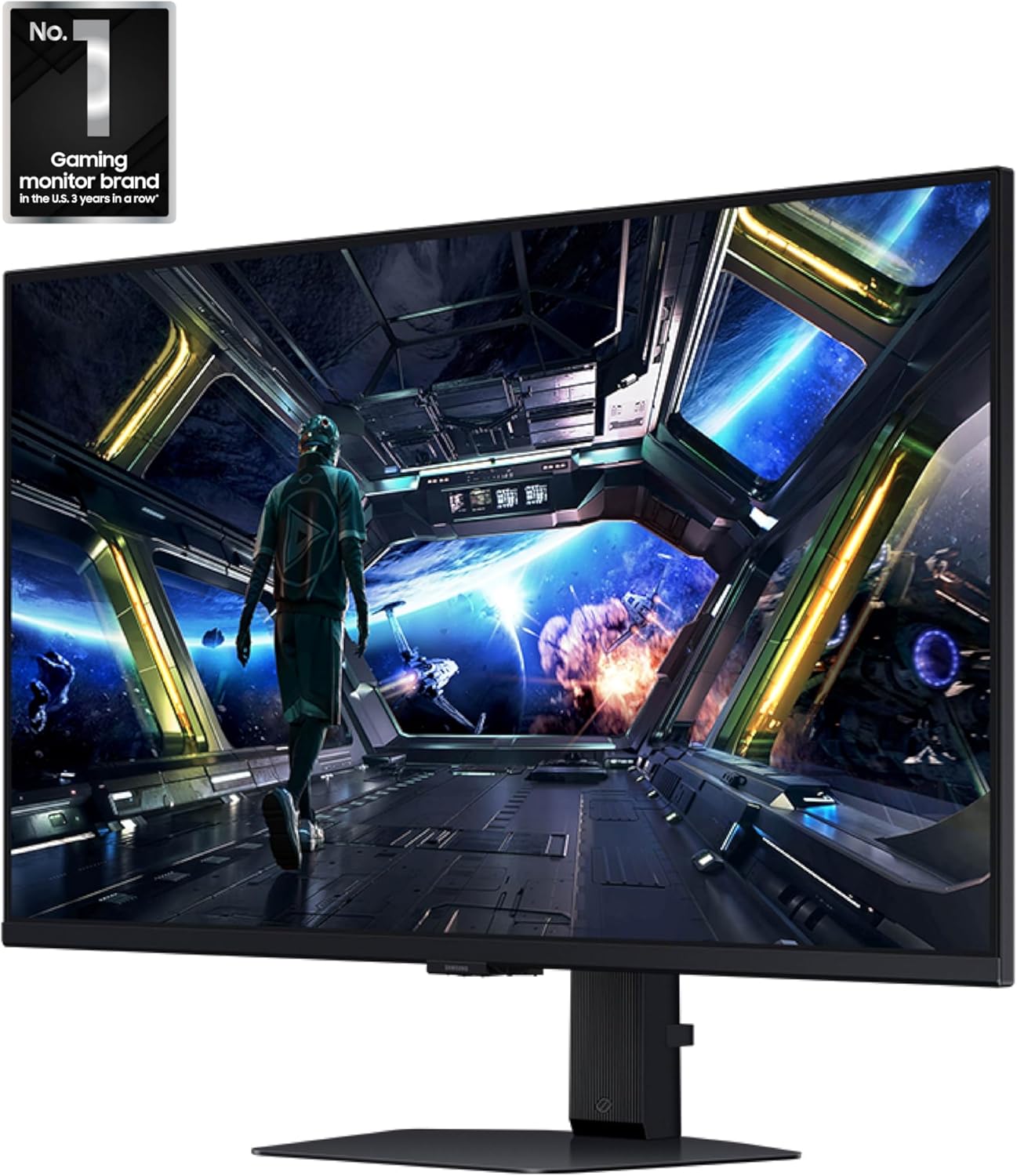
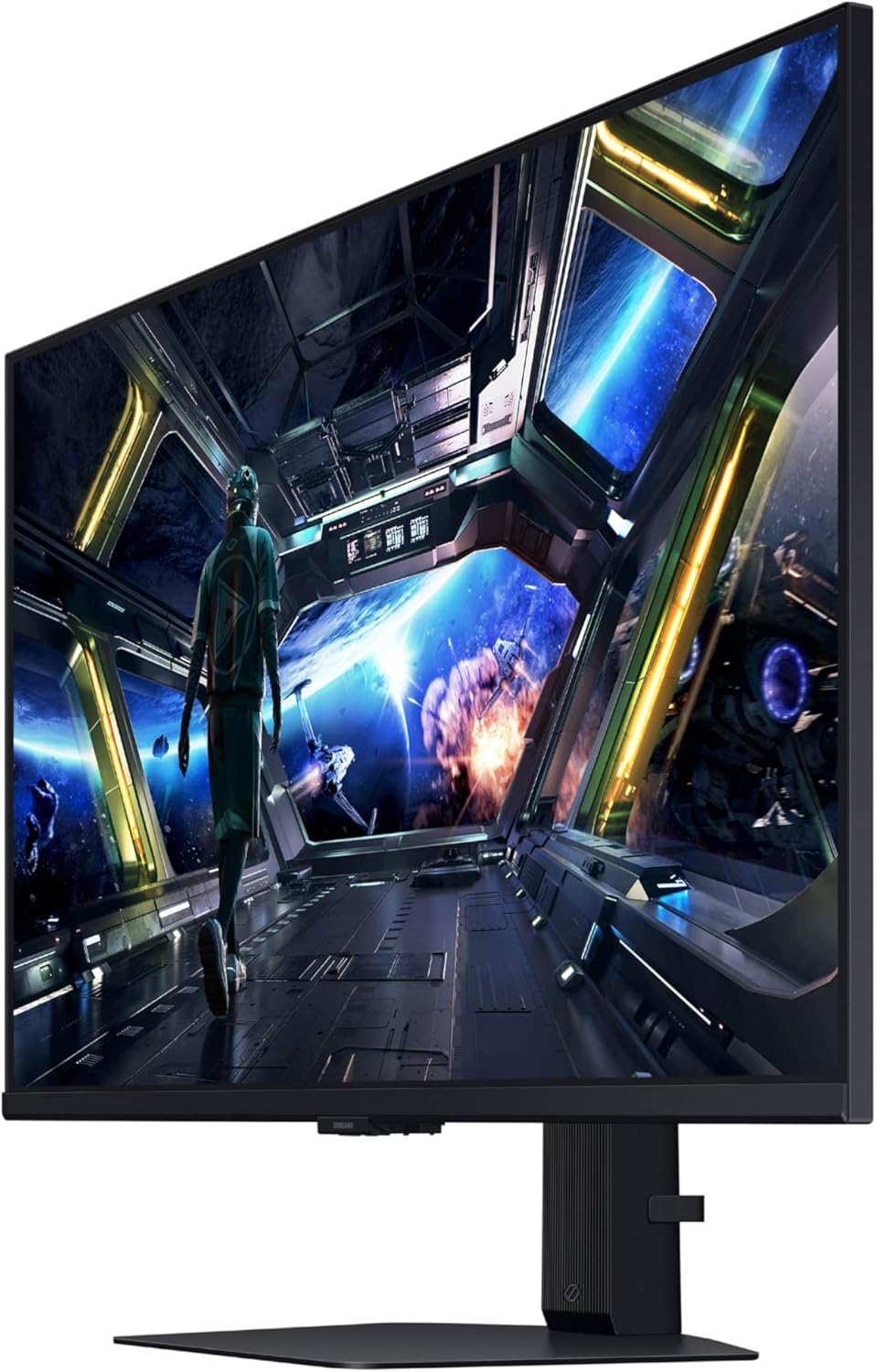
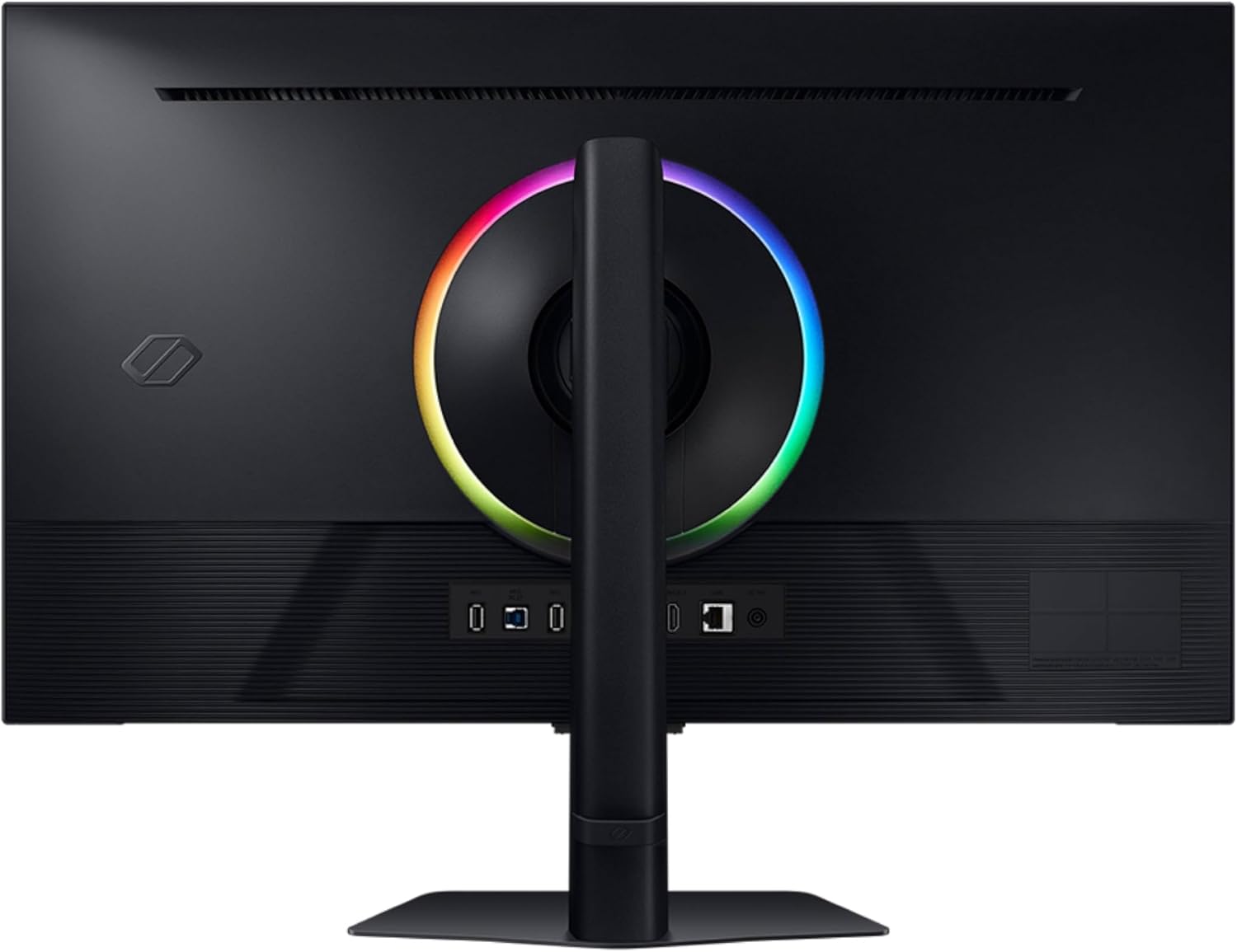
Samsung 32” Odyssey G7 (G70D) 4K UHD IPS 144Hz 1ms(GtG) Smart Gaming Monitor, G-Sync Compatible, AMD Freesync Premium, Vivid Colors, Adjustable Stand, Black Equalizer, LS32DG702ENXZA
€776








Price: $776.00
(as of Jul 26, 2025 09:29:35 UTC – Details)
Samsung’s 32″ Odyssey G7 Smart Gaming Monitor redefines gaming with 4K UHD resolution, delivering stunning visuals. Its Fast IPS Panel ensures consistent, accurate colors and reduced motion blur. With a 144Hz refresh rate and 1ms response time, enjoy seamless precision. AMD FreeSync Premium minimizes tearing and stutter, while the NQM AI Processor upscales resolutions. DisplayHDR 400 boosts contrast, and features like CoreSync and Dynamic Black Equalizer enhance immersion. *Refresh rate and response time may vary based on the performance of the input source. “1ms” means one milliseconds which is the range of avg. response time between 1.00ms to 1.99ms truncated to whole number. Based on GtG measured under internal test conditions. Results may vary by content and monitor settings (requires ‘Extreme mode’ setting). GtG (Gray to Gray) measures the time taken for a monitor pixel to change from one gray value to another. **Image simulated for illustrative purposes. The application of the G-Sync logo on the package and product may vary depending on the time of purchase.***Viewing experience may vary according to types of content and format. For Gaming Hub, AI Upscaling is only available in Picture Quality priority
mode. AI upscaling is not available in Multi View. Screen images simulated for illustrative purposes. ****Gaming Hub is available in limited countries, with app availability differing
by country. UI is subject to change without prior notice. Accessing Gaming Hub is free of charge. Subscription may be required to access content offered by game-stream providers on the Gaming Hub. You may need to download apps depending on the game or service. A separate controller may be required depending on the specific game you are playing on the Gaming Hub. Requires internet connection and Samsung account. *****The Game Bar’s Screen Ratio can only be adjusted when the Ultra Wide resolution is supported in a game or on a PC. ******Screen images simulated for illustrative purposes. To use the Dynamic Black Equalizer, Game Mode must be activated in settings.
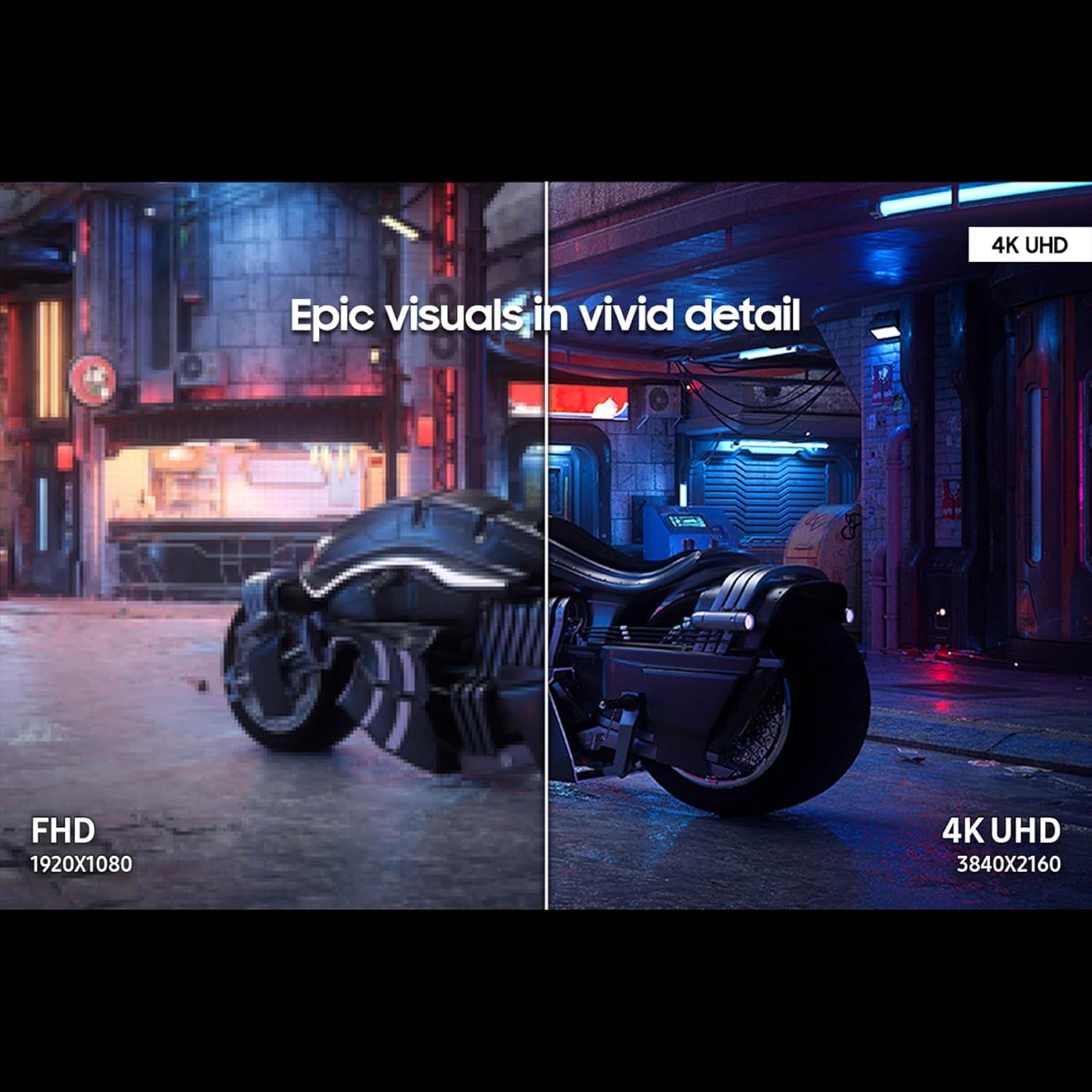
EPIC VISUALS IN VIVID DETAIL: 4K UHD resolution elevates your gaming with crystal-clear visuals that shine brighter, making worlds feel more real with incredible detail.
FAST IPS: Fast IPS panel delivers clear colors and clarity from any viewpoint. With a 178º wide viewing angle, colors stay consistent from any angle. Quick response time reduces motion blur and ghosting, providing an immersive gaming experience.
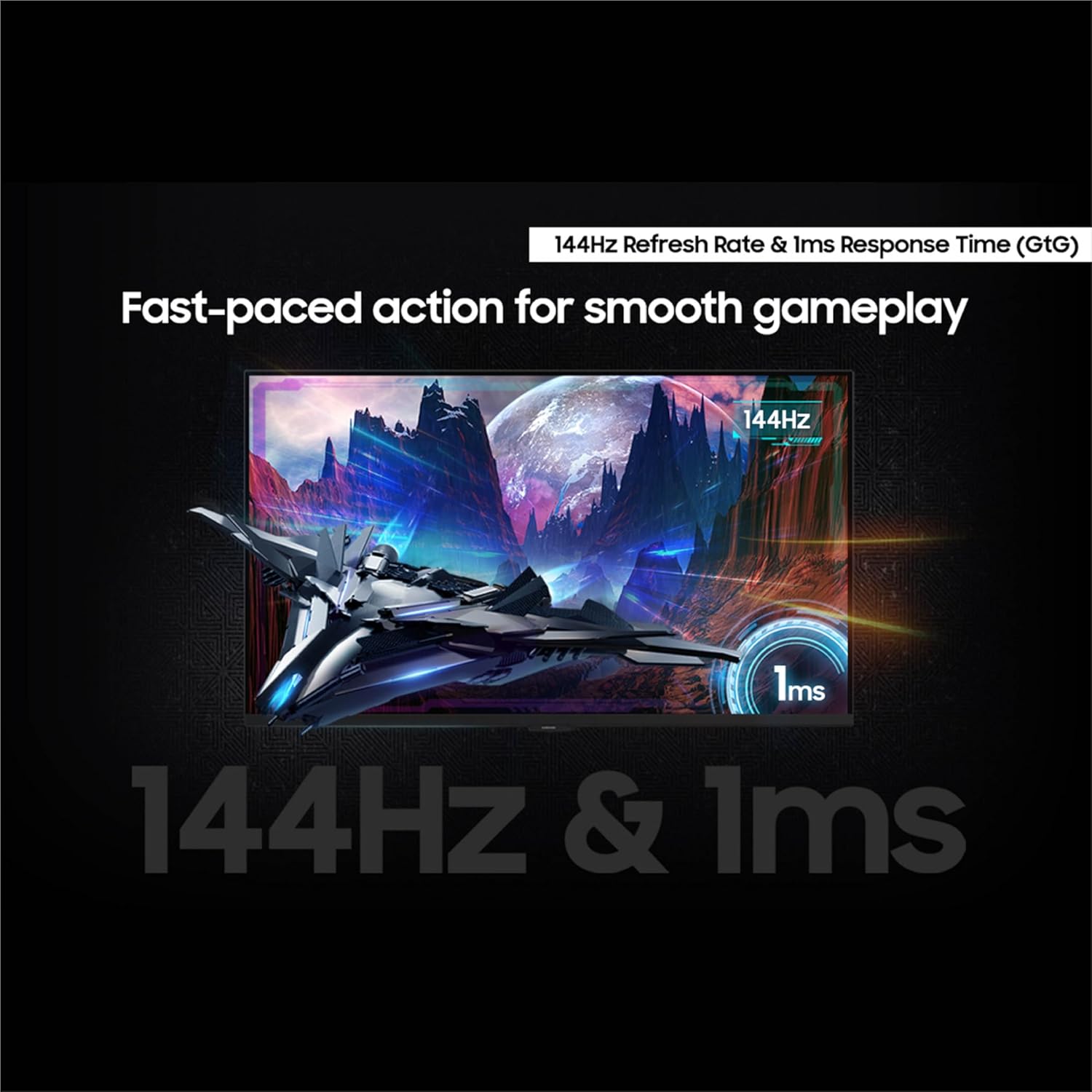
SMOOTH GAMEPLAY: The 144Hz refresh rate delivers ultra-smooth gameplay, reducing lag and motion blur. Combined with a near-instant 1ms response time (GtG), every movement is captured in real-time, allowing for unbeatable gaming precision.*
UNINTERRUPTED GAME FLOW: G-Sync compatibility syncs the GPU and panel to reduce choppiness, screen lag and image tearing. Along with AMD FreeSync Premium, it creates ultra-smooth scenes that flow smoothly to the next.**
4K AI UPSCALING: The NQM AI Processor upscales lower resolutions to nearly 4K, so you get higher quality images through the Gaming Hub and Smart TV apps.***
HIDDEN DETAILS BROUGHT TO LIGHT: See the full picture. DisplayHDR 400 enhances contrast with deeper blacks and brighter whites to help you uncover enemies or secrets lurking in the shadows. Even in dark scenes, every detail shines with clarity.**
GAMING HUB: Gaming Hub allows instant access to top streaming services and your favorite consoles. Smooth visuals and responsive gameplay are powered by Samsung’s advanced game streaming technology without downloads – just turn on and play.****
GAME BAR: Now, you can easily view the status of the most important settings such as FPS or HDR. Adjust the screen ratio to 21:9, zoom in on the Minimap, or change the game picture mode without ever leaving your game screen.*****
FIND SECRETS IN THE DARKNESS: Traverse into the shadows fearlessly. The Dynamic Black Equalizer analyzes the brightness of game scenes and adjusts sharpness, saturation, and black details automatically. Get more visibility without any manual adjustments.******
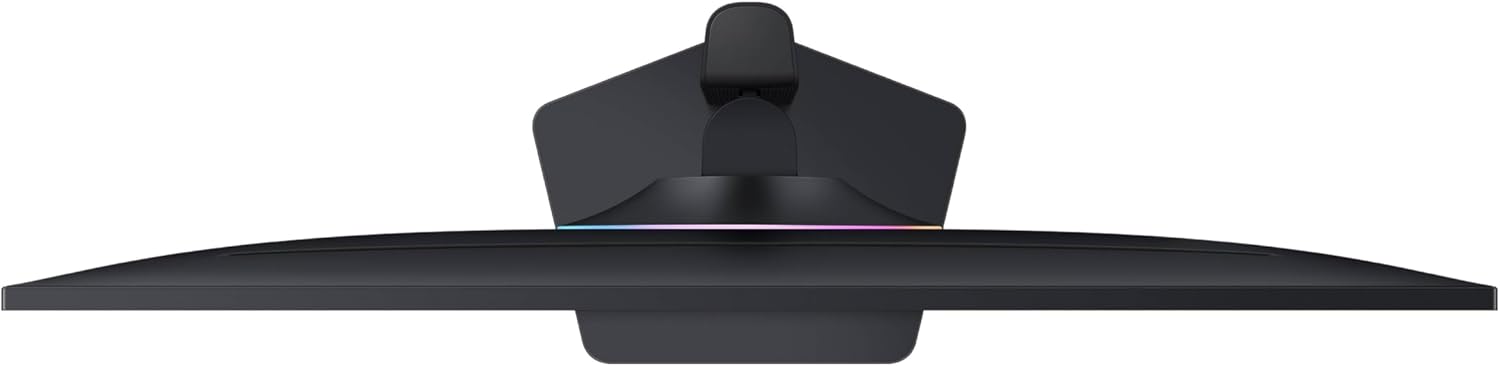
YOUR GAMES, TAILORED TO YOU: Reach the height of winning. Swivel, tilt, and adjust your monitor until all enemies are in perfect view. Your display can be moved freely so you can find total gaming comfort.
10 reviews for Samsung 32” Odyssey G7 (G70D) 4K UHD IPS 144Hz 1ms(GtG) Smart Gaming Monitor, G-Sync Compatible, AMD Freesync Premium, Vivid Colors, Adjustable Stand, Black Equalizer, LS32DG702ENXZA
Add a review
Related Products


€776
Corey Fornwalt –
Picture perfect
Perfect gaming size, clearest picture around, many uses
shawn hampe –
Faulty
Faulty and gets hot like a pan and wonât refund ⦠only a 30 day window to return
Torrence Meister –
Terrible wake behavior.
I bought refurbished…Picture 8/10 – there’s a pattern of pixels burned out in one corner – likely why it was put up for refurbishment, and I presume the pixels cannot be repaired.Gloss finish: vulnerable to glare.Features: 2/10- asked for an email address when turned on. Which in turn it wanted internet. While I can see merit in allowing a thin-client an internet connection, and that this monitor serves as a rudimentary thin-client, I did not procure it as such, and it did not make an obvious path around the ‘required’ email address.- slow to wake from sleep. it’s a thin-client, not merely a monitor. The few seconds it takes to start causes my PC to juggle monitor configurations. Probably moot as a problem if all the monitors are the same model, that’s not the case for me. That deprecates it’s ability to act as speakers, as windows generally handles audio hardware adjustments …poorly- opens a gui on wake. Why? For what purpose must it obscure the taskbar and start button on wake? You know, the things I’d go to first? It also serves to hide the mouse in those situations. Have not seen any way to disable this behavior.- wake-from-sleep behavior: 0/10 First, my other monitor comes on. About 2 seconds later, my PC decides it has only one monitor and makes it the primary/only display. Then this monitor wakes, and does its power-on stuff. after about 2 seconds my PC decides it has 2 monitors and reverts to a dual display configuration, and then the monitor hides the task bar with it’s own GUI that kindly informs me of the resolution, FPS, and various gaming options, making it impossible to use the monitor to launch programs for a full 20 seconds from wake. I’ve seen no option to disable this bad behavior which leaves me unable to interact with the task bar or start button. in one sense, it’s trivial, only an issue for a short time at power up. In a more fundamental way, it’s unforgivable: it’s inserting itself between the user and the thing the user is going to interact with first after performing an action (waking the computer -> starting a program), and offers no ready way to stop the bad behavior. the perfect Ui is the UI a user does not notice. A Bad UI is a UI that inserts itself between the user and the task the user wishes to perform. This monitor has the latter, and the obnoxious GUI does not go away for 20 seconds. (My other monitor is ready and clear of GUI elements after 4 seconds – still slow, but the distractions are trivial there, covering perhaps 1/40th of the pixels in the dead center of the monitor for 1 second – an example of good behavior this monitor would benefit from)—Summary:- Good picture.- Gloss finish -> glare can be a problem.- Refurbished might not be for someone wanting something super-shiny, but may serve well enough for college/undergrad. Or penny-pinchers.- Terrible wake behavior (ready to use 20 seconds after wake)Photo shows the obnoxious Ui at bottom (and glare) – the UI starts full width, entirely obscuring the start bar. Then shrinks to hide just the middle – perfect for sniping the modern windows-11 start menu.
Taquito Jones –
Great monitor with a lot of bells and whistles
Great monitor with a ton of features.
Styx –
Solid 4K Gaming Monitor With Smart Features, But Falls Short in HDR
The Samsung 32â Odyssey G7 (G70D) is a strong mid-range 4K monitor that delivers solid gaming performance with a few standout smart features. Iâve been using it primarily for PC gaming and some casual media streaming, and for the most part, itâs handled both tasks well. The 144Hz refresh rate and 1ms (GtG) response time keep motion smooth and responsive, even during fast-paced FPS games, and I didnât run into any noticeable ghosting or input lag. VRR support across the board (including AMD FreeSync Premium) is a welcome addition for tear-free gameplay.Color performance is one of its strong suits. The IPS panel offers vivid, punchy colors and wide viewing angles, and SDR content looks fantastic right out of the box. The included smart TV features are surprisingly usefulâI was able to load apps directly, use the remote control, and even pair Bluetooth headphones without needing to touch my PC. It’s convenient, especially for quick Netflix or YouTube sessions without needing to switch devices.However, HDR is where this monitor starts to show its limitations. While it technically supports HDR and displays a wide color gamut, it falls short in terms of contrast and brightness. The lackluster local dimming means that blacks look more gray than true black, and bright highlights just donât stand out. If HDR is a top priority, this isnât the monitor thatâll give you that cinematic pop.Build-wise, I like the redesigned standâitâs sturdy, has a smaller footprint, and offers solid ergonomic adjustments. The thinner bezel gives it a sleeker look compared to the previous model, and overall, it feels like a polished, gamer-focused upgrade.If you primarily game in SDR and prefer some built-in smart TV features, this is a very capable 4K display for the price. Just know that if youâre hoping for top-tier HDR performance, youâll likely be left wanting more.
Allan –
works great but it will not function until a lot of work to get it registered.
Josh Olinyk –
DO NOT BUY!!!! Purchased in March 2025 … malfunctioned and won’t turn on by June. No longer returnable through Amazon.Had to send back to SAMSUNG for repair (June 18th). Still haven’t received confirmation when I will get a new replacement, now July 16th.I’ve called their customer service several times requesting status updates. They tell me to be patient. Very disappointed. Wish I could get a refund instead of a new unit and buy a different brand.
marc oliviver beauregard –
Super écran !!
Sam –
Unboxed the monitor, set it up had no problems until a few hours later when the screen randomly went black. I thought it was in some form of sleep mode so I pressed the power button and got no response, unplugged it and still wouldnât turn on. I kept trying different methods to see if it would work but every attempt failed. Huge disappointment as this is NOT a cheap monitor at all and will be definitely returning this..
timmy demell –
good one