

Wireless Display Dongle Adapter, Portable Transmitter 1080p HDMI Streaming, AirPlay/Miracast, 5GHz WiFi | Plug & Play for Smartphone/PC/TV/Projector
€50



Price: $49.99
(as of Jul 26, 2025 13:25:35 UTC – Details)
Product Description


[Very Important !]Certain Apps Not Supported: Wireless HDMI display dongle adapter do not compatible with certain paid apps that employ “HDCP” video copyright protection, such as Netflix, Amazon Prime Videos, Hulu, Comcast TV, Xfinity, Vudu, Sky Go, BT Sport etc. PLEASE PS: DO NOT RECOMMEND FOR GAMING USING
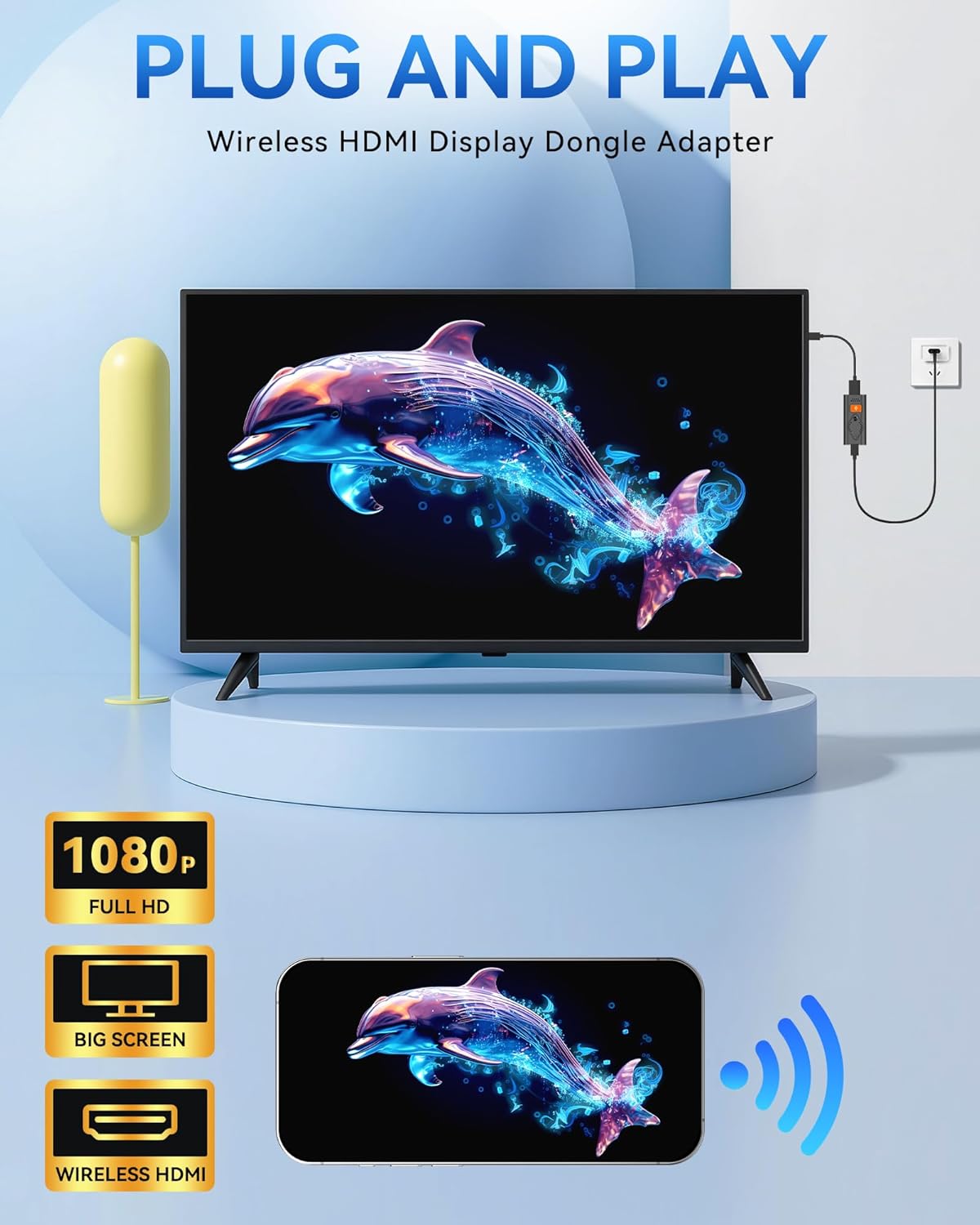
[PLUG & PLAY, 1080P HD] This Portable Transmitter requires no apps, Bluetooth, or Wi-Fi—just plug and play for easy TV connection. It supports 4K decoding and delivers smooth 1080P Full HD output.
[5G Stable Transmission and Low Latency] The Wireless Transmitter utilizes 5G wireless transmission to ensure fast, stable, low-latency connections. Enjoy wireless streaming anytime, anywhere, whether in business presentations, meeting rooms, home entertainment, and multimedia education
[Comfortable Viewing Experience] The Wireless HDMI Display Adapter supports mirror mode and off-screen mode. By clicking the button in the middle, you can easily zoom in and out of the screen to enhance the viewing experience.
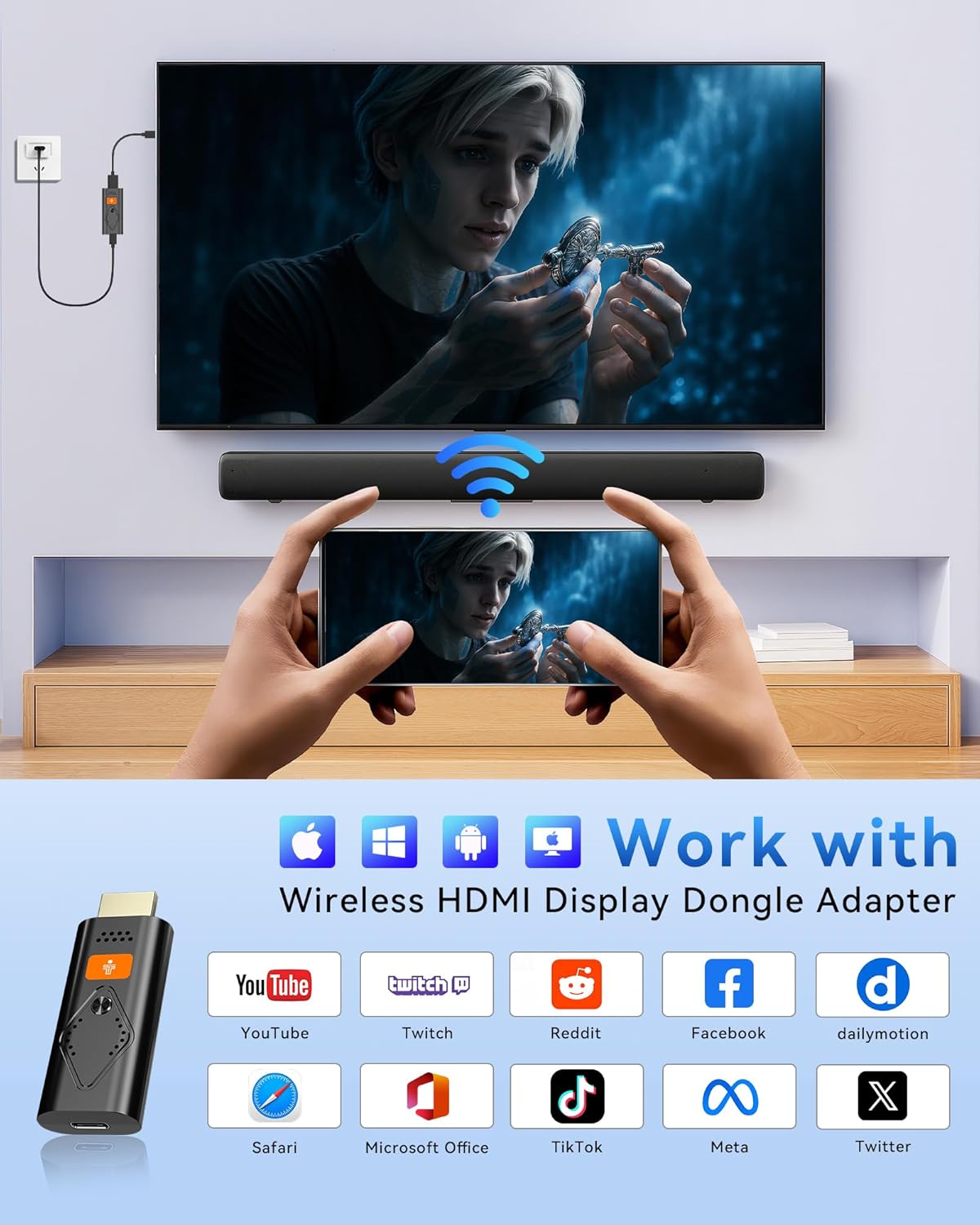
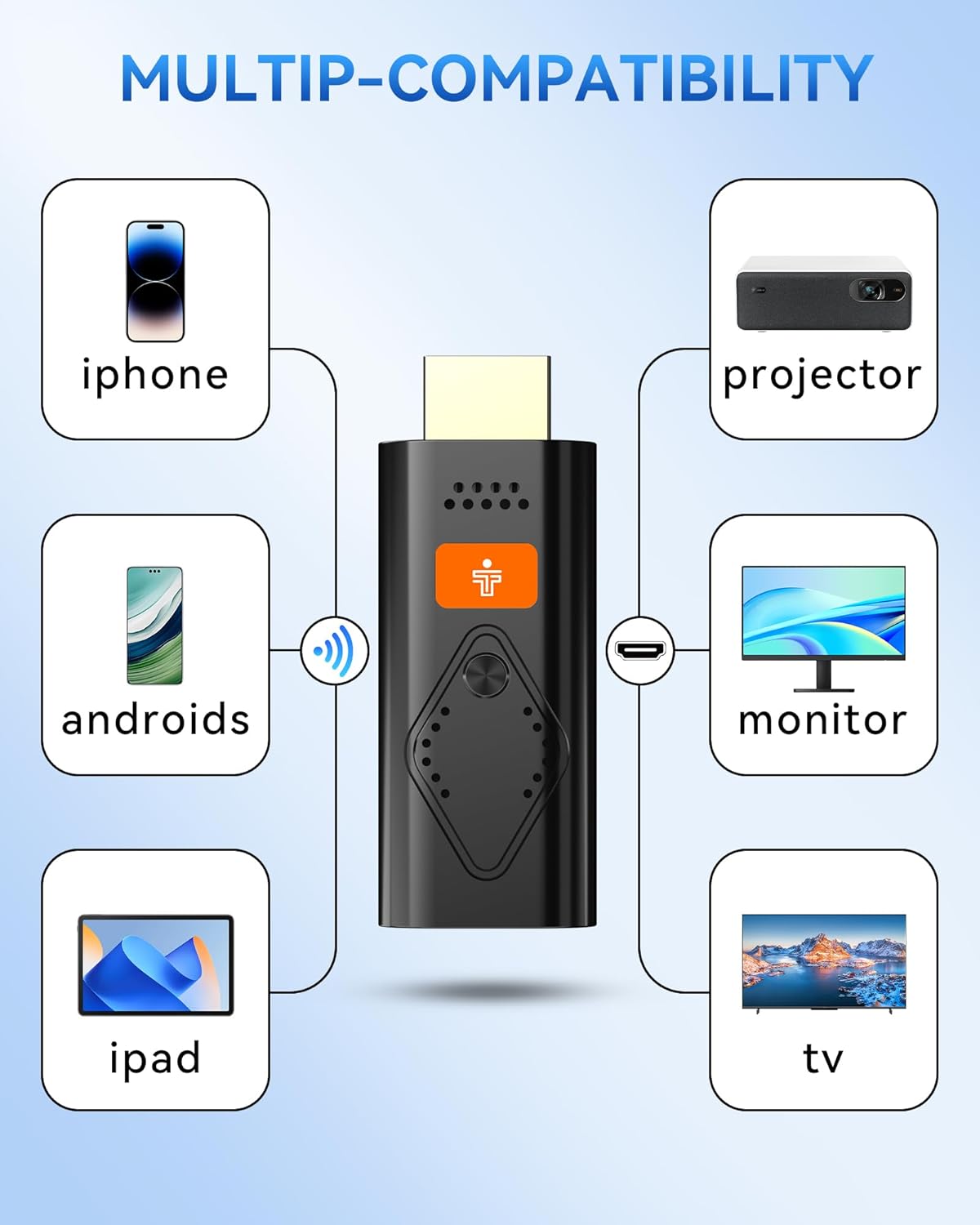
[Broad Compatibility Across All Your Devices] Works seamlessly with iOS, Android, Windows, and mac OS devices. Supports wireless protocols including AirPlay, DLNA, Miracast, and Cast. Effortlessly stream video, audio, photos, and files to any TV, monitor, or projector. Note: Not compatible with certain Go*ogle-based devices (e.g., Pi*xel series, Google Mo*bile Services).
[NOTE] Not compatible with all G-oogle protocol devices, such as G-oogle Pixel series and G-oogle Mobile Services.
Customers say
Customers find the wireless display dongle adapter easy to connect and appreciate its 5GHz Wi-Fi connection for stable streaming. The device offers great picture quality and is compact, with one customer noting it’s a breeze to travel with. They like its functionality and mirroring capabilities, with one mentioning it works well with Windows.
13 reviews for Wireless Display Dongle Adapter, Portable Transmitter 1080p HDMI Streaming, AirPlay/Miracast, 5GHz WiFi | Plug & Play for Smartphone/PC/TV/Projector
Add a review
Related Products


€50
GB –
Wireless Display Dongle Adapter
I recently tried out the Tongtion Wireless HDMI Display Dongle Adapter and it has transformed the way I share content. Setup could not be simpler. Simply plug it into your TVâs HDMI port, power it via USB, and follow the on-screen pairing guide. It connected instantly with my Android phone using Miracast and worked with Windows by following the same steps. No complex network or extra software are required.The picture quality is genuinely sharp at full HD. I streamed YouTube videos and browsed photos without a hint of flicker, while the audio stayed perfectly in sync. On iOS devices, I switched to DLNA mirroring, which worked flawlessly once I followed the clear instructions. Android and Windows users get a wide range of services with zero hiccups.This dongle feels solid in its casing and is so compact that I carry it in my pocket between home and the office. Whether I am showing family videos on a hotel TV or running a slideshow on a clientâs screen, it handles every task smoothly. If you want a no-fuss way to mirror phones, tablets, and laptops in crisp 1080p, this gadget is a winner.
Viviane Bastos –
Easy to Use & Great Picture Quality!
I am very happy with this wireless display dongle. It was truly plug and play. The 1080p video quality is clear. Great for streaming movies or mirroring presentations. Highly recommend for anyone who wants an easy way to connect their devices to a bigger screen!
Kamran –
Game changer
This one piece display adapter is great. Simple plug and play setup made it a breeze to mirror my phone to my tv. I have seen other display adapters that have multiple dongles that have to be attached to main device and secondary device to be casted too. This is definitely way better as one piece connects to tv and boom done.
Newyorkguyinct –
This Really worked
This work well for me since i have no internet in my home but have data on my cell phone.
Regular Guy –
My new favorite road warrior accessory!
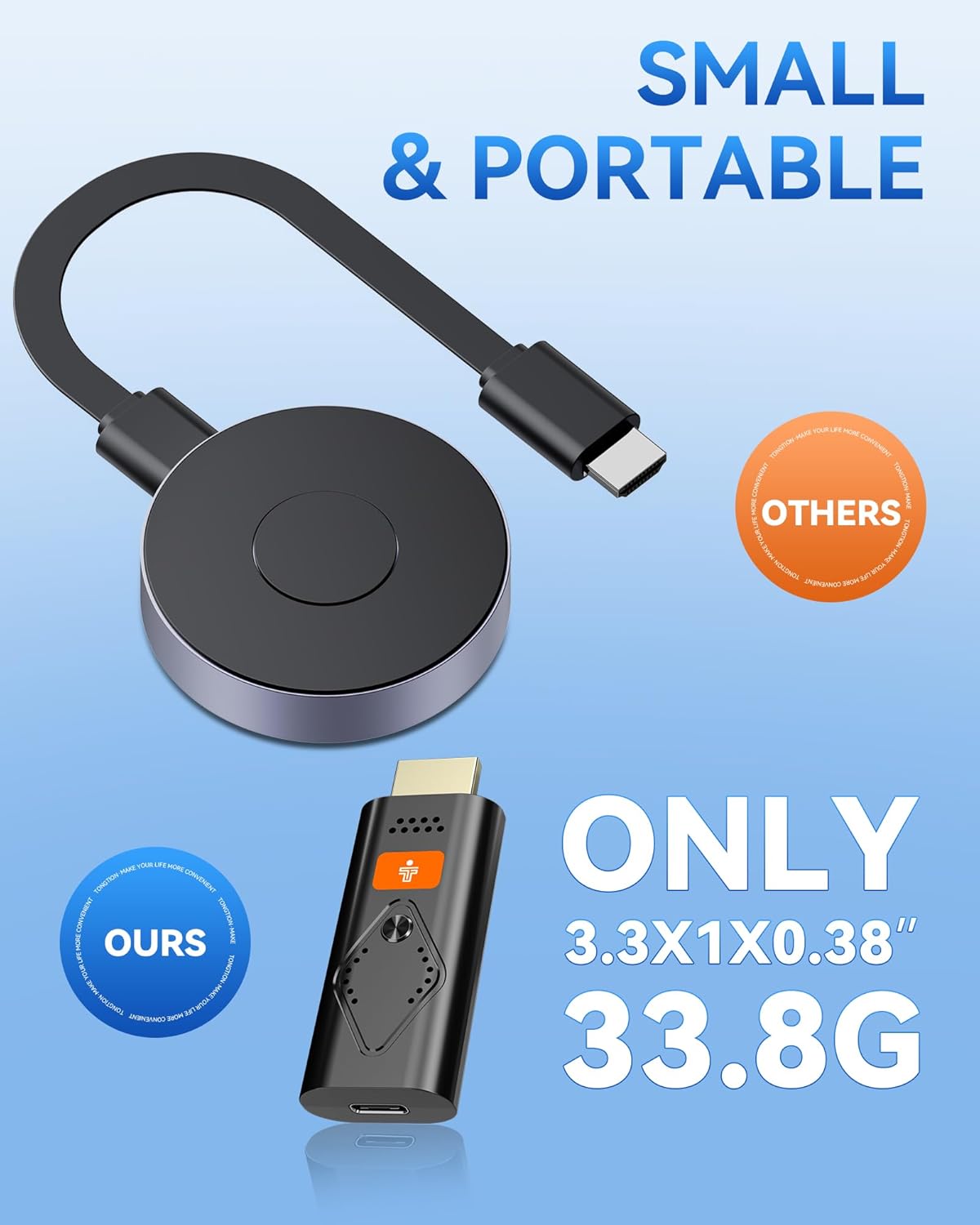
I’ve been on the road for a long time and over the years, I’ve evolved the ways I connect to the hotel TV to watch my own content. I won’t go back to the beginning but as of late it was a long HDMI cord between my laptop and the TV, then it was an HDMI transmitter and receiver to do the same wirelessly. This was two pieces that plugged into the laptop and the TV. This new gadget is one piece. Plug it into the TV and then you can stream to it via Miracast or whatever your device uses for wireless displays. Super easy to connect and even easier to pair. The one thing I will have to add is a female HDMI to female HDMI adapter so I can connect to the cable instead of the TV but other than that, this is my new piece of kit to go into my road warrior bag.
Frank –
Easily mirror your devices
I used this to mirror my laptop to the hotel TV because I got tired of carrying a fire stick with me. Using a MacBook, mirroring the screen was easy and I didnât notice any delay. The instructions are clear depending on the type of device you are using to mirror. Price isnât bad either. I just tuck this with my laptop accessories to itâs a breeze to travel with.Â
Hoot –
Good display
Worked good for my wife and I on vacation, we mirrored the movie from her phone to resort tv, no lag time and great quality.
Home improvement Dude –
Does not work for me
It didn’t work for me. It mirrored the iPhone screen ok, but videos didn’t show (audio did). I have returned it.
Anonym –
Anstecken (hier: an Beamer) und an eine Stromquelle (über USB; hier: ein VMount-Akku bzw. eine Power-Bank; geht aber auch über ein 5V-Ladekabel/Netzstecker): es erscheint über den Beamer schnell eine unmissverständlich gestaltete und einfach gehaltene Ãbersicht mit Anleitungen für Android, iOS, Windows und noch was, was wir nicht benötigt haben… Daher weià ich’s grad nicht mehr. Die Spiegelung von verschiedenen Handys (Samsung, Apple, irgendwas Chinesisches etc.) funktioniert zügig und vor allem ohne WLAN. Kaum eine bemerkbare Latenz beim Abspielen von Filmaufnahmen. Bild und Ton werden tadellos und qualitativ einwandfrei übertragen. (Anmerkung: wir haben zu Testzwecken noch ein anderes Modell einer anderen Firma bestellt, das wir dann auch ausprobiert haben. Das war umständlicher, hat ewig gebraucht, bis eine Verbindung hergestellt wurde – beim zweiten Mal hat es sich gar nicht gekoppelt – und ging dann postwendend wieder retour.) – Fazit: Tolles Gerät. Klare Empfehlung.
Leaf S. –
It was a great buy! It finally solved our issue. We now can all watch on TV with a big screen and enjoy the family time! Also I get to know what my sons are watching!
cosmok82 –
ð» Connessione e InstallazioneHo testato questo dongle principalmente con il mio PC Windows e devo dire di esserne rimasto soddisfatto, pur avendo riscontrato qualche piccola difficoltà iniziale con Android che approfondirò in futuro. Per collegarlo a Windows, è fondamentale avere il Wi-Fi attivo, poiché è tramite il Wi-Fi che il PC rileva il dispositivo. Il processo è piuttosto semplice: ho collegato il dongle all’ingresso HDMI (nella confezione è inclusa anche una piccola prolunga, molto comoda), e il cavo USB-C a una presa USB per l’alimentazione. Una volta acceso, il dispositivo si avvia e mostra una schermata blu con le preferenze, come visibile negli screenshot. Da lì, su Windows, è sufficiente premere WIN+P, selezionare “connetti a schermo wireless” e cercare il dispositivo. E il gioco è fatto!ð¬ Prestazioni Video e AudioLe prestazioni video sono state ottime: ho notato nessun lag significativo e il video è risultato fluido con una buona qualità a 1080p. Un aspetto a cui prestare attenzione è l’audio: se il vostro monitor non ha un’uscita audio integrata, dopo il collegamento il PC selezionerà l’audio del dongle (e quindi del monitor). In quel caso, è necessario spostare manualmente l’output audio sulla vostra scheda audio preferita, e il problema è risolto.ð¡ï¸ Gestione del Calore e DesignIl dongle scalda, non posso negarlo. Durante i miei test, durati più di un’ora di riproduzione video continua, ho notato che la temperatura aumentava. Tuttavia, questo non ha compromesso la visione o le prestazioni del dispositivo. La custodia è piuttosto leggera e semplice nel design. Considerato il suo funzionamento, e specialmente con il caldo che stiamo avendo, una piccola ventolina di raffreddamento aggiuntiva non guasterebbe, visto che ha una tendenza a scaldare.ð° Valore ComplessivoNel complesso, sono mediamente soddisfatto di questo adattatore. Il dispositivo fa esattamente quello che promette: un dongle AirPlay/Miracast compatto e funzionale. Il rapporto qualità -prezzo è assolutamente accettabile, considerando le sue prestazioni e la facilità d’uso con il PC. Nonostante il riscaldamento, che non ha impattato sulle prestazioni durante il mio test, lo considero un valido strumento per la proiezione wireless.ð§ Considerazioni PersonaliPro:-Facile da configurare e usare con PC Windows.-Video fluido e senza lag a 1080p.-Buona qualità dell’immagine.-Comodo e compatto.-Rapporto qualità -prezzo accettabile.Contro:-Tendenza a scaldare durante l’uso prolungato.-Richiede la riconfigurazione dell’audio se il monitor non ha uscita audio.-Qualche difficoltà iniziale con Android (non approfondito nel test).ð In SintesiL’Adattatore display wireless HDMI Tongtion è un dispositivo efficace e conveniente per chi cerca una soluzione di proiezione wireless versatile, specialmente per l’uso con PC. La sua capacità di proiettare video fluidi a 1080p senza lag è un grande punto a favore. Sebbene tenda a scaldare e richieda un’attenzione all’audio se il monitor non ha altoparlanti, le sue prestazioni complessive e la facilità d’uso lo rendono un’ottima scelta per la sua fascia di prezzo. Lo consiglio a chi cerca una soluzione pratica per lo streaming di contenuti wireless.
thierry marhein –
Article commandé en remplacement d’un autre modèle de très mauvaise qualité. Cette clé est vraiment top. Vous brancher, vous connecter le smartphone et tout fonctionne parfaitement bien.Diffusion sans latence, connexion au matériel excellente. Vraiment top.
Luis Villajos Gonzalez –
Este adaptador para envÃo de pantallas desde dispositivos a pantalla de mayor tamaño es una opción realmente eficaz para transmitir contenido de manera inalámbrica. Basta conectar el dispositivo a un puerto HDMI de la pantalla a la que se quiera enviar la señal y alimentarlo mediante un cable USB-C. Una vez encendido, el dispositivo inicia con una pantalla azul para configurar las preferencias. Es destacable como en el caso de utilización a través de un Pc con Windows, la conexión es rápida usando la combinación WIN+P para seleccionar “conectarse a la pantalla inalámbrica”; el adaptador detecta enseguida la pantalla, sin inconvenientes. Para otras opciones, bien para dispositivos IOS o Android, la configuración es sencilla y absolutamente operativa.En términos de rendimiento, el dispositivo ofrece una excelente calidad de video a 1080p, con una reproducción fluida y sin retrasos notables. Sin embargo, un aspecto que debe tenerse en cuenta es el audio: si el monitor no tiene salida de sonido integrada, el audio será redirigido al dongle, lo que puede requerir que se ajuste manualmente la salida de audio desde el PC a la tarjeta de sonido deseada. A pesar de este pequeño inconveniente, la calidad de imagen y sonido es destacable.Si el uso es prolongado, el adaptador se caliente significativamente, por lo que este aspecto es preciso tenerlo en cuenta si se pretende un uso de sesiones largas de reproducción. El calentamiento no afecta al rendimiento, sin embargo, sà que reducirá su vida útil.En cuanto al diseño, es ligero y pequeño, lo que facilita su transporte y manejo.En resumen, este adaptador de pantalla inalámbrico es una muy buena opción para una realizar proyecciones de contenido de manera sencilla. Con una calidad de imagen excelente y su fácil configuración, me resulta un recurso muy funcional.