

UPERFECT 2K 120Hz Portable Gaming Monitor, 16″ 2560×1600 QHD 16:10 400 Nits 10 Bits Portable Monitor for Laptop w/VESA & Cover HDR FreeSync Eye Care External Second Screen for PC Phone Game Console
Original price was: €190.€146Current price is: €146.


Price: $189.99 - $145.99
(as of Jul 28, 2025 07:58:18 UTC – Details)
Product Description




1 120Hz
2 2K
3 16″
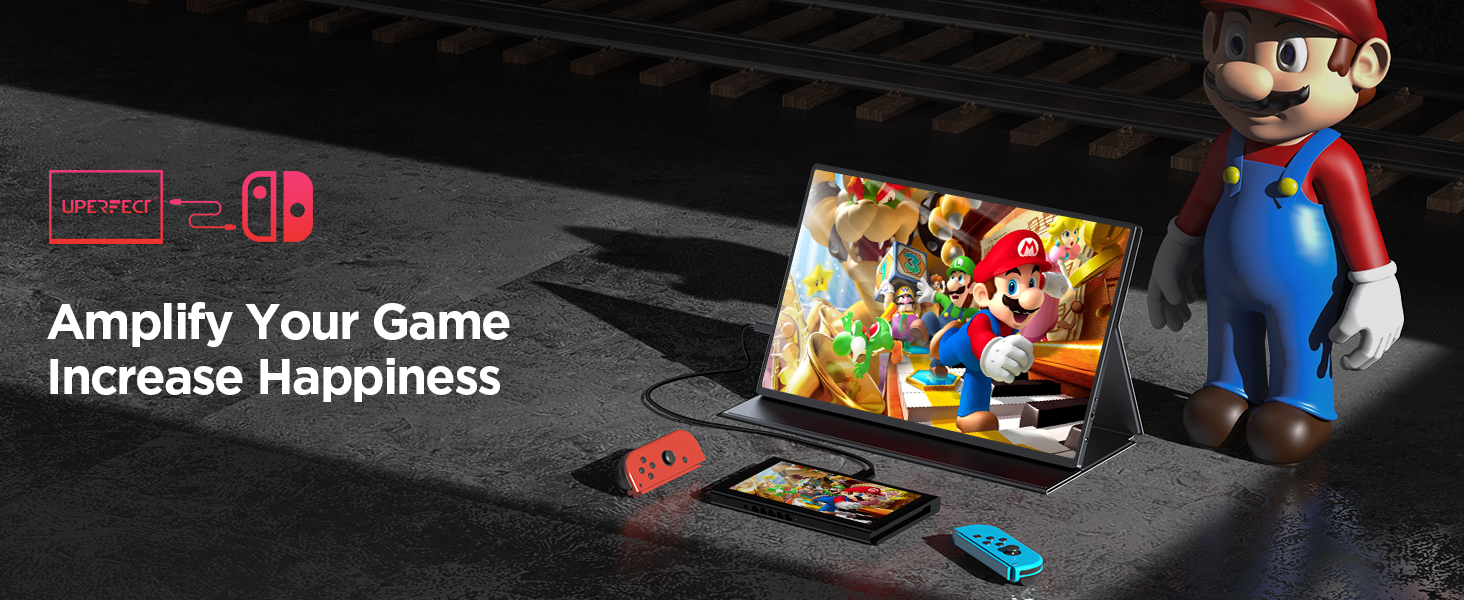
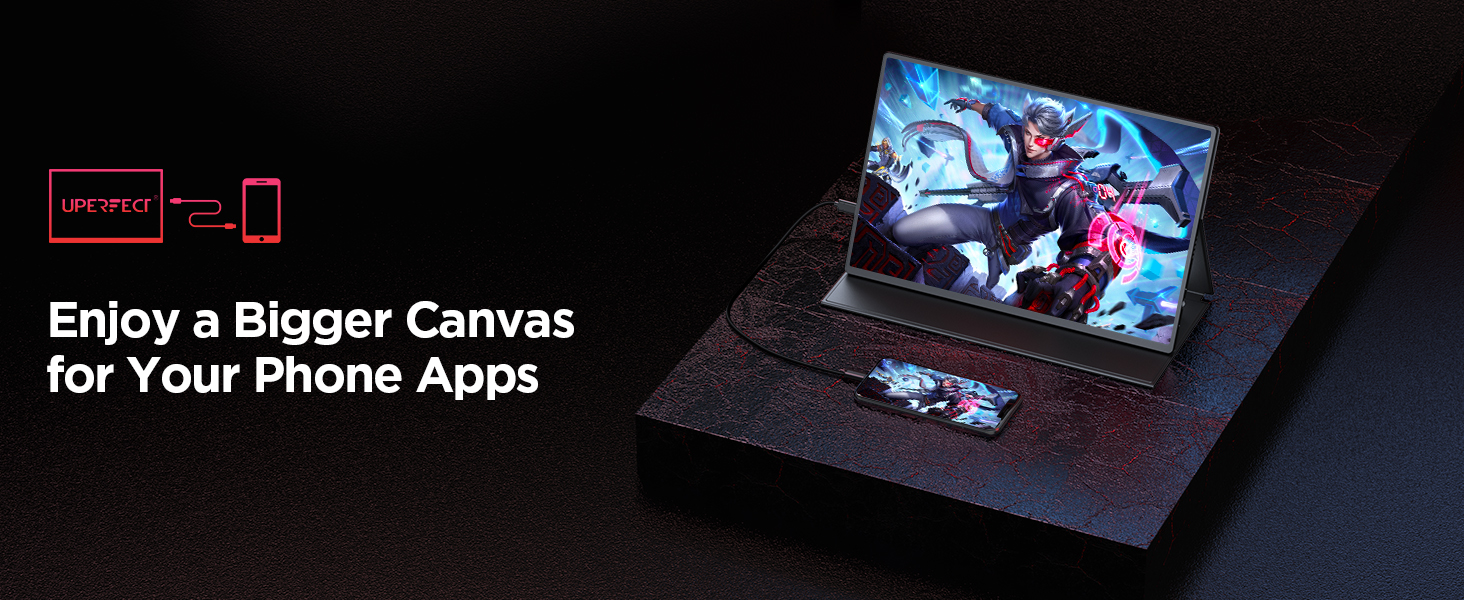


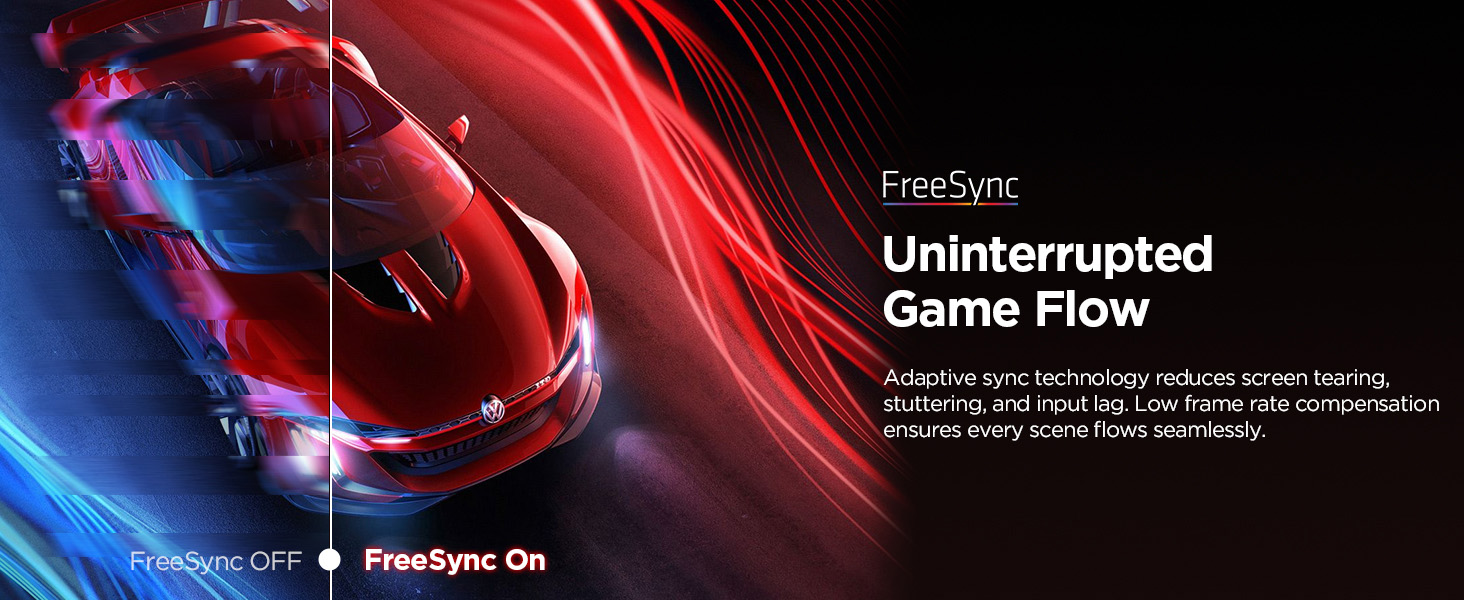


Optimized for Portable Gaming: 2K QHD resolution and amazing 120 Hz refresh rate give you the edge in all your gaming quests; Equipped with FreeSync technology and HDR function to eliminate image tearing and stuttering for higher motion clarity and smoother gameplay
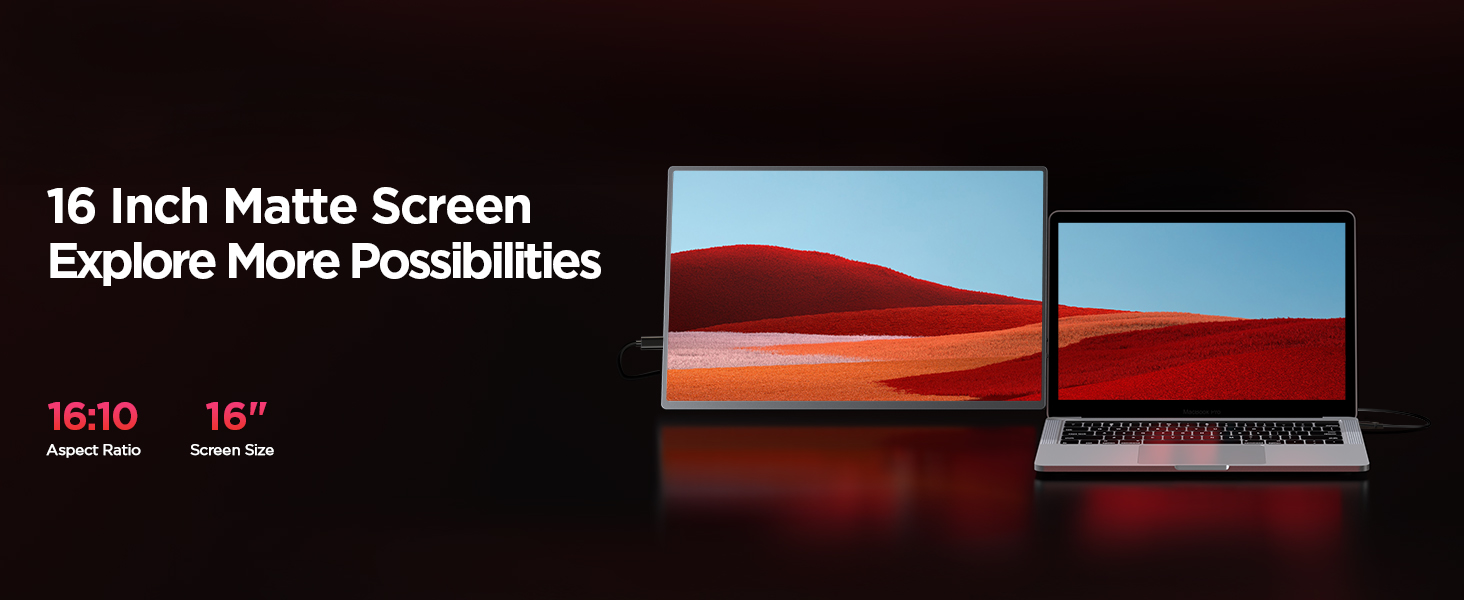
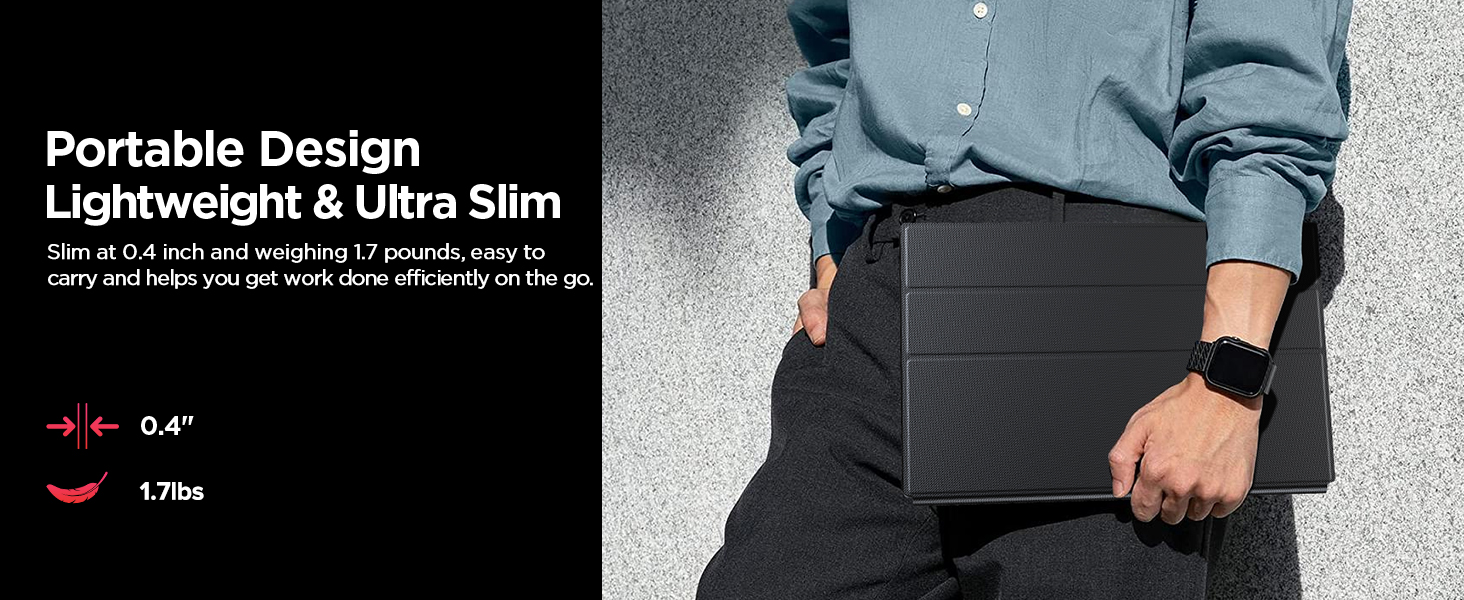
16″ 2K Portable Laptop Monitor: UPERFECT 16 inches portable monitor with 2560 x 1600p resolution, clearer than 1080P; Provide you with a clearer, more realistic and more vivid image for the ultimate experience; Slim at 0.4″ and weighing 1.7lbs, easy to carry and helps you be productive on the go or connect your gaming device to play anytime, anywhere; Four-side ultra-narrow bezel design brings you an immersive visual experience
IPS Matte Screen with 100% sRGB: Compared with ordinary LCD screens, the IPS screen has a wider viewing angle – 178°, higher contrast ratio – 1200:1, wider color gamut – 100% sRGB, color depth – 10 bits/1.07 billion color support; Compared with the glossy screen, the matte screen eliminates the trouble caused by reflection and protects the eyes to a certain extent; Anti-fingerprint, the best choice for obsessive-compulsive disorder (OCD)
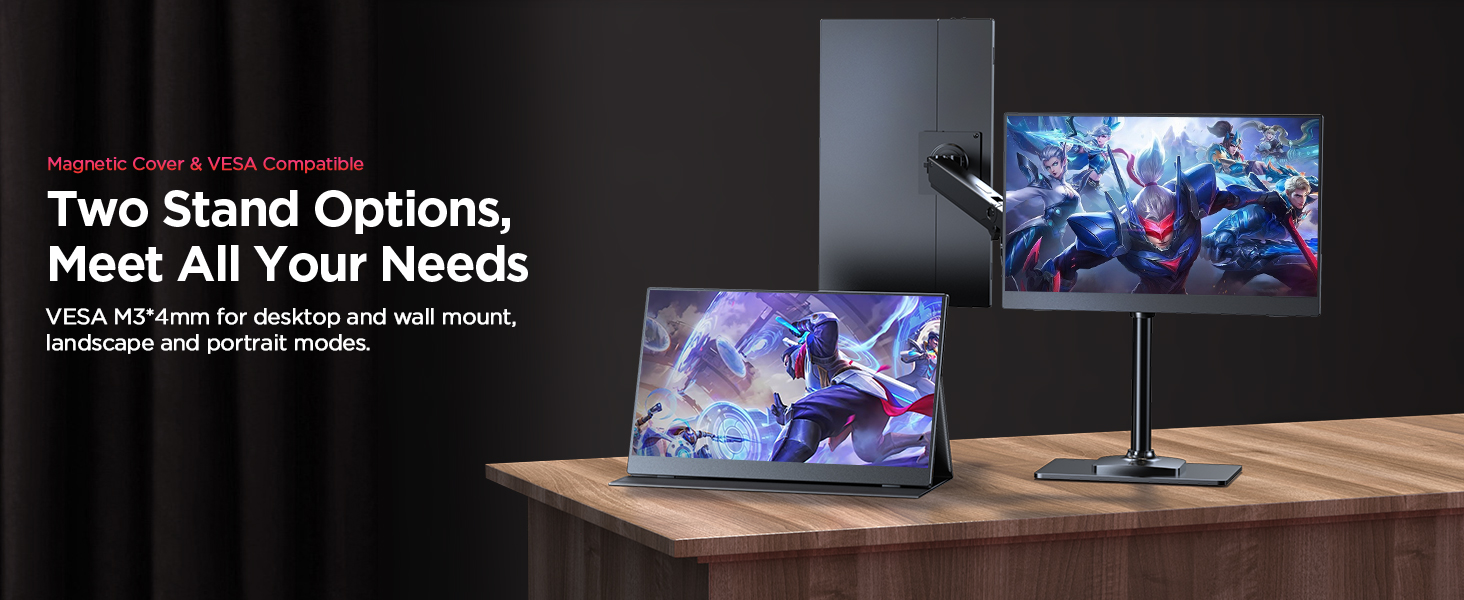
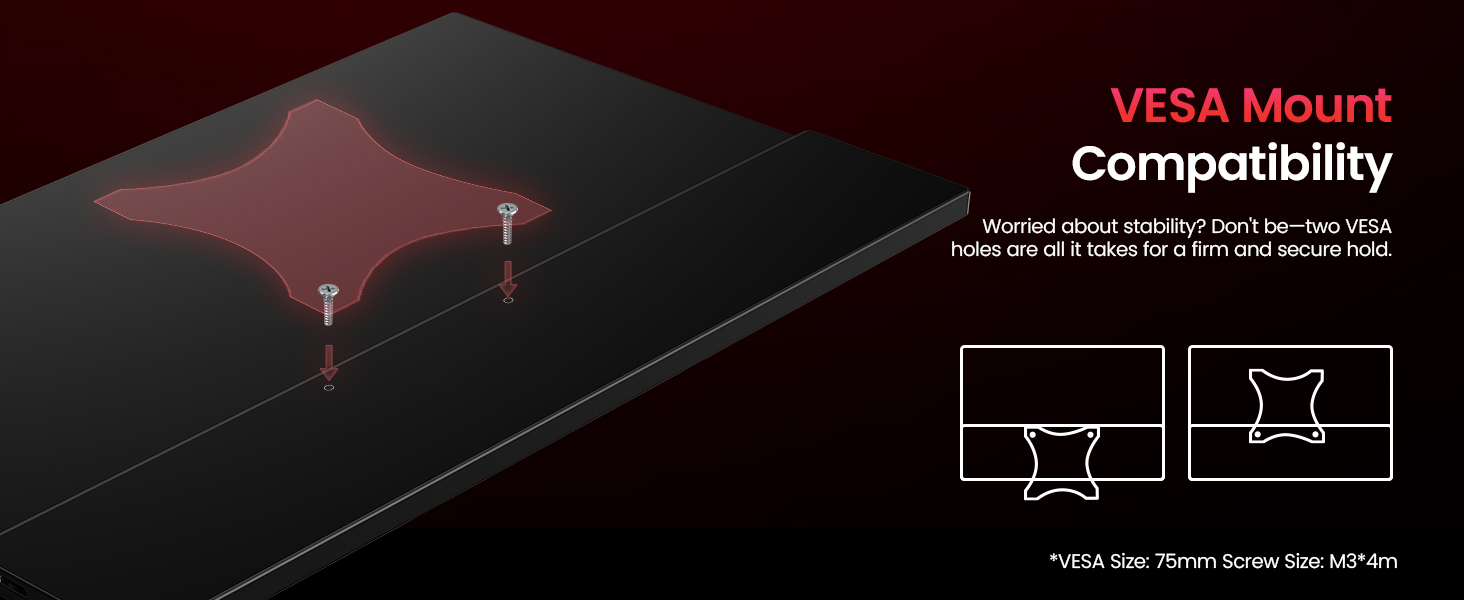
VESA Mountable & Smart Cover: 2 types of stand to meet all your needs; The VESA holes on the back allows you to mount the monitor to a desktop or wall and set it to landscape or portrait mode as needed; The smart case made of PU magnetic material protects the screen from scratches and doubles as a portable stand
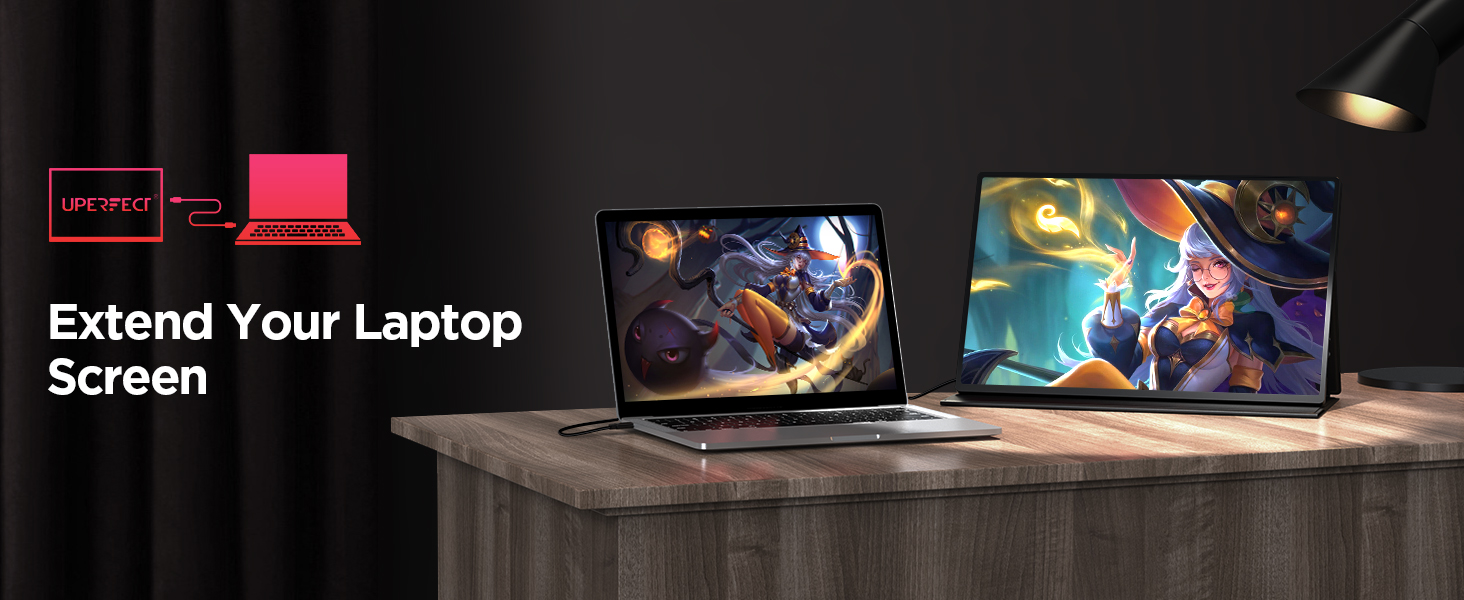
Plug & Play, Wide Compatibility: NO driver needed! Equipped with 2 full-featured USB Type-C ports and 1 Mini HDMI port; Solve the multi-wire winding problem; Easy to connect with game console, Laptop, PC, Tablet, and Phone; Buit-in 2 speakers and 3.5 mm audio jack for better entertainment experience
Customers say
Customers find the portable monitor works seamlessly and appreciate its solid construction and slim design. The display features crisp 2K resolution, vibrant colors, and excellent HDR content, with one customer noting the matte IPS panel delivers vibrant colors without glare. Customers consider it an excellent value for money, with one mentioning it offers 1440p and 144Hz performance at this price point.
7 reviews for UPERFECT 2K 120Hz Portable Gaming Monitor, 16″ 2560×1600 QHD 16:10 400 Nits 10 Bits Portable Monitor for Laptop w/VESA & Cover HDR FreeSync Eye Care External Second Screen for PC Phone Game Console
Add a review
Related Products


Original price was: €190.€146Current price is: €146.
Buyer –
The reviews are accurate
I don’t usually write reviews, but the product was so impressive and the customer support was some of the best I have experienced.I was always hesitant to try the made in china (by unfamiliar brands) displays. While Chinese companies are capable of putting out good displays, there is also a lot of crap out there. Low contrast, low brightness, dead pixels, etc. If you go around with support a couple of rounds eventually you may get a usable monitor but it just doesn’t feel right that you have to serve as QA for the company.This is NOT the case with UPERFECT and I have complete confidence in them, both with their product and with support.First the screen is very nice. 10/10 for my usage. No dead pixels. Uniform lighting. Vibrant colors and very bright. I use the 4k at 100% zoom in win10 and don’t feel any eye strain but for others this may be too small. 150% zoom is probably more like what you are used to with laptop monitors. Some displays crank up the brightness to look impressive but the image quality suffers, but UPERFECT at full brightness is a joy to use. I sometimes lower the brightness a little bit if the room is dark.The monitor has a matte anti-glare screen. The back of the monitor is made of glass and glossy. Not sure how durable it is during travel but I mainly use it around the house when I want to quickly get a 4k display in place or with my headless micro PCs when I occasionally want a real display rather than remote VNC. Used the display a couple of days with micro PCs / laptops and it worked great. Had an 8k HDMI KVM in between so I shared the monitor between two micro PCs. With a KVM If you don’t want windows to resize your desktop to it’s default 1920×1080 or lower suggest getting a EDID HDMI passthrough so windows doesn’t know a display was disconnected when switching between PCs.There are 3 “video” connectors, (mini-HDMI which you can use the included cable to convert to full size HDMI), and 2 USB C connectors which are probably using DisplayPort over USB C but I didn’t verify.Audio gets passed through on all the connections. Audio is not going to super loud because the power alloted to the speakers is not high but it wasn’t annoyingly low volume.The monitor gets power from the USB C connections, either through the included 30W PD power adapter or your laptop’s USB C connection/power adapter.My older 7th Gen HP Spectre x360’s thunderbolt3 USB C ports would only supply up to 5V at 1.5A (7.5W) so the monitor would go to low power mode (reduced brightness and audio volume) if I had used a single USB C connection from the laptop to the display. It would still work, just not as bright but certainly usable. On the other hand if I supplied USB C power to the monitor first, using a USB C PD power adapter (either the included one or the one from my laptop), then ran a USB C cable as a single cable connection to the laptop, then the monitor would work at full brightness and pseudo-charge your laptop. I say “pseudo” charge because I measured the power supplied to my laptop and it was 20V at .5A so around 10W. This isn’t enough to charge the laptop, just slow down the battery drain. My laptop USB PD adapter was capable of supplying 65W to the monitor so I think the 20V .5A charging limitation to the laptop is just a property of the display.I also measured the power usage of the monitor and it looks like it needs around 20V and .7A to work at full capacity (around 14w). If you have newer USB C ports on your laptop, that can supply 20V .7A via USB PD then you probably won’t get the low power mode when doing the single USB C connection from laptop to display.So for my usage the monitor was awesome. However as some other reviews mentioned, the stand is a little weak. It is magnetically held to the back of the monitor but then when you fold over the flap to create the hinge in the back, there is another magnetic connection. This results if some slop with how steady the stand feels. In particular if my surface wasn’t even and the rubber feet at the bottom edge of the monitor didn’t have good contact, the monitor would start sliding and the viewing angle would change, slowly over time. Also if you want to use the monitor in portrait mode, it is pretty inconvenient. On one side of the display you have the USB C and hdmi connectors, so that side cannot face the table. On the other side you have the jog stick jutting out. Neither side has rubber feet to prevent the display from sliding.I contacted support about my concerns and they replied quickly (even on weekends) with a solution that is working well for me. I would say support is top notch from my experience and I have confidence if there are future issues they will be there.UPDATE:I have now tried single USB C connection from 12th Gen LG Gram 14 to the display. It is also in low power mode. Not a huge deal for my usage, but I expected a recent model laptop with PD 3.0 to deliver voltage at 20V which is apparently what the display is looking for. If this feature (single USB C cable connection with display operating at full power) is important to you, it might only be available on some laptops, Macbooks, consoles, and phones. It is very hard to get the PD output specs on laptops to see if the 20V profile is supported. Connecting the power supply to the display first, then connecting a single USB C cable to the laptop works fine.I also found the included USB and HDMI cables a bit short unless you are using the display literally side-by-side with the video source. This is easy to remedy with your own cables.I found for cable management, getting 180 degree USB C and mini HDMI bend around adapters keeps the clutter way down and results in a clean look if you want a more permanent installation. Product from AreMe and AGVEE worked well for me.UPDATE #2:Some people claim this display only does 1080p or that it only does 4k at 30p. I assure you the 4k model does 4k and your problem is with your display card, cables, source device, or misconfiguration.For those who can only get 4k at 30p, this is most likely a limitation of your display adapter or hdmi adapter. Many will only do 4k at 30p over hdmi, but will work at 60p if you use usb c to usb c (displayport alt mode) This is often the case if you are using intel UHD 620/630 builtin graphics adapters.For people who asked about low power mode. It starts brightness at 15, but it will let you increase it until the voltage drops and then it will reboot the display. Usually I can get it to somewhere between 50-60 brightness before it resets. The monitor is very bright natively so even in low power mode it is quite usable. In full power mode brightness is maxed at 100 at startup.As a background my other portable displays are a Viewsonic VP16 OLED at 1080P and a Viewsonic VG1655 IPS at 1080P.
Heather Kraus –
Great product. Exceptional customer service.
About eight years ago, I purchased a Uperfect monitor to use with my old laptop and it lasted for over seven years. It was a high quality product and I never had any problem with it. So, when it came time to purchase an external monitor to use with my new gaming laptop, I immediately checked out Uperfect’s products.This monitor is exactly what I was looking for. Beautiful high quality OLED screen. Good sound and volume – perhaps not the best, but still very good quality for an external monitor. A high enough refresh rate to work with my 4090 GTX custom laptop so I can enjoy my games without any frame rate stutters. Every game I’ve played on it from FF9 with Moguri, Indiana Jones and the Great Circle, RE4, and Lempo looks utterly gorgeous. There’s no better way to describe it than that – gorgeous.Now, I’ll be honest. The first monitor I received from Uperfect had some issues. After a couple weeks, I noticed it would shut down without warning, even when I had it plugged into both my laptop and an external power source. I hoped it was just a fluke, but the problem continued and got worse. So, I reached out to Uperfect about a replacement and they were happy to help. Well, before I could follow through on my end and send back the defective monitor, I found out that my father had an 80% blockage in his heart and needed open heart surgery. The following few months were filled with countless appointments, the eventual surgery, recovery etc. As a result, things like replacing an external monitor fell to the wayside.Once my father was doing better, I started having some free time to game again and tried the defective monitor in the hopes that I could still use it since the 30 return window was long since passed. Unfortunately, new issues arose. After playing for a while, I would experience the green screen of death. I could still hear the sound, but the screen was just a dark green. I had to unplug and plug the monitor back in again to fix the problem. It started happening more often and finally, it was happening after just a few minutes of gaming, essentially rendering the monitor useless.I reached out to Uperfect again and explained the situation – what happened with my father and the fact that the monitor was essentially dead despite it being less than five months old. To my surprise and my delight, they were still willing to help me. I just sent the defective monitor back a few days ago and a new one is on the way. For this reason alone, I believe that Uperfect deserves 5 stars. They make quality products, I just ended up with a lemon, but it’s their willingness to help out, even past the 30 day return window, that sets them apart.You can purchase their products with full confidence that you’re going to get a great product and, on the off chance you get a lemon, they’ll be willing to help out and put their customers first. Five stars across the board for Uperfect!
Nawanit S. –
Works very nicely with my acer predator helios 16 laptop with thunderbolt 4 port. I did have issue with the thunderbolt 3 cable that came with the product but uperfect help me get a new cable that went well with my setup. The screen is a perfect match to be used as extended monitor for me as it has same native resolution as my laptop. Tested HDR content and that works as a charm as well.A little pricey but someone who needs portability this is definitely a good choice.
Chu –
Excelente producto, sustituye a un monitor por completo de manera portatil para necesidades de trabajo remoto en varios sitios, el puerto USB-C requiere computadora Intel i5 de 14 generacion minimo, de otro modo se debe usar el conector mini HDMI a HDMI incluidos.
Amazon Customer –
Does what it says on the tin. The screen is sharp and vibrant and feels smooth. It’s easy to set up. It works well with both my Macbook and Playstation 4. The cables I needed for this were all included.Itâs lightweight and portable. If you use it at home a lot I’d recommend buying a (VESA) stand, but on the go the smart case works as an OK stand.Overall, very happy with the purchase!
Desmond Chng –
The image is very sharp and easy to use. Another screen to my laptop.
David –
El producto funciona bastante bien, llego en buen estado, buen empaque y tambien incluye 3 cables para conectar tus dispositivos entre ellos un cable que va de HDMI a HDMI Mini, lo que lo hace muy util. De momento lo usopara conectar una computadora Mac Mini M2 como segundo monitor, mediante USB-C y va perfecto. Incluso he bajado un poco la resolucion pues a 2K quedan en extremo pequeños los textos y objetos del Sistema, pero funciona muy bien, me falta probar con alguna consola para ver el desempeño en juegos pero puedo decir que para trabajar es excelente. Eso si, la “perilla” para volumen tambien sirve para brillo, lo que en mi caso no viene indicado asi que tarde un poco en dar con la opcion del brillo, pero indudablemente por el costo es una excelente opcion para un monitor portatil.