

4K HDMI to USB 3.0 Type C Video Capture Card 1080P 60FPS Cam Link Capture Adapter Screen Record Device for Streaming, Gaming, Video Conference, Teaching, Live Broadcasting
€27




Price: $26.99
(as of Aug 07, 2025 18:13:21 UTC – Details)
From the brand

USB to HDMI Video Capture Card

4K HDMI to USB 3.0 Type C Video Capture Card 1080P 60FPS

4K HDMI to USB 3.0 Video Capture Card 1080P 60FPS Cam Link Card Game Capture Card Adapter

4K HDMI to USB 2.0 Video Capture Card 1080P Cam Link Card Game Capture Card Adapter
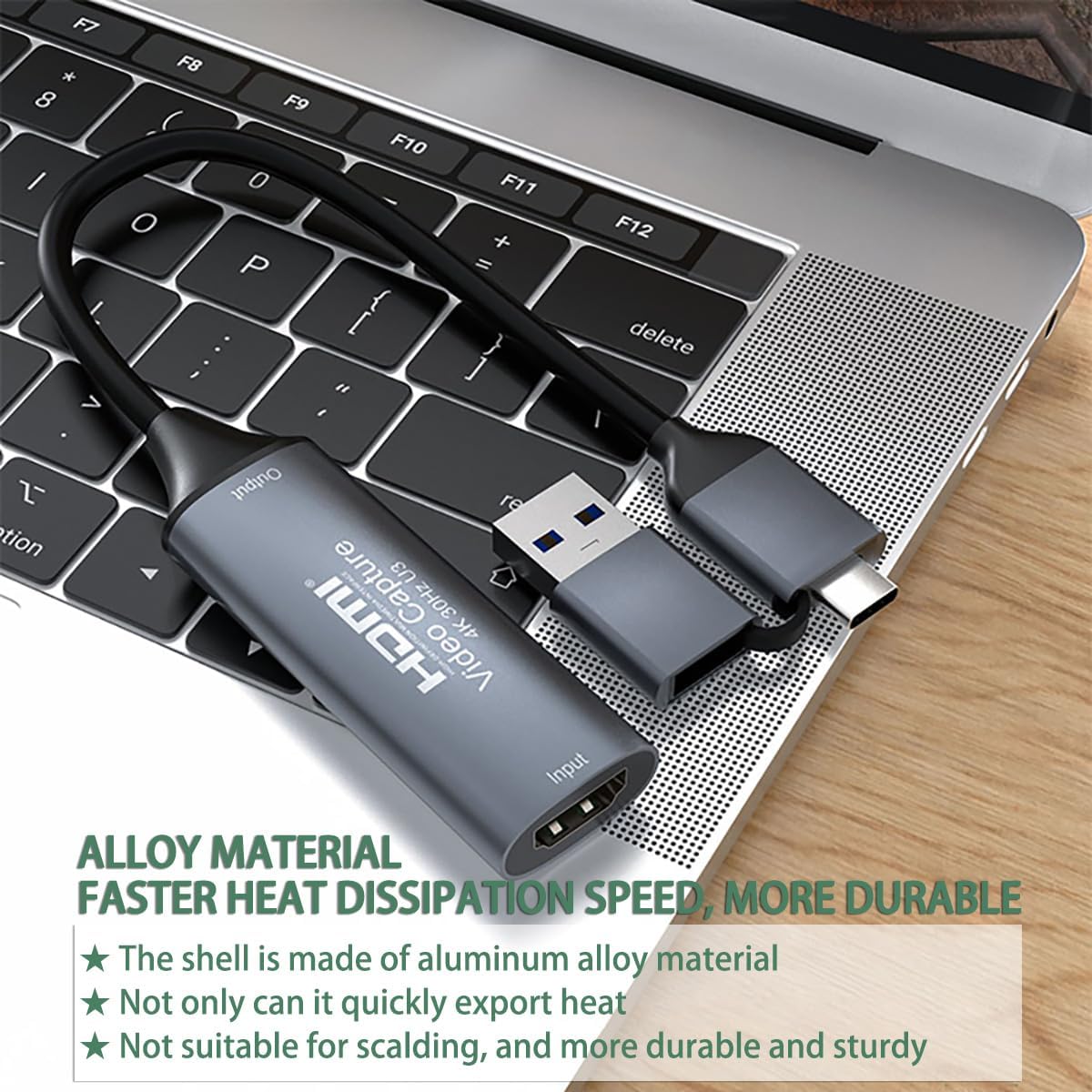
[Real USB3.0 Type C + A 1080P 60Hz uncompressed video capture card] Insert the video capture card into the USB3.0 socket of the PC, adjust the resolution of the captured device to 1080P/4K 16:9 to enjoy clear video recording, gaming live streaming, conference live broadcast. Support HDMI input upto 4K 30FPS and USB3.0 output (capture) upto 1080P 60Hz video and stereo. It is recommended to use OBS studio
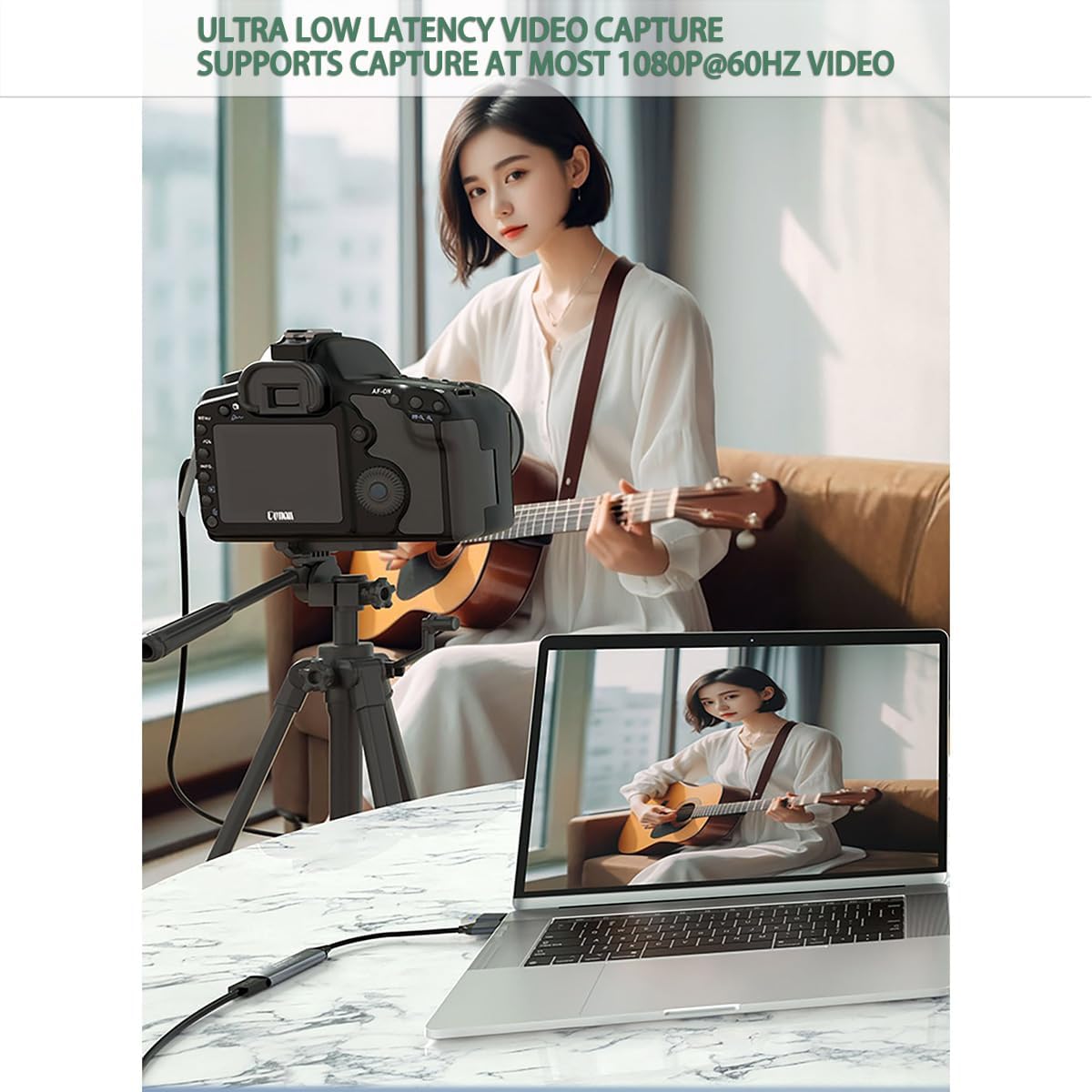
[Real-time preview] Ultra-low latency technology, easy real-time transmission of video streams, real-time preview, direct video recording to hard disk, no compression and no delay
[Multi-purpose, High compatibility] Connect your DSLR, camcorder or action camera to your Windows, MacOS and Linux. Easier for you to have real-time streaming media from Twitch, Youtube, OBS, Zoom, Potplayer and VLC
[Plug and Play] No driver or external power supply, suitable for high-definition acquisition, teaching recoding, Gaming, medical imaging, live streaming, broadcasting live, etc
[100% Satisfaction Guarantee] We provide 24-hour customer service. If you have any questions about this video capture card, please feel free to contact us
Customers say
Customers find the capture card works well with various devices, including Firestick on laptop and GoPro, and appreciate its ease of setup and good value for money. The device receives positive feedback for its build quality, with one customer noting it’s sturdy enough to travel with, and customers like its vibrant colors. While some customers report no issues with lag, others mention some latency. The video quality receives mixed reviews, with some praising it while others note it’s limited to 1080p/30fps, and customers report audio issues including audio transmission failure and audio-video synchronization problems.
9 reviews for 4K HDMI to USB 3.0 Type C Video Capture Card 1080P 60FPS Cam Link Capture Adapter Screen Record Device for Streaming, Gaming, Video Conference, Teaching, Live Broadcasting
Add a review
Related Products


€27
Kim –
Works good. Linux compatible.
Works as it should. Pretty decent video quality.Linux compatible. Worked flawlessly in OpenSuse and OBS. Plug and play.
Jenni Cerutti –
Works great
Works great highly recommended and is 1/3 the price of an El Gato.
Amazon Customer –
3 years of flawless performance, then minor issues
For 99% of people, this is all you need. Don’t pay extra for the name-brand Elgato stuff.I used this daily for multiple hours of video calls on my Sony A5100. Never had a single issue.Sadly, after about 3 years of constant use, it started to do odd things. I’d join a Zoom call, and instead of the video appearing instantly, it’d show a SMPTE color bars test pattern (as it does when there is no HDMI feed). Then after a few seconds, the video would show up. This always happened upon joining a call, and sometimes a second time a few seconds after the first “glitch”. No bueno for me as an IT consultant – where I’m supposed to be helping the caller with _their_ technology problems LOL.I probably could have gotten by, but it was annoying and was a bit jarring for the others in my video call, so I finally gave it up. I went with the Elgato CamLink 4k just to see what it was like. The cheap one I’m reviewing is honestly just as good. I guess I’ll know in 3 more years if Elgato was worth 4x the price.There is a non-zero chance that this issue was the fault of a Windows Update and not the device. YMMV.Regardless, I recommend this device to anyone. I will still find a use for it, just not in my mission-critical video call apparatus.
Nathan –
Works great!
Iâve used this to create a second monitor out of my iPad Pro 12.9â and either of my laptops I carry with me. I usually carry two different laptops along with my iPad and all work with this for making a second screen easily on the fly when needed!I love that no proprietary software was needed for this purpose either. Practically any software you can find will do. On my computer, OBS also worked so I was able to record a screen from another computer. The iPad has various apps you can use for this purpose too.
K.L. –
Excellent product
We have a bunch of old VCR tapes recorded by loved ones who are no longer with us. Because of the sheer volume, it wasn’t economical to send them off for processing, so they were just sitting around. Time to act before they are lost completely. We have an old but usable VCR and the necessary Video to HDMI converter but needed a video capture card. Voila! Works great. It took a little trial and error to find the right configuration, but the hardware is very inexpensive. If you have been putting off digitizing family memories, don’t wait. It’s not that difficult.
Thomas Olive –
I shoulda known
I had read reviews saying the knock-offs of industry standard “thecat” (think Spanish) card were hit and miss. Mine was a foul ball.I connected a brand new mirco hdmi to hdmi adapter to my Lumix G7 camera and the other end to the capture card, finally connecting it using the connector it came with straight into my relatively new 3.0 usb card in my pc. I opened my software and found it was instantaneously recognized and had an image. While spending time making image adjustments I realized my screen went black. Even though my software recognized a usb capture device was connected, nothing I did brought the image back. Sure…I might have been the cords or even the connection to the camera. But my bet is on the capture card since it seems to have been an issue with others.My wife keeps telling me you get what you pay for. Someday, I’ll listen.I’ll try something else. If I end up with the same problem, then I’ll retract this review. In the meantime, I’m sending this back.
Erin –
Works good for simple capture but not for gaming.
I purchased this so I could play my Switch through OBS. It works well for capturing game play but not very well for actually gaming through it. There is a significant amount of lag but not when playing back any captured footage and the video quality is the same as the output for the dock.
Steve McCormick –
Woks great
Works great. No issues
Kindle Customer –
The description said USB 3.0. However, the technical specs indicated that it is USB 2.0Works fine though.