
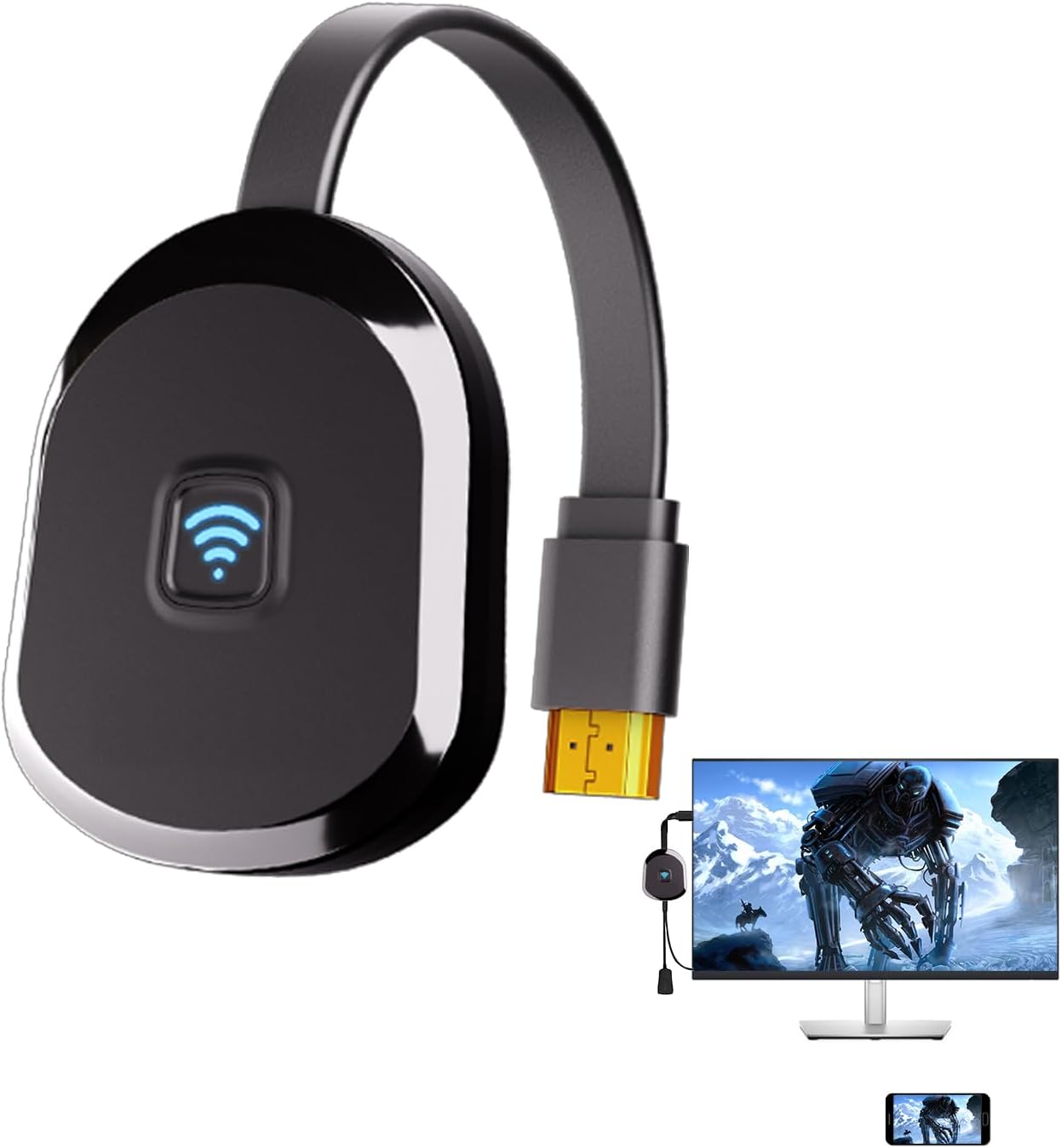
4K Wireless HDMI Display Adapter,TV Adapter for The APP YouTube,for i-Phone, i-Pad, Android, Tablet, Laptop,Window to HDTV/Monitor/Projector, Compatible Miracast, AirPlay, DLNA
€50



Price: $49.99
(as of Jul 28, 2025 08:09:05 UTC – Details)
Product Description

Physical Setup:
1.Connect the dongle to the TV’s HDMI port.
2.Connect the dongle’s USB cable to the TV’s USB port or a USB power block.
3.Turn on the TV and set the input to the dongle’s HDMI port.
4.Make sure the device’s black main screen appears on the TV.
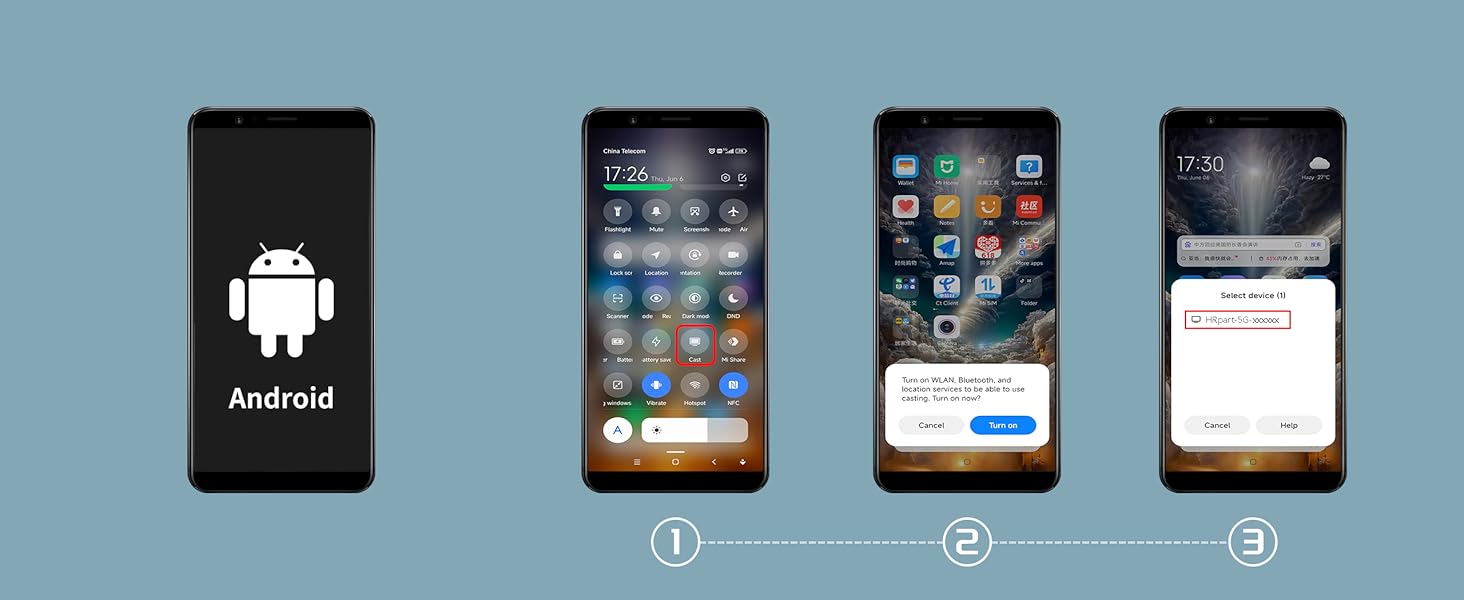
Android System Mirroring
1.Confirm that the device’s black main screen appears on the TV.
2.In the “Cast ” function, select the ‘HRpart-5G-XXXXX’ device, wait for a few seconds, and the phone screen will automatically appear on the TV after a successful connection.
iOS System Mirroring
1.Go to Settings > Wi-Fi > OTHER NETWORKS > select “HRpart-5G-XXXXX” and enter the password “1234”
2.Tap “Screen Mirroring” > choose “HRpart-5G-XXXXX”
Note: Android systems can use the mirroring function while connected to home Wi-Fi, but Apple devices need to have phone data enabled to use the mirroring function.
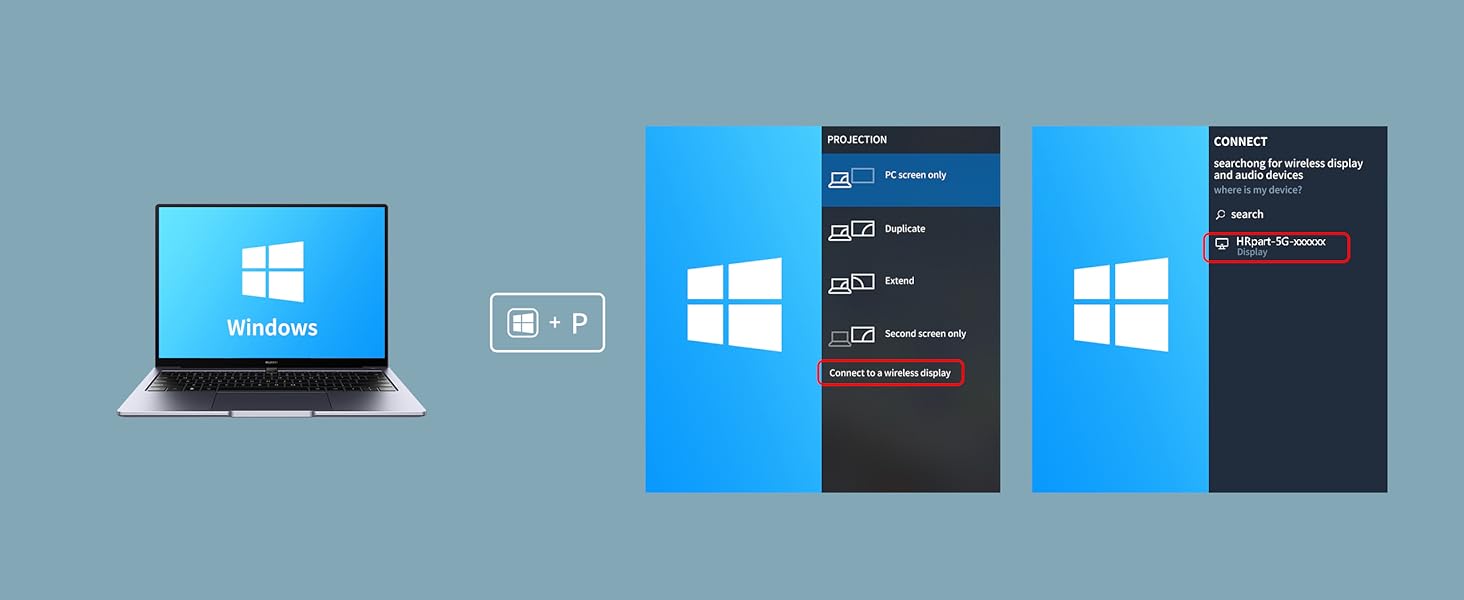
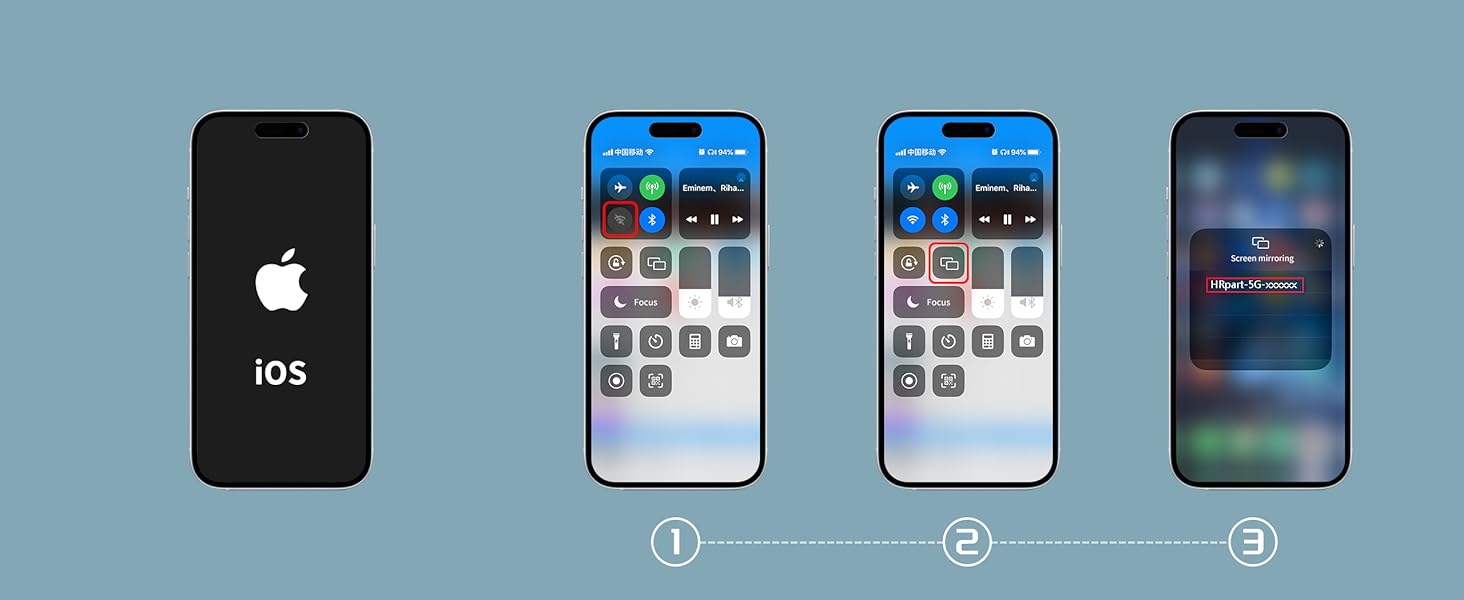
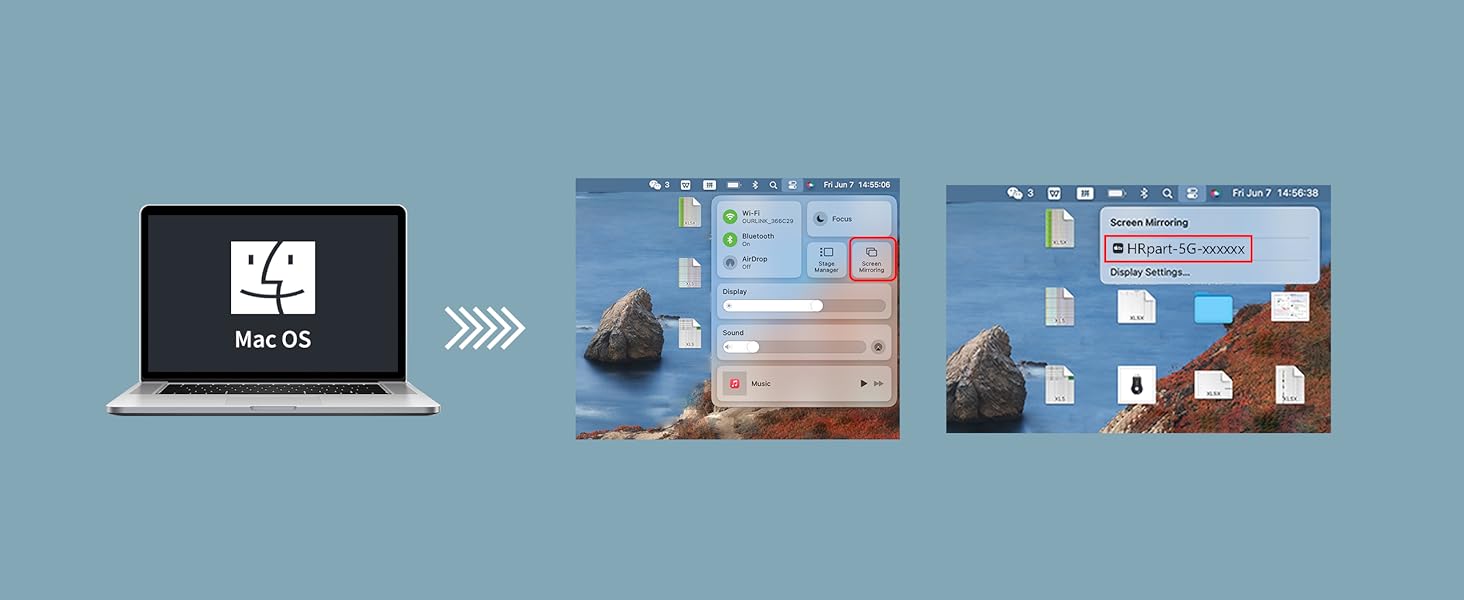
1 Android Connect
2 Windows Connect
3 i-OS Connect
4 M-AC OS Connect
To set up DLNA, you first need to establish a network connection between the device and the router. For specific steps, please refer to Section B.5 (5.1 to 5.2) of the instruction manual.
Question:
How to use DLNA functionality on Android and iOS phones
Answer:
Open the audio and video app on your phone, select the program source you want to play, and after it starts playing, tap the DLNA/Airplay screen casting button in the top right corner of the video. Search for “HRpart-5G-XXXXX” and tap on it to start using DLNA/Airplay playback.
Note:
1.In DLNA mode, all you need to do is set up the network for the first time. After that, it will automatically connect to the WiFi you initially connected to whenever you turn it on.
2.If you have already established a network connection between the device and the router but cannot find “HRpart-5G-XXXXX” on your mobile device, you need to check if your router’s name contains special characters such as spaces.
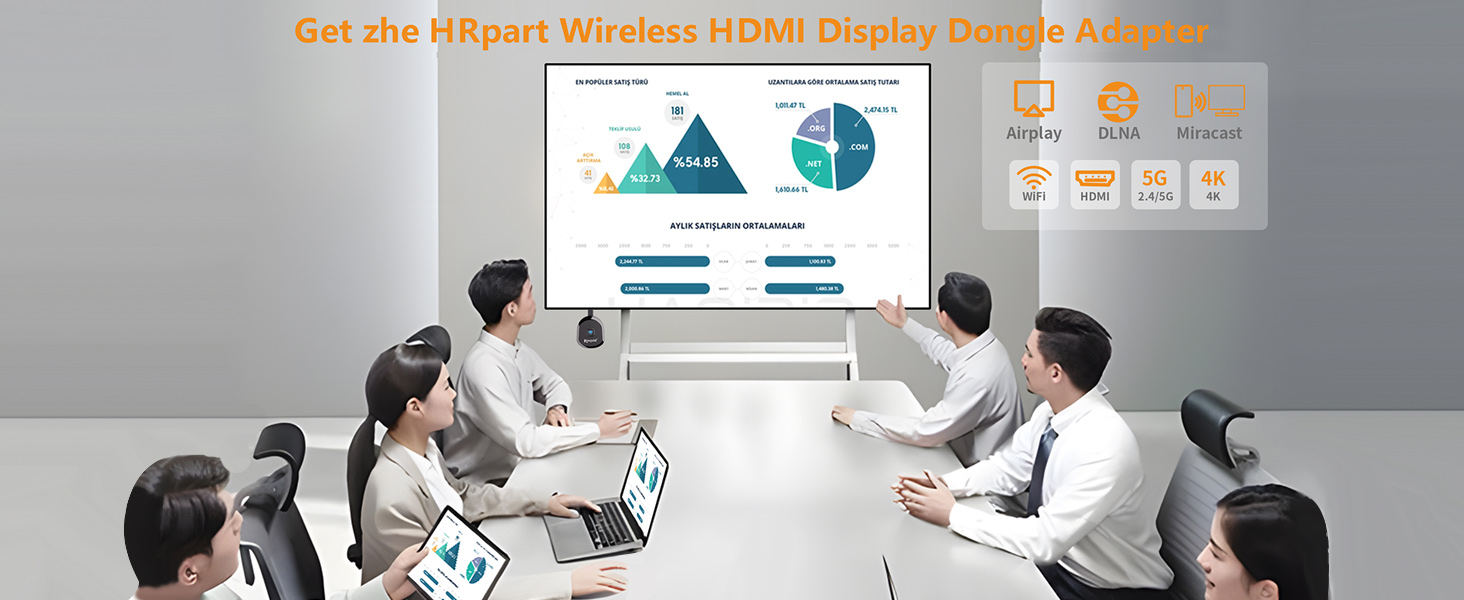
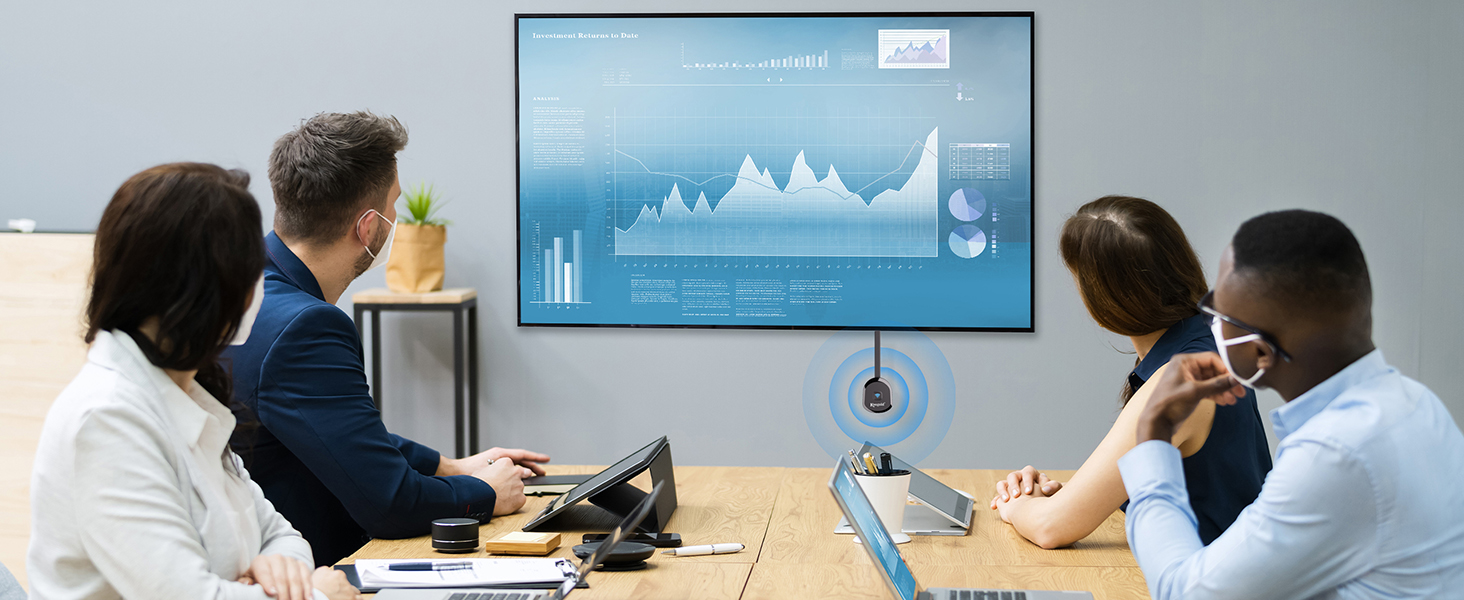
Why choose the HRpart wireless display adapter/receiver?It will allow you to view audio, video, office documents and more from a small to a large screen without the need for long and messy cables. Share your file content, photos, videos on any TV, monitor, projector with HDMI port, perfect for presentations, meetings, exhibitions, etc.
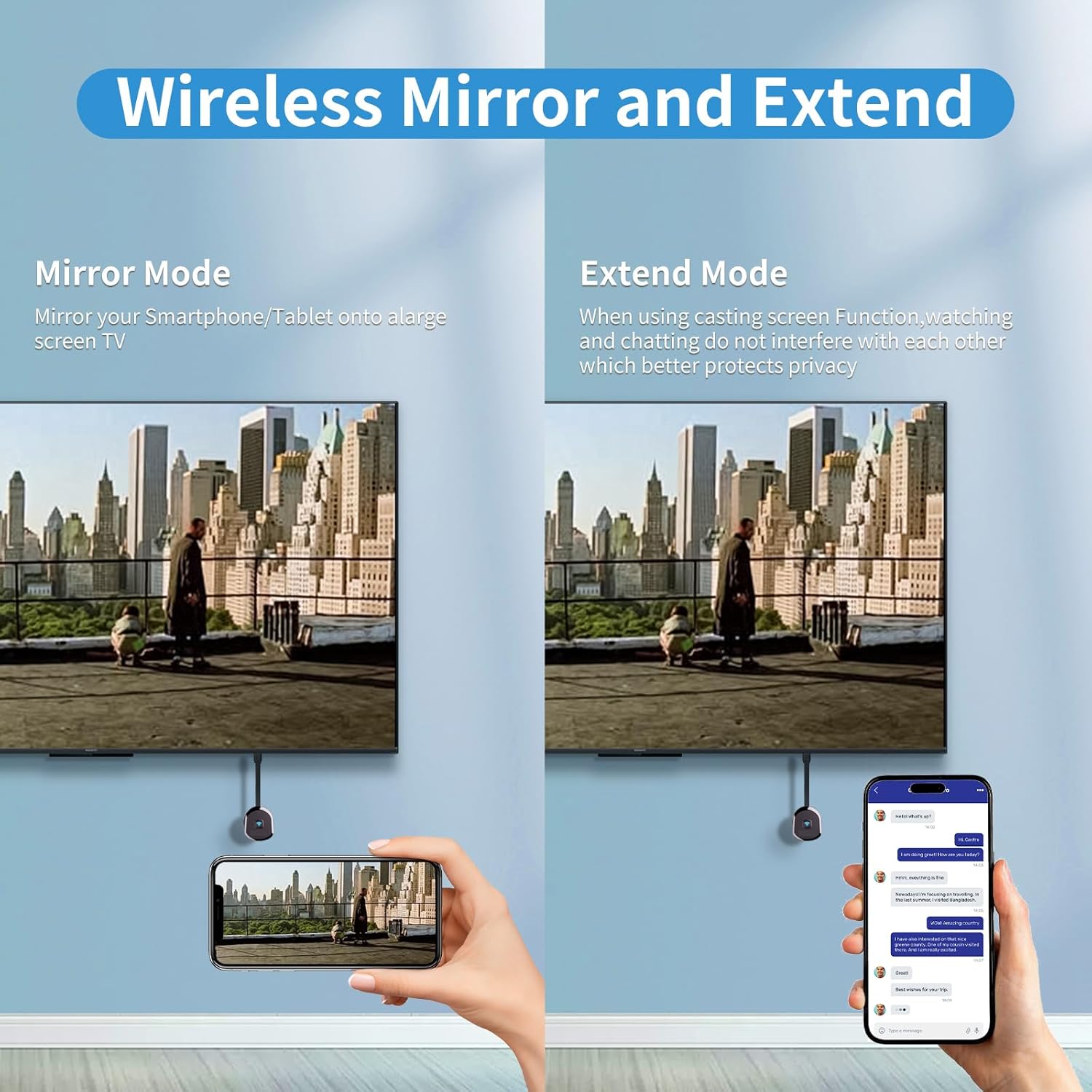
Two Casting Modes:Direct and DLNA mode,versatility with two casting options. The Direct Mirror mode is ideal for users on iOS and Mac OS, providing seamless streaming. For a more reliable and prolonged streaming experience, utilize the DLNA mode with your router network.
Wireless and Easy to Connect: No need to download any apps or use Bluetooth; simply plug the wireless HDMI adapter into your TV and power it through the TV’s USB port (5V/2A). Your TV screen will display the operation details.
2.4G & 5G Dual Band: Our HDMI wireless adapter operates on both 2.4G and 5G frequencies, providing smoother and faster streaming. Whether you’re delivering an important presentation, enjoying your favorite movie, or participating in a video conference, the adapter ensures a stable, high-speed connection, keeping you connected and boosting your productivity in any situation.
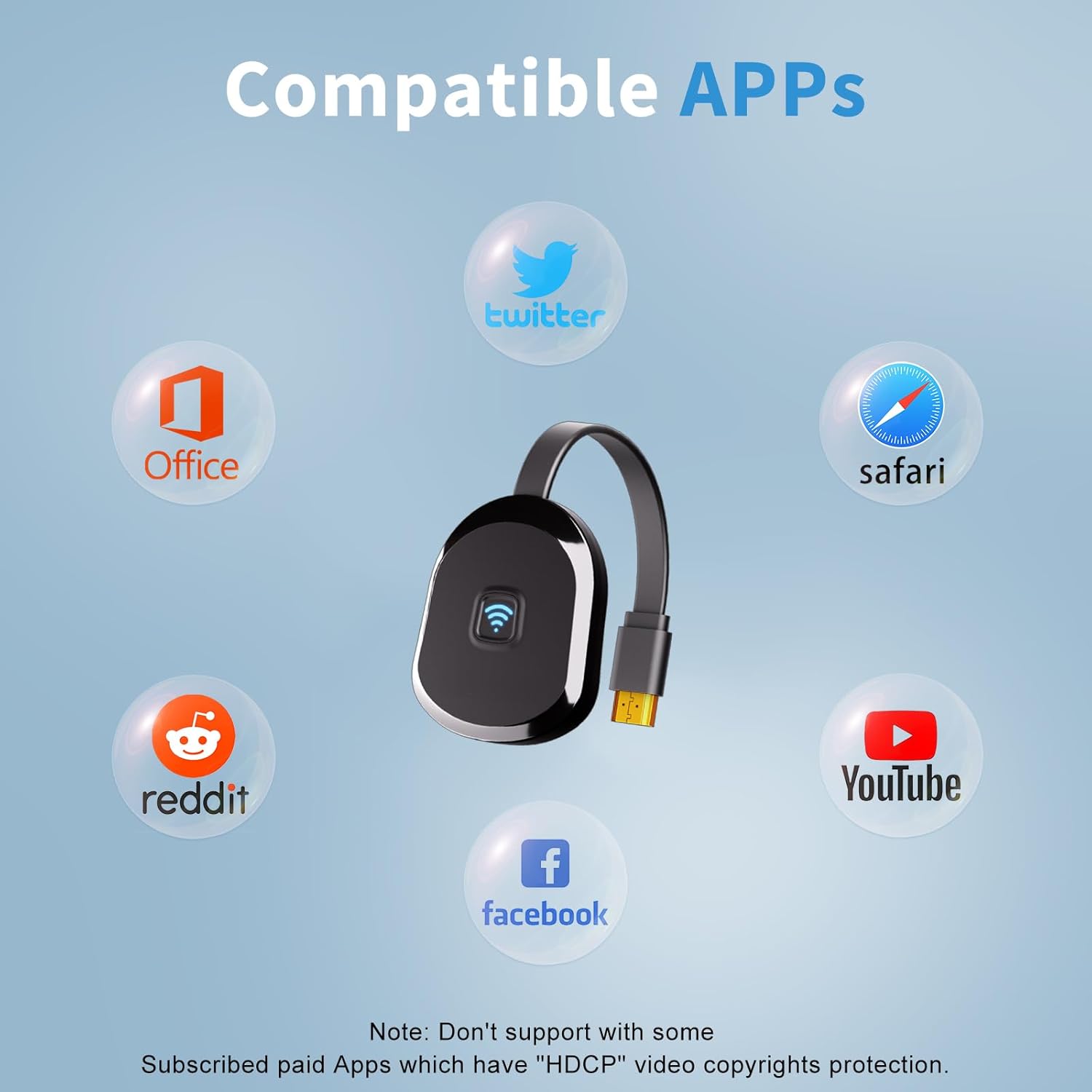
Note:don’t support with some Subscribed paid Apps which have “HDCP” video copyrights protection like Netflix,Amazon prime videos,Hulu,Comcast tv,BT Sport,etc
8 reviews for 4K Wireless HDMI Display Adapter,TV Adapter for The APP YouTube,for i-Phone, i-Pad, Android, Tablet, Laptop,Window to HDTV/Monitor/Projector, Compatible Miracast, AirPlay, DLNA
Add a review
Related Products


€50
CK –
Works decently
So we have an older TV and chrome cast is a bit expensive, so got this and it works decently. All I do is switch it to smart view and it now cast from my phone to the TV. It works well with my galaxy s23 plus
Steve L. –
Suports both Apple Airplay and Android Miracast in one device
In my search for an all-in-one wireless mirroring adapter, I discovered this product. Upon receiving the product, I encountered an operational issue and promptly contacted the support staff to report it. The support team responded promptly and dispatched a replacement. I am pleased to inform you that the replacement product functioned flawlessly.The package included a dongle with a compact 4-inch HDMI connector, a power cable featuring an integrated external antenna, and a concise userâs manual. The dongle supports both Apple Airplay and Android Miracast simultaneously. It incorporates a Micro USB port for the power cable, which also includes an external antenna. This cable is approximately 18 inches long, which proves to be a highly useful feature. My HDMi port is situated near the center of my 65-inch HDTV, necessitating this additional length to enable wireless signal transmission beyond the TVâs rear wall, where the dongle is positioned. The USB-A connector is connected to the back of my HDTVâs USB port. Most contemporary HDTVs feature a USB port on the rear; otherwise, you will need to locate a power source that supports 5V 2.1A to power the dongle.The dongle supports both Apple Airplay and Android Miracast. A user-friendly connection screen provides detailed instructions on mirroring mobile devices to the HDTV screen. The wireless mirroring ID starts with âHRpart-â and the Airplay pin code is â1234.â I have successfully tested Apple Airplay on my iPad Pro 12.9-inch M2 6th Gen and iPad Pro 12.9-inch 3rd Gen without encountering any issues. Similarly, I have tested Android Miracast with my Samsung S23 Ultra smartphone in both portrait (vertical) and landscape (horizontal) modes without any difficulties. Miracast did not need a pincode. This compact dongle is ideal for supporting both Airplay and Miracast on a single device.Finally, I would like to express my sincere gratitude to the support staff for their exceptional responsiveness in addressing the hardware issue. Their patience and willingness to collaborate with me have been instrumental in securing a functional product. While I acknowledge that unforeseen challenges may arise from software, hardware, or even document errors, the support staffâs ability to mitigate these issues has significantly reduced my frustration and fostered a positive outlook. Based on my personal experience with this product and the support staffâs responsiveness, I highly recommend this product.
Charles Berndt –
Family drama watching upgrade
This wireless HDMI adapter is equipped with the old TV at home, so you can watch TV series with just one shot on your phone, which greatly improves the experience. The picture quality is great. YouTube and video apps are all 4K clear pictures without lag. It can be used by connecting the power supply, and the child can also operate it, which is really worry-free. I no longer have to stare at the screen of my small mobile phone to watch the show. After dinner, the whole family stayed on the sofa to watch the show, and felt full of happiness.
ColemanRayOwsley –
Conference display
I am a company lecturer and it is very convenient to use this wireless HDMI screen projector for PPT demonstrations. After plugging in the HDMI port of the TV or projector, you can connect to the laptop or mobile phone in a few steps without installing an additional APP. Supports AirPlay and Miracast, and has good compatibility. The demo video and animation are not stuck, and the 4K picture quality is clear and smooth. Colleagues can quickly switch equipment when displaying information in turn, which is very efficient. Small and lightweight, and there is no burden on business trips.
Fahad –
Not working
Not working unfortunatelyâ¦
Joe –
Easy Setup and Reliable Performance
The setup of this 4K Wireless HDMI Display Adapter was simple. I just plugged it into a power source, connected to my device via Miracast and AirPlay, and soon I was watching YouTube videos on my HDTV. It is compatible with a wide range of devices, including iPhones, iPads, Android tablets, laptops, and Windows PCs, making it super versatile. The picture quality was clear and smooth, and the connection was stable during use.
Be Grateful –
HDMI adapter
I was looking for a HDMI adapter for my laptop to miracast onto the TV screen to allow for a wider audience to teach some concepts from my laptop. This was the perfect solution. Very easy to use, just plug and play. Works seamlessly with Android and iDevices as well as my laptop. The view is crisp and clear and there is no blurring or latency in the display. Very happy to have found this product and I highly recommend it.
Crystal Lee –
Easy to connect from my most od my device to my TV
I recently purchased the 4K Wireless HDMI Display Adapter, and it has completely transformed my viewing experience. Setting it up was a breezeâI simply plugged it into my TV and followed the prompt to connect my devices.This adapter is incredibly versatile, easily connecting my iPhone, iPad, Android tablet, and even my laptop to the HDTV, monitor, or projector. The compatibility with Miracast, AirPlay, and DLNA means I can stream my favorite apps like YouTube without any hassle.The picture quality is impressive, with true 4K resolution that brings videos to life. Syncing my devices has never been easier; it connects seamlessly every time without any annoying lag or disconnections. If you’re looking for a reliable and user-friendly wireless display solution, I highly recommend this adapter!