

Anker PowerConf Speakerphone, Zoom Certified Conference Speaker with 6 Mics, 360° Enhanced Voice Pickup, 24H Call Time, Bluetooth 5.3, USB C, Compatible with Leading Platforms for Personal Workspaces
€130

Price: $129.99
(as of Aug 09, 2025 00:36:49 UTC – Details)
From the brand


AnkerWork, an official sub-brand of Anker, equips you with the tools you need to succeed. With innovative solutions like VoiceRadar, VoiceShield, MagicSight, and TrueLink, you can grab the opportunity to achieve your full potential.
AnkerWork S600
Top Recommended
Webcam
Speakerphone
Headphone

360° Coverage: 6 microphones arranged in a 360° array pick up voices from all directions to instantly transform any space at home or the office into a meeting room.
Smart Voice Enhancement: PowerConf Bluetooth speakerphone utilizes a custom DSP algorithm to optimize your voice in real-time and effectively reduce background noises.
Optimized Clarity and Volume: Your voice is automatically balanced to make up for differences in volume and distance from the Bluetooth speakerphone.
Perfect For Home Offices: Connect to your phone via Bluetooth or to your computer with a USB-C cable—without needing to install drivers. PowerConf Bluetooth speakerphone is Zoom certified and is compatible with all popular online conferencing platforms.
9 reviews for Anker PowerConf Speakerphone, Zoom Certified Conference Speaker with 6 Mics, 360° Enhanced Voice Pickup, 24H Call Time, Bluetooth 5.3, USB C, Compatible with Leading Platforms for Personal Workspaces
Add a review
Related Products


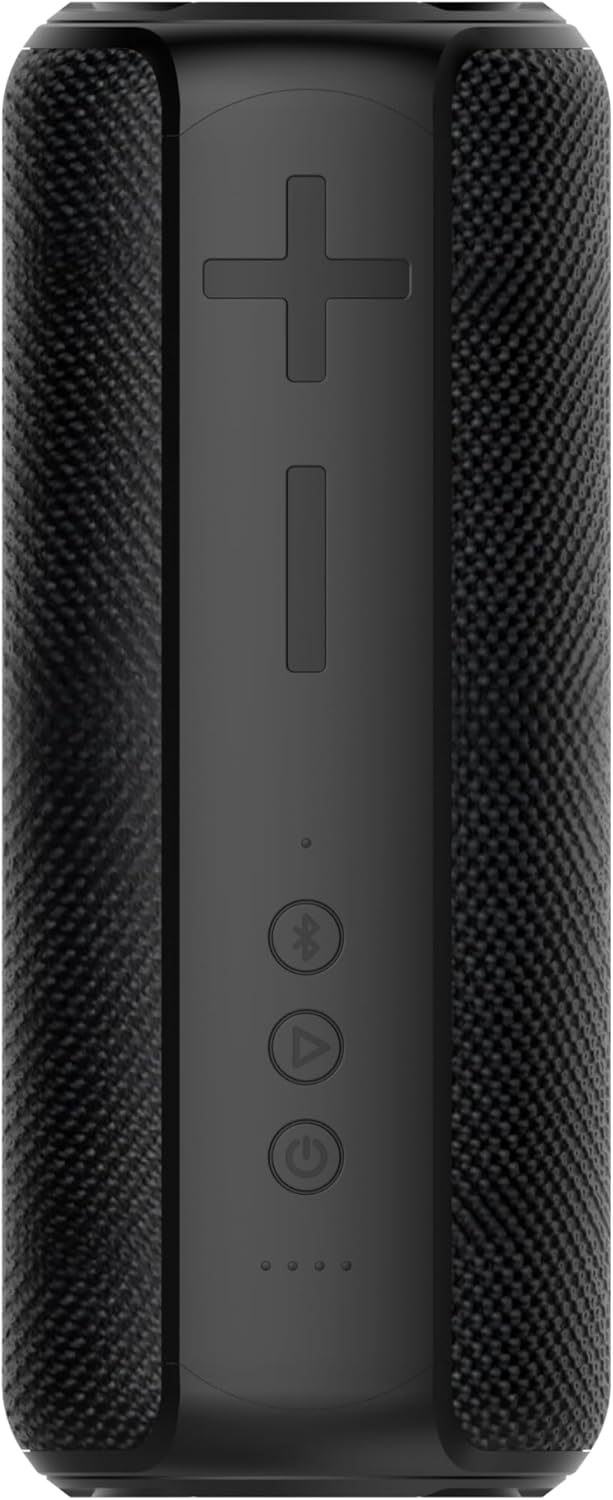

€130
Josie Jo –
Quality, and quick and easy to use. I LOVE IT.
The IT team at my job recommended this speaker for meetings. It was expensive so I was reluctant but I did pretty good research and this one really was the best option as far as features and functionality, and Iâd rather pay the money and have that than pay less and have less.Anyways, I LOVE THIS SPEAKER. I take a lot of conference calls and meetings and sometimes my headset would act up leaving me frantically trying to get my laptop to be my main source of speaker/mic which was a pain.Once you Bluetooth this to your ur laptop, anytime you turn it on it automatically connects immediately which I love. The sound quality is great. I love the ease of tapping the mute button in the middle. You just tap is so lightly and it goes on and off. That way I can stay unmuted on the meeting software while still being able to use mute quickly off and on as needed.I have a noise machine in my office that sounds like a waterfall, and I asked the team if they could hear background noise or my noise machine and they couldnât hear it at all.Itâs got a great and sturdy case the keeps it protected and easy to bring with me on the go or put into my drawer without it getting banged up.The weight of it is pretty good, you can tell it is a quality speaker.Honestly, I was going to expense this to my company and one of my bosses didnât understand why I wanted a speaker (I tried out the one the IT team had before buying my own)⦠needless to say I purchased it on my own out of spite because it is an excellent speaker and so convenient⦠and heâs seen it being used and thinks itâs cool and guess what Iâm not sharing and this one has my name on it. Maybe he will get one to expense out now lol ðSpend the money, get the quality speaker! ð
JCL –
Fantastic Microphone for Conference Calls
Bought this for a conference call I have once/month with some people in person and others on Google Meet.What an amazing difference between the quality of this unit and the laptop microphone. The laptop was being used as the only microphone in the conference room so I couldn’t hear well when online.This unit picks up everybody in the room very clearly. It is so clear that Google Meets will do closed captioning and it is correct most of the time. Last week I was on the monthly meeting and the voices were not being picked up properly. Come to find out they didn’t connect it to the laptop they were using. It won’t work unless it is connected, DUH!It is easy to connect to any computer. I bought it and sent it to the people in the conference room and they were able to hook it up with no problem. They are computer illiterate as evidenced by the last meeting, not hooking it up to the laptop they used.
94Q45T –
Solid conference speaker at a good price
The Anker speakerphone has a nice heft, quality feel and a rubber ring around the base; and it gives every indication of having a long battery life per charge. The center panel contains controls for answer/end, volume, forward (for media), and mute. A light ring surrounds this and indicates which of the six mics is active plus Bluetooth pairing, and mute status. The top has an attractive pattern of holes, underneath which is a high quality speaker. A contrasting color ring around the middle contains the 6 mics, front panel controls for on/off and Bluetooth pairing plus an indicator light for each. The rear panel has jacks for USB power out, aux out (3.5mm), and USB-C for charging and maybe other functions I havenât discovered yet.Sound quality is excellent with enough volume to cover a reasonably sized conference room. Power up and pairing happen very quickly, almost as fast is using the mobile phone speaker function. Weâve had no complaints from callers about our voice clarity or quality so assume it must be decent. Itâs speakerphone is a handy size, about 5X5 and comes with a carrying case making it a solid choice for on-the-go use.
MinnesotaDrew –
Decent for this price point
I am pretty happy with this unit, mainly for what I got at a decent price. At our office we have several of the Jabra 410 and I had a 510 on my wish list for a long time but they are usually over $150 dollars. This is cheaper and almost as good for most intents and purposes, just has a few buggy flukey things I don’t like.I have been happy with the sound quality from the speaker and people seem to hear me just fine, even with an air conditioner running in the background or the speaker sitting next to my laptop on a cooling pad with a slightly noisy/humming fan. It does seem to have legit noise cancellation technology at work. The signal processing that cuts out that kind of background noise also drops the fidelity of my voice just a smidge but not in an offensive way, and I’d rather have my voice sound a little processed than have people hear a humm or buzzing of AC in the background.Bluetooth is easy to pair and USB-C is plug and play with windows 10.As another reviewer noted, the volume steps are kinda large and the lowest volume setting is still quite loud. You cannot fine tune it on your device as others have said. I’m OK with it as is still. The speaker can get very loud and has decent enough bass for some light music listening, but that would never be considered its primary purpose. One thing I recently found that I really don’t like is that the unit will automatically un-mute audio on a windows 10 PC, that is frustrating. I suppose they are trying to idiot-proof things but if I hit the audio mute I want it to stick, this thing will unmute the computer audio repeatedly.Touch controls are just ok, some of the competition is the same way. There is no feedback without physical buttons but oh well. I think its a little wicked how they put all the controls so close together with them being non-physical buttons, pretty easy to hit the hang-up button while trying to go for the mute it seems like, but then again the hang up button only seems to work for phones and not for PC (not for Microsoft Teams, anyway) so weirdly enough mostly a non-issue for me.I haven’t tried it with a group of people yet.There is an app which had a firmware update, the update added options for a single user mode or a multi-user mode. I complained about this on their support forums because there is no hardware controls for this, it can only be toggled in the app so those using the speaker with a computer still need to download app and pair their phone to check and set that setting. There is also no way to tell on the device itself which mode it is in. My concern is that I would accidentally have it in single user mode and try to use it with a group on my computer, and then have it be cutting people out. Not really a concern if you are always using this device the same way but I bounce back and forth so I just leave it in multi-user mode even when using it by myself. I don’t get whatever benefits single-user mode should provide but oh well.Build quality is good, fit and finish is good, looks professional. A nice tool in the bag for a young professional but if you can snag a Jabra 510 for close to the same price, the Jabra is all around a better product.
Kevin Y. –
Great product especially during current ‘WFH’ environment.
Ivan –
Práctico para trabajar desde casa. Todos me escuchan perfecto.
Jacobin –
Having bought a conference phone during covid for working from home I always had issues. Ending up on the headset most of the day. However upgrading to the Anker is a revelation, it works with MS teams with no issues and people tell me the sound quality is great and I can certainly hear call my end perfectly. It seems very well constructed with a high quality feel. It was on offer when I bought so very happy with the price and usual quick and easy delivery. So 5 stars for me. Great improvement for my home office and used 4-5 hours a day now.
Hani Idriss –
Perfect
S. Boer –
I absolutely love the build quality, but that doesn’t take away the fact that it’s not doing what I need it to do: have a normal Teams conversation with 2+ people at my side “of the table”.1) somehow a persisting lag is introduced between video and sound.2) the mics pic up way to much low frequency sounds (according to multiple people at the “receiving end” in multiple calls), making it hard to actually hear what is being said.