

ASUS RT-AXE7800 Tri-band WiFi 6E (802.11ax) Router, 6GHz Band, ASUS Safe Browsing, Upgraded Network Security, Instant Guard, Built-in VPN Features, Parental Controls, 2.5G Port, AiMesh Support
Original price was: €280.€230Current price is: €230.




Price: $279.99 - $229.99
(as of Jul 26, 2025 16:11:37 UTC – Details)
Explore ultimate technology with the ASUS RT-AXE7800 tri-band WiFi 6E router. Its breakthrough performance of up to 7800 Mbps WiFi speed can meet and exceed your internet needs, with comprehensive network protection provided by advanced ASUS security tech. Gear up for ultrafast connectivity!Disclaimer: Actual data throughput and WiFi coverage will vary from network conditions and environmental factors, including the volume of network traffic, building material and construction, and network overhead, result in lower actual data throughput and wireless coverage.
Ultra-fast WiFi 6E Technology – The whole-new 6 GHz band dramatically increases network capacity, delivering higher WiFi performance and more stable connectivity with speeds up to 7800 Mbps.
One-Tap Safe Browsing – Block undesirable content with Asus Safe Browsing, and protect your kids online by filtering explicit content from search results.
Enhanced Security Anywhere – Protect your home network with a free lifetime subscription to AiProtection Pro, powered by Trend Micro. And when away from home, Asus Instant Guard gives you a one-click sharable secure VPN.
Free Parental Controls – More flexible customizations to protect your kids online.
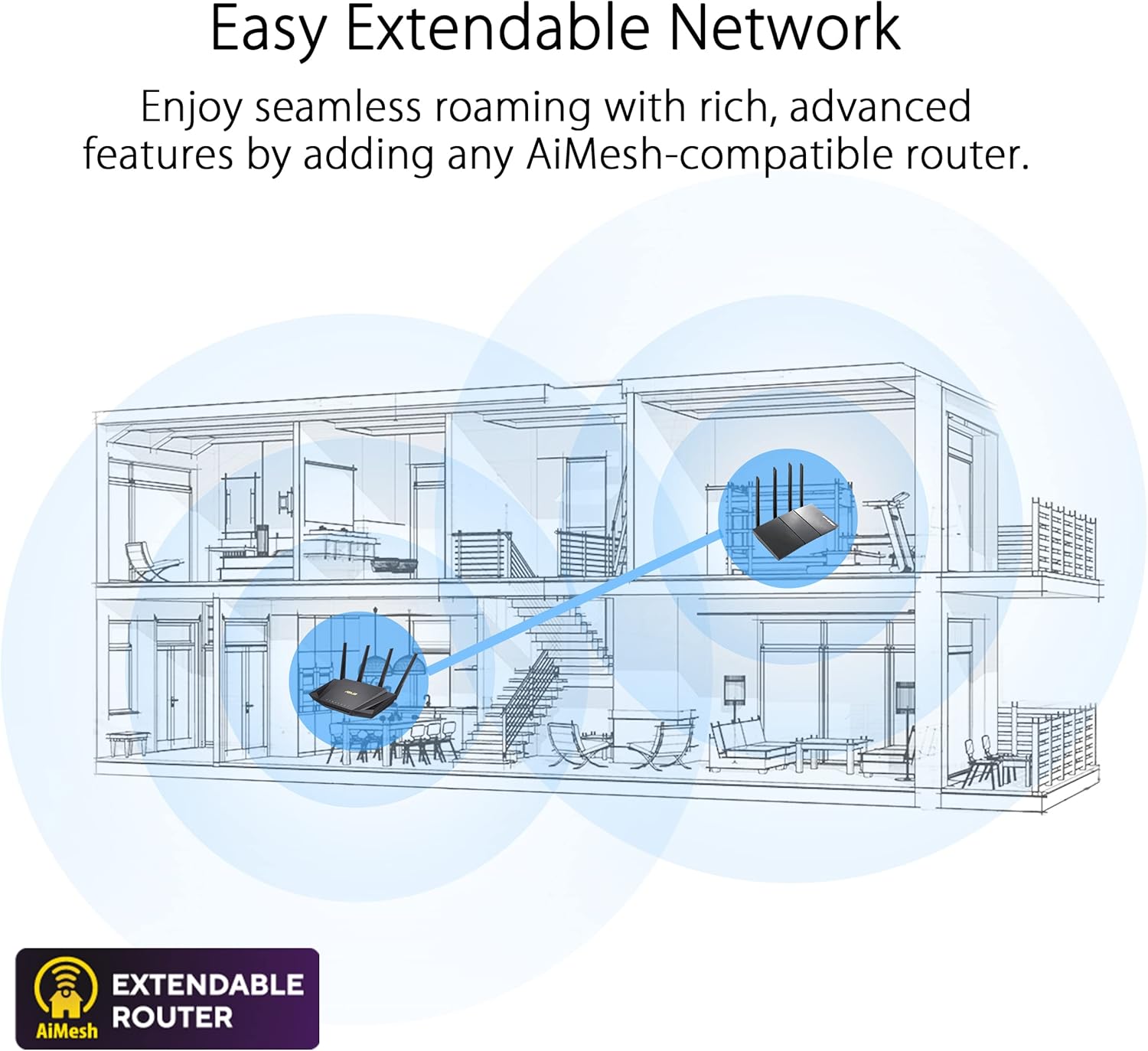
AiMesh Supported – Expand your wireless network with Asus AiMesh-compatible routers and enjoy powerful, flexible and seamless whole-home WiFi.
5 reviews for ASUS RT-AXE7800 Tri-band WiFi 6E (802.11ax) Router, 6GHz Band, ASUS Safe Browsing, Upgraded Network Security, Instant Guard, Built-in VPN Features, Parental Controls, 2.5G Port, AiMesh Support
Add a review
Related Products


Original price was: €280.€230Current price is: €230.
Caleb Scott –
A great home router for people that like to tinker
I picked this up partly because Iâm a big IT nerd and wanted something more customizable for my home networkâand partly because I was struggling to get Airlink working well with my Quest 3. Nothing else I tried gave me a stable connection, but this router totally delivered.For the price, itâs a great deal. You get a bunch of enterprise-level features like VPN support, firewall controls, and more. But despite all that, itâs still really user-friendly. Setup was super easy, so even if you just want a strong, no-fuss router, this oneâs a solid choice.I mainly use the 6GHz band for Airlink and the 5GHz band for everything else. The wireless VR experience has been the smoothest Iâve ever hadâno lag, no drops. Plus, the 5GHz signal easily covers my entire apartment.Even the unboxing experience was nice. The build quality is exactly what youâd expect from Asusâsolid and reliable. Honestly, I donât see myself needing to replace this until Wi-Fi 9 shows up and starts pushing 1 Tbps or something wild like that. 10/10 would recommend!
Timothy –
Excellent Router!
I typically do not write a review this early after purchasing a product such as this. However, felt that one was needed just days after purchase. After receiving, I was excited to hook it up as my last router was a Netgear Nighthawk (consistent network failures). After following instructions in manual, making a few tweaks, I was up and running within 90 minutes (update, reconfigure, etc). A few features that’s going for it, is 6G connect, a powerful 1.7Ghz quad-core processor, its memory, and many built-in extras like, added security, lifetime AiProtection and build-in VPN. 6G won’t be regularly available until approximately 2030 but its a nice feature to have (ahead of the game). The router is located in my basement (where Verizon box is) and I am on the 2nd floor using 6G coverage. So, I can confirm that it will connect successfully to my Galaxy S23+. When you set up the router, it will provide a different LAN IP address to your clients compared to your old router (192.168.1.1 v 192.168.50.1). You can adjust this to your liking. When setting up the WIFI on the router. Be sure to select WPA2/WPA3-Personal for both 2.4 and 5g to allow more devices to connect. If needed, separate your 2.4G and 5G bands. Leave AES alone. I had difficulty connecting some devices but after a little research. I was able to figure out what adjustments needed completed. Don’t forget that since you are replacing your old router, to reset all your devices network settings (e.i. Brother printer, Synology, etc). Clients such as MagicJack or your phone do not require this). I will say that this router is a little more on the advance side of networking. However, works exactly as it was intended with much more bells and whispers than Netgear. More opinions, more features, more security, faster router and state of the art for those looking to upgrade their old existing routing. Highly recommended to anyone interested in such a product. You will not have buyers remorse will this router.
Amazon Customer –
Amazing so far! + Thoughts after using it for a week
Our neighborhood finally got access to fiber internet and my trusty AC1750 router couldn’t keep up with the new 940 Mbps up/down speeds. I was able to set up the AXE-7800 in just a few minutes and the performance is fantastic. (I did buy a Cat 6 cable to connect the fiber modem to the router instead of using the included Cat 5e cable). The screenshot showing 874 Mbps down/823 up is from my laptop separated from the router by 20 ft and 3 walls. Even in the furthest reaches in the basement of my house, I’m getting 300 down/150 up, which is more than adequate for my needs. I hope this router will be reliable over the long term, but so far I’m very happy.Additional thoughts after a week:The Wifi 6E feature is less useful than anticipated. I’m basically only using Wifi 6 because the range drop-off for the 6 GHz band is pretty harsh. Close the router, 6E performance is fantastic. 10 feet away with a direct line of sight, I get my full 940/940 speeds on Wifi. But anywhere more than 15 feet away from the router and if there are walls in the way, I’m getting better performance on the 5Ghz/2.4Ghz bands. My laptop can’t even detect the 6Ghz connection if I’m in the basement. I guess 6E would be useful in an environment with too much interference in the 5Ghz/2.4Ghz bands but it doesn’t really do too much for me. I don’t think it’s the fault of this router, just a limitation of the technology.Second, the ethernet port: I found that my fiber modem and this router aren’t able to communicate at 2.5 Gb through the high speed LAN port. Maybe it’s my fiber modem’s fault, but the router/modem only used it as a 1 gb LAN port. Thankfully, this router has WAN aggregation where it lets you plug in two 1 Gb ethernet cables into the router. It was pretty easy to set up and it seems to be better, especially handling concurrent traffic up and down.Lastly, it’s been stable with no drops. I’m still glad I chose this router.
Alain Mijangos –
Logré resolver problemas con mi wifi, vivo 3n un edificio antiguo 6 sus paredes son gruesas, ahora el internet wifi es más estable
Plitz –
Definitely improved the coverage of my home and especially the speed. Was on 1gbps and getting speeds of 700-900mbps download/upload. Recently upgraded to 2gbps, can’t wait to test it out. Recommended!