

AVerMedia 4K60 Capture Card with HDMI 2.1, Low Latency, 4K144/4K120 Passthrough, Game Capture Device for PS5, PS5 Pro, Xbox, Switch, Streaming on Twitch, OBS on Mac & PC, GC553G2 Live Gamer Ultra 2.1
Original price was: €300.€190Current price is: €190.




Price: $299.99 - $189.99
(as of Jul 27, 2025 06:15:39 UTC – Details)
From the brand


Perfect for streaming
Enhance your streaming experience with AVerMedia’s exceptional range of products.
The FIRST HDMI 2.1 capture
The ideal choice for creation
High-Quality & Reliable
Advanced & Dependable
NDAA & TAA compliant products

4K Capture Card for Streaming: Seamlessly capture and stream PS5, PS5 Pro, Xbox, and Nintendo Switch gameplay in 4K60 resolution. Compatible with popular streaming platforms such as Twitch, YouTube, and Live gaming with OBS Studio and Streamlabs.
4K144 HDR/VRR Pass-Through: Enjoy stunning 4K144 HDR/VRR pass-through for smooth gameplay, delivering high quality for streaming, recording, and gaming on PS5/Pro, Xbox Series X/S, PC, and Mac.
Low Latency Capture Card with 4K144Hz Passthrough for Real-Time Gameplay: Experience seamless gameplay streaming and recording with minimal delay via OBS, Twitch, and YouTube. Enjoy synced audio and video for an immersive gaming and viewing experience.
Live Party Chat Support: Connect a gaming headset directly to the GC553G2 HDMI 2.1 capture card and manage game/chat volume while gameplay streaming or recording, no extra party chat cable needed, with added 5.1 channel audio capture.
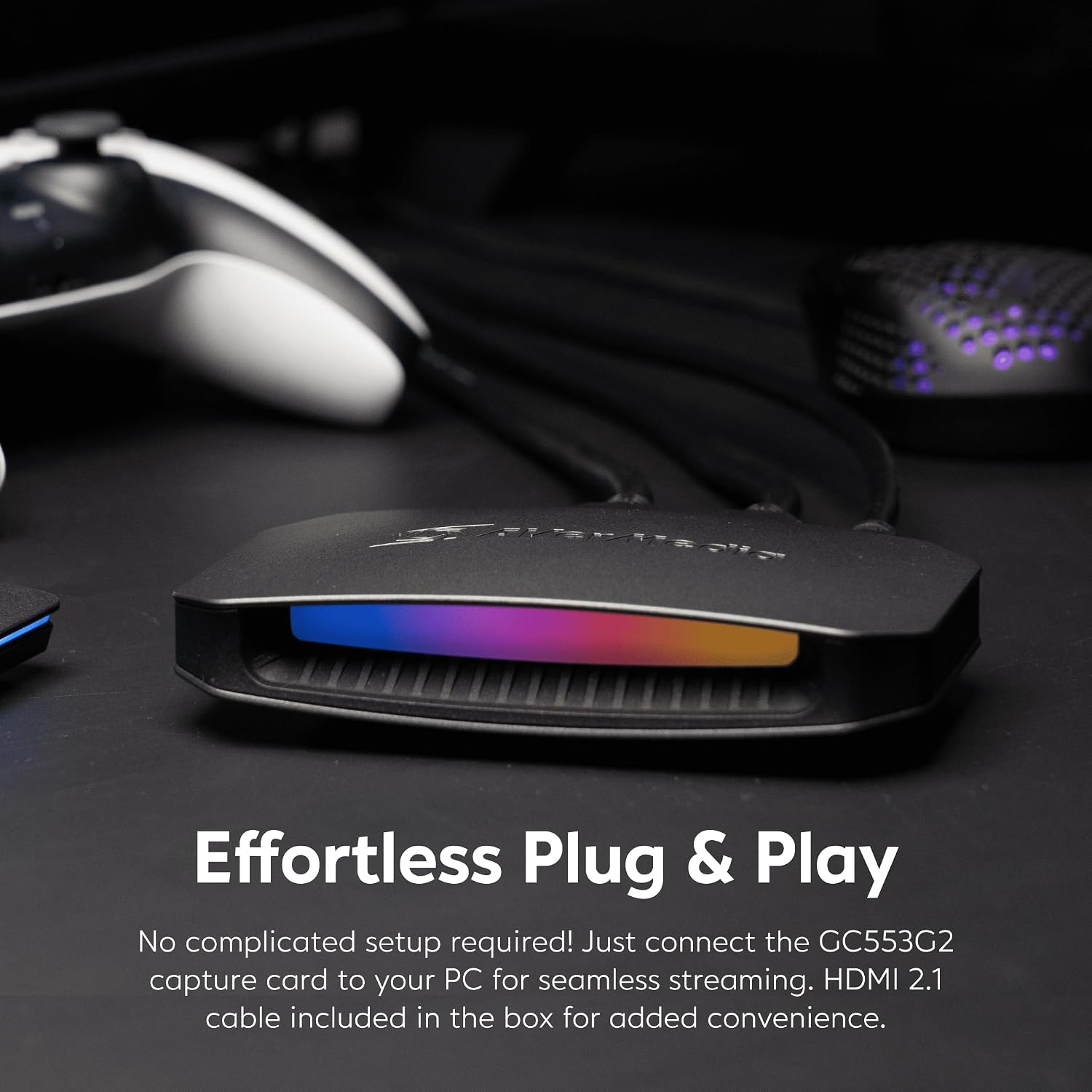
Customizable RGB Lighting: Elevate your setup with customizable RGB lighting. Use Windows 11 Dynamic Lighting, AVerMedia Tool, or MSI Software for the perfect gaming ambiance.
Customers say
Customers find the capture card works well for 4K 120Hz streaming and appreciate its crisp, professional-looking images. The device is easy to set up and delivers excellent video quality, with one customer noting it records in 4K and HDR. While the hardware receives positive feedback, the software quality is criticized for being useless. The audio quality receives mixed reviews, with several customers reporting crackling sounds.
9 reviews for AVerMedia 4K60 Capture Card with HDMI 2.1, Low Latency, 4K144/4K120 Passthrough, Game Capture Device for PS5, PS5 Pro, Xbox, Switch, Streaming on Twitch, OBS on Mac & PC, GC553G2 Live Gamer Ultra 2.1
Add a review
Related Products


Original price was: €300.€190Current price is: €190.
Noname –
The Best Capture Card I’ve Used In 10+ Years of Content Creation
Over 10 years ago I started with a Easycap using Integrated graphics on a mini Acer PC and later upgraded to a Elgato HD and then switched to the Avermedia brand around 2018 and never looked back. Here’s some key features why the AVerMedia Live Ultra Gamer 2.1 is the best card to date:- Video / Audio quality: When running the AverMedia Ultra 2.1 in OBS to record gameplay, if you use custom FPS settings you can record up to 144fps. I confirmed the FPS by using both VLC player and Da Vinci Resolve to monitor frames rates in the preview window.- The setup of the card was quick and easy BUT a possible major issue could be the card will only works on a USB C plugin when connecting to the PC. I tried a couple other regular USB to USB C cables and got the flashing Yellow light error from the built in RGB on the front of the capture card. Since the card can record up to 4K 144FPS a USB C 3.2 Gen 2 cable is needed to make the card work. That cable was brand new in the box. My suggestion is check your PC to make sure you have a USB C input that this card can connect too before purchase.- During a 5 hour broadcast on Twitch the card worked perfect with no dropped frames in OBS while both streaming and locally recording. I did run into an encoder overload issue when trying to record 1440p 120fps while also streaming due to limitation of my RTX 3060 so that should be another thing to keep in mind. When I tested only recording at the higher frame rates this capture card on OBS had no issues.- One other inconvenience is the Avermedia software didn’t register the RBG lighting at all in the Avermedia software. To change this I had to go into Windows settings and into Dynamic lighting to change the color and pattern of the RBG.Settings pathway: (Windows Settings/Personalization/Dynamic Lighting)- There’s also 2 audio ports for connecting 3.5mm audio cables to the capture card. If you have a audio mixer like the Roland Bridgecast (highly recommend) you already have access to the multi channel audio anyway.Overall the stability of the cards capture will make whatever project or stream you’re working on look and sound professional with minimal effort when it comes to setup in OBS (free software most all creators use)
T. Tozawa –
Upgrade from Elgato HD60S+
My review will just be covering gameplay capture from the PS5. I donât currently stream or anything so have no experience with that.Iâve been using the Elgato HD60S+ for several years to capture my game play from the PS5. It honestly worked great and capturing 1080p 60fps worked well. I didnât use the pass through to play directly off the capture card (I have a HDMI splitter so play direct from the PS5 on a separate monitor), but when I tried it, there was a noticeable half a second to one second lag which made playing games bad anyway.But the main thing that made me want to try something new was that Elgato has this issue where the capture card gets used by another device in Windows and doesnât show a signal. The only way to get it to work was restarting the PC. Trust me, I tried everything, even disabling all types of devices on Windows. Apparently anything that uses audio can cause the Elgato to see it as a source and then it doesnât connect to your console. And it doesnât have the ability to connect to more than one source.So I went with the Avermedia and so far everything has been working great. After connecting everything it got my PS5 signal right off the bat. I also have an XLR mic setup and was able to get that working during PS5 gameplay capture without too much trouble once I figured out I needed to download the RECentral program. I originally used their streaming software which didnât work in capturing my voice during gameplay on the PS5. Iâm sure it works fine or streaming but as I mentioned, I donât have experience in streaming yet.The quality in gameplay capture is excellent. Everything looks great in 4K and the pass through virtually has no lag that I could play it off the capture card alone with no problem. I havenât encountered any black screens or disconnects and so far itâs been a lot better than the Elgato Iâve used for so long.
Chynna –
True 4K Passthrough Capture Card
Best of the best. Definitely recommend for streaming. Works flawlessly. Twitch, YouTube, Kick, and OBS friendly. If you can afford it, get it!
LIATA –
This device makes El Gato look like El Trasho
I was initially unimpressed by this device when I first ordered it and returned it in a hurry, but realized that it was exactly what I needed. You do not need a chat link pro cable to make this work for capturing party chat, but I strongly suggest buying the one from Gneinour and not the one from El Gato. I am using the chat link pro with this because it gives me more cable length to stretch out in case of something like I left my drink too far away while gaming and I need a drink between matches.This device was easy to setup, but their a.avermedia.com links are all outdated and insecure, but if you just visit AverMedia.com you can search your device and get all the installs and assist software to help you turn your device RGB lighting off, in the color selection in the assist app you get from their site, you just gotta click at the edge of the color wheel until you get the black color and it will keep the lights turned off unless it has a prompt to flash at you or something. I strongly suggest this product if you take your streaming seriously. I previously said this device was bad for streaming because it didn’t have 1 in and 2 out plugs, but I didn’t realize that I had my 3rd HDMI cord plugged into my computer using a USB C adapter, and now I can skip the adapter and just plug their USBC cord into my computer and be done with it. If you do not have a USBC input, buy a UBSC to USBA connector.The quality is amazing, I played a match while OBS was open, and OBS captured the audio, and the party chat. Again, I am using the chat link pro by Gneinour, and you do not need it, but I strongly suggest buying them both because the audio quality and the length with the extra cords really comes in handy.Very Happy with the super fast shipping. Happy gaming and have fun streaming, my friends!
David R. –
Muy buena capturadora, da buena imagen y casi no tiene retardo. Si vas a usar OBS antes asegúrate de actualizar el firmware y plugin para que reconozca sin problemas la capturadora. La pega que le encontré es que se calienta un poco.Computadora con la que se grabo y se realizo stream:PC StreamCPU: i5 12600k 4.5 GHZ en todos los núcleos (QuickSync para stream)RAM: 32GB Kingston Fury DDR4 3200 en dual ChanelMother: z690 Asus Prime pd4 con ultimo firmwareGPU: RX 7600 (AMD AV1 grabación)Nota: Si pretendes hacer stream a doble pc como yo, te recomiendo que el audio del juego, alertas, etc., lo mandes mediante el protocolo NDI con OBS, siento que es más fácil de configurar y más estable que el programa Voice meeter.Nota 2: Si tienes un monitor de alto refresco y notas que en ciertos juegos el stream o grabación hay saltos de fotógramas pero en tu pc de juegos va fluido te recomiendo que la capturadora la configures en 120hz tanto en OBS como en la pc de juegos y que el juego lo limites a 120 fps. Esto va ayudar un poco a que no haya como esa desincronización. Investigando un poco sobre el tema, encontré que esto sucede porque jugamos a un número que no es divisible entre el número de fps al que estamos grabando, en mi caso yo tengo un monitor de 165hz pero transmito y grabo a 60fps (Twitch y youtube solo admite videos a 60fps).
Tolinx21 –
Très bon boîtier qui permet d’avoir un pass-through de haute qualité pour les consoles récentes.Par contre attention il se branche en USB-C.Dommage que le branchement casque soit à l’arrière et que le volume soit un peu faible sans modification.
Ricardo José Messias –
Entrega muito rapida para o brasil. qualidade da placa é excelente!
Mark –
I was surprised with its small size, which is a plus. The box works intuitively without the need for setup and you can get going in minutes. The RGB is in a rainbow pattern by default, but with a firmware update you can get from the company’s website, I was immediately able to control the lights from the Windows interface itself without any extra software, which was incredibly convenient. It comes with an HDMI cable of good quality. The only lesser component in the package is the 3.5mm cable, which was picking up some static, but it’s cheap to get a better one and once I swapped, it was giving me 100% clear sound. Recommended!
IlMike87 –
Anche se ha qualcosa in meno rispetto al live gamer ultra preferisco questo, almeno non ha la ventola di dissipazione che fa il macello notte e giorno, era sempre in funzione, questo invece è silenzioso e fa quello che deve fare