

ClearClick Audio to USB 2.0 (Second Generation) – Audio Capture & Live Streaming Device – Input 1/8″ 3.5mm Aux AV RCA Audio & Music – USB-C Plug & Play
€33



Price: $32.95
(as of Aug 14, 2025 06:12:38 UTC – Details)
Product Description


Introducing the Audio2USB 2.0 (Second Generation) USB Audio Capture & Live Streaming Device.
With this easy to use device, you can quickly capture or live stream high-quality, stereo audio to your computer.
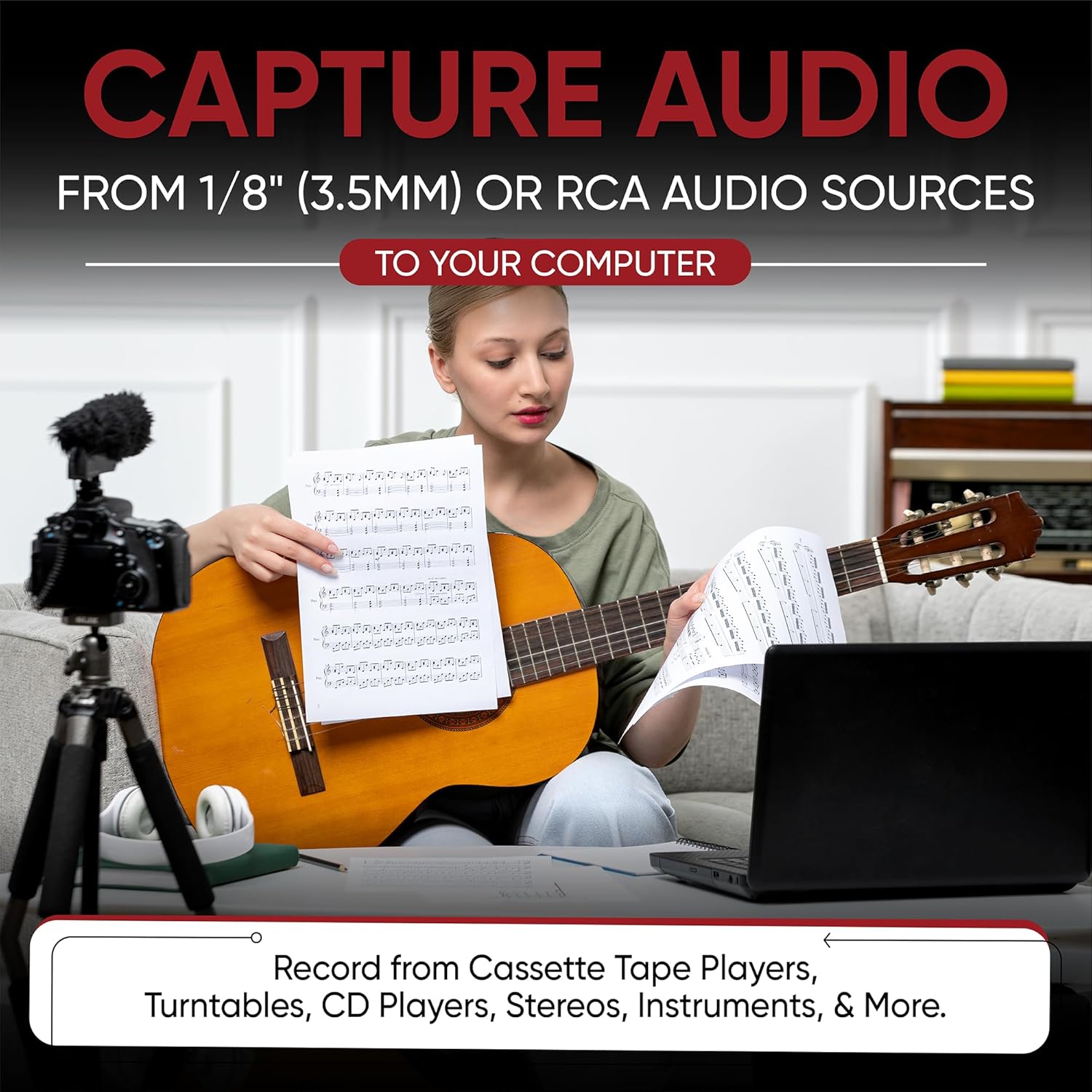
Record audio from cassette tape players, turntables, CD players, stereos, instruments, and more!
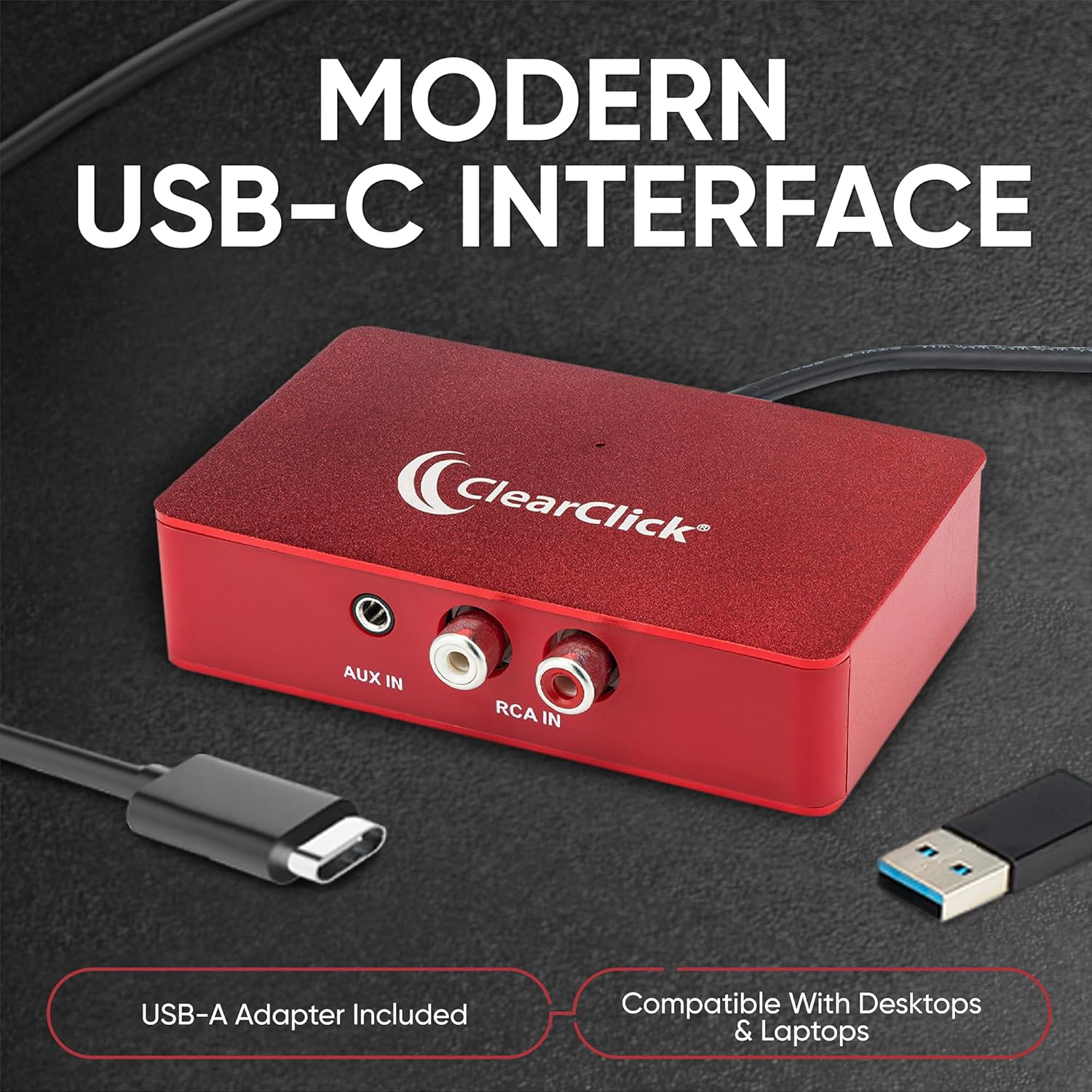
The device records from 3.5mm (1/8″) or RCA audio sources.
Audio recording & editing software is included, which can export recordings as digital WAV or MP3 files.
Works with Windows, Mac, and Linux. Plug & play – no drivers required!
System Requirements:
– Windows 7, 8, 10, 11, or higher
– Mac OS X 10.10 or higher
– Ubuntu 14.04 or higher
– Desktop or laptops only: not compatible with netbooks, phones, or tablets
[3.5mm & RCA Capture] Record or Live Stream Audio From 1/8″ (3.5mm Aux) or RCA (AV) Audio Sources (Cassette Tape Players, Turntables, CD Players, Instruments, & More)
[USB-C Plug & Play] Modern USB-C Plug and Play Interface (Works with Laptops and Desktops – Full Size USB-A Adapter Included)
[Software Included] Audio Recording & Editing Software and Step By-Step Instructions Included – Saves to WAV or MP3 Files
[Compatible with PC, Mac, & Linux] Works with Windows 11/10/8/7, OS X 10.10 or higher, and Ubuntu 14.04 or higher (Not Compatible with Netbooks, Phones, or Tablets)
[Included] 1-Year Warranty & Tech Support from ClearClick, a USA-Based Small Business
Customers say
Customers find the audio adapter’s functionality positive, with one mentioning it works flawlessly for USB recording from turntables. The build quality receives mixed feedback, with one customer noting the USB connector feels flimsy. Audio quality is also mixed, with several customers reporting very low volume levels. Customers disagree on the ease of use, with some finding it easy to set up and use while others find it hard and confusing.
11 reviews for ClearClick Audio to USB 2.0 (Second Generation) – Audio Capture & Live Streaming Device – Input 1/8″ 3.5mm Aux AV RCA Audio & Music – USB-C Plug & Play
Add a review
Related Products


€33
NC –
Clean sound works well on Macs
Simple, clean sound, works fine on Macs. I have used this with GarageBand, ProTools, Audacity, PyAudio, sox, etc.Spectrum analyzer doesn’t detect any line noise down to -96db.
David Macdonald –
Works OK but confusing to use.
It works OK but seems rather unstable and keeps dropping out. The recommended software is an amazing feature packed app. Problem is it’s too amazing with a mass of unneeded stuff for my simple needs (digitising LP vinyls) which makes it hard and confusing to use. I wish it had a simple version like the one it once was when it first came out years ago!
Scott –
Can be used with OBS
Running version 31.0.3 OBS, I am able to create an audio input capture set to the clearclick. From there, you set advanced audio properties>audio monitoring to monitor and output. Then in OBS settings>Audio choose your headphones or whatever. You likely need to restart OBS to actually hear the sound come outI personally hear some crackling, but I have no idea if that’s my vinyl or the box. I’m new to vinyl, so it could be me.
Marcus A. Sollenberger –
Good product
It works as advertised.
El Leon De Camaguey –
Defectuoso y con Distorsión.
Tiene una distorsión increÃble y su construcción es muy débil.Mi consejo es que compres aquà en Amazon un audio interface llamado âMaya 22âque tiene entradas RCA y trae en su programa volumen individual para cada canal de audio sin ningún tipo de distorsión y tiene una entrada de micrófono.
Richard K –
Simple and straightforward to use
Download Audacity if you don’t already have it, and this audio capture device will be recognized as a microphone. Hit record on audacity and send a signal from the RCA jacks on your audio device to the capture device. Very easy, with virtually no setup issues. I had to return the first one because it was broken in shipping, but they sent a replacement immediately. I’ve been using this to transfer home made cassette tapes from the 80s to my computer to give to family members as downloadable gifts. Basically anything with RCA jacks or a headphone jack will be able to send a signal to the audio capture device and turn it into something you can edit or export into a digital file. Ease of use makes it worth the price.
hleclaire –
USB Audio capture, works but very low volume
I chose this model because it costs *twice* as much as another similar device on Amazon, and expected it to be superior. And I used it for a month or two before I gave up bought the cheaper one. The ClearClick works okay, but the output (via USB) is very low volume. With everything set to “100” in Windows, the VU meter in Audacity barely peaked at -12db, which caused me to turn the volume control on playback up much higher than the level at which I normally listen. The result was that it was too loud when I changed inputs before remembering to turn the volume down.So eventually I bought the $15 model (half the price of this device), figuring they are probably the same chip inside. Well, the cheaper unit delivered slightly louder recording volume with the gain in Windows control set to 95%. Needless to say, I was pleasantly surprised. So I went back and re-recorded the two albums that I had ripped using the ClearClick with the new “DIGITNOW” unit and all is well.Note that the two devices are very similar. The ClearClick is a bit more fancy, lets say. It is assembled in a box with a USB-C connector, with a USB adapter included, and it has much longer cables, where the cheaper device is a small plastic dongle with short wires. But I can just wrap the wires around it and keep it sitting under my monitor. This unit is a bit more awkward to hookup and store.I kept the ClearClick but now I never use it. If I had read a review similar to my own beforehand, I would have bought the cheaper unit first and never tried this one at all. Live and learn.
watchit –
Saved My Acetate
For those of us at the age when we are trying to migrate our stuff from analog to digital, this is a one-size-fits-all gizmo that checks all the boxes. Even unpacking it revealed plugs and adapters geared to making the dubbing easier. This is one of those devices where the people who designed it must actually have used it themselves, because it works. Basic and durable. I even bought two of them.
Chris –
No issues, works as advertised.
Ian –
The internet advises to use an application which requires subscriptions. The actual website of the hardware is classified as an advert which I have blocked. The software to use is the audacity application. Takes a bit of getting used to win trying to edit the recordings,Overall a very good combination for my simple use of transferring cassette tapes to CDs.
Yamen Zein –
I used the ClearClick Audio to USB 2.0 (Second Generation) to rip songs from my cassette player using Amazon Essential’s RCA cables, the results were extremely good! In fact much better than I expected! Listening to the recording was as if I had my headphones connected directly to the deck! No additional noise or weird digital artefacts! Moreover, the ease of just plugging this and using it with Audacity is effortless!I cannot recommend this enough! It’s not the cheapest device of its kind out there; however, I didn’t want to take any chances with other flimsy-looking devices. I was not disappointed, and the device is definitely worth the extra money.