
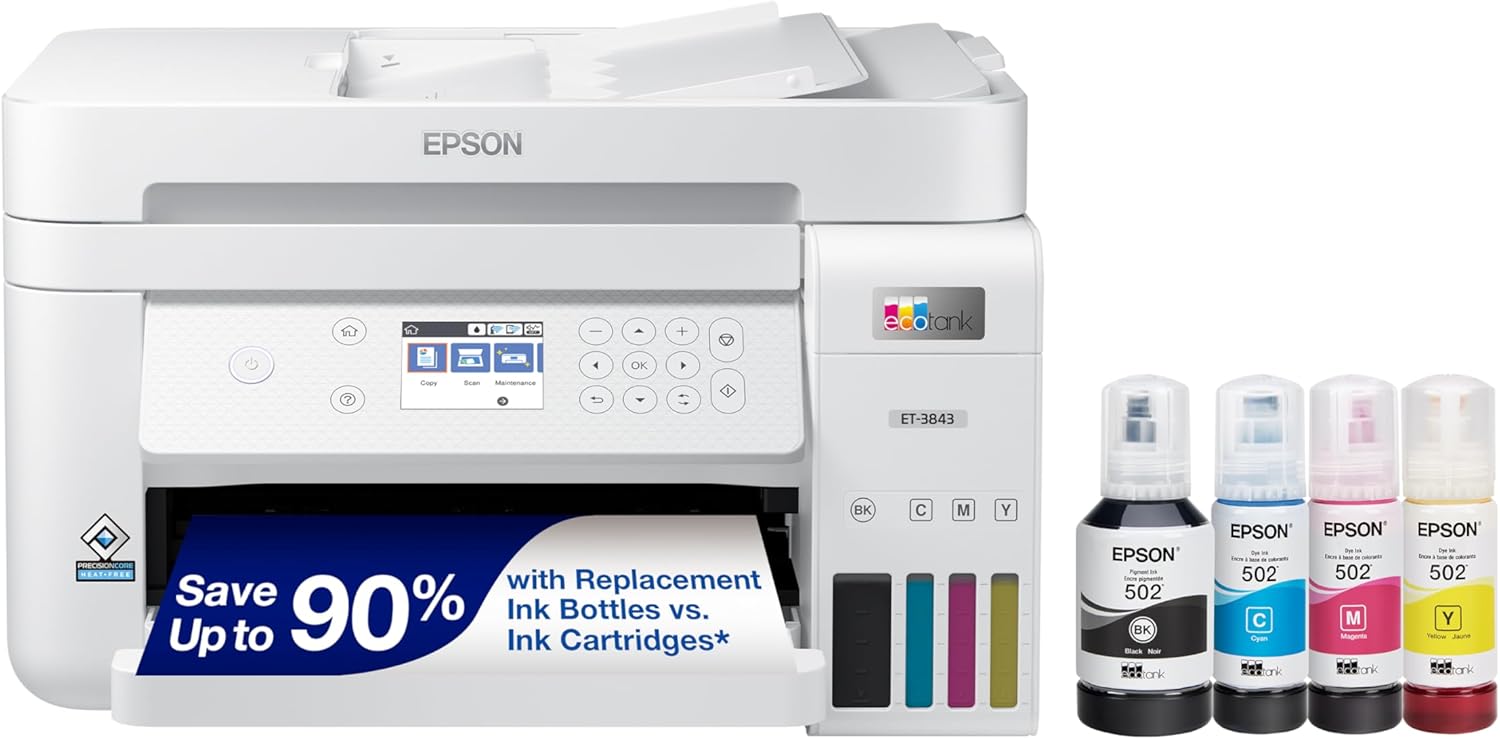
Epson EcoTank ET-3843 Wireless Color All-in-One Cartridge-Free Supertank Printer with Scanner, Copier, ADF and Ethernet-for The Ultimate Home Office, White
Original price was: €370.€300Current price is: €300.



Price: $369.99 - $299.99
(as of Oct 01, 2025 17:59:36 UTC – Details)
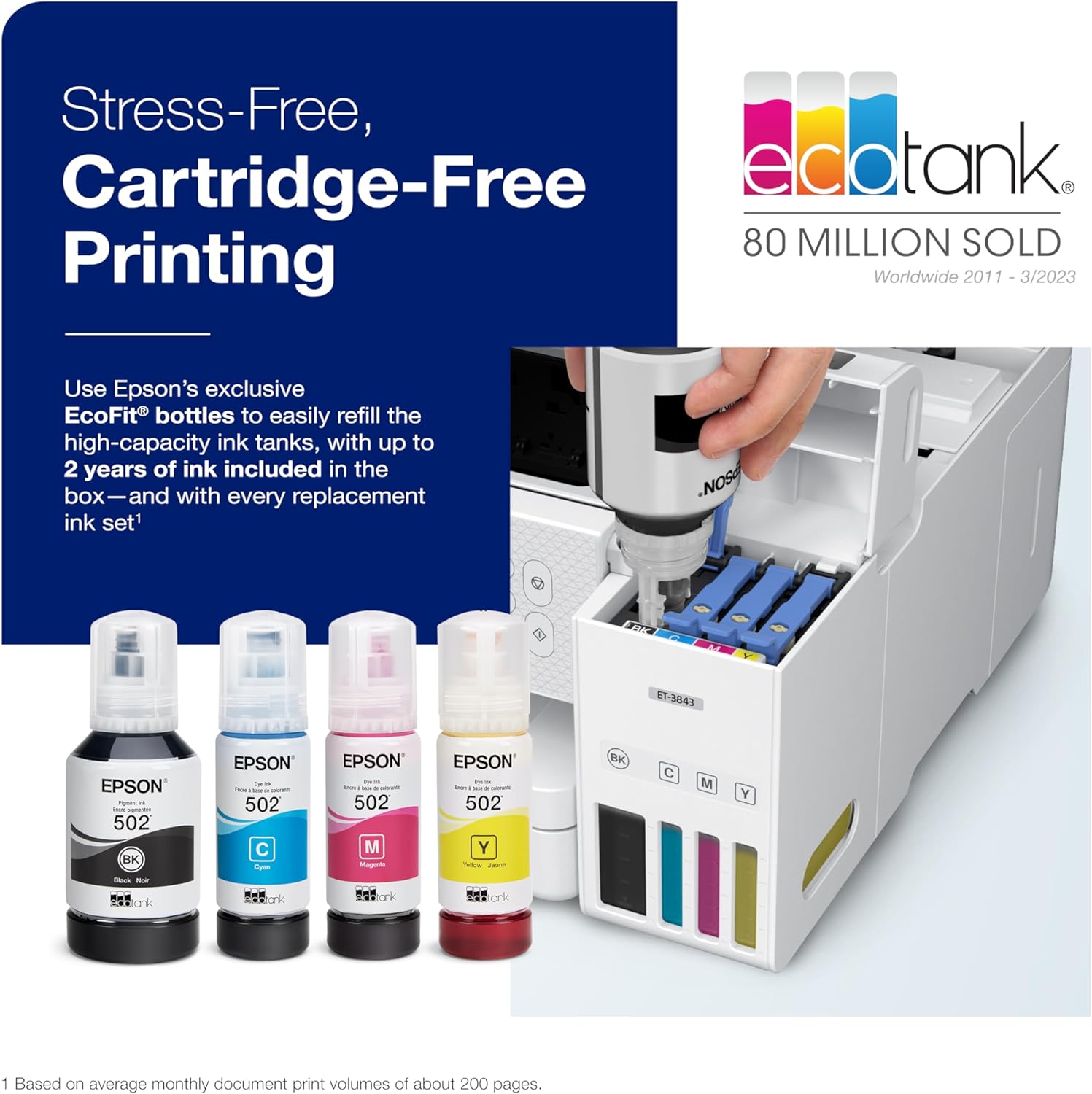
Your busy office needs a printer that’s fast, affordable, easy to use, and has great features. That’s why we developed the EcoTank ET-3843 – an innovative cartridge-free solution that uses high-capacity, easily refillable ink tanks. So you’ll worry less about running out of ink, and save a lot on replacement ink (1). The ET-3843 features an auto document feeder, fast printing with outstanding print quality, a high-resolution flatbed scanner, and a large color display – making it perfect for building the ultimate home office.
Epson strongly recommends the use of genuine ink to ensure optimal print quality and performance. Use of non-genuine ink could cause damage not covered under the printer’s ltd. wnty. | 1. Actual savings and costs will vary considerably based on print tasks, print volumes and usage conditions. Savings and cost per ISO page are based on the cost of replacement ink bottles and the cost of enough standard cartridges to achieve the total page yields of the bottles using the MSRP (USD) and yields for Epson standard-capacity ink cartridges for similarly featured Epson consumer inkjet printers as of March 2024. | 2. Individual cartridges estimate based on print yields of an included or replacement set of black and color ink bottles as compared to Epson standard-capacity ink cartridges for similarly featured printers as of March 2024. | 3. Part of the ink from the included bottles is used for initial setup; yields are lower than those of replacement ink bottles. Replacement and included ink bottle yields based on the ISO/IEC 24712 pattern with Epson’s methodology. Actual ink yields will vary considerably for reasons including images printed, print settings, temperature and humidity. Yields may be lower when printing infrequently or predominantly with one ink color. All ink colors are used for printing and printer maintenance, and all colors must be available for printing. For more information, visit www.epson.com/inkinfo | 4. Based on average monthly document print volumes of about 200 pages. | 5. See www.epson.com/voice for device compatibility. Epson Connect™ account and voice-activated account registration required. | 6. Most features require an Internet connection to the printer, as well as an Internet- and/or email-enabled device. For a list of Epson Connect enabled printers and compatible devices and apps, visit www.epson.com/connect | 7. Requires Epson Smart Panel app download. Data usage fees may apply.
Item Package Dimension: 19.6L x 16W x 12H inches
Item Package Weight – 18.80 Pounds
Item Package Quantity – 1
Product Type – PRINTER
Customers say
Customers find the printer’s quality excellent and appreciate its cost-effectiveness, with one noting it paid for itself in two months. The setup process is straightforward, and the device connects to WiFi as expected, though some report connectivity issues. Print speed receives mixed feedback, with some finding it fast while others consider it slow, particularly for scanning functions. The print quality and color reproduction show mixed results – while text and images print clearly, customers report mediocre text quality, and while black and white prints are excellent, color prints are not so good.
6 reviews for Epson EcoTank ET-3843 Wireless Color All-in-One Cartridge-Free Supertank Printer with Scanner, Copier, ADF and Ethernet-for The Ultimate Home Office, White
Add a review
Related Products


Original price was: €370.€300Current price is: €300.
Kortner –
From a picky user: great!
So far, day 2… post setup and test, great. It is a little lighter than my previous Epson Workforce, but I wouldn’t describe it as flimsy. Well, with the exception of the paper loading tray side rail. That sticks and seems dangerously flexible.It was a joy to watch the ink bottles fill their reservoirs. It actually is a clean and drip-proof loading process… a little scary to invert that bottle of ink and stick it in the receptacle, but it worked!The important thing about the setup is to use their guided smartphone system and follow each step meticulously. I found it was smart to “measure twice cut once”. It’s tempting to decide you know where they’re going and move ahead. Don’t do it! Follow each step stupidly and mechanically.It told me the software was up to date immediately. Later, it decided it needed to download an update. Just be patient and follow its laborious thinking process. It gets there eventually. Overall the setup was easy.Print quality, as you would expect, is excellent. I also printed a photograph on plain paper. It was, as you would expect, a little on the muddy side. It objected to using plain paper for photograph, rightfully so. I inserted some glossy photo paper in the supply tray, and it did a good job. Again, the photograph was a 9 out of 10, but this is a home printer.Some reviewers dislike the display. I find it eminently usable. I chose the tile option, and the controls work intuitively, with drop-down menus at each step.Set up of my Android smartphone, my wife’s iphone, and my laptop were all pretty straightforward. Again, there was a little confusion about whether my software was actually up to date or not, but it figured that out by itself. The apps work fine.Overall, it seems to be well-designed and high quality. It is quieter than I’m used to. I like the automatic document feeder, the paper supply tray being on the front rather than the back and, of course, the high capacity ink tanks.So far, I’d recommended it.Update: day 4. I spent an hour yesterday on the phone trying to install their computer app on my computer. It was very difficult to communicate with both of the technicians in customer service. They were distracted and didn’t seem to be listening when I’d say something. The spoke good English. For example, the easy set up process from day two doesn’t get you the latest software. You have to download a package which they don’t tell you about. In trying to set up a password, the printer kept refusing. The technician and I kept ending up on a screen that was generated when Epson created one of those long 16 digit passwords. I didn’t want to use that, I wanted to generate one I could remember. I explained that and she said tap okay and go to the next screen. When I did, the next screen asked me for my password. Of course, this was the password that was displayed on the previous screen that she told me not to copy. It turns out that when people do copy and paste they sometimes include an extra blank and that slows the whole process down. Instead, they want me to write down a 16 digit password with no errors and then copy it, again with no errors into the next screen. Their software programmer is a little dense. The software also asked me at least seven times for my email address. I got very tired of retyping it over and over again. You would think that, like most software on the internet these days, it would remember my password the first time I typed it and it would auto fill it. No such luck with Epson.The next day I wanted to scan a document to my computer. It kept giving me an error message on my computer that the scanner was busy, even though it had finished scanning. When I called tech support it took 20 minutes to figure out that you shouldn’t scan from the display on the scanner/ printer; you should go to your computer and install their Epson scan software and scan using that. In order to get to this conclusion it took us numerous tries to try to get my computer to talk to the IP address on the scanner. It turns out that if you have any other programs open on your computer at the same time it can’t do it.Executive summary: the printer/scanner seems to be a good product. The software is unfinished and buggy. It is 15 years behind the times in terms of usability. Good luck!
julia –
So far amazing printer
02/13/2024This printer is amazing at printing both regular documents and pictures on plain paper. I am actually amazed at how sharp the colors are and how clear the text looks. This printer is great for the home or for printing small print jobs such as printing a packet with pictures for a classroom. As of now I am happy with the printer and will definitely update if there are any issues with the product. I haven’t tried the scanner that is on top, but so far the rest of the printer seems to work well. The constant connection with the WiFi, the clear print, and the ease to print about 20 pages in color (double sided) in about 8 minutes was noteworthy. My old printer took longer and did not have the same print quality.03/12/2024 Update:The printer still works very well. The ADf (Auto Document Feeder that is on top of the printer to scan documents) does not scan both sides automatically. You have to manually turn the pages to scan the other side. The ADF can be good if you are scanning multiple documents that are only one-sided. I have been able to get the documents to scan without jamming recently if I put the pages in the feeder carefully.The printer still works as expected as all my sheets are coming out crisp and clear. The print speed works for me as I do other things while the printer does it’s job. However, this printer is not meant for those that have to print a lot of pages in a hurry. Instead, it works for the regular home use or for those that have the time to wait for the print outs. Since I am a classroom teacher and I print my things in advance, it is not a big deal to wait as there is always other things to do. Personally, compared to other inkjets I think this is the best option. If you need a fast printer then you need a Lazer printer. Hope this extra information helps.12/26/2024It is almost a year since I got this printer and I still have a lot of positive things to say about it. As I explained before, the prints were clear and vibrant. The original ink lasted until about a week ago as I just printed about 24 comic books with color. Before I printed the 24 books, I have used the printer to print out 600 hundred papers with color as well as other projects during the whole 10 months that the ink lasted. Throughout the year I just couldn’t believe how I would print out hundreds of papers and it barely made a dent on the level of the ink tank. According to the printer, I made about 6, 632 copies both from the B/W and the Color ink tanks over the last ten months. The truth is, I still had about a 1/4 of ink in the ink tank, but I decided to refill it as I make copies often. As I mentioned earlier, if you need a really fast printer then this is not the printer to get, but if you pace yourself out well and let the printer run while you are getting other things done then it is all good.A couple of Cons that I noticed, but are not a big deal for me personally, are that the scanner on top can still jam at times. Another small annoying thing that happens is that the Epson software keeps notifying me that my ink is low when I literally just filled it up. However, the notification is not a big deal as it is easy to ignore and doe not effect the printers performance. Hope this helps.
Dick Fataldo –
Don’t Buy Epson Certified Refurbished!!!!
Thought I could trust Amazon/Epson when I purchased this certified refurbished printer. At the same time I purchased an Epson Sublimation printer which has been great. Long and short, the standard printer is a piece of junk! Of course it worked fine during the 30 day return period but then it stopped doing what it was designed to do…PRINT. We will send a document to the printer and it prints fine. We then try to print a second or third document and it either doesn’t print it, just sits there with the annoying circle arrow moving or prints a half page and then stops. Have to clear out the print queue or it will never print again. Not a Wi-Fi problem, the printer is direct connected via USB. Deleted the Epson software and re-downloaded, unplugged etc, restarted computer. Nothing helps. Called Epson Support and received no help whatsoever. I have a Best Buy Total Support membership so we took it in to see if they could help. They tried everything they could to no avail. Lesson learned, don’t buy Epson Refurbished. I’m sure they cleaned the outside of the printer and ran a few prints…that’s the refurb process. I doubt they check firmware or other potential electronic bugs. If you think I’m unhappy, you’re correct. Older folks on fixed incomes don’t need to get stuck with a lemon and then have to spend money for another printer that actually works
Jerome D –
Easy to set up
Karina –
ME GUSTO, PERO ES LENTA PARA IMPRIMIR Y SE TARDA AUN MAS CUANDO ES A DOBLE CARA.
Brenda Stubbs –
This item has exceeded my expectations and is performing very well.I am please with the printer.