
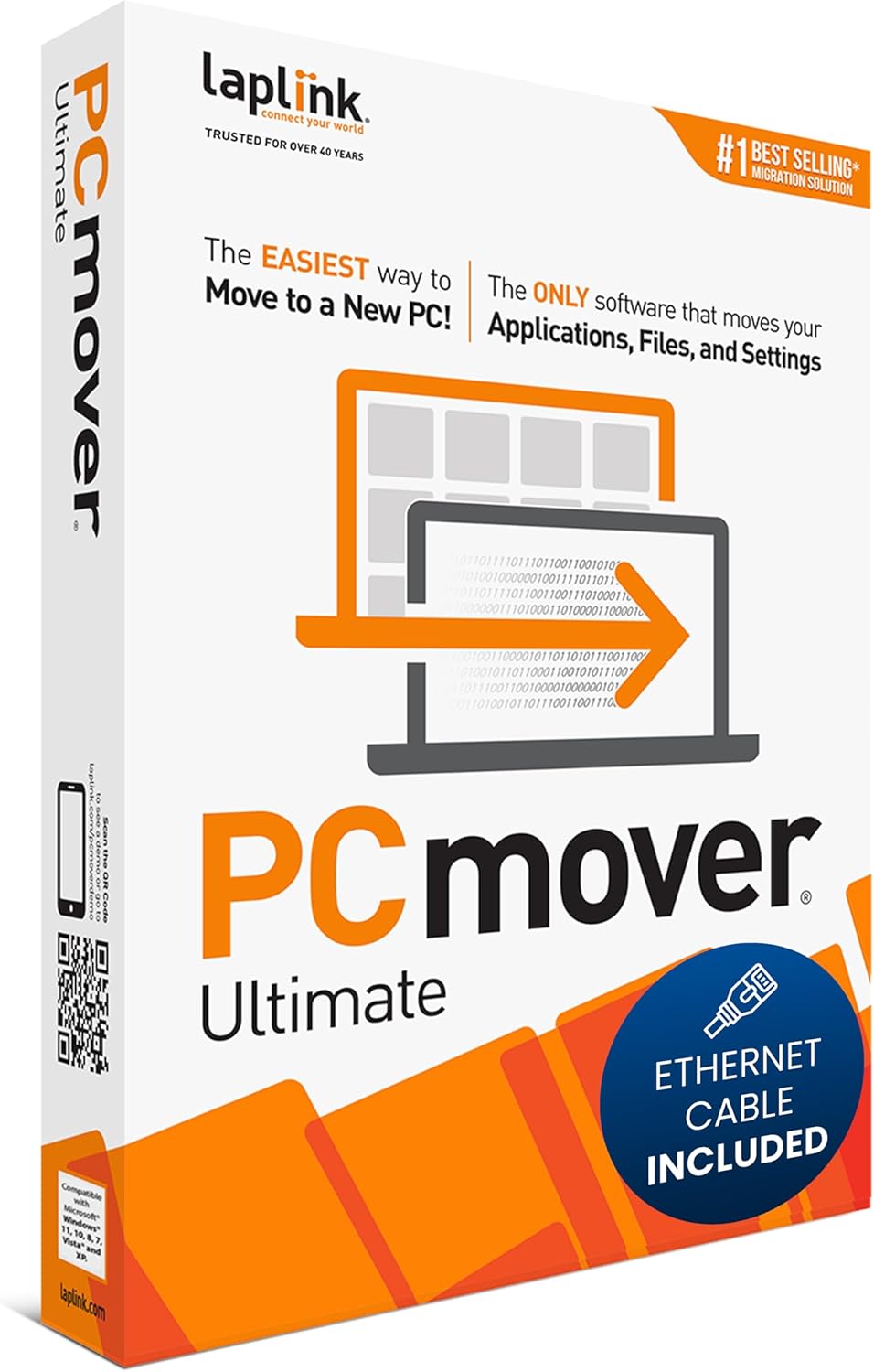
Laplink PCmover Ultimate 11 – Migration of your Applications, Files and Settings from an Old PC to a New PC – Data Transfer Software – With Optional High Speed Ethernet Cable – 1 License
€42

Price: $39.99 - $41.95
(as of Jul 27, 2025 14:31:43 UTC – Details)
Product Description

The easiest way to move to a new PC!
PCmover Ultimate is the ONLY software that automatically moves your applications, files, settings, and even user profiles from an old PC to a new one, or old operating system to a new one. Because most transferred applications are installed ready-to-use on the new PC, there’s usually no need to find old CDs or previously downloaded programs.

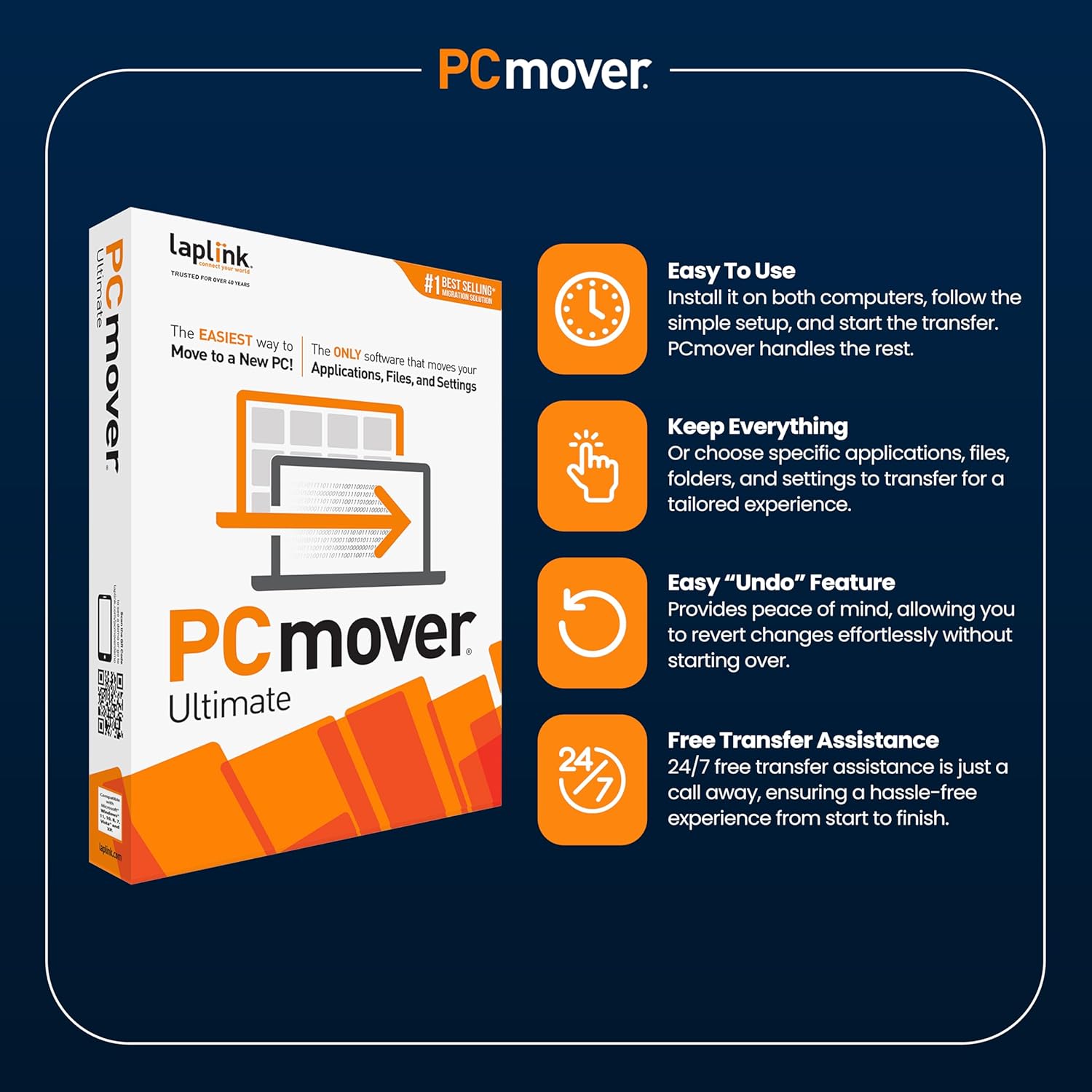
Easy To Use
PCmover makes upgrading to a new PC effortless. Install it on both computers, follow the simple setup, and start the transfer. PCmover handles the rest. With AI-assisted guidance and Wi-Fi Direct, migration is faster and more intuitive, ensuring a seamless transition without the hassle of reinstalling programs or adjusting settings.

Keep Everything
Enjoy complete control over your PC transfer with PCmover’s selective transfer feature. Choose specific applications, files, folders, and settings to transfer for a tailored experience. Whether you want to move everything or just the essentials, PCmover ensures your new PC is set up exactly how you want it.

Easy “Undo” Feature
Quickly reverse changes made to your New PC. Whether changing your mind or redoing transfers, PCmover simplifies the process, ensuring a smooth and stress-free transfer. The easy “undo” feature provides peace of mind, allowing you to revert changes effortlessly without starting over.

Free Transfer Assistance
Includes 24/7 free transfer assistance to guide you through the process. Expert transfer support is just a call away, ensuring a hassle-free experience from start to finish. Whether you need help troubleshooting or have questions about your transfer, Laplink’s dedicated support team is available to assist you at no extra cost.

Fast and Easy PC Transfer
PCmover Ultimate is the easiest way to restore or move to a new PC without leaving anything behind, even when there are different versions of Windows on the old and new PC. Nothing is changed on the old PC and nothing is overwritten on the new PC.
PCmover is fully compatible with Windows XP, Vista, 7, 8, 8.1, 10, and Windows 11.

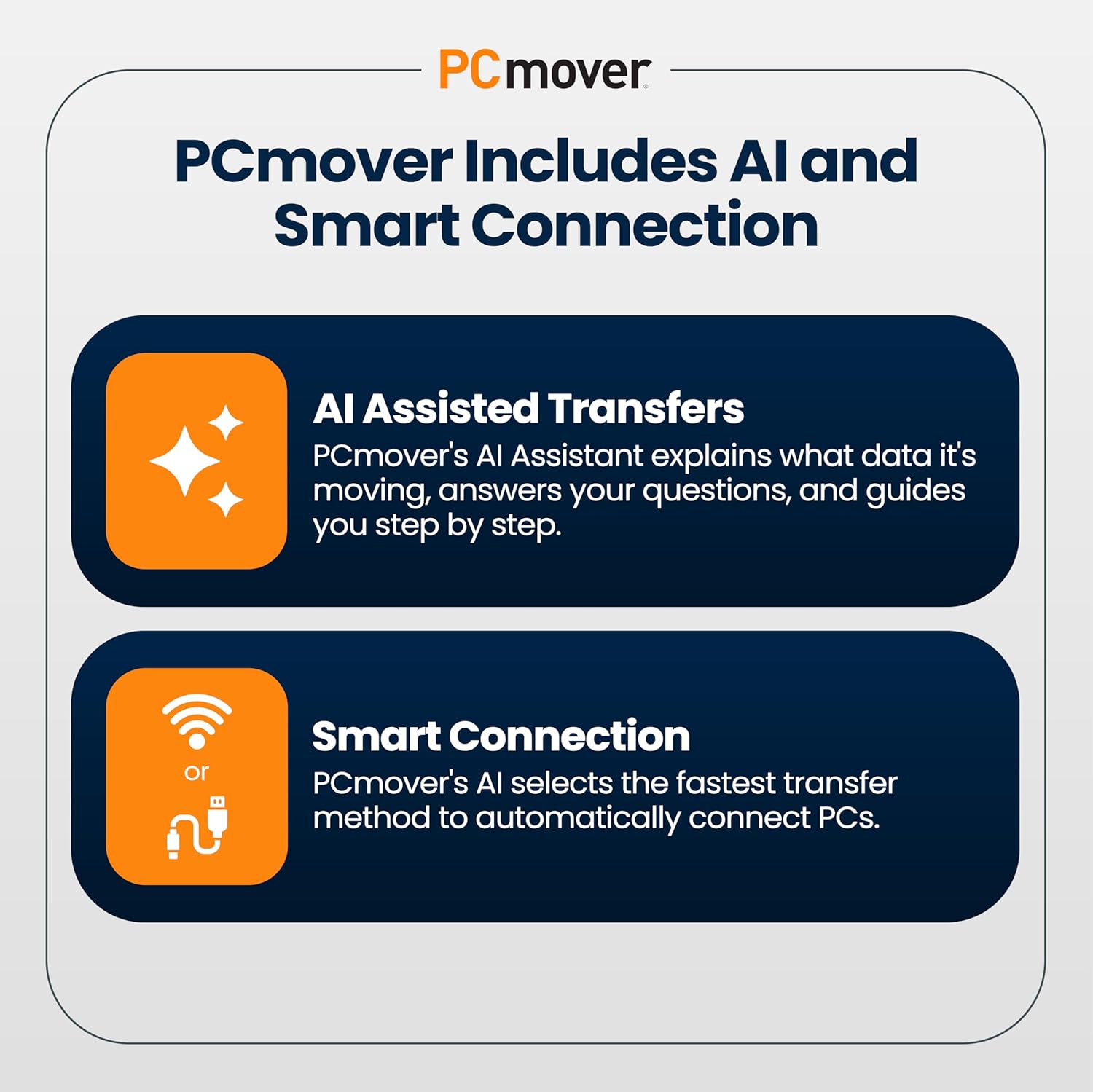
AI Assisted Transfers with Smart Connection Technology
PCmover’s AI Assistant simplifies your transfer by generating a clear summary of transferable items, answering your questions, and guiding you step by step. Enjoy a personalized, interactive setup that helps you make informed decisions about what to move. PCmover’s intelligent AI process determines the best connection for data transfer, including a new Wi-Fi Direct connection type, and connects PCs using the fastest method detected. Get up and running on your new PC with zero hassle.


 About Laplink
For over 40 years, Laplink Software has been committed to simplifying PC migrations with reliable, user-friendly tools. We prioritize customer experience through responsive support, including free 24/7 transfer assistance. Trusted by Microsoft, Intel, and top PC brands, our solutions ensure smooth, secure data transfers. Our mission is to make technology easier for everyone—because we care about your time, your data, and your peace of mind.
PCmover Ultimate
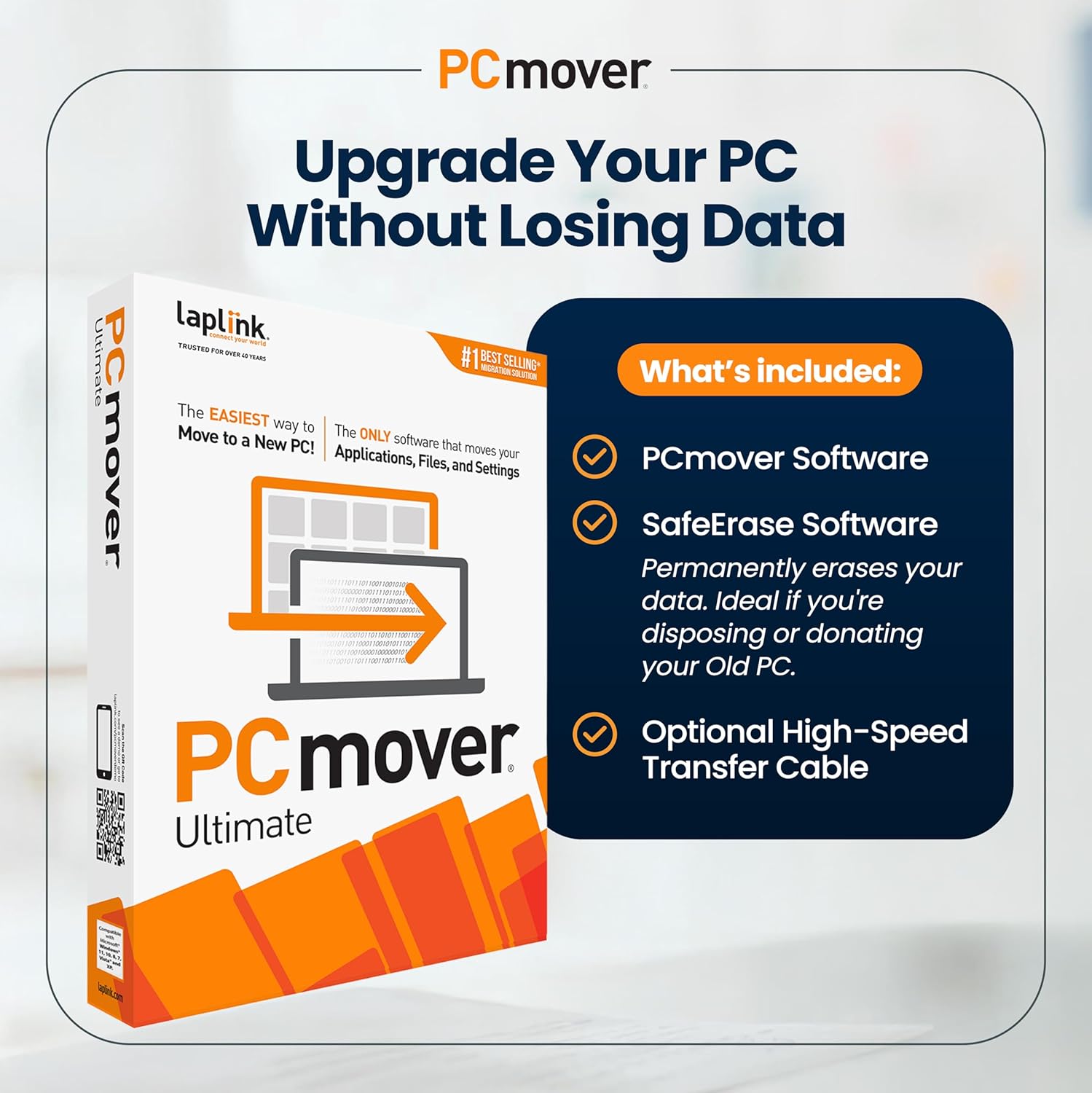
Upgrade Your PC Without Losing Data
Seamlessly transfer everything to your new PC with Laplink’s PCmover. Included are download instructions for PCmover and SafeErase (to securely wipe old data), plus an optional transfer cable.
One PCmover license allows unlimited transfer attempts from one source to one destination computer; additional licenses are required for more PCs.
Simple setup wizard – set it and forget it! Transfer everything you choose Transfer applications & cloud directories Automatic PC discovery & connection Modify library folder destinations Enhanced transfer speeds Foolproof “undo” feature Includes Free Transfer Assistance
Add to Cart
Add to Cart
Add to Cart
Add to Cart
Customer Reviews
4.1 out of 5 stars 5,716
4.1 out of 5 stars 5,716
4.1 out of 5 stars 5,716
4.1 out of 5 stars 5,716
Price
$41.95$41.95 $63.95$63.95 $75.95$75.95 $79.95$79.95
Includes PCmover Software
✓
✓
✓
Yes, 2 Licenses
Includes Optional High Speed Transfer Cable
Yes, Ethernet (uses RJ45 Port) Yes, USB 3.0 (uses USB Type A Port) Yes, Thunderbolt 4 (uses USB Type C Port) Yes, USB 3.0 (uses USB Type A Port)
Cable Supported Transfer Speed
1 Gbps 5 Gbps 40 Gbps 5 Gbps
Transfers applications, files and settings
✓
✓
✓
✓
Application Selectivity
✓
✓
✓
✓
Folder Selectivity
✓
✓
✓
✓
Undo Feature
✓
✓
✓
✓
Rescue hard drive contents from non-working PC
✓
✓
✓
✓
Restore old PC image to new Operating System
✓
✓
✓
✓
Is Discontinued By Manufacturer : No
Product Dimensions : 5.25 x 1.25 x 7.5 inches; 3.53 ounces
Item model number : Ethernet Edition
Date First Available : October 26, 2017
Manufacturer : Laplink Software
ASIN : B076VQ4Y4J
Country of Origin : USA
Best Sellers Rank: #18 in Software (See Top 100 in Software) #1 in PC Maintenance
Customer Reviews: 4.1 4.1 out of 5 stars 5,716 ratings var dpAcrHasRegisteredArcLinkClickAction; P.when(‘A’, ‘ready’).execute(function(A) { if (dpAcrHasRegisteredArcLinkClickAction !== true) { dpAcrHasRegisteredArcLinkClickAction = true; A.declarative( ‘acrLink-click-metrics’, ‘click’, { “allowLinkDefault”: true }, function (event) { if (window.ue) { ue.count(“acrLinkClickCount”, (ue.count(“acrLinkClickCount”) || 0) + 1); } } ); } }); P.when(‘A’, ‘cf’).execute(function(A) { A.declarative(‘acrStarsLink-click-metrics’, ‘click’, { “allowLinkDefault” : true }, function(event){ if(window.ue) { ue.count(“acrStarsLinkWithPopoverClickCount”, (ue.count(“acrStarsLinkWithPopoverClickCount”) || 0) + 1); } }); });
FAST AND EFFICIENT TRANSFER OPTIONS – Seamlessly migrate your PC with Laplink’s PCmover, featuring download instructions for PCmover and SafeErase to securely wipe old data, plus an optional Ethernet transfer cable. Now includes Wi-Fi Direct for faster connections. One license allows unlimited transfer attempts from one source to one destination computer; additional licenses are required for more PCs.
AI-ASSISTED TRANSFER INSIGHTS – PCmover’s AI Assistant generates a clear summary of transferable items, lets you ask questions, make adjustments, and recommends the best options for your migration. Enjoy a personalized, interactive setup experience that guides you step-by-step.
MAXIMUM PERFORMANCE AND RELIABILITY – Get speed and efficiency with PCmover’s optimized transfer methods, including new AI and Wi-Fi Direct to ensure the fastest, smoothest connection possible. Say goodbye to long wait times and start using your new PC right away.
COMPLETE SELECTIVITY FOR CUSTOMIZED TRANSFERS – Enjoy full control with PCmover’s selectivity feature. Choose specific applications, files, folders, and settings to transfer for a tailored experience. With the option to “undo” changes, PCmover makes it easy to fine-tune your migration to fit your preferences.
SEAMLESS COMPATIBILITY ACROSS WINDOWS VERSIONS – Easily transfer data between Windows XP, Vista, 7, 8, 8.1, 10, and Windows 11. PCmover’s comprehensive compatibility ensures reliability across platforms, so your data arrives exactly as it should.
Customers say
Customers find the PCmover software works well and is easy to use, saving them time reinstalling everything and completing transfers within 15-45 minutes. The software comes with an ethernet cable, though some report it being useless. While the functionality and transfer speed receive positive feedback, customers disagree on the software installation process, with some reporting they had to reinstall most applications manually. Customers consider the software a waste of money and report issues with data loss.
10 reviews for Laplink PCmover Ultimate 11 – Migration of your Applications, Files and Settings from an Old PC to a New PC – Data Transfer Software – With Optional High Speed Ethernet Cable – 1 License
Add a review
Related Products

![LibreOffice v4.3 for PC [Open Source Download]](https://m.media-amazon.com/images/I/41uovfMTo7L._AC_.jpg)
![Norton 360 Premium, Antivirus software for 10 Devices with Auto-Renewal – Includes Advanced AI Scam Protection, VPN, Dark Web Monitoring & PC Cloud Backup [Key Card]](https://m.media-amazon.com/images/I/71zyM-0FAQL._AC_SL1500_.jpg)
![PhotoPad Photo Editing and Image Editor Free [PC Download]](https://m.media-amazon.com/images/I/61OhD1HYizL._AC_SL1000_.jpg)


€42
Carl H –
Easy, effective, simple to use, worth every penny!
This is the best way to transfer large amounts of data from one PC to another. I recently replaced my aging machine and this product made the entire process seamless. In may case, I did this over our home network, both computers plugged in, and I just let it perform the transfer over the course of a day (I had a lot of data). This product handles the situations where I had multiple drives as well. It is easily configurable and customizable or you can use the predefined options to do your transfer. When you are done, this package also provided me with software to securely erase all the data from my old machine in such a way no one could recover it. This final step made it easy to then recycle the old machine without worrying about someone obtaining my personal information.
ArtL –
Great support via chat available 24/7! Terrific software!
I highly recommend this software product to migrate your documents, photos, etc. from Windows10 to a Windows 11 machine. (Windows10 support is going away soon). In fact, I bought two copies of PCmover because I had two Windows 10 computers that could not be updated to Windows 11. I did the migration of my laptop first. I did this over wifi and the PCmover did the job overnight! It worked great. My wife uses an All in One computer and she saves everything. I started to do this also over wifi;. The time estimate over wifi was 25 hours, but the process stopped at some point with some error message. I was able to get support from the Laplink team right away via a chat. I was advised that I could restart the new computer, do the migration with the supplied ethernet cable. I was told to stop PCmover on both machines and then start it up again on both machines. With the ethernet cable, the time estimate was just 2 hours! I restarted the PCmover application on both machines and it worked seamlessly! I am really impressed with the support I received at Laplink – with very knowledgeable and helpful folks walking me though the process (and not some AI bot as some companies use for chat).
Theodore Post –
Ease of use
Why did you pick this product vs others?:I liked the ethernet connection option and the fact that it came with the cord. However I was disappointed in that it did not copy everything over to the new computer. It did not copy my documents folder which to me was very important.I had to go back and forth make to sure then that it copied everything, which was very time consuming.
Stephen H. Mayo –
Everything works on new machine !
This program is amazing! Glad I ordered it with the ethernet cable. Initial time estimate was over 2 hours – it was finished in 48 minutes. Transferred all my Win 7 data and apps to my new Win 11 pro machine. Had to call tech support for a link to the 32 bit program that would work with Win 7. Also had to load the 32 bit version on the new Win 11 machine, as both programs have to match. I opted to not transfer my old Office 2016 and get Office 365 Family instead. Well worth the minimal cost. Thanks to all the other reviewers that gave me confidence to use this program. Overall, easy to use if you follow the guide.
Grits –
UPGRADED RATING: Relatively inexpensive software, but the company then attempts to scare you into expensive tech support
UPDATED: The transfer has now been completed. It was reasonably good at moving most things, but certainly not all things. It did not migrate our antivirus, printer software, or VPN software, for example, and it resulted in problems with the VPN that resulted in having to download special software from the VPN company that erases all traces of the software so I could start over on a reinstallation of the VPN. Simple uninstalls of the Epson printer software and antivirus (Zone Alarm) were all that was needed prior to a reinstallation of both of those, and Laplink’s people told me ahead of time (during my final phone support) that the printer and antivirus/firewall software would not go across in the transfer – much appreciated heads up. With a bit more tweaking, I am now in good shape and very satisfied. It STILL beat taking the time to re-load each program, re-set up all the favorites in Firefox, etc., etc., etc. – IF I hadn’t had all the other issues with them.One extraordinarily good aspect was my final phone support session with Laplink. I originally transferred from an older Windows 7 laptop to a newer laptop that had been upgraded to Windows 10 last year but not used since the upgrade except to check it out. After the transfer was finally completed over this past weekend, it APPEARED that we had a very good transfer. However, video problems with on-line streaming were a problem, and further research yielded the undisclosed fact (by Dell or Microsoft) that the computer wasn’t certified for Windows 10, and never should have been upgraded. I reformatted the hard drive and reinstalled the original Windows 7 configuration.I called back to Laplink and explained the situation, fearing that because I had already used the 1-time license for the transfer, I’d have to purchase another license. Instead, they listened to the information, and simply reset the serial number. I then went to telephone support due to an initial problem with the software, and the representative stayed on the line all the way through the set up, analysis, etc., to make certain the transfer initiated properly. This was by far ~the~ most impressive tech support session in my lifetime, and that spans from my first computer course (Fortran IV) in 1966.Despite some bugs in Version 11 (acknowledged by the last support rep), and the earlier “up-selling” problems that were serious turn-offs (see original review below), I have to acknowledge that in the end, the software did its job fairly well, and at least some of their tech support people do not try to sell the expensive “advanced technical support,” and they actually provide tremendous support. I have upgraded an original 1-star review to three stars. If I had it to do over again, I don’t think I’d go with version 11. The phone support tech had to install a previous version that eliminated the bug I encountered when I tried to re-do the transfer, and explained everything very thoroughly – highly impressive. Just don’t get version 11.ORIGINAL: What the company does makes this an unacceptable piece of software. I backed up both computers, updated the operating system in the new (receiving) computer, and was read to go. I was short on time, so I called Laplink just to find out approximately how long the move might take, and was given an acceptable range after several intelligent questions they asked. So far, very impressed.Then the offered to at least run a scan of the two computers to make sure there wouldn’t be any problems with the transfer, at no charge. Great! Seemed very impressive. I even had the thought that if they do this for anyone calling their “free” 24/7 support line, the price of the software is a massive bargain!Next came the major problem. They did find a number of registry and other unspecified problems using their software (they take control of both computers to run it of course). And suddenly we’re talking “advanced technical support” at a minimum of $99 for a 14 day guarantee, and $199 for a full year. But no worries, they said, they could virtually guarantee that they’d be able to complete the transfer without any problems left over. I mentioned that I was beginning to run short on time and didn’t have time today to do everything, and their offer was to just stay connected even after I left the house, and they’ve complete everything for me. Uh, no. I wanted to run my existing and (previously) trusted registry cleaner myself, and THEN see if there were problems before proceeding with the transfer. The pushy sales job for the “advanced technical support” (twice or four times as much as the software itself) started. I declined, partly out of the totally undisclosed “up-charges” that aren’t mentioned anywhere on the product box, nor on the extremely skimpy printed instructions inside. But I also can’t justify especially their premium support at an additional $200.I’m stuck – I can’t return it to Amazon because I’ve opened the software and broken the seal on the CD package. I MIGHT be able to call them back and see about a refund from Laplink, but they say it will take 8 weeks, and previously said that was only when their software wouldn’t work.So, is this review about software I haven’t even installed yet? Absolutely – because they sell you the software and cable for about $50 on Amazon (more from the company direct), and only when you call them do they immediately try to “up-sell” you on “advanced technical support,” trying to scare the user into accepting their “guaranteed” support. And yes, I AM concerned about what will happen if the transfer doesn’t work, since I subsequently learned that my registry software is no longer supported past Windows 7 (the computer I’m migrating to a Windows 10 computer), and according to Laplink’s initial tech support (the free part that tries to become $100 or $200 support), my Windows 10 computer also has “significant” errors on it,” and they specifically recommended AGAINST doing the transfer until the problems are resolved – by them – at a hefty price.So yes, this review is about the software and the company behind it – which I’ve always thought was a fully trustworthy company, to be honest. But now I see how they justify selling the software and cable for a relatively low price – they strong arm customers into paying for previously undisclosed additional technical support and tell you that they “cannot recommend” a transfer at this time, based on the problems they found. That’s poor business, and a relatively useless product. Heck – how do I know the diagnostics they did are even accurate, or even worse, whether they’re intentionally misleading in order to up-sell the additional tech support?I could not be more disappointed (and frustrated). I picked Laplink because of their long-standing reputation, only to get what seems to be a very sleazy way of extracting considerably more money from customers. I’m willing to bet that almost ANY well used computer will show considerable registry issues, and that becomes a “we cannot recommend transfer at this time.” What a dilemma to put customers in. Some might call that extortion….
Richard Hindle –
if you follow the instructions it works perfectly.
Terry OBrien –
Fantastic software, easy to install, on both laptops. Kept original software on old laptop which gave me back up safety. Installed on new laptop super fast, clean no issues. 5 star
JohnClelland –
It does exactly as expected – a great application
Ron Gareau –
I was in the dark as to how to transfer my applications,files and settings from my old Windows 10 computer to my new Windows 11 computer.I came across this fantastic product called PC mover from a company called Laplink.Instead of paying someone to do this ,the software did it all.It even allowed me to wipe the old computer clean before disposing of it.So simple;even a non-computer nerd like me had no problem.It was definitely worth the investment and I highly recommend the product to anyone wanting to achieve a successful transfer of information from one computer to another.Thank you Laplink.I will definitely use you again in the future.
Helen- Perth –
Quick Post. Haven’t used yet, but have used same before