
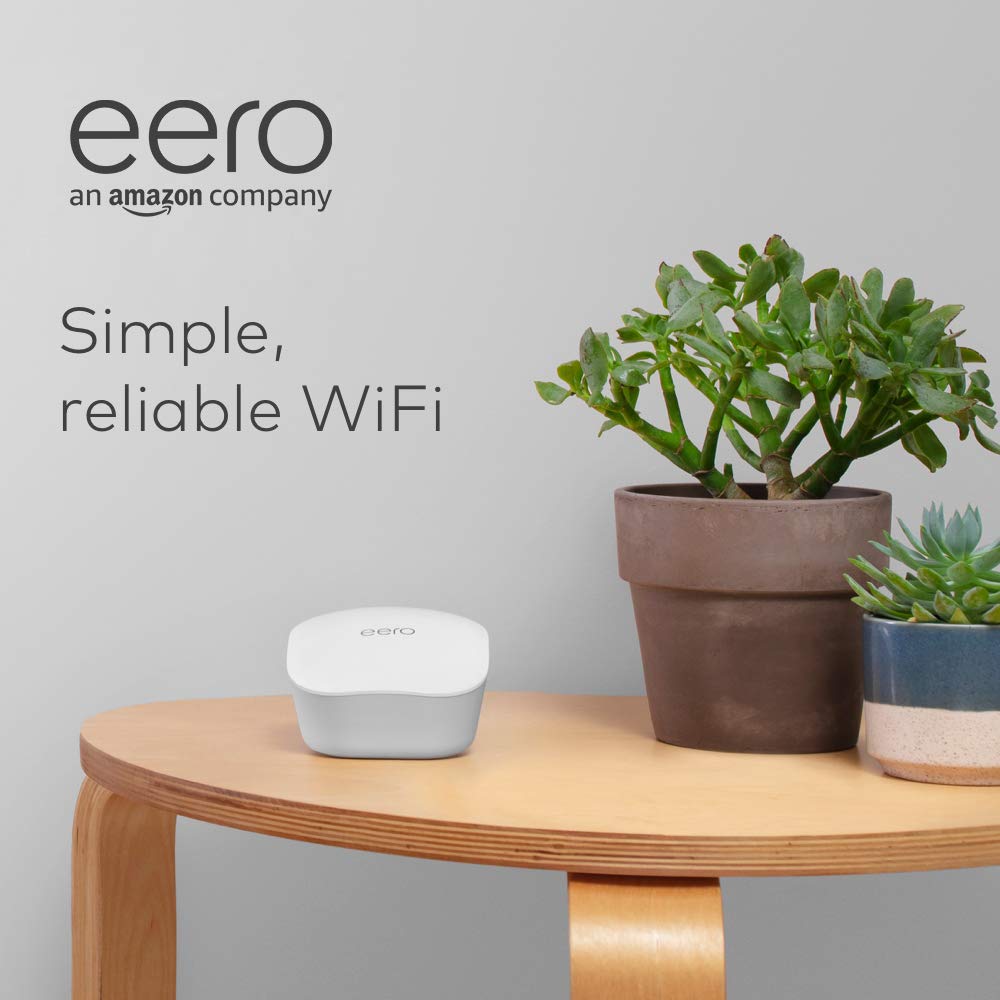
Like-New Amazon eero mesh WiFi router
€56




Price: $55.99
(as of Sep 30, 2025 23:55:51 UTC – Details)
A Like-New Amazon eero mesh WiFi router is refurbished, tested, and certified to look and work like new and comes with the same limited warranty as a new device.
Fast standalone router – The eero mesh WiFi router brings up to 1,500 sq. ft. of fast, reliable WiFi to your home.
Works with Alexa – With eero and an Alexa device (not included) you can easily manage WiFi access for devices and individuals in the home, taking focus away from screens and back to what’s important.
Easily expand your system – With cross-compatible hardware, you can add eero products as your needs change.
Works with your internet service provider – Eero connects to your modem to bring your existing internet connection to every corner of your home.
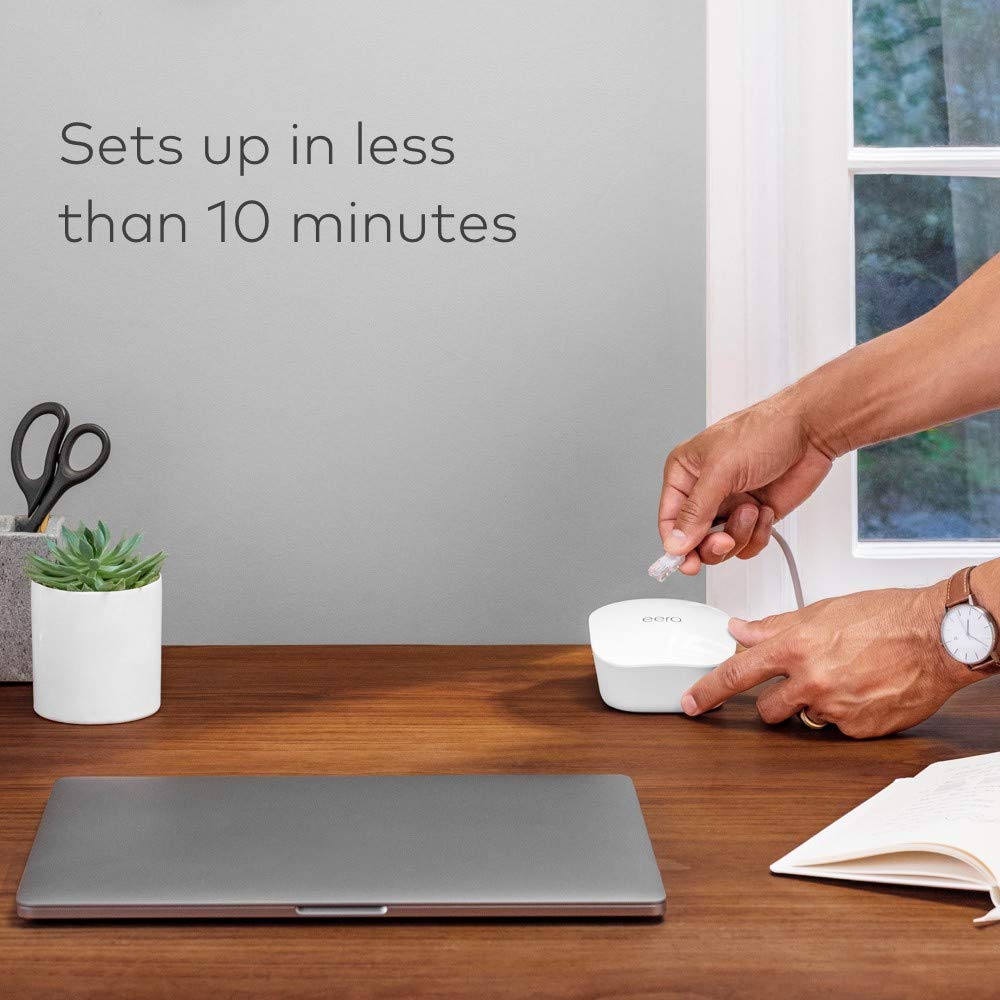
Set up in minutes – The eero app walks you through setup in less than 10 minutes and allows you to manage your network from anywhere.
Don’t let WiFi slow you down – Get the most from your WiFi by streaming, gaming, and working from anywhere in your home.
Gets better over time – Automatic updates keep your network safe and secure.
TrueMesh technology – Eero intelligently routes traffic to avoid congestion, buffering, and dropoffs.
Customers say
Customers find the WiFi router works well as an extender and appreciate its easy setup through the app. Moreover, the device offers good value, higher data speeds, and excellent coverage, with one customer noting it can cover up to 1500 square feet. However, connectivity experiences are mixed, with some reporting boosted connection quality throughout the house while others experience spotty connections. Additionally, the reconditioning aspect receives mixed feedback, with some considering it a great purchase while others express concerns.


B. Mc ALLISTER –
Great value it works!
Great secure WiFi connection easy to set up and reliable. Great size and pleasant design for light color changes with connectivity to know set up is complete and clear indication that itâs working.
Tamie –
Reliable, Easy-to-Set-Up WiFi Solution â Solved My Whole-Home Coverage Issues!
I recently purchased two eero WiFi routers, and I couldnât be happier with the results. Setup was incredibly simple, just connected the eero to the existing modem/router provided by my internet service provider. I really appreciated that it allowed me to run two separate WiFi networks, each with its own name and password. This was perfect because I didnât have to go through the hassle of reassigning all my devices to a new network.The design is compact and sleek, so it blends in well with the home environment, no bulky or awkward-looking hardware. But the biggest win? Connectivity strength. I was struggling to get a reliable signal across all three levels of my home, especially in the basement. After placing one eero unit on the top floor and the second on the middle floor (strategically at a midpoint), I now get strong, consistent WiFi throughout the house, even in the basement.Overall, the eero system completely solved my coverage issues. If youâre looking for an easy, effective way to boost WiFi across a multilevel home, I highly recommend this product!
ImagineThat –
Garage install works well so far
Great addition to the system I already had and it was easy to add through the app. Coverage does well for being installed in my garage.
Cinema4 –
Solved my problem.
I have an Eero network and needed an extender with an ethernet port to accommodate my computer whose wifi card was going bad. This extender joined my Eero network with no problem. The internet for my computer is now lightening fast and reliable.I got a refurbished extender. It was economical and came with the same warranty as a new one.
90ishDaze –
WiFi extended and works great
We already have an eero system in our house, and decided to buy this to boost the far end, and I will say it connected into the existing system easily and works great.
A_diva –
Best Decision EVER
This review is probably premature, I literally just connected the devices and Iâm extremely impressed!I do not like buying used goods but this is my second refurbished purchase through Amazon that seems to be perfect!The device set up is so simple. You literally download the app, plug it in just follow the app. All I remember doing is clicking ânextâ and the app found my eero devices.I had just purchased another mesh Wi-Fi router (Tenda Nova) and had just re-routed all my cameras to those devices and a few home devices, but the second node in the Tenda Nova kept dropping. The good thing is the way my house is set up, one Tenda Noca box could handle everything but I really wanted to maximize coverage in my house so I was set on two nodes and decided to try the eero system. I was re-routing my cameras and other devices but I didnât even have to the eero system picked them up and added them! Thank goodness! Note: I used same name and Wi-Fi password as before. Saved me some headache because my outdoor camera reset button is in an awkward place : / .One thing I notice however is all my devices are picking up on one of the eeroâs instead of the nearest devices going to the closest eero. This is the same observation I noticed on the Tenda Nova system. Iâm thinking that the layout of my house doesnât really need two nodes. Iâve always only had one modem-router combo in my house provided by my ISP provider and the box covered my 3,000 sq foot home. I think this is because my house layout. The rooms all kind of border my main living and game room so when my box is in the center if he game room or family room I pretty much get internet in all the surrounding rooms. With this in mind Iâm not sure if Iâll keep both unless I figure out a layout that pushes more coverage in my front and back yard.Great product not sure why Iâm so late to this other than my ISP modem worked really well and I kept getting promotions to waive the rental fee , but after years of promotions my ISP is putting their foot down and I refuse to pay the rental fee. In any case no regrets!I paired this with a refurbished Arris router also sold by Amazon. Iâm getting slightly higher download Mbps than I pay for!Happy customer! :)))))
KristinKathryn –
Need an existing router first.
You cannot â REPEAT: CAN. NOT. â use this as a standalone router without an existing router FIRST. This is not plug & play like any other router on the market. I spent half an hour on the phone with tech support who kept telling me he didnât know how to do it without an existing modem/router and that it wouldnât activate.Details:Bought this for my daughterâs dorm; they have WiFi but itâs not super strong, so they have Ethernet cables in each room and each person is encouraged to have their own routers for strong connections for their devices. Bought this because Amazon products are typically great and it was small to tuck into a corner.Plugged it in, connected the Ethernet cable (which works instantly when plugged directly into her laptop), downloaded the app, and walked through the guided steps on the app. Multiple tries, even with the wired setup instructions, and it didnât work.It wants you to connect the Eero to your EXISTING WIFI ROUTER FIRST, then remove your router and replace it with the Eero. EXISTING ROUTER. You have to ALREADY have internet service FIRST â having a modem FIRST â to then REPLACE it with this.You CANNOT plug this into an Ethernet cable, set up your network, and go like every single other WiFi router on the market.So I paid more than double for nothing. Returned it, bought a $30 ugly Netgear router, and set it up within minutes. What a horrid business model, to create a device that requires you to have another service first. Dumb.So if you already have a modem and want to switch? You may love it.If you are creating a brand new network, donât waste your money.