

Logitech MK235 Wireless Keyboard and Mouse Combo for Windows, USB Receiver, Long Battery Life, Laptop and PC Keyboard and Mouse Wireless
Original price was: €28.€25Current price is: €25.


Price: $27.99 - $24.99
(as of Jul 26, 2025 23:11:36 UTC – Details)
Simple plug-and-play wireless keyboard mouse combo with reliable wireless connection up to 10m / 33ft away, sharing one tiny USB receiver. No hassle with pairing or software installation for this office keyboard and mouse wireless setup. Type comfortably on a familiar computer keyboard wireless layout with full-size arrow keys, number pad and easy access to 15 shortcut keys. With its durable construction, this wireless keyboard and mouse logitech offers a spill-proof design, anti-fading treatment on each key, and sturdy tilt legs, built to last. The USB keyboard and mouse combo is tested under limited conditions (maximum of 60 ml liquid spillage). Do not immerse keyboard in liquid.
Extended Battery: Enjoy up to 3 years of battery life for the Logitech wireless keyboard and up to 1 year for the mouse (1) MK235. This Logitech wireless keyboard and mouse combo reduces the hassle of charging cables and changing batteries often.
Ambidextrous Mouse: The compact, portable optical mouse is comfortable for both left and right-handed users, and can be taken anywhere. Works well for full size wireless keyboard and mouse/ computer keyboard & mouse combos.
Durability: The keyboard of the Logitech MK235 wireless keyboard with mouse features a spill-proof design (2), anti-fading treatment, and sturdy tilt legs.
Plug and Play: The included USB receiver provides a reliable wireless connection up to 33 ft away (3); no need for pairing or software installation to use this Logitech keyboard and mouse combo and mouse keyboard combo wireless.
Full-size Keyboard: All the keys you need, with a full-sized keyboard layout, number pad, and 15 shortcut keys; smooth, curved keys make for a comfortable typing experience. Suitable for wireless mouse and keyboard combos.
Customers say
Customers find the keyboard and mouse combo works well with both PC and laptop computers, is easy to set up, and offers good value for money as a budget solution. The keyboard and mouse receive mixed feedback – while some find them adequate, others report they don’t work at all. The size receives mixed opinions, with some appreciating its compact design while others find it too small for their fingers. The lag aspect is also mixed, with some customers noting fast response while others experience delays. The quality receives mixed reviews, with some praising its solid build while others describe it as cheaply made.
13 reviews for Logitech MK235 Wireless Keyboard and Mouse Combo for Windows, USB Receiver, Long Battery Life, Laptop and PC Keyboard and Mouse Wireless
Add a review
Related Products

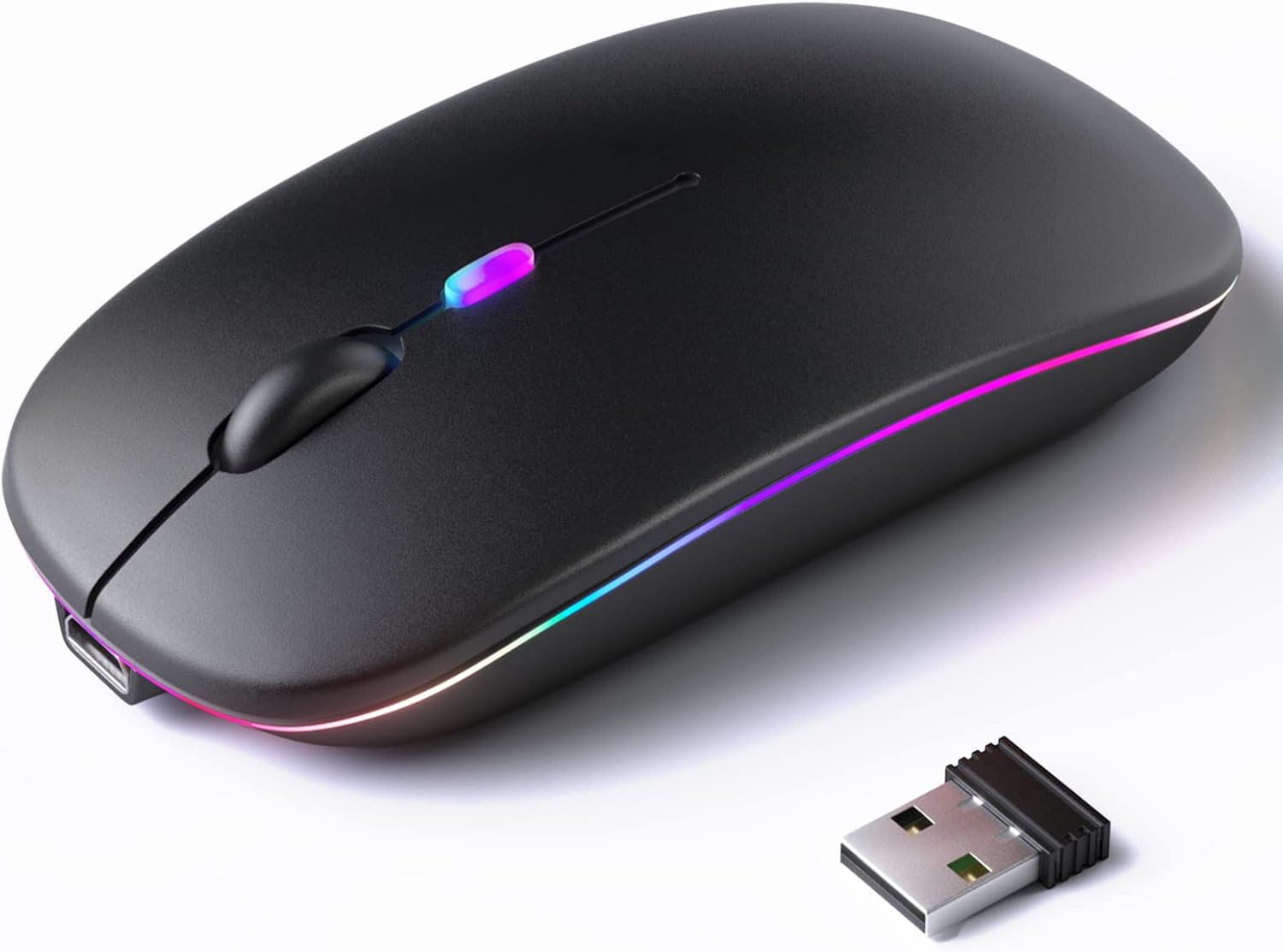


Original price was: €28.€25Current price is: €25.
Ryan –
The FN key is very easy to find with touch typing.
Works with Windows just fine.There is no power (on-off) switch/toggle for the Keyboard.It is not advertised to work with Chromebooks, and for the most part it will work, however (as of this writing), the scroll wheel (on the included mouse) does not work with Chrome OS.Again, it does not advertise compatibility with Chrome OS so that is not an issue.
Logan –
Great mouse keyboard combo for home or office computer
This mouse and keyboard combo works great. Currently, I have a Raspberry Pi hooked up to the TV in my living room, and I watch movies, videos, etc. on it. I use this mouse and keyboard connected via one USB into the Raspberry Pi for everything. It works great, and I can tell you it has at least a 15-foot range. Since I’ve bought it, I have yet to need to replace the batteries. It’s responsive, works well, and connects, as far as I can tell, instantaneously. I think if you’re going to use this for an office or home computer, it will work great. However, I may not use it for a gaming setup, as sometimes the mouse isn’t as accurate or responsive as I may like. And while so far working very well, the construction of both the keyboard and the mouse do feel on the cheaper side.
Tool Time –
Economical, Compact Full Size Keyboard and Integrated Mouse
I liked the price and it was easy to install – just insert the batteries and plug in the unified USB receiver. It came with batteries. It’s a convenient keyboard/mouse for setting up a new computer and to have as a backup. It is light weight and compact. The full size number pad is convenient. The wireless functions work well.The keyboard feels “cheap” and fragile. The keys have more resistance than I’m used to and it takes some practice to type fast. There are no monitor lights for caps and numb lock but that may be standard for battery powered keyboards. The mouse works fine and the native Windows driver works well with it.I will keep this for setting up my systems and as a backup but for routine computing and gaming I will use my USB cable powered keyboard and mouse.I encountered some interference while typing and using the mouse so I added a USB extension cable to get the receiver closer to the keyboard. The keyboard and mouse work perfectly now.
Alvin Wong –
Brand name with brand name quality
This was a 100% plug and play. Once i plugged the usb adapter onto my laptop, the mouse and keyboard connected automatically (Windows 11). Keys have a nice feel and the mouse was very responsive. Only thing i would change the roller on the mouse. It feels a little tight (maybe it will loosen. up with use??)
Dieter –
Great Budget-Friendly Keyboard & Mouse Combo!
The Logitech MK235 Wireless Keyboard and Mouse Combo is an excellent choice for those looking for a reliable and affordable setup. The keyboard has a comfortable layout, and the 15 FN keys provide useful shortcuts. The USB receiver makes setup quick and easy, and the long battery life is a huge plus. Both the keyboard and mouse work smoothly, making them perfect for everyday use. Highly recommended for home or office use!
Viet Vet –
Works, but missing basic features.
For the price it’s okay, but missing a few very basic things. First, NO included instructions. Finding the online “manual” on Logitech was a pain and then pretty much useless. Dongle doesn’t match other unifying dongles and worse it is stuck in the side tab of the carton. After finally found it, it works (I use another mouse, so nothing to say about that – though it did work), Oddly, no on/off switch? Seriously? I use rechargeable batteries, so that is not a big deal and I’ve only used it for a day, so I’m a assuming it goes to sleep after so many minutes of non-use and hitting any key wakes up it (still not positive about that). The issue with not being able to turn it off without removing the batteries is that accidentally bumping it, might close a program or post a comment I’ve not completed yet. How hard is an on off switch? Also, no CAPS LOCK indicator. Again, how hard is that? Easy enough to figure out, so not a “deal-breaker” considering the price, but you’d think that would be a very basic feature. It types okay and didn’t expect a lot for the price so still 3 stars. Would have given 4 with on/off and maybe even 5 with CAPS LOCK indicator. If you are looking for a cheap wireless keyboard this will work for you. I only ordered it because I use laptop via TV and the replacement keyboard is 3rd party on Amazon, so no prime 2 day delivery. I did get it in two days which was my go, but I’m ordering another k360 and use this as a “back-up”. K360 is a MUCH better keyboard, size, options – it’s a better deal if you don’t need it right away.
Irene Labarte –
Great Combo!
The Logitech MK235 Wireless Keyboard and Mouse Combo is fantastic! The keyboard is super comfortable to type on, and I love the extra FN keys for easy shortcuts. The mouse is smooth and responsive, and both have a long battery life. The USB receiver makes connecting quick and easy. It works perfectly with my PC and laptop. Overall, a great value for the price!
Victoria Smith –
Great for a laptop
This is a great deal. It is easy to use and it is wireless. The keyboard is quiet when you are typing. I have started noticing that some of the keys are starting to stick.
Manan Shah –
Easy to use and keypad is very soft, but scrolling is not so good
Davut Yige –
TuÅların dokusu hoÅ yumuÅak iÅ görüyor ancak mouse küçük
VALUE4U PUBLISHING –
The Logitech MK235 Wireless Keyboard and Mouse Combo is an excellent choice for anyone looking for a reliable and hassle-free setup. The full-size keyboard has a great layout with smooth, curved keys that make typing a breeze. Adding 15 shortcut keys is a thoughtful touch that adds convenience to my daily tasks.The ambidextrous mouse is compact, lightweight, and comfortable for left- and right-handed users. Itâs easy to take on the go, perfect for someone like me who frequently switches between working at home and other locations.What I love most is the effortless plug-and-play setupâjust plug in the USB receiver, and youâre good to go. No need for software installation or complicated pairing processes! The wireless connection is stable even at a distance, making it a joy to use.The extended battery life is a standout feature. Up to 3 years for the keyboard and 1 year for the mouse means I can stop worrying about frequent battery changes. Plus, the keyboardâs spill-proof design and durable tilt legs are great for everyday use, adding peace of mind and comfort.If you need a dependable and long-lasting keyboard and mouse combo, the MK235 is a fantastic investment. Highly recommended for home or office use!
Paro Massimo –
questi i punti negativi riscontrati:- barra spaziatrice non funzionante- batterie messe nella scatola alla rinfusa- inoltre mi aspettavo dalla Logitech un prodotto di qualità più elevata.
Mohamad Sleiman –
Good