

NERO – THE MULTIMEDIA SOFTWARE : Nero Platinum Unlimited | Video Editing | Backup | Manage & Play Media | 8K | Photos | Music | PC Tuning | Windows 11/10/8/7| 1 PC
€130



Price: $129.99
(as of Sep 25, 2025 14:44:06 UTC – Details)
Product description

Complete solution for your PC | Video editing | Media management | Burning | Backup | Conversion | AI-based motif recognition
A wide range of solutions makes the Nero Platinum Suite a unique toolbox for all your digital needs.
The Nero Platinum Unlimited version offers permanent multimedia power to manage, edit, and back up media files of all kinds.
Buy once and use foreverUnlimited multimedia enjoyment for beginners & professionalsIndividual upgrades possible
Features

Photos
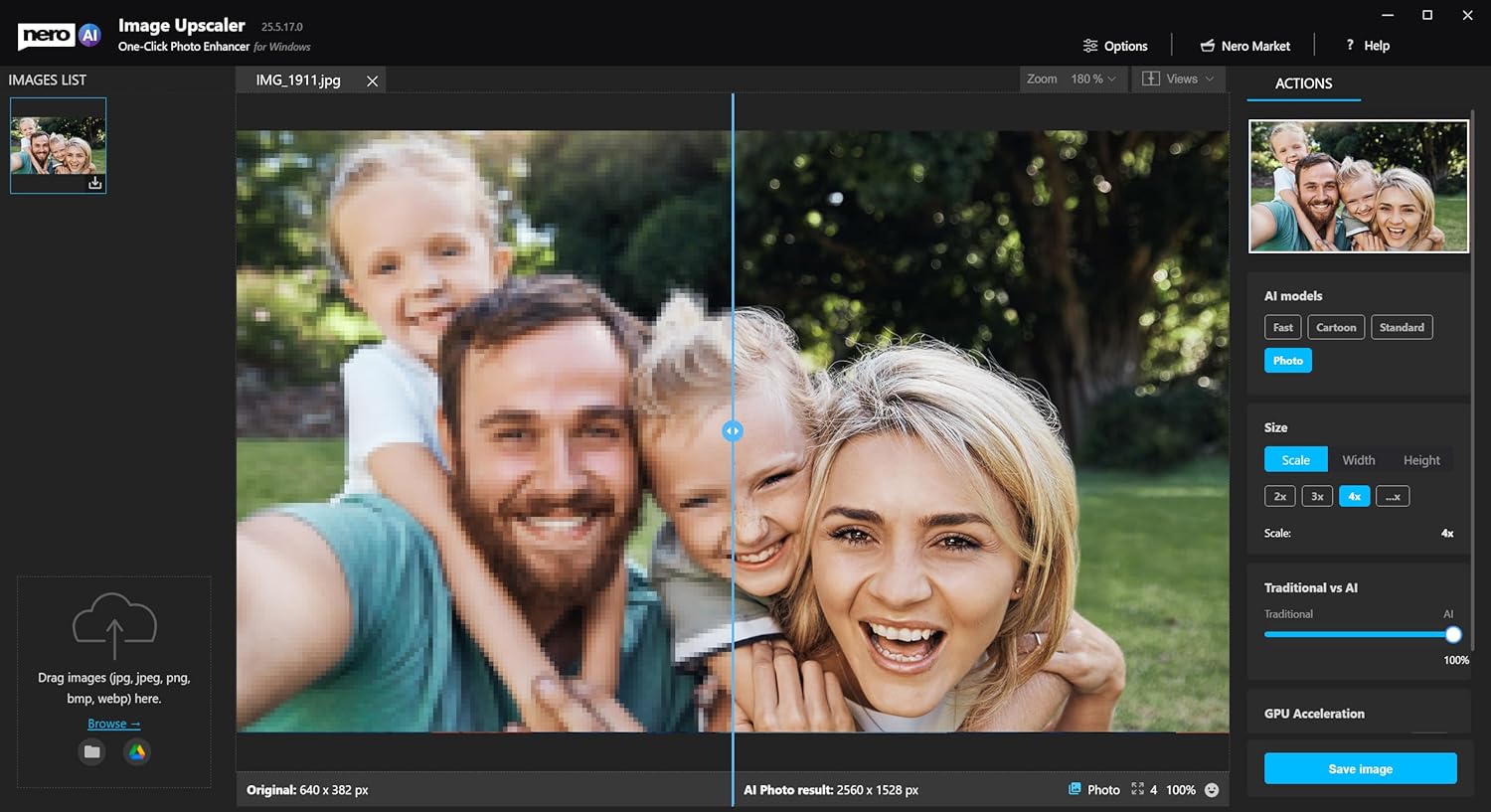
Manage and sort photosCreate slideshowsEnhance photos with filtersMotif recognition through artificial intelligenceFind duplicate photos fully automatically or delete duplicate photos with the photo manager

Videos
Video editing: Trim, cut and export videos8K playbackVideo editing for beginnersHundreds of theme templates for slideshows and videosExciting effects such as picture-in-picture, alpha channel, tilt shift and slow motionFilmed the wrong way round? No problem, videos can be rotated

PC Tuning
Speed up a slow PC nowImprove PC performance and get the most out of your computerUpdate drivers, speed up your PC and improve internet speed with one click.Optimize your computer without expertise

Data Backup
Uncomplicated and automated backupBack up data to external hard disk, CD, DVD and in the cloud.Numerous cloud services directly connected: Goolde Drive, OneDrive, MagentaCloud , HIDrive, pCloud, QloudIndividual settings for data backupClear backup with version managementSecurity through incremental snapshotsEncryption with 256-bit encryption software
Convert and export
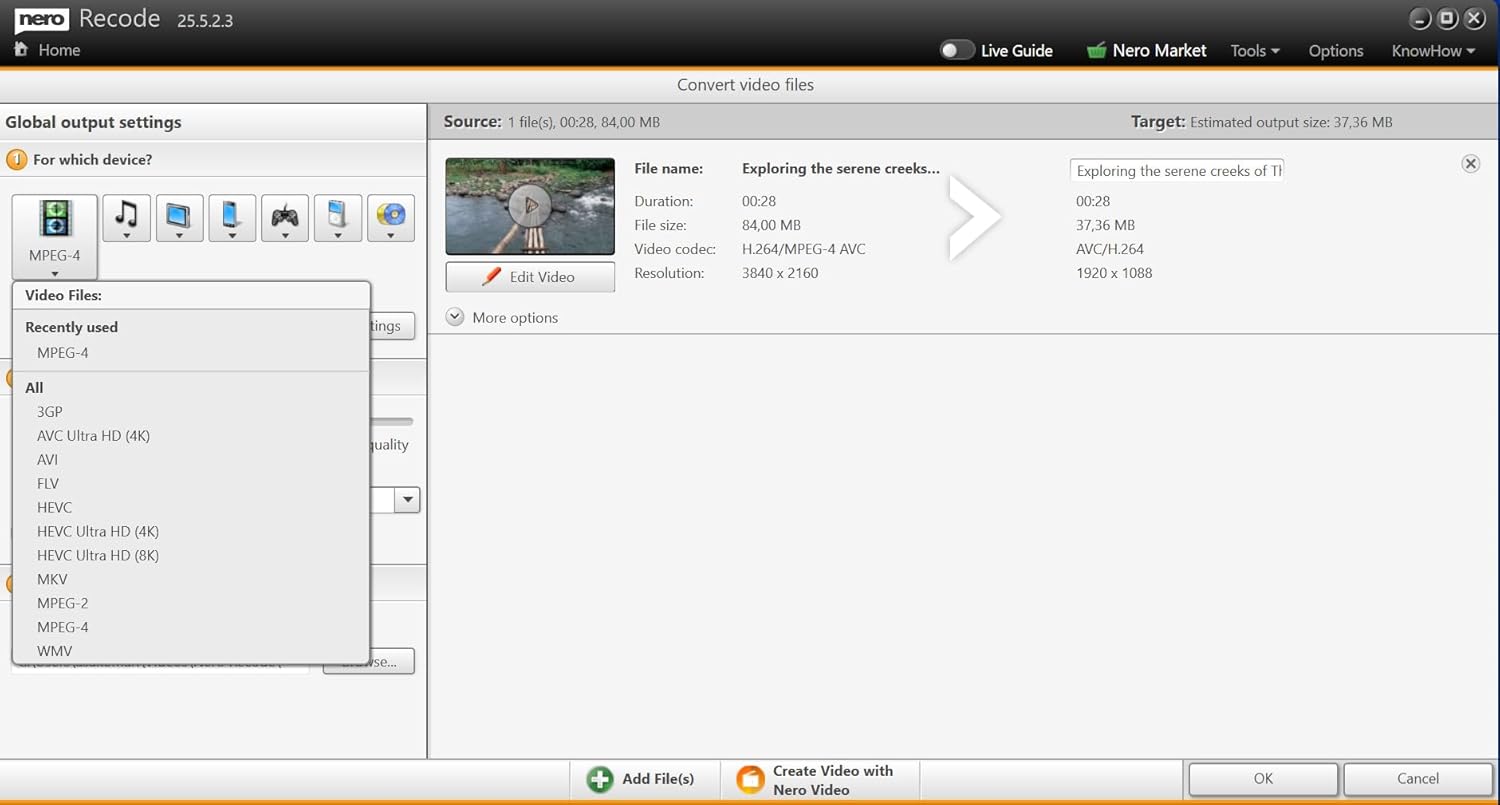
Rip and convert audio and video filesConvert existing files to the format you needConversion to numerous formats, optimised for almost any deviceHigh conversion speedBatch processing possibleConversion of Blu-ray 3D discs to 2D HD and SD formats is supported.Supported file / container formats Video: 3gp, asf, avi, divx, f4a, f4b, f4p, f4v, flv, m2ts, m2t, mts, ts, mkv, mov, mp4, mpe, mpg, mpeg, vob, m4v, tod, trp, wmv, mod, mpv2, nd, nvavi, ogm, dv, ogv, ogg, mmv, dat, ifo, m1v, m2p, m2t, m2v, mmvSupported file formats Audio: Mp3, wav, wave, wma, flac, aiff, aif, amr, m4a, ape, oga, mp2, mka, ogg, mp4, mpe

Music
Quickly and legally save music from all music streaming servicesEdit and cut musicUseful effects such as fade-in , fade-out, volume

Toolbox
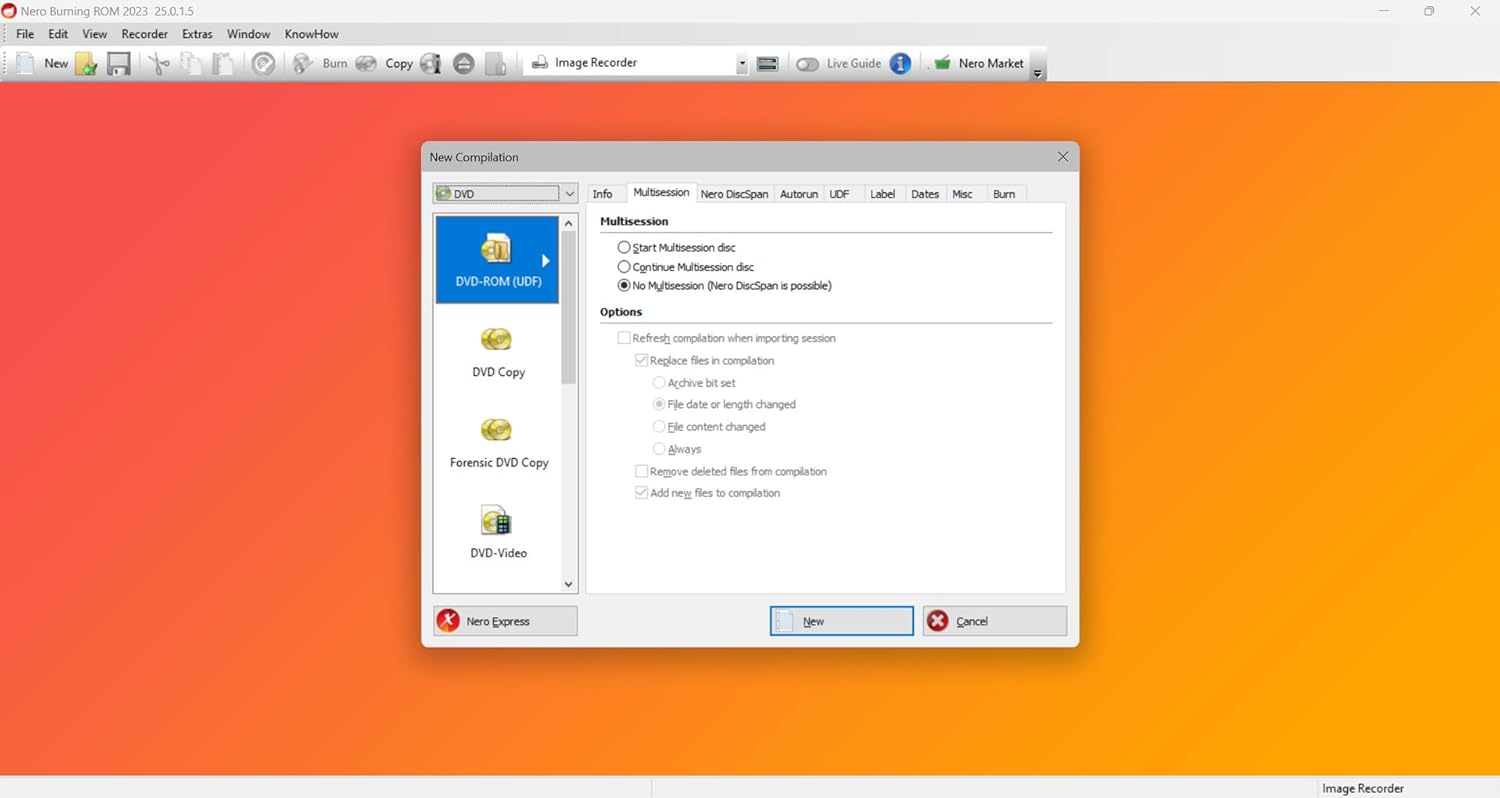
Recover deleted data,Encryption of personal dataDVD and CD burning with Nero Burning ROM

Multilingual
Nero Platinum supports 24 additional languages
System requirements
PC requirements PC/laptop with Windows 7/8/8.1/10/11, at least 1 GB RAM, 5 GB free hard disk space, 2 GHz processor or higher Internet access Internet connection for download, installation and operation of the software package CD/DVD burning DVD drive for playing DVDs + CD/DVD/BluRay recorder for burning optical media Note On 64-bit operating systems, applications run in 32-bit emulation mode
Product Dimensions : 5.24 x 1.25 x 7.5 inches; 3.21 ounces
Date First Available : January 31, 2025
Manufacturer : Nero Inc.
ASIN : B07W88V63F
Best Sellers Rank: #776 in Software (See Top 100 in Software) #78 in Home & Hobbies
Customer Reviews: 3.6 3.6 out of 5 stars 29 ratings var dpAcrHasRegisteredArcLinkClickAction; P.when(‘A’, ‘ready’).execute(function(A) { if (dpAcrHasRegisteredArcLinkClickAction !== true) { dpAcrHasRegisteredArcLinkClickAction = true; A.declarative( ‘acrLink-click-metrics’, ‘click’, { “allowLinkDefault”: true }, function (event) { if (window.ue) { ue.count(“acrLinkClickCount”, (ue.count(“acrLinkClickCount”) || 0) + 1); } } ); } }); P.when(‘A’, ‘cf’).execute(function(A) { A.declarative(‘acrStarsLink-click-metrics’, ‘click’, { “allowLinkDefault” : true }, function(event){ if(window.ue) { ue.count(“acrStarsLinkWithPopoverClickCount”, (ue.count(“acrStarsLinkWithPopoverClickCount”) || 0) + 1); } }); });
✔️ Video Editing: Easily create stunning slideshows and personal movies.
✔️ PC Optimization: Restore your computer to peak performance with just a few clicks.
✔️ Manage, Play, and Convert Media: Supports a wide range of formats including MP3, MP4, 8K, and more.
✔️ Data Backup: Regularly back up your data to keep it safe and secure.
✔️ AI-Powered Photo Management: Smart photo gallery categorizes images by people, places, and more.
✔️ File Converter: Rip and convert audio and video files effortlessly.
✔️ What’s Included: Installation CD with serial number.
✔️ Unlimited licence
✔️ System Compatibility: Works with Windows 11, 10, 8, and 7.
✔️ User-friendly Interface: Easy-to-use design for quick access to all features.
5 reviews for NERO – THE MULTIMEDIA SOFTWARE : Nero Platinum Unlimited | Video Editing | Backup | Manage & Play Media | 8K | Photos | Music | PC Tuning | Windows 11/10/8/7| 1 PC
Add a review
Related Products


![VideoPad Video Editor Free – Create Stunning Movies and Videos with Effects and Transitions [Download]](https://m.media-amazon.com/images/I/810xsDCJ4eL._AC_.png)

€130
Amazon Customer –
Swiss army knife of software
I grabbed Nero with one goal: turning a pile of dusty family videos into something Blu-ray worthy before the nostalgia fades for good. And wow, it gave core character energy to the entire process. Editing was way more intuitive than expectedâI was trimming clips, dropping transitions, and customizing menus like I had a whole post-production team behind me. Spoiler: it was just me and my iced coffee.But wait, the suite doesnât stop at just burning discs. I peeked around the rest of the tools and instantly felt like Iâd unlocked a secret media vault. Backup options? Full-on digital preservation vibes. Music and photo management? Surprisingly polished. And donât even get me started on the PC tuning featuresâI let it loose on my ancient laptop, and suddenly it remembered how to boot in under a minute.The whole thing has that âIâm more powerful than I lookâ personality. Not overwhelming, just quietly stacked with features that make you feel like your tech life is actually under control. Honestly, if your files, videos, or system have been screaming for attention, Nero shows up like your organized best friend who also happens to know graphic design. And burns Blu-rays. So, yeahâitâs giving archival excellence with a splash of digital fairy godmother.
Amanda G –
Pay money to get ads
I picked up Nero Platinum Unlimited mainly for its video editing features, but I was pretty disappointed with the overall experience. While the software does offer a wide range of tools, a lot of the more useful features are locked behind additional subscription fees, which feels frustrating given the price of the software upfront.On top of that, the constant pop-ups and ads for add-ons and upsells are intrusive and make the software feel cluttered and overly commercial. For a product marketed as “unlimited,” the upselling really detracts from the value. It might be okay for basic media tasks, but if you’re looking for a clean, fully-featured editing suite without constant nags, you may want to look elsewhere.
Clemen Samuels –
I won’t go further with this software after finally getting it registered in my name.
Their website (Nero) and instructions need some serious rehauling done.The instructions give you a website address to go to and install the software which doesn’t exist and simply takes you to their pop up filled website.Their whole gimmick is tokens or coins or something on their site.I loved nero and used pirated versions since it was launched 20+ years ago.I may just go that route again to avoid having to make an account which only wants me to buy into their currency.I went thru the entire install with no disc route and immediately closed the software and haven’t opened it since.I may or may not ever use it.I only use hassle free programs that don’t bother me or try to get me to constantly buy things or give them money.I don’t see myself using this again. Which is a bummer cuz I just got back into “computers” again. So, that 100% includes video and audio editing….I wonder if I used nero to make bootable winxp discs/drives. Or maybe it was just UltraISO.I know I always had a copy of nero on every computer back in the day. It was mandatory.Not any more.
Jared and Marie! –
Great software
Great selection of software with intuitive designs
George Gilman –
Nice bundle of quality software but burndened by pop-ups to buy more
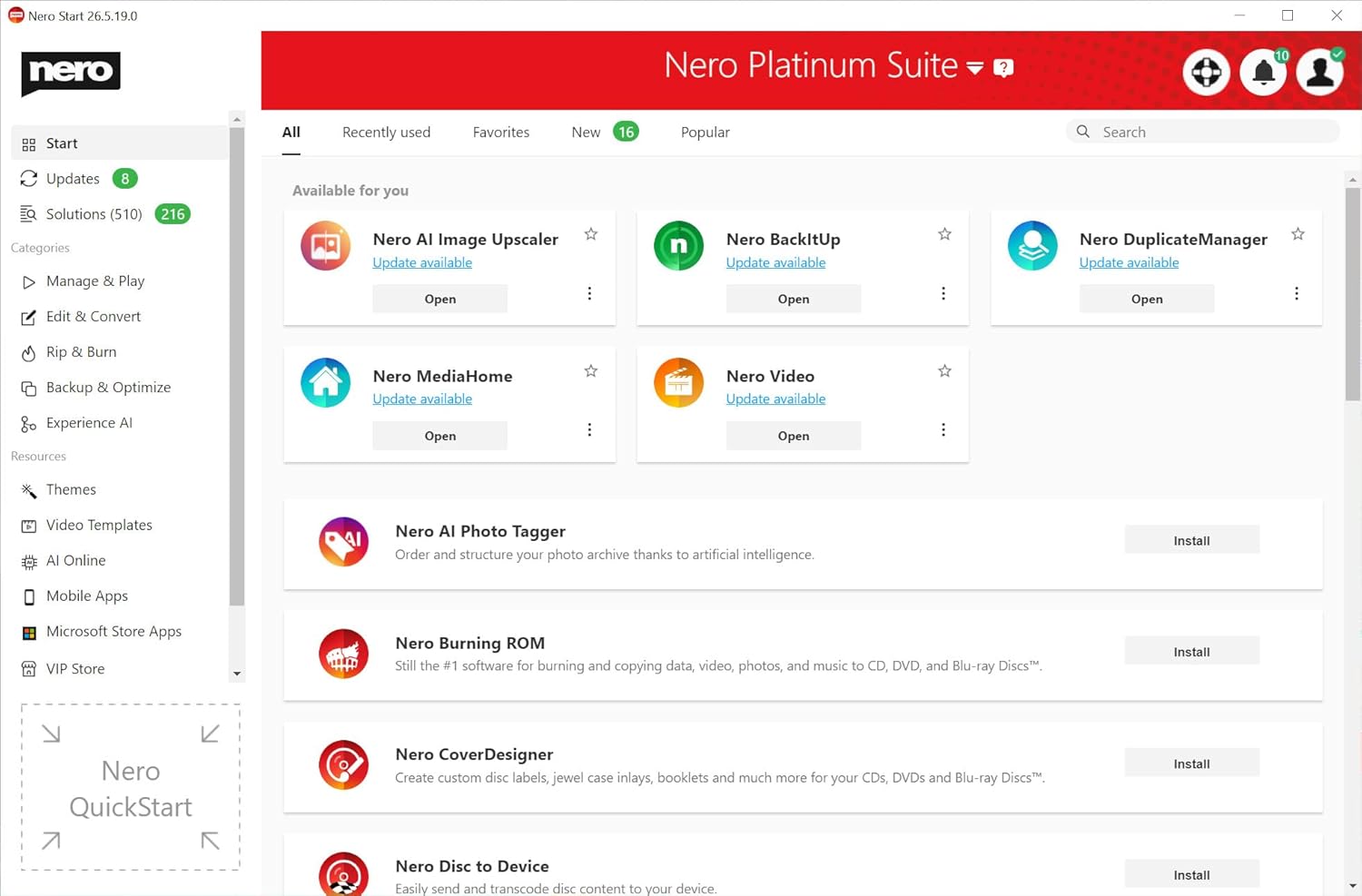
This product is really sort of a big bundle of software products and I’ve only touched a few so far. Though not used as often today as it was a few years ago, I mostly know the Nero name for their CD/DVD burning software. Since obtaining this new version, I’ve tried out that feature and I’m happy to report it still works well. I’ve played with the video editing software as well and it seems rather intuitive and is capable of clipping video pieces together. I expect to get into this software more in the future as I capture drone video and haven’t done much with the video so far.There’s a lot more too though in the bundle including Recode, which converts media files, Backup, ResuceAgent, MediaHome, and more to explore. They all start from a single dashboard, where you can add optional pieces to the installation as you wish.Overall, it’s a nice set of tools and with the number of them, the current price point seems like a decent value. Though if you only really need 1 or 2, you may want to find comparable products individually since the bundle isn’t particularly cheap.Though the software I’ve tried all works well, the biggest issue I have is the attempt to up-sell. Since I installed the software, I’ve gotten reminded several times a day from popups on my PC that “you’ve got duplicate photos” or “you have gigabytes of data that could be freed up”, with each pop-up wanting me to purchase and install another piece of this bundle. The single dashboard is also loaded with a ton of apps to “Try now”, and some talk of “Nero credits” I can earn and purchase.Overall, I still have some respect for the Nero name, though it constantly being diminished every time I get another popup. A full priced piece of software really shouldn’t be trying so hard to push me into buying other things. This is a pet peeve of mine. I’ve looked in the app settings and haven’t seen how to disable popups but will have to get rid of it in Windows.