

Samsung 43-Inch M7 (M70D) Series 4K UHD Smart Monitor, Speakers, HDR10, USB-C, Multiple Ports, Gaming Hub, SolarCell Remote, Vision Accessibility Tools, LS43DM702UNXGO, Black
€480



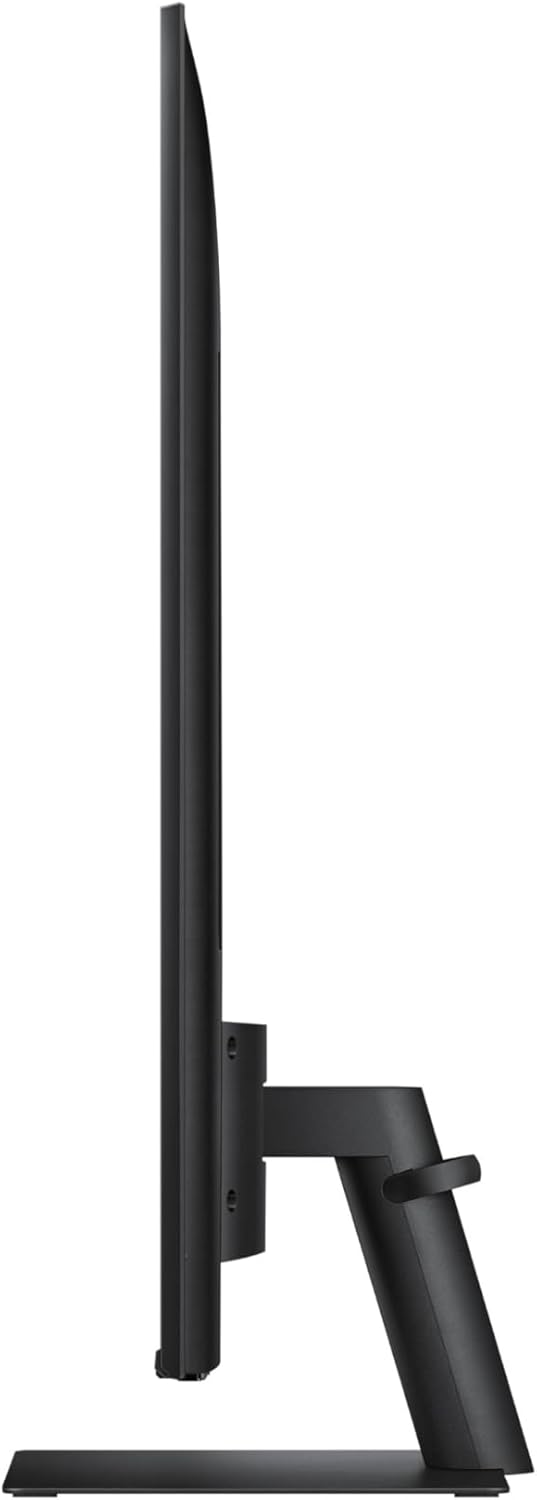
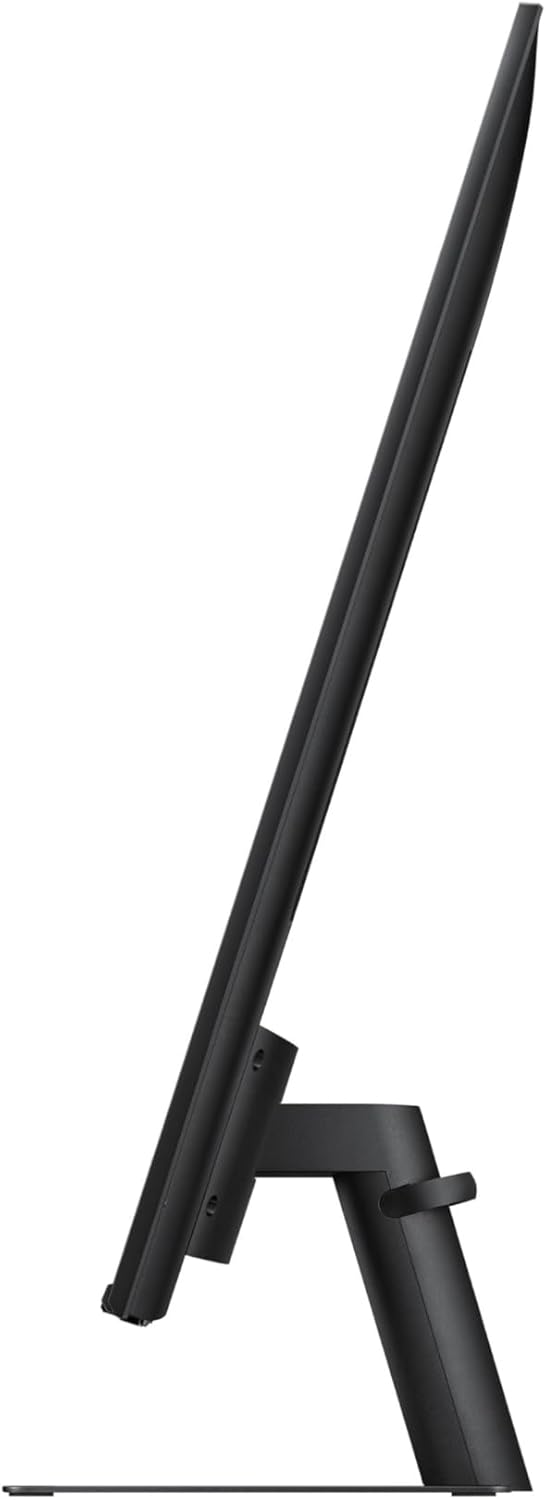


Price: $480.00
(as of Jul 31, 2025 19:05:38 UTC – Details)
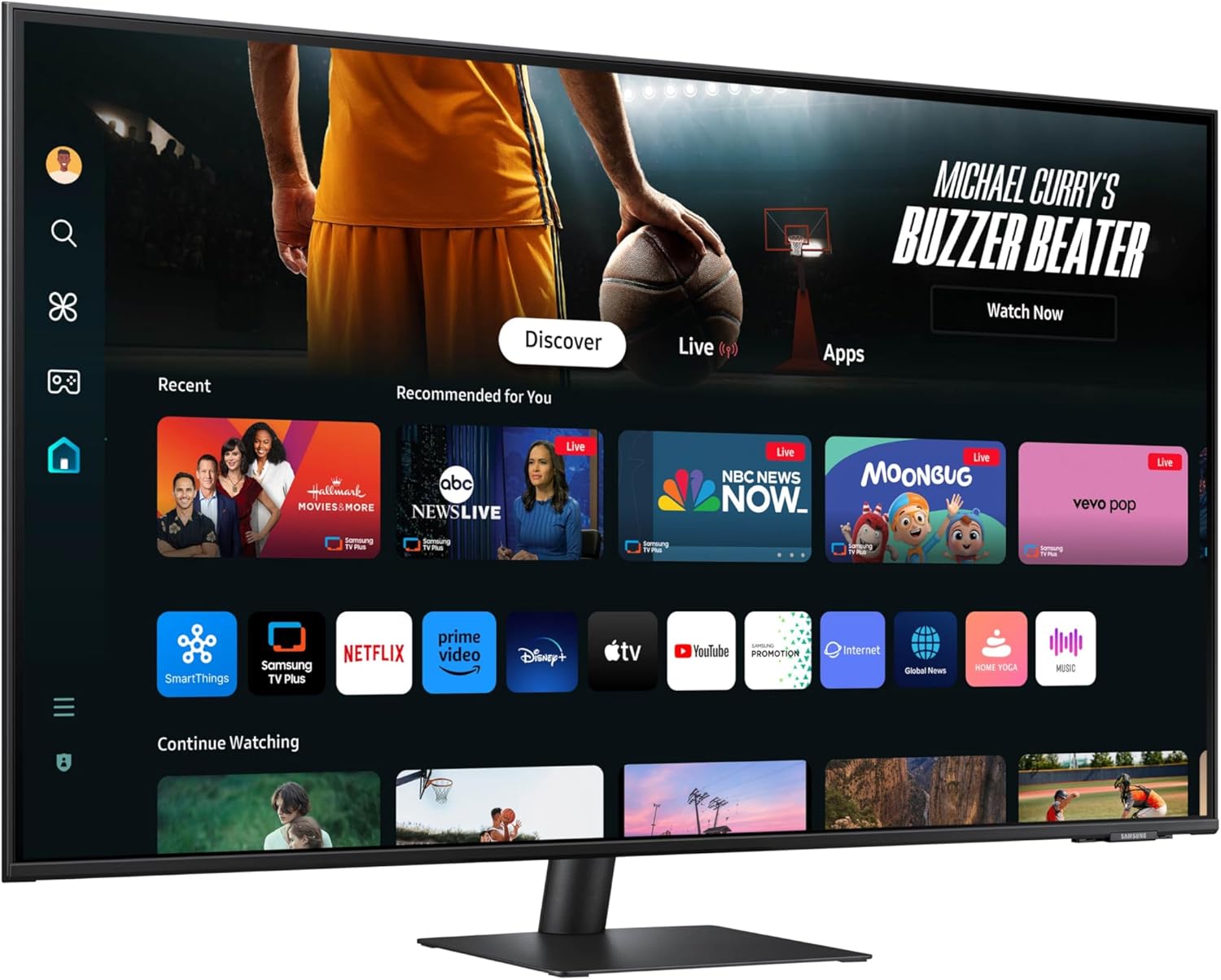
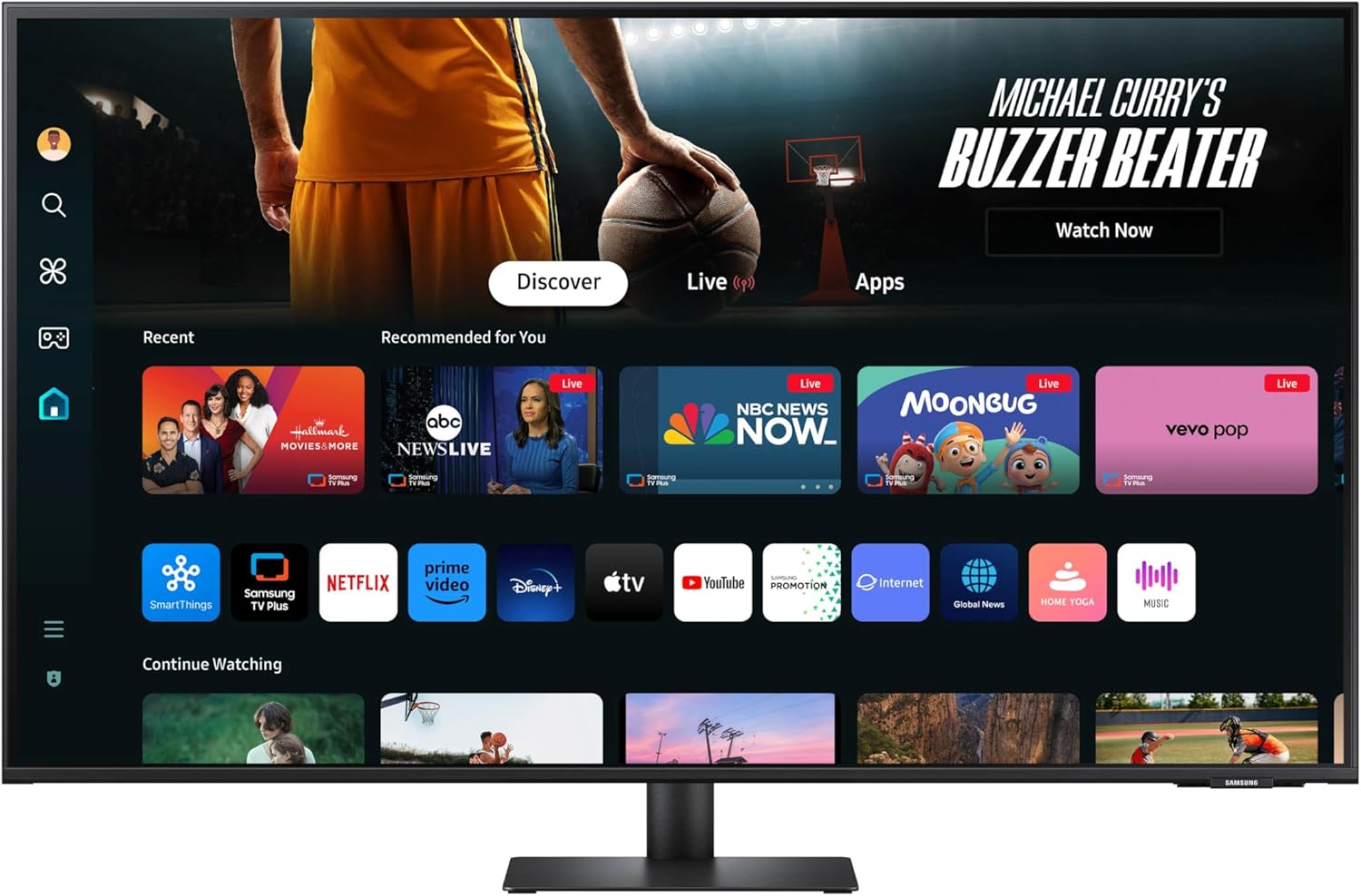
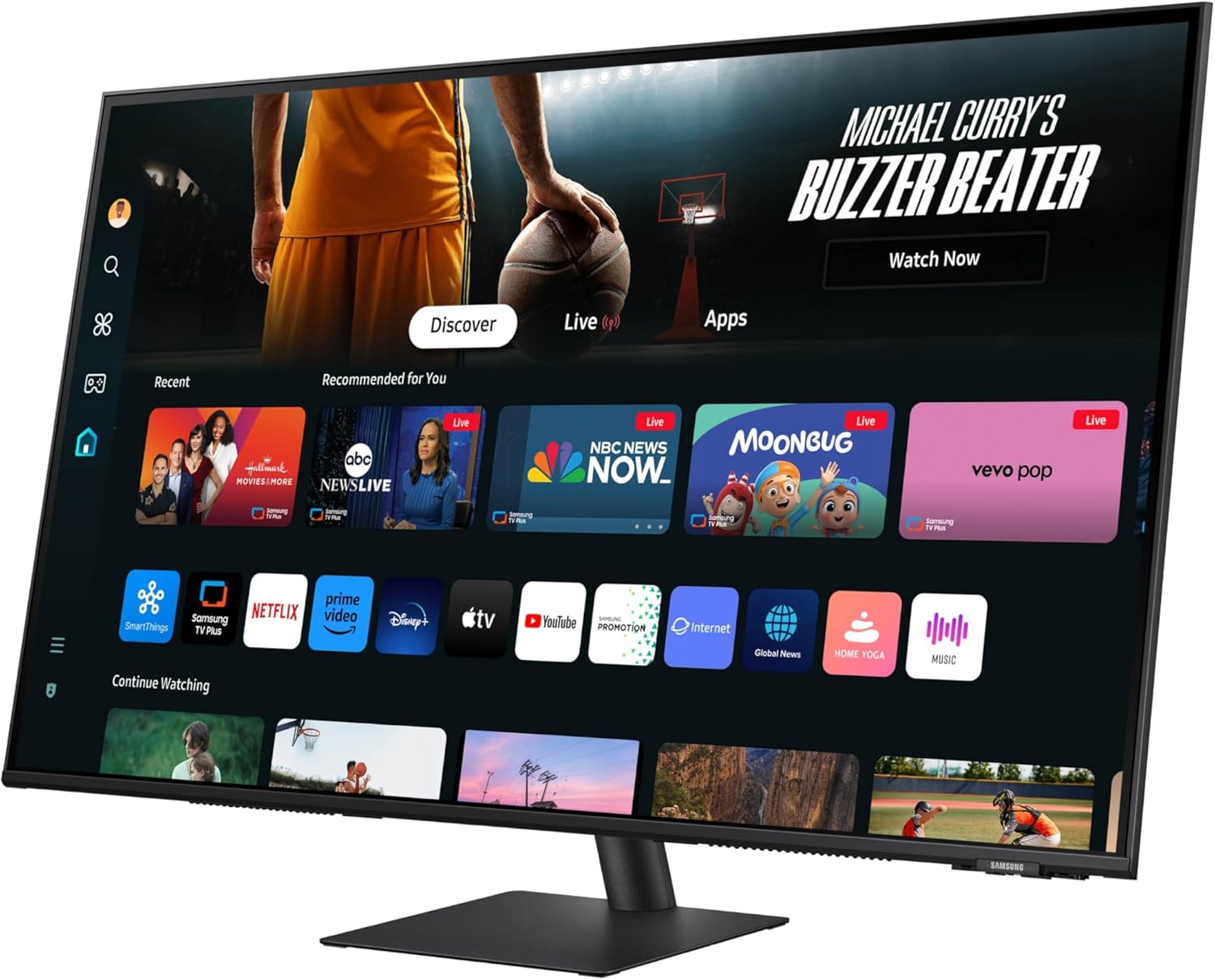
Samsung’s Smart M7 Monitor is an all-in-one streaming TV and desktop monitor. Stream content directly from the monitor or tune into live TV channels. Maximize your multitasking using a single mouse and keyboard across devices. 4K UHD resolution brings content to life with vivid clarity and incredible detail, and multiple ports, including USB-C, eliminate the need for adapters. Samsung Gaming Hub allows instant gameplay with no PC or console needed. The updated SolarCell remote allows quick access to menu options such as settings for a convenient way to control.
¹Features, services and app availability may vary by country and region. Samsung TV Plus and Universal Guide may not be available in some regions. Some features may require separate subscriptions. The user interface is subject to change without notice. Smart Monitor does not include a TV tuner, which is not necessary for streaming apps. Internet connection is required. Remote control specifications vary by country and region. Keyboard and mouse control compatibility varies by app. Access to the full range of smart features, such as network-based services, applications (including games and streaming services), and smart home functionality requires a Samsung account. Without logging in, functionality is limited to external devices, e.g. via HDMI. ²Each device must be registered with a single Samsung account and connected to the same Wi-Fi network. MultiControl requires updated Galaxy phones and tablets with One UI 5.1 or above and Galaxy Book series devices released in 2021 or later with Samsung Settings v1.5(Inter) or Samsung Settings v3.3(ARM). Some models may have limited feature support. Screen images simulated for illustrative purposes. ³4K availability in over-the-top content may vary, depending on content service subscription type and internet connection. ⁴Gaming Hub is available in limited countries, with app availability differing by country.
INSTANT ACCESS TO OTT CONTENT: Stream OTT content directly from monitor or tune into Samsung TV Plus¹ to get live TV channels and on-demand content at zero cost
1 MOUSE & KEYBOARD ACROSS DEVICES: Maximize multitasking by controlling multiple devices with one mouse and keyboard; Seamlessly drag & drop content across the Smart Monitor, a Galaxy Tab & Galaxy mobile device, streamlining your workflow²
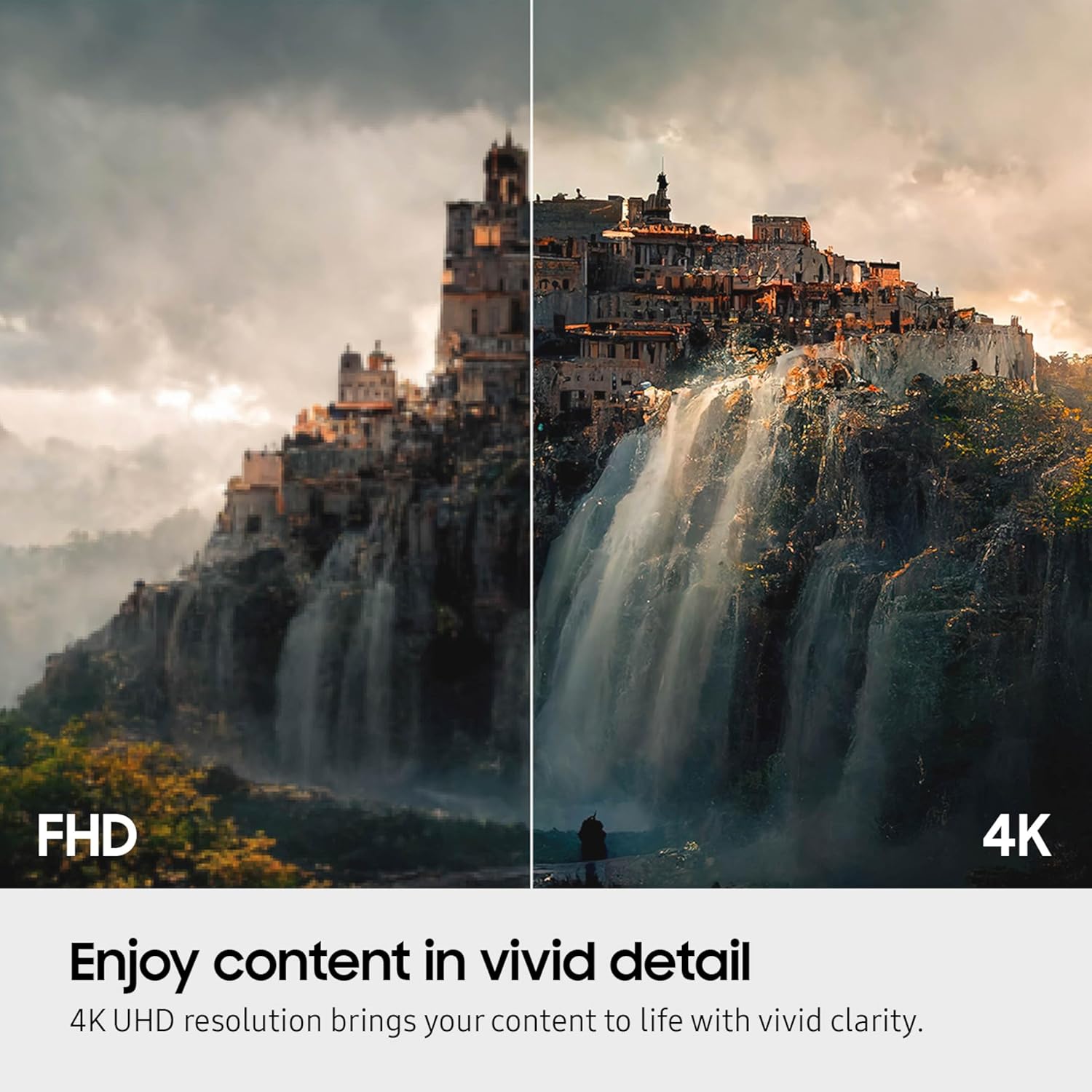
ENJOY CONTENTS IN VIVID DETAIL: Crystal clear video; 4K UHD resolution brings your content to life with vivid clarity; Lose yourself while exploring nuanced settings with incredible detail³
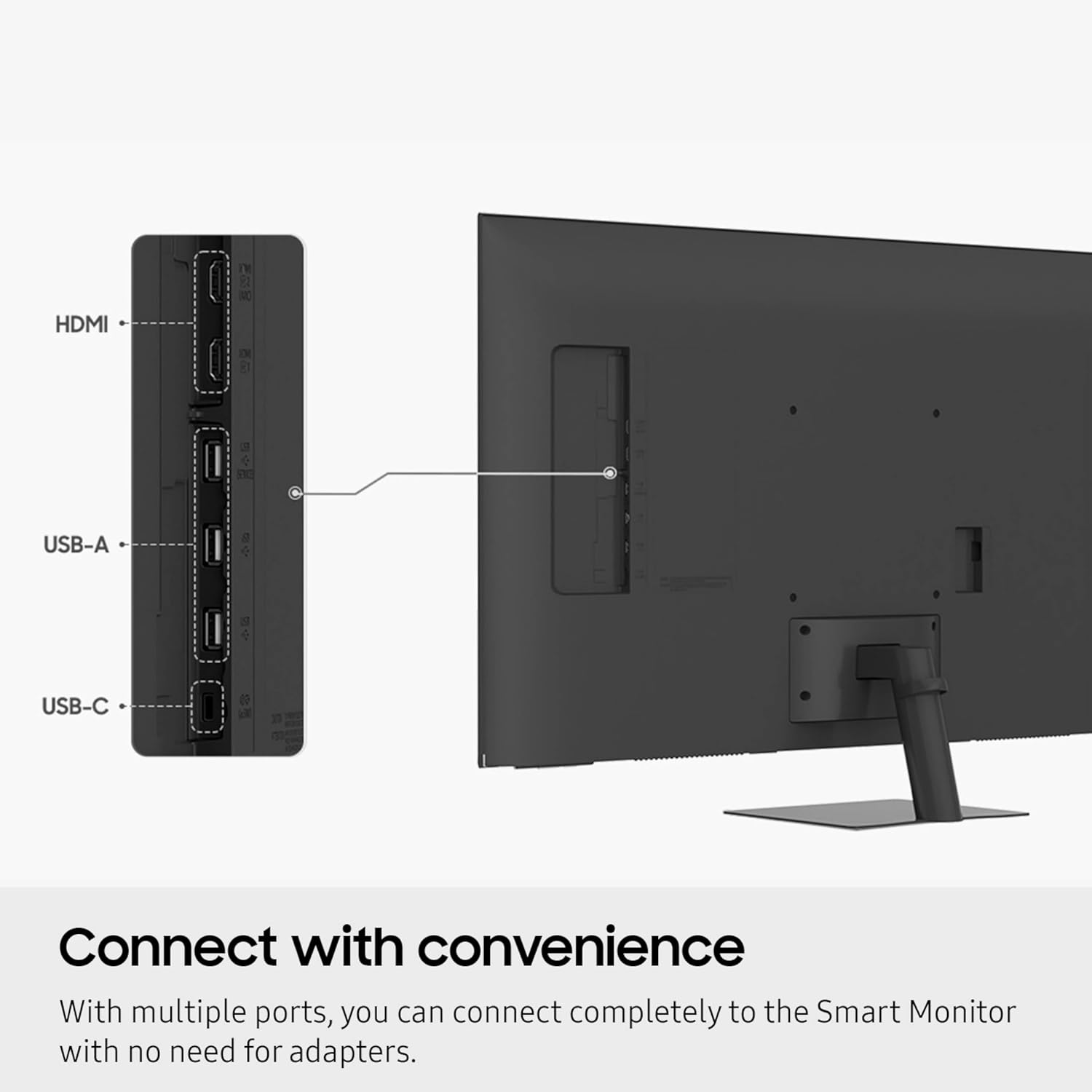
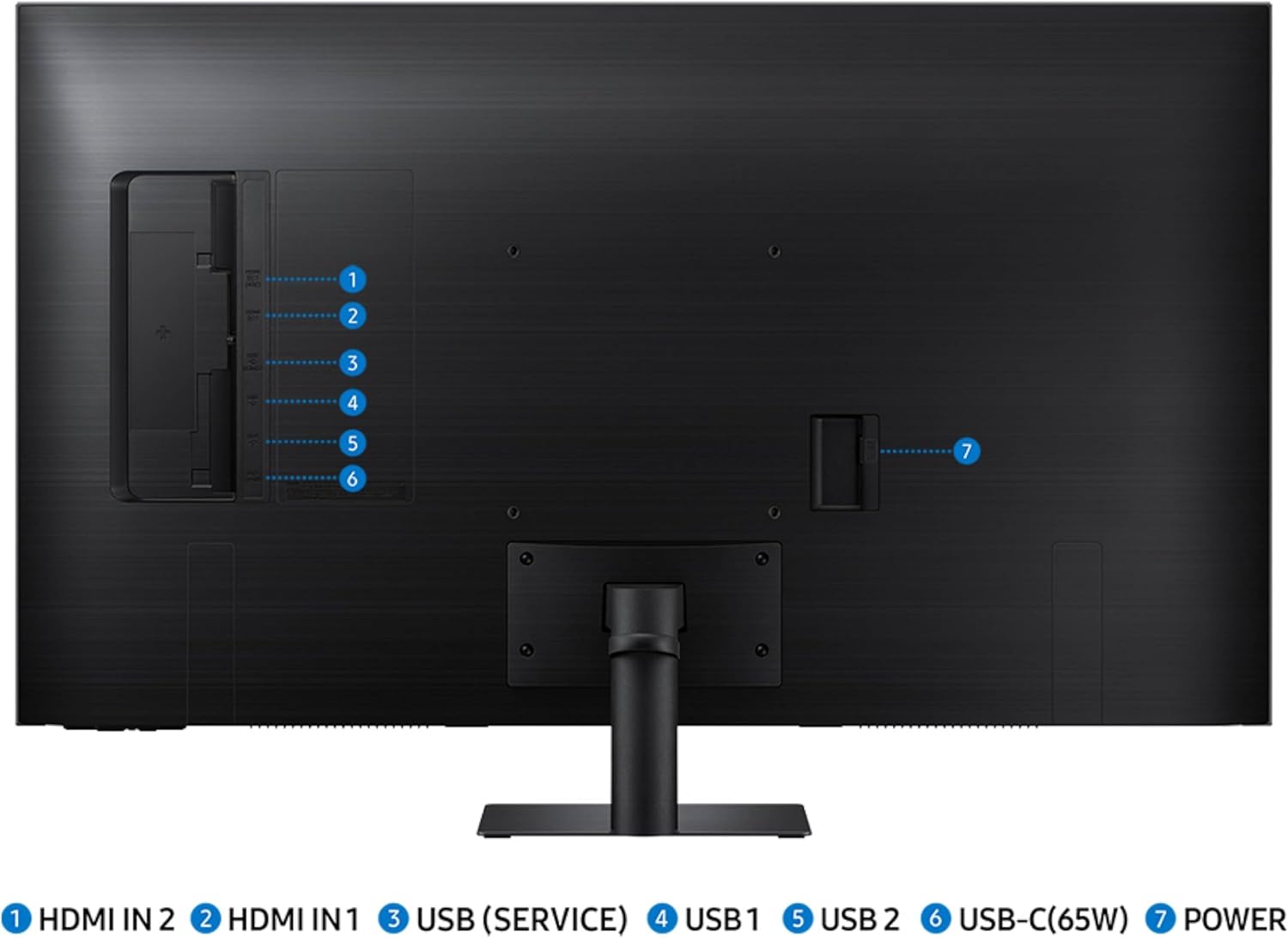
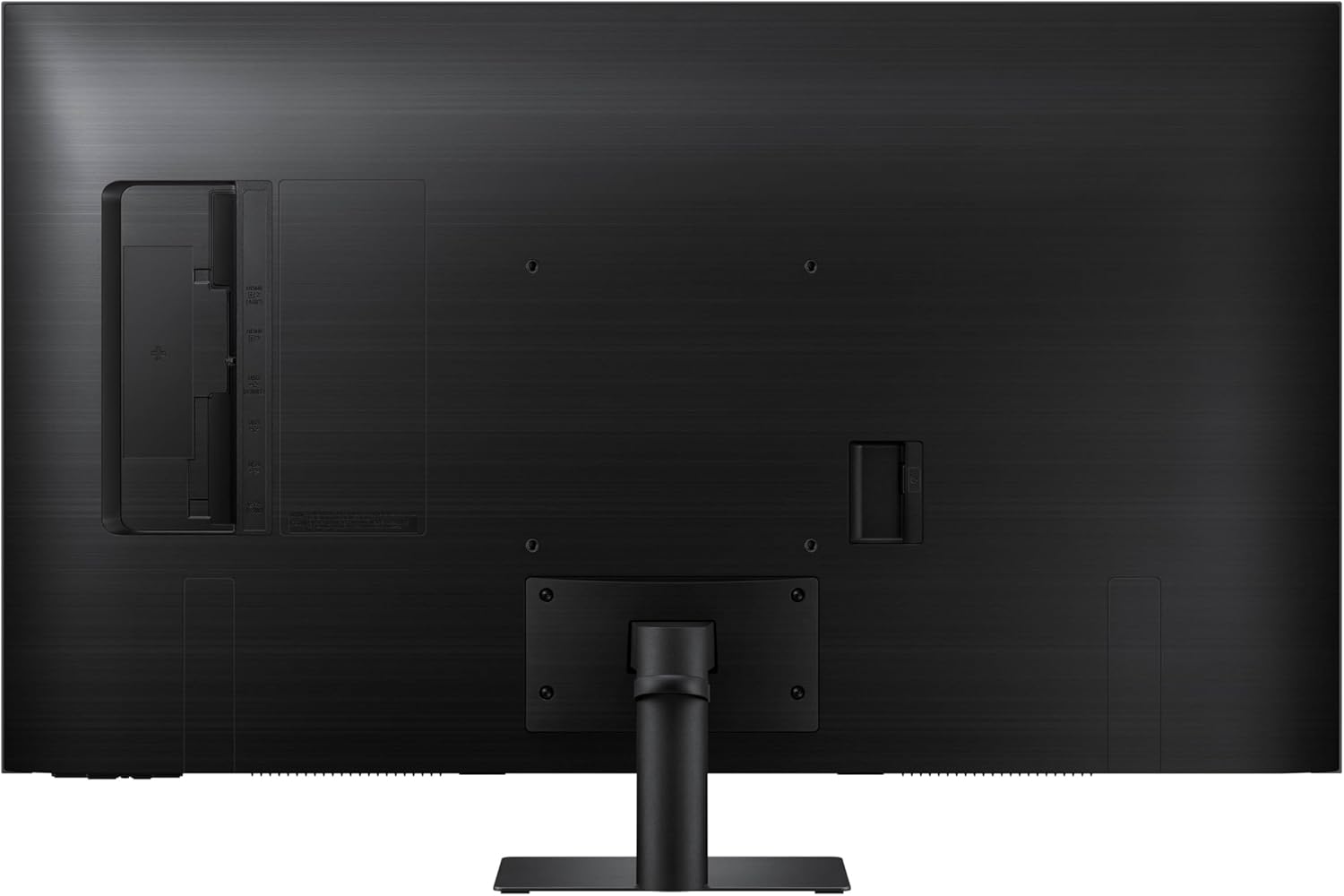
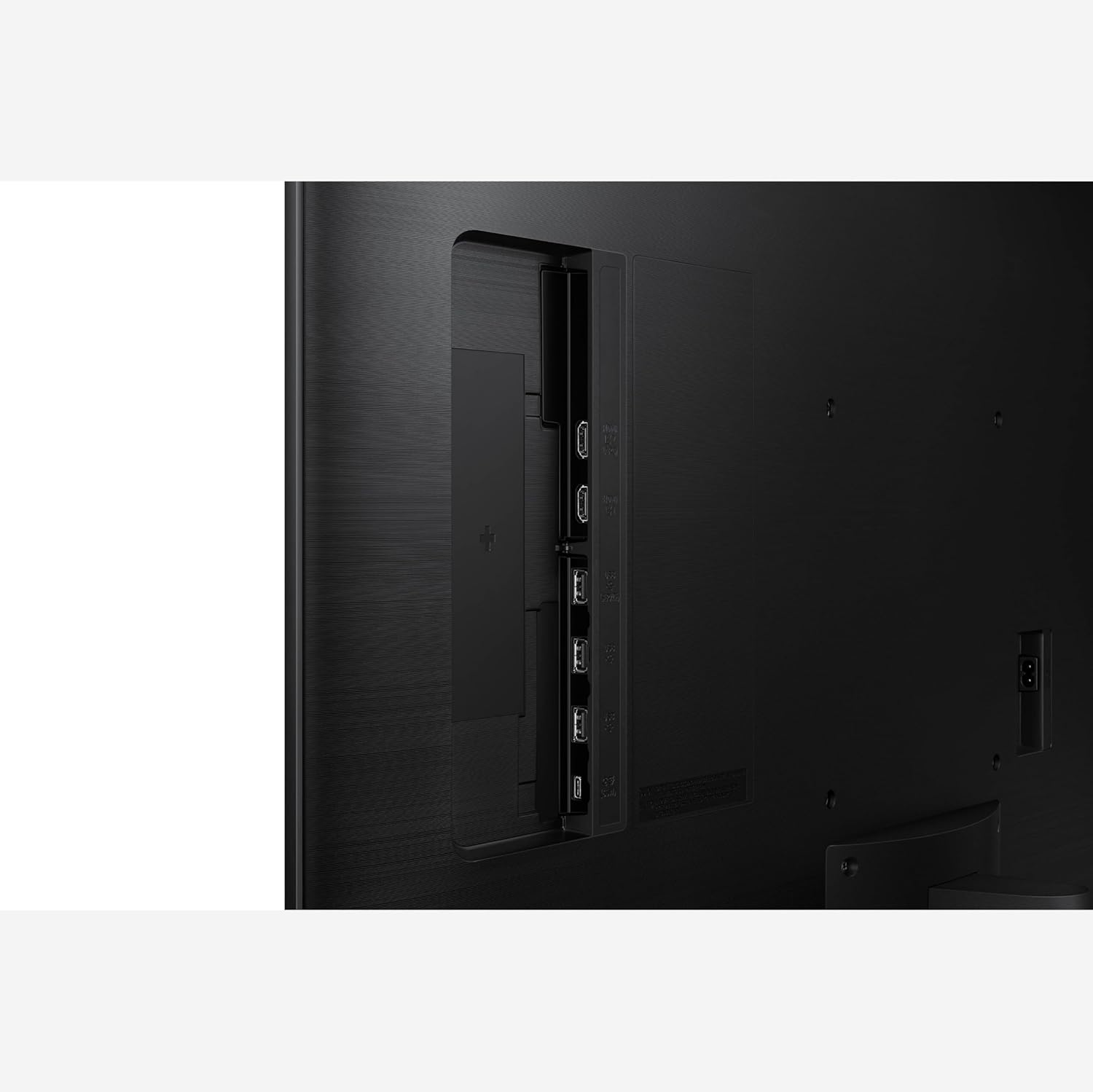
CONNECT w/ CONVENIENCE: With USB-C, HDMI & USB-A ports, you can connect to the Smart Monitor without adapters; Charge devices, transmit data & make the most out of your multiscreen setup – or do all at once – thanks to the 4 available ports
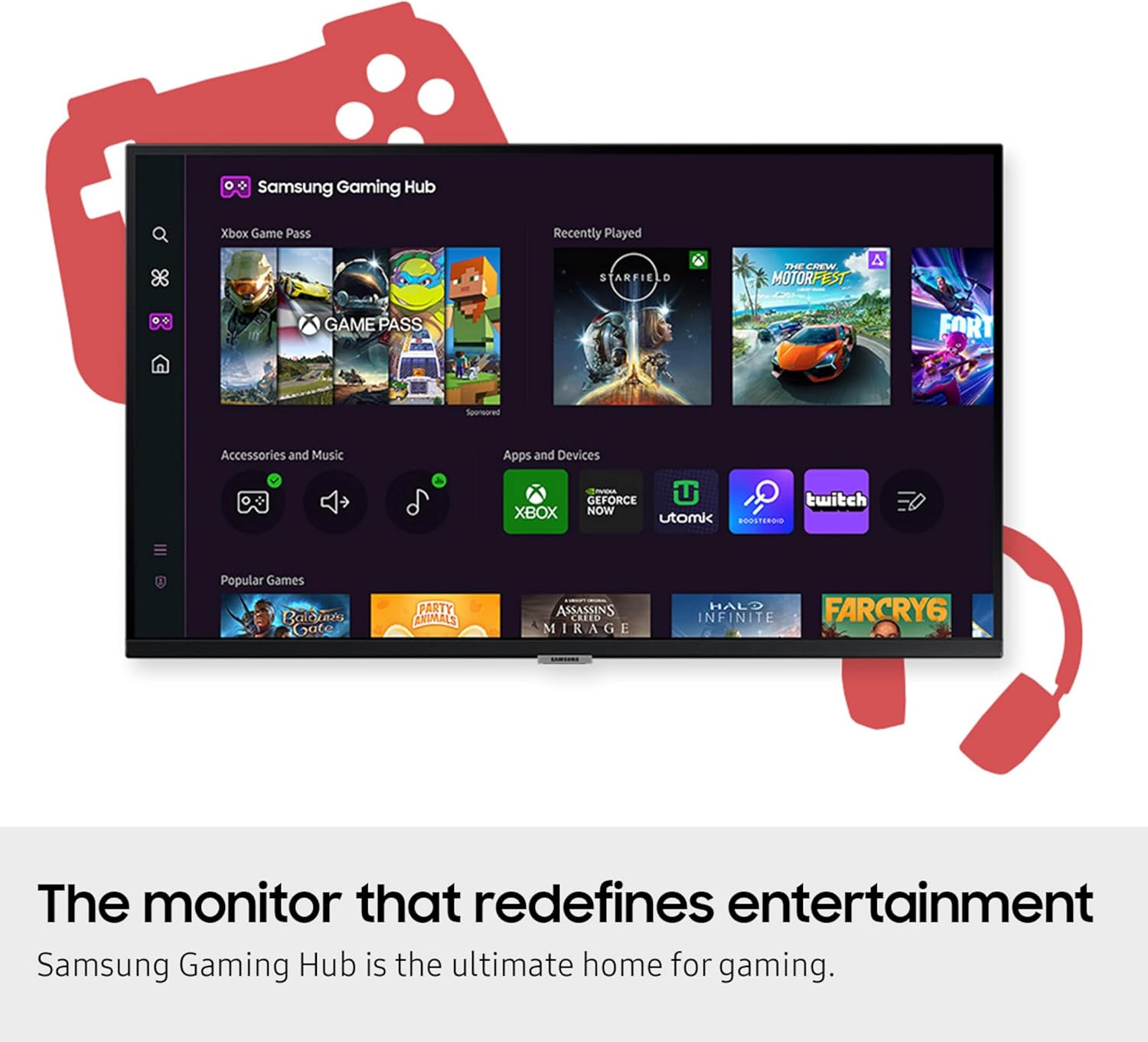
WHERE GAMING COMES TOGETHER: Samsung Gaming Hub is the ultimate home for gaming; Instantly play the biggest games from top streaming partners, with no PC or console needed; Discover new games or replay old favorites all in one place⁴
SOLAR POWERED CONTROL: The SolarCell Remote, featuring a solar charging panel on its back, eliminates the need for disposable batteries, making it an eco-friendly choice
DESIGNED FOR LOW VISION USERS: Designed with accessibility in mind, it comes equipped with tools that help low vision users see and use the screen more easily, including screen magnification, color switching and audio descriptions for TV settings
EASY SWITCHING BETWEEN MONITOR & PC: Enjoy better control when switching between your PC and Smart Monitor’s home screen controls; With the Easy Setting Box installed on your PC, move between these configurations with just one mouse and keyboard
EASIER ACCESS TO YOUR WORK TOOLS: Access & control your PC remotely or work directly on the monitor; Embedded productivity apps like Microsoft 365 let you bypass the PC for a simpler, streamlined working environment⁵
SIMPLE CONTROL FOR YOUR SMART HOME: See all your smart home devices in a new 3D Map View, for an easier way to manage devices in different rooms; See energy, usage and costs by device & save money by turning on energy-saving modes⁶
Customers say
Customers find this monitor to be a high-quality 4K display that works well for routine work-related tasks and features added Smart TV capabilities. They appreciate its picture quality, with one customer noting zero pixelation, and find it incredibly easy to use. The size and sound quality receive mixed feedback – while many find it a good big PC monitor, one customer mentions it barely fits on their desk, and while some praise the sound quality, others find the speakers terrible.
10 reviews for Samsung 43-Inch M7 (M70D) Series 4K UHD Smart Monitor, Speakers, HDR10, USB-C, Multiple Ports, Gaming Hub, SolarCell Remote, Vision Accessibility Tools, LS43DM702UNXGO, Black
Add a review
Related Products


€480
Allen –
Best big screen cheap monitor, ever
It was great. I love it. Best decision. I have 2 43″ inch M5 monitors. Was using LG Oled 65″ but it messes with your eyes. This is the best big screen cheap monitor. You can lower the resolution and add more content on the screens. I view 8 browsers at a time on both monitors and I can clearly see everything. Its not oled quality but it’s great for the price. Plus you can use the monitor as a stand alone pc for Microsoft office, streaming and it had built-in wifi.
Jojo D –
Monitor has PiP (Picture in Picture), NOT PbP (Picture by Picture), Awesome Resolution
I ordered this monitor because I initially thought Picture in Picture would be the same as Picture by Picture but it was totally different. PiP allows a picture, image, or video inside the main screen from another device or app. PbP allows you to connect another or multiple devices or computer/laptop (depending how many ports is available) to show up on the screen side by side another device or computer on the screen. I ended up returning it and bought a different monitor that has PbP.overall, this monitor is amazing and big, great for gaming and for work or just casually watch tv or streaming service apps like Netflix, paramount, Prime, Youtube, or Samsung Channels.The resolution is great quality and allows for split screen (Not the same as picture by picture from other devices) so you could watch youtube or streaming apps on one screen, do computer work on another, and browse the internet on another.It reduces the need for multiple monitors with great resolution and allows for multiple tasks
Michael Knoll –
Didn’t work as a monitor
I bought this just to use as a second monitor for a Lenovo desktop PCI and a Lenovo laptop PC. It was incompatible with both. Neither of them could detect it properly, even though a Samsung tech support person insisted that it was “plug and play” and the monitor’s diagnostic tests had clean results. I spent eight hours attempting to get it to work, including four of five hours on the phone and messaging with Samsung and Lenovo technical support. My Lenovo laptop has all the most current updates, including device drivers, BIOS, Windows 10 updates. I’m giving up and returning it to Amazon. This model, by the way is a 43″ version. The model number on Amazon’s product detail page was LS43DM703UNXGO. This is the same as the “model code” on the back of the monitor, which said the “model” was S43DM702UN and the “Type No.” was S43DM702U. (Confused? I don’t blame you.)Calling this device a monitor seems to be a misnomer. It’s more of a complex smart TV that purportedly can be used as a monitor. The remote control is handy, but the user interface appears complex and confusing. For example, its guide to hooking up to a PC — which appears in an illogical location in the menus — says that if the connection doesn’t work, go to Home > Menu > Connected Devices > Sources > Edit Menu. But there is no such path; there was no “Sources” selection under “Connected Devices.”
Mcf57 –
Great monitors
These are great monitors and are easy to set up. Bought two of them and both work as expected. The smart features are totally worth it.
W. Ragsdill –
Good big PC monitor when on sale, smart TV options for those inclined. No DP.
4/5 stars. It’s a decent looking TV impersonating as a monitor. No Displayport is a bummer. BUT even using HDMI it does detect when my PC goes into sleep mode and does the same.PROS:-Big 4K display = you may think 43″ is too big for a monitor, but you’d be surprised how quickly you adapt to it. I’m over 50 and my eyesight is not getting better, this size is easy on the eyes and sharp.-Detects when PC goes into sleep mode and does the same.-Big, but not heavy. Despite the size it’s easy enough to set up and move around, doesn’t weigh a ton.CONS:-No display port. Does it really matter anyway in an HDMI 2.x world? I’ve had this for a month and thinking it kinda doesn’t.-60hz. This is absolutely fine for desktop / business-productivity / light gaming use. I primarily use for desktop/office stuff, but I do game some. 60hz/fps is fine for me, you would need a serious GPU to get over 60fps on 4K anyway. I am not a competitive FPS gamer. If you are, this is probably not for you.-No buttons, to access menu, change inputs etc. Have to use the remote. Not a real problem for me, I don’t change sources often.-Stupid TV apps. Why do I want roku-ish TV apps on my PC monitor? I can use my PC for those. Some may find value in that, I don’t care. If you want to do double duty as a monitor and a TV, perhaps there is value here.-Glossy, like a TV. If you’re not in a well lit area this won’t matter. I have a window that gives me grief. Last monitor had matte/anti glare but this is pretty glossy like most TVs are now. Up to you.
Big Redd____ –
⢠The screen quality is really good, the 4K is not perfect, but it’s definitely the best screen you can have for 500 bucks (or less..?) 4/5⢠The sound is impressive, immersive and really good ! 5/5⢠The OS included with the TV is really really good, it detected my Xbox Series with the logo on it ! Don’t need to program it btw ! Not at all 5/5The best reason to buy this tv is for the really solid & minimalist stand and the slim design ! Don’t think it’s better than the other TV at the price, but the very slim screen and the stand is a must for a studio or for gamingBut for a PC monitor it’s just not it…
epikgamer1234 –
Using this monitor mainly as a TV, replacing a 19″ 1080i Insignia TV purchased from Future Shop basically a decade ago. Got this one on sale from Amazon, and must say for the functionality combined with the picture quality it was a great deal. It has built-in Wi-Fi and Bluetooth, along with support for various apps (I assume it runs anything a Tizen-based Samsung Smart TV would) such as Prime Video and Spotify.The monitor box includes the monitor, power cord (no external power brick), remote (internal battery with USB-C charging port and a mini solar panel in the back for charging), HDMI cable, and USB-C cable. The monitor has a USB-C port, three USB-A ports, and two HDMI ports (one of them ARC).Important thing to keep in mind for some folks: the building of the monitor’s stand requires you to screw in three Philips screws, and a screwdriver is not included. They are not thumbscrews either.When you set up the TV, it gives you the option to perform the setup using the included remote (which is fairly intuitive except I could see some people might have trouble with the volume/channel rocker switches), using the Samsung SmartThings app as a virtual remote, or by plugging in a USB keyboard/mouse. Using a media keyboard (it was a Microsoft-branded 2.4GHz wireless keyboard with built-in touchpad) also worked for me.The setup also asks you to create a Samsung account (optional), link your Prime Video account (optional), and accept the Samsung Terms and Privacy Policy (not optional, unless you want to use this as a dumb monitor). Important thing: You do not need to click the lower two checkboxes for the Samsung legal agreements. Only the higher two checkboxes for Terms and Privacy Policy which are required. The lower two are only to enable personalized advertising(tracking) on the device.This monitor has an interesting pseudo-“Live TV” feature called “Samsung TV Plus” which has a channel guide with many options to pick from. It seems like the channels are run or sponsored by media publishers and studios. And completely free. Pretty cool to have this considering it’s otherwise designed like a monitor and has no coaxial connector. You could also use an app like Plex or Jellyfin (I think Plex is officially supported on Tizen however you need to sideload Jellyfin) and set up your media server with a tuner card if you wanted to watch OTA channels.Also tested out Samsung DeX on this monitor using a Samsung S20 Ultra and the monitor’s included USB-C cable. After plugging in the phone and an external keyboard/mouse, I selected the “PC” connection option from the home screen. The desktop environment appeared near instantly. I’ve never used DeX before so the seamless experience was appreciated.Picture-wise, I am not very knowledgeable of display technology, and it looks good to me. Even better after completing the “Smart Calibration” which is done by opening the SmartThings app on a compatible phone, and holding it close to the display as it cycles through white, gray, red, blue and green colors. Being 4K resolution, the picture is crisp and holds a lot of detail. The display looks good even viewing from the side, like I tried from a 45 degree angle and it was clear. The display is matte and not very reflective.Audio-wise, the built-in speakers sound just like average TV speakers. Not bad, just lacking in bass. Keep in mind there is no 3.5mm or optical output on this monitor. So it seems your external audio source will need to either support Bluetooth or HDMI ARC.Overall: great deal, big value and I hope it goes on sale again because I’d definitely buy another one.
Jeff C. –
Using for TV and computer monitor, no issues whatsoever.
Max –
Je trouve quelle est de bonne qualité, l’image est vraiment belle et plus belle que mes autres plus petites qui sont déjà de qualité. Beacoup de taponnage pour la configuration mais après ça va. Le son est vraiment bon aussi pour un écran
Powerhouse –
I spent more than I should have because I thought this would be a higher quality option than a regular 4k 43 inch tv. That was a mistake. I’m am not impressed at all and would return it if I could.