
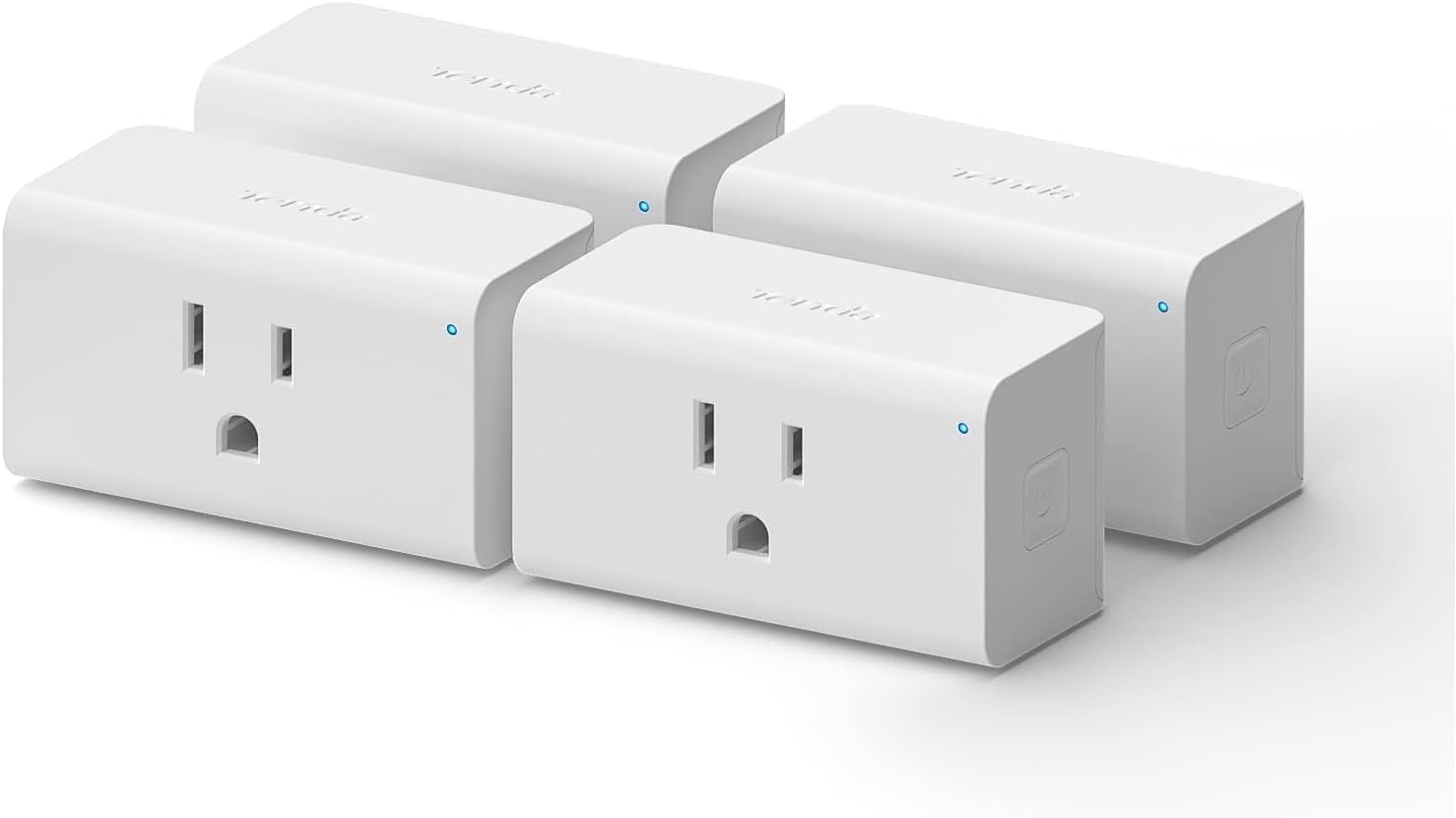
Tenda Beli Smart Plug SP3-Mini Smart Home WiFi Outlet | Compatible with Alexa Echo dot & Google Assisstant | Voice or App Remote Control | ETL/FCC Listed | No Hub Required,White,4-Pack
€20


Price: $19.99
(as of Sep 24, 2025 07:01:24 UTC – Details)
Smart Wi-Fi Plug 4Pk
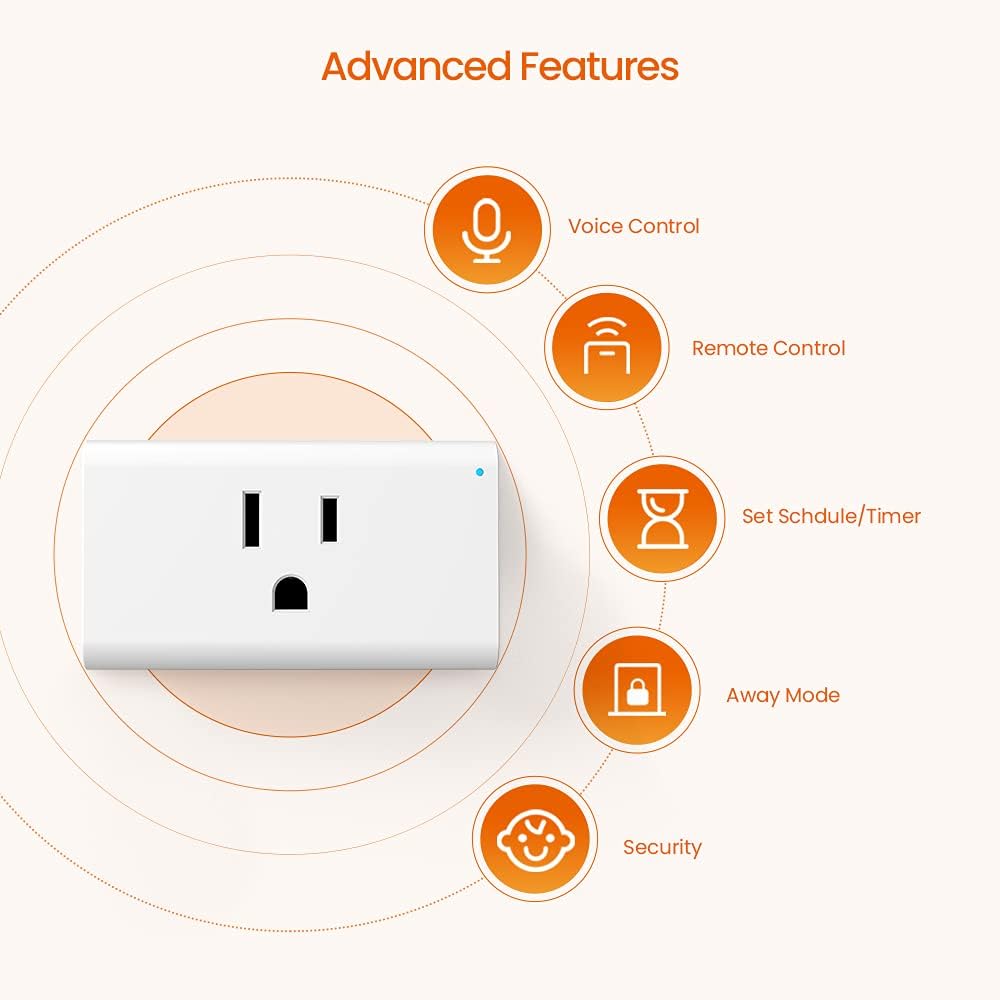
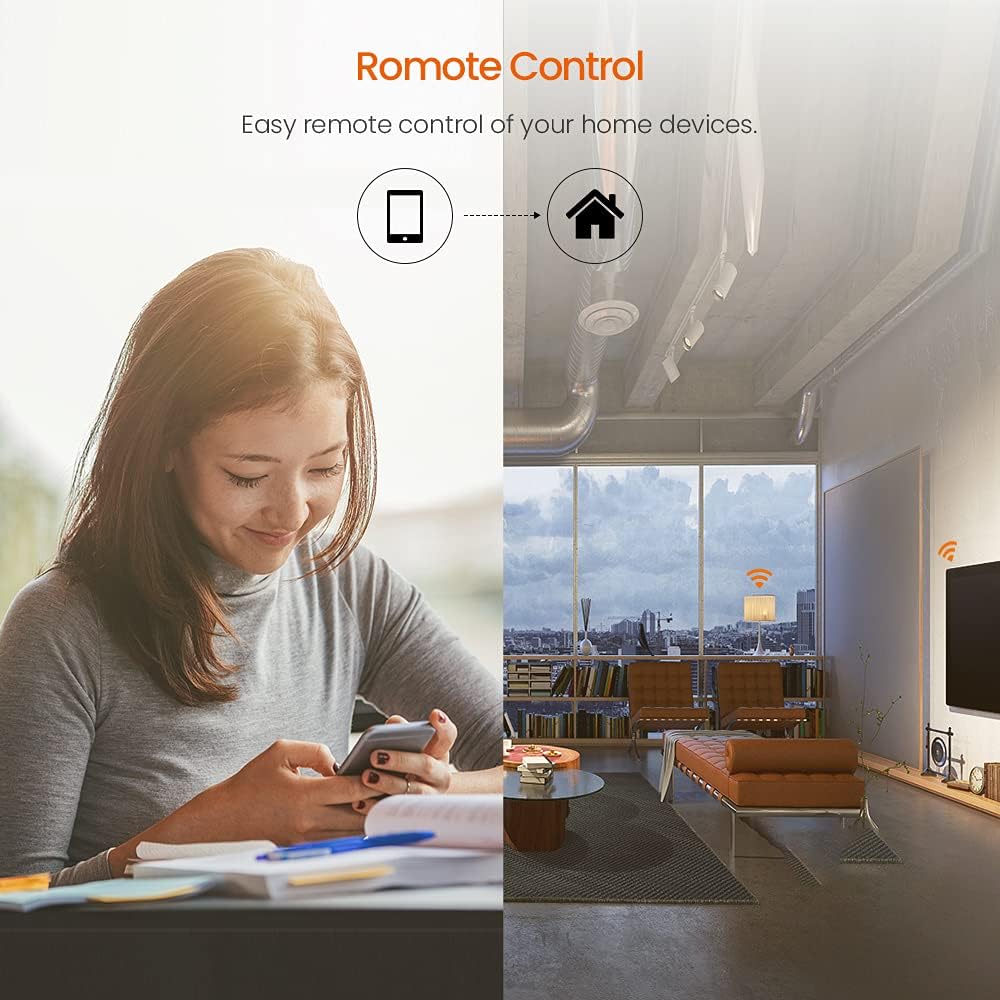
Remote Control/Voice: Use the free Beli app on your smartphone and use the voice control of Alexa or Google Assistant to connect to your smart plug device with the Internet.
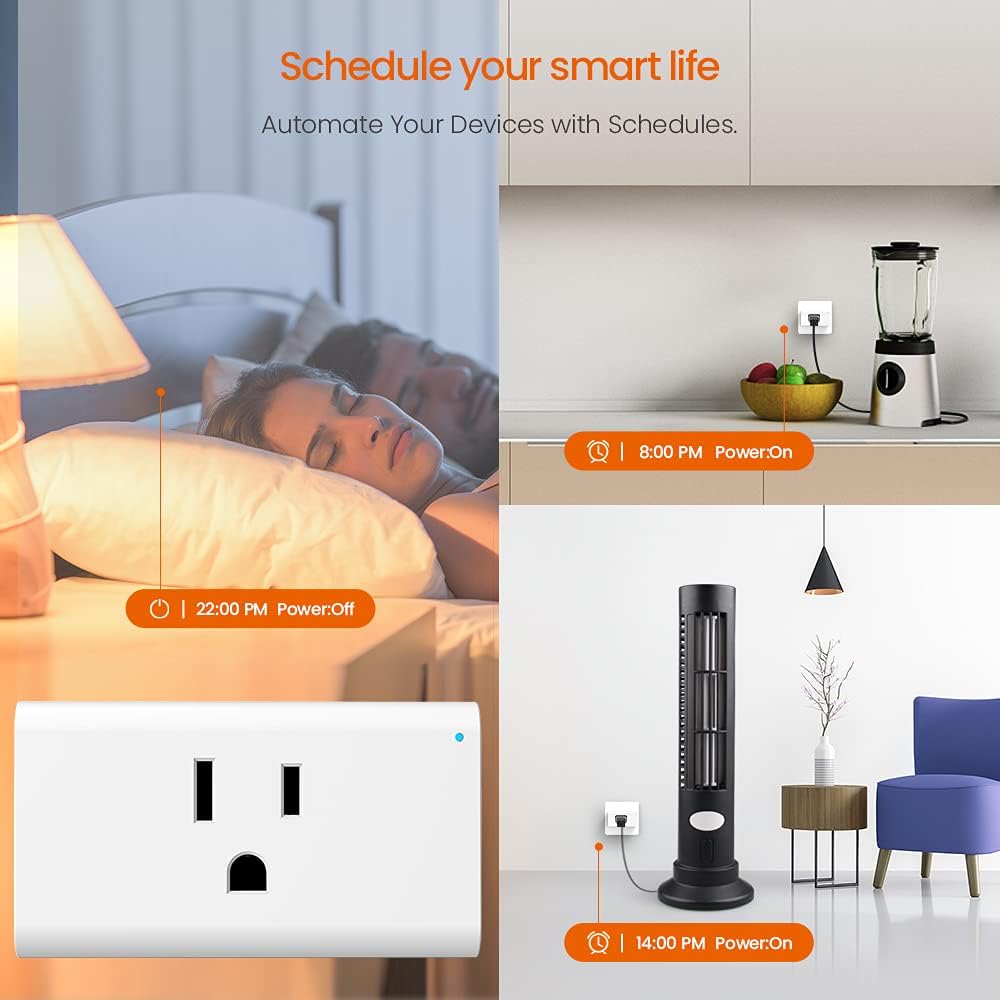
Scheduling: Use timer or countdown schedules to set your wifi smart plug to automatically turn on and off any home electronic appliances such as lamps, coffee maker, fan, humidifier, Christmas lights etc.
Leaving home mode: Simply set the smart plug to “Leaving home mode” and it will randomly turn the connected lighting fixture on and off, so it looks like you’re home, even when you’re not.
Child safety design: Hidden smart plug contacts to prevent children from getting electrocuted when playing; to create a smart and safe home.
7 Days 24 Hours Support: Armed with our extensive R&D team and firm commitment to customer satisfaction, Tenda provides a lifetime warranty for this product, with free Live-Tech-Support, 24 hours a day, 7 days a week.Make sure you have no worries after purchasing the product. If you have any problems, please contact us via amazon or email. Our goal is customer satisfaction and we are committed to making it right for you.
Customers say
Customers find the smart plug easy to set up, though some mention it takes a minute to figure out the process. The functionality receives mixed feedback, with one customer reporting it worked great while another found it stopped working after a month and a half. Additionally, customers have negative experiences with compatibility, with multiple reviews mentioning issues with Alexa integration.
9 reviews for Tenda Beli Smart Plug SP3-Mini Smart Home WiFi Outlet | Compatible with Alexa Echo dot & Google Assisstant | Voice or App Remote Control | ETL/FCC Listed | No Hub Required,White,4-Pack
Add a review
Related Products


€20
raymond –
They work great!!
Love!!! they are so easy to install. Used then for my lights.
Gwen S –
Was great while it lasted.
Was a pretty easy set up and worked for about a month and a half. Works remotely with the tends app.. but no longer communicates with Alexa. I have tried everything . Even started up the whole set up again. Nothing works⦠just a bunch of junk. Will replace with a different brand of plugs.
Deborah L Maratea –
My job just got easier
I plugged this in followed the instructions and Iâm proud of myself I have everything that I have to turn on at night and off in the morning hooked up and itâs so enjoying to see all my lights go on and off without humans touching them
Steven Berkowitz –
Had difficulty pairing them but they work fine once you donât
Had difficulty pairing them but they work fine once you do
Amazon Customer –
Takes a minute to set up, 1 of 4 broken.
Took a minute to figure out setup, but once youve got it going and sync’d with Alexa ita pretty handy. Only issue was one of the plugs will not register in the app. So 1 out of the 4 is useless.
Val –
They worked after some virtual elbow grease
Iâm pretty good with Alexa and Apple setups, but even this one gave me a run for my money! all was good after a few high pressure moments and now plugs works perfectly with my Alexa dots. I have 10+ plugs in my house, all diff companies.., so I understand pains of setups.Instructions are printed in 5pt font, no joke. I must have squinted for 2min trying to read them. QR code on tiny paper went to android download page – I have an Apple ecosystem at home. No worries, I overcame.Some tips and steps! Remember, the reason these plugs are cheap and Amazon plug is usually 20+ bucks is because Amazon plug works the moment you plug it in and these you need to go through a bunch of steps to have them work.Steps:1. Plug in first WiFi plug2. Open Apple device like phone or ipad, Download Tenda Beli app3. In app, register, login, get email and confirm account4. Now using this app, switch to WiFi of new plug, discover it, name it and add it to your appNow… you are half way there…5. Open your Alexa app, go to skills, search for Tenda Beli, download and login – here is where I hit a snag. This app is rated 1 star In Alexa store because It seems peeps canât login. Make sure your email is all lower case. Apple loves to uppercase first letter.Once you are logged in. Follow prompts, device will be discovered. Without step 5 you will not discover this plug.6. Add device to your Fav group, test to make sure it responds to your voice… thatâs it!After I installed Tenda Beli Alexa skill and logged in, it automatically identified every other plug after first one that I discovered with the app. Super easy!My review for Tenda WiFi Smart Plugs Work with Alexa Echo & Google Home, 10A Smart Wi-Fi Plug Mini Outlet Socket Works with Beli App – 4 Pack!
Kellie Johnson –
Not compatible with Alexa
Tenda App won’t allow you to login to sink device with Alexa. You will continually get a notification stating your user name/password is incorrect. Apparently from reading other reviews this has been occurring for quite some time. Device works alone but not voice activated, manual control through Tenda app only.
R. Grossman –
Excellent product, a little patience needed to set up
These are very well made switches. The size is good â they do not block the adjacent outlet, and the manual switch on the side is easily accessible. I am relatively new to Wi-Fi based smart switches, and they all seem to have some quirks, but if you are persistent, they will work just fine.Configuring them requires installation of the Tenda Beli app on your smart phone. Keep in mind that the way these switches work is that they have their own little Wi-Fi âhotspotâ. The app will have you sign on to a Wi-Fi network, then connect to the switch hotspot, and finally connect the switch to the Wi-Fi network you first accessed. Understanding that is helpful if youâre watching your phone disconnect from and reconnect to Wi-Fi inexplicably. You also need your phone to be pretty close to the switch for configuration as the hotspot range is pretty weak. For one of the switches I had to manually connect to the switch Wi-Fi hotspot but once I figured everything out it went well.One downside is that there appear to be many different apps controlling these switches. For example, I now have the Bali app for these switches, the Meross app for my garage door opener, and the Smart Life app for two different brands of outdoor switches. While these apps integrate with other apps and services, keep in mind that you are going to be juggling a bunch of apps to get things working and you are unlikely to integrate much. With a Smart Things hub, for example, you have a single place to go for programming, troubleshooting, or integration. With these Wi-Fi based apps, you are on your own.That being said, integration with the Alexa app was simple and worked well. If you are looking for a simple way to say âAlexa, turn on the bedroom lampâ, this is the ticket. If you want to control various elements of your home from the same app, you may want a hub based Z Wave or ZigBee solution. But for a simple way to get into the world of voice commands and home automation, these Tenda switches are an excellent starting point.
Rafael –
Los compre por el precio y para un poroyecto a futuro, no los he probado pero tengo otros productos de la marca y siempre han salido cumplidores.