

Unitek Wireless Hdmi Display Dongle Adapter – Screen Mirroring Receiver 2.4G/5G 4K TV Casting Device Screen Mirroring Adapter/Extender for Streaming Video to Monitor from Mac iOS Android Windows
Original price was: €50.€40Current price is: €40.



Price: $49.99 - $39.99
(as of Jul 27, 2025 09:55:38 UTC – Details)
Product Description

Ultra-Low Latency for a Flawless Experience 
Our HDMI wireless display device boasts an impressive screen delay of just 80-120 milliseconds


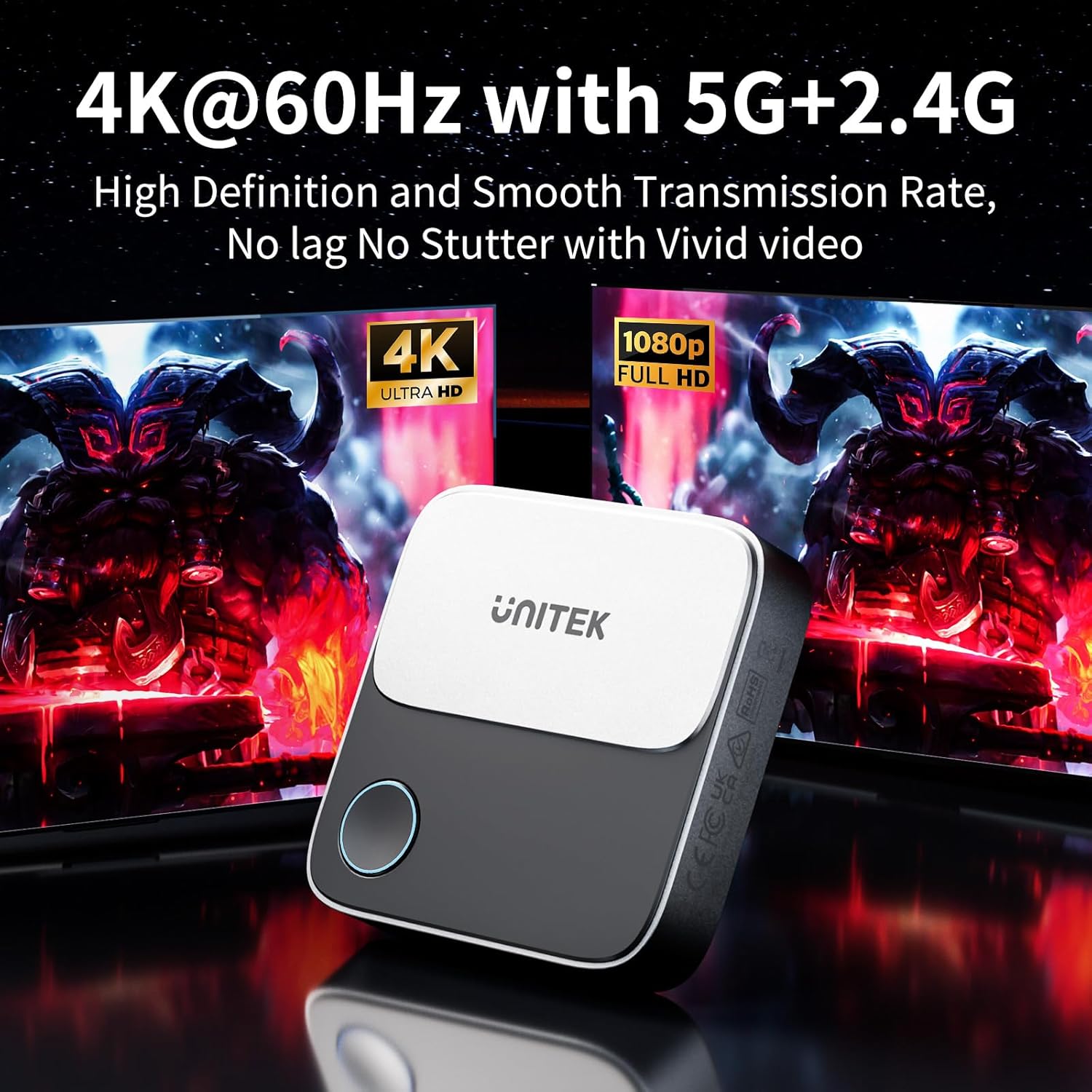
4K@60Hz Ultra Clear Experience: UNITEK 4K Wireless HDMI Adapter supports 4K decoding, delivering stunning 4K@60Hz high-definition output, and also combines with 5G + 2.4G WiFi bands. Ensures the most real original color and smoothest transmission. Perfect for home theater, live sport match, live meeting and online teaching.
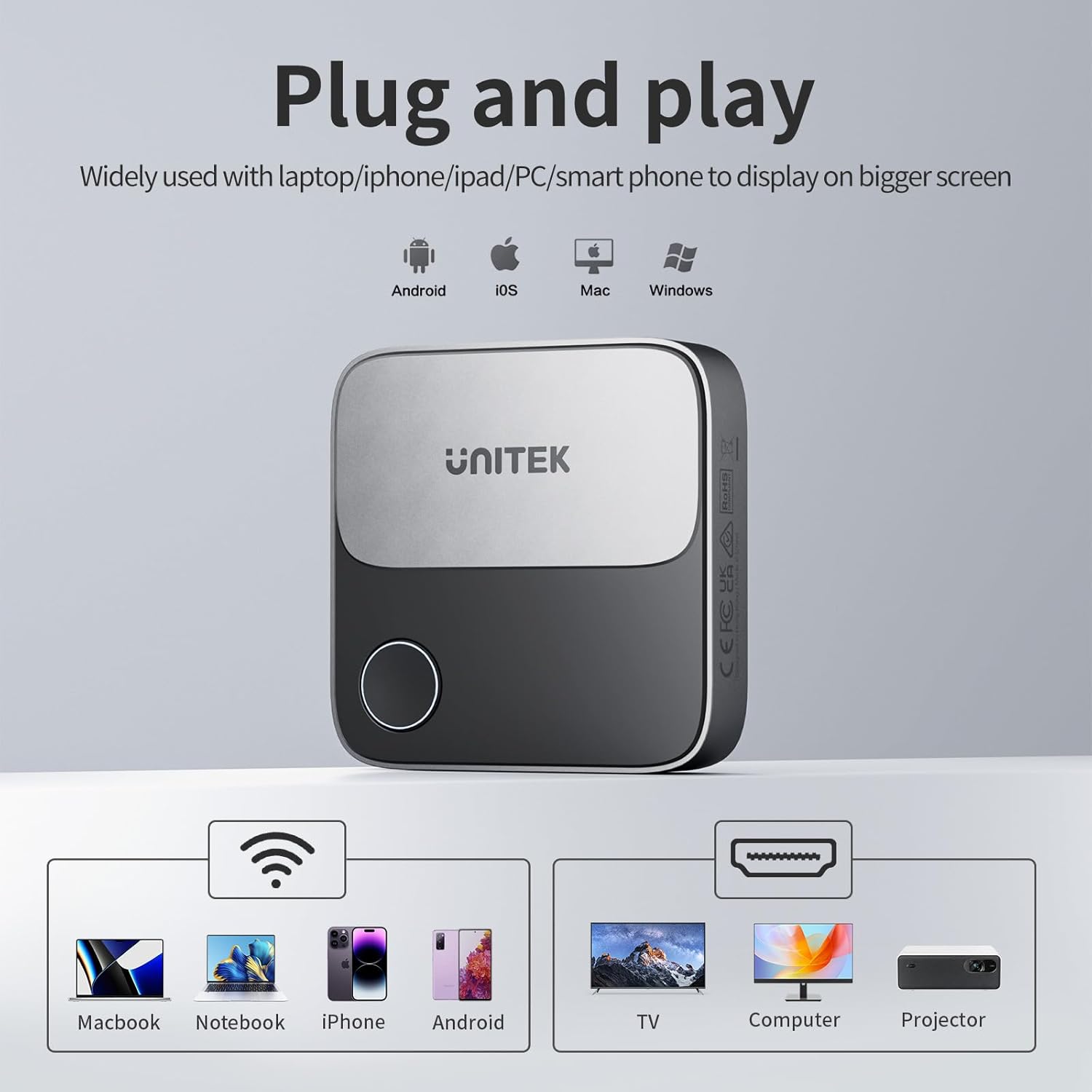
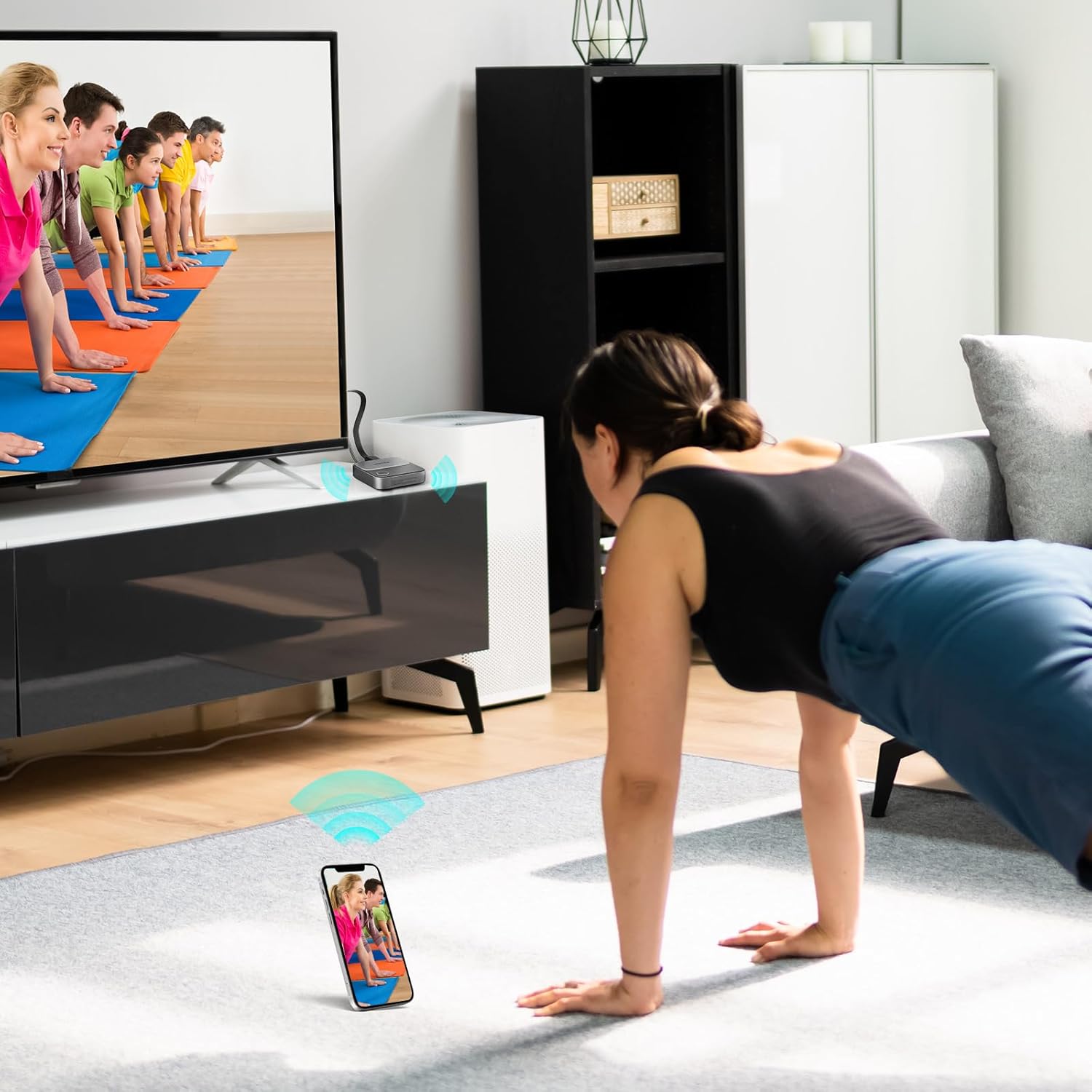
Experience Seamless Wireless Streaming: This Wireless Display Dongle is a plug-and-play gauge, simply connected with WiFi signal. Effortlessly cast and stream contents from Android/ iOS devices, laptops/ tablets. With an impressive transmission range of up to 25 meters in open spaces, you can enjoy wireless streaming from virtually anywhere in the room. Say goodbye to messy cables and hello to freedom.If there are many electronic devices, they will interfere with each other, which will cause the signal to be poor and the connection distance may be only 5 meters
Effortless Setup: Simply plug the HDMI Wireless Dongle adapter into the TV’s HDMI port, connect to Wi-Fi and start streaming without the need for additional apps or Bluetooth connection. This Wireless Display Adapter supports Airplay, Miracast and DLNA. Compatible with most streaming apps or websites on Android and Windows system. Note: iOS and MacOS system do not support HDCP copyright reserved apps like NETFLIX.
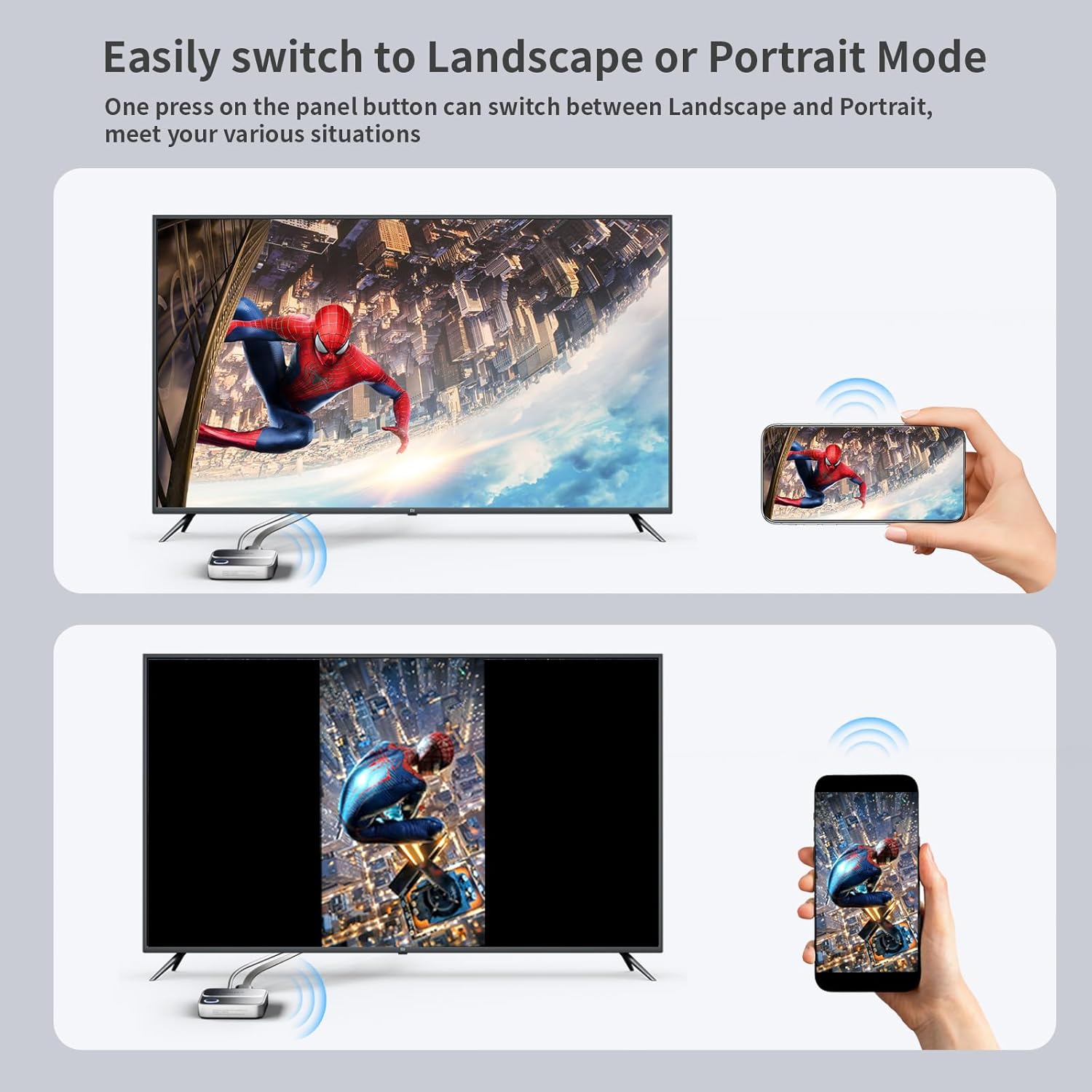
Landscape or Portrait Mode: This HDMI Wireless Dongle features a one-touch switch that allows you to seamlessly transition between Landscape and Portrait orientations for a true full-screen display. Use Landscape mode for movies and gaming, and switch to Portrait mode for live streaming and meetings (for smartphones only). It’s designed to meet your needs across various situations.
IPhone /Mac OS Laptop requires internet setup: 1: Connect your iPhone/Mac device to the Wi-Fi network of the UNITEK screen mirroring device. 2: Open a browser and navigate to the URL: 192.168.203.1. 3: Click on “Internet” and select your home router’s WiFi name. 4: Enter your home router’s wireless WiFi password and click “OK”
Portable And Versatile: Compact size (7.2 x 7.2 x 1.7cm) to bring along and use on the go. With no messy cables to deal with and low power consumption, this HDMI casting device is perfect for use in business meetings, classrooms, travels or other entertainment scenarios. Streamline your connectivity and take your multimedia experience to the next level with this compact and efficient device.
Customers say
Customers find the docking station works well, with one mentioning it’s compatible with Windows 10. The device is easy to use, requiring no drivers or downloads, and customers appreciate its build quality, speed, and design. They like its drive cloning capability, with one customer successfully copying a SATAII HDD. While many consider it good value for money, opinions on value are mixed.
13 reviews for Unitek Wireless Hdmi Display Dongle Adapter – Screen Mirroring Receiver 2.4G/5G 4K TV Casting Device Screen Mirroring Adapter/Extender for Streaming Video to Monitor from Mac iOS Android Windows
Add a review
Related Products


Original price was: €50.€40Current price is: €40.
Kimbrome –
Great product
Simple to install, easy to use!
Amazon Customer –
Ease of use.
Easy to set up and works well.
Muddy –
Tricky
It looks pretty good, mirroring. Best reasonable speed, but there will be a some lag between what’s happening on the two screens. Functional enough for presentations. Hard to use or get started, because with a phone, you probably want data, but can’t use mobile data at the same time as wifi on some phones, and data must be turned OFF for it to work This is bad for streaming from your phone. I hadn’t needed the sound, so I can only assume about volume control or latency.
Anna Poston –
Just what I needed
works great
zyyuan111 –
Good and easy to connect
I have tried several dangles before. This is the best one that I bought. It is easy to connect it with my displayers. Recommend.
Robert Pearson –
Excellent way to use old internal HDD.
When you replace an internal HDD, this “toaster” allows you to use to old disk for backing up. Then store the old disk on a shelf. If anything happens to your new HDD, you have not lost all your data.When you get a new computer, you can use this device to transfer your data from the old computer to the new computer.
Neelam –
Doesnât connect properly with my TV
Does not work
DC –
Nice Accept For One Thing!
While this unit is pretty nice over all and works as it should and does have a aluminum case, but I cant give it 5 stars my reason for this is that when you place a full size SD card in the reader it sticks out way to far, while in the pics it shows it nearly half in as seen by where the sticker on the card falls.So I am unsure why they did not make the slot a lot deeper in fact I would rather see the device be a little longer then have the card stick all the way out, in my opin this is a design flaw that should be corrected. Even better make it go all the way in and click with a spring like on a laptop then push in to remove, as the way it is now you can not toss it in a bag with the card or even if you accidentally hit it it will fall out as its only engaged near its edge. Please see pic to see what I mean …I would love to hear from the company on this. As it is not as pictured and should be redesigned, so on this I am a little disappointed.
luca malagoli –
Prodotto molto facile da usare, io sono un principiante ma con questo ho recuperato i dati di un vecchio pc non più funzionante e ora la uso come memoria esterna.
Join –
Estoy absolutamente satisfecho.Todos los SSD o HD de 3,5 “y 2,5” se pueden duplicar sin conexión. Solo es importante que el disco B sea> o = tan grande como el disco A.Copias de A a B.Para inicializar el proceso de copia, se debe presionar el botón Copiar hasta que el LED de nivel 4 parpadee. Luego suéltelo e inmediatamente presione el botón de copia nuevamente (muy corto). Entonces se enciende el LED de 1er nivel. El proceso de copia se está ejecutando.Si quiero cambiar un disco duro viejo por un disco SSD, este dispositivo es ideal.Por supuesto, puede trabajar con ambos discos duros a través de la interfaz USB.Ãptimo y económico.
z.one –
Très utile pour le clonage des disque, et super qualité. utilisation plus que deux ans.
doccock –
Der UNITEK-Adapter hält, was er verspricht. Die Spiegelung meines Handys S23 Ultra auf dem Fernseher ist super. Ich kann die positiven Bewertungen der anderen Rezensionen nur bestätigen. Ein kleiner Mangel in der Bedienungsanleitung ist, das keine Kopplung mit Samsung Geräten aufgeführt wird. So war die Einrichtung etwas mühselig, was jedoch keine Abwertung bedeutet.Zur Hilfe für andere Nutzer moderner Samsung Handys kurz eine Hilfe für die Einrichtung:1. Adapter gemäà Bedienungsanleitung mit TV und Netzteil verbinden und TV auf entsprechenden HDMI-Anschluss einstellen.2. Auf dem Handy WLAN aktivieren. Es sollte ein Netzwerk mit dem Namen UNITEK 634E685F gefunden werden.3. Klick auf diesen Netzwerknamen und Passwort 12345678 eingeben. Damit sind die Netzwerkeinstellungen abgeschlossen.4. Handy-Einstellungen öffnen > Verbundene Geräte > Smart View. Hier sollte wieder der Adaptername angezeigt sein.5. Auf “Spiegel” klicken und warten, bis auf dem TV der Handy-Bildschirm zu sehen ist.
ROBERT J SABADOS –
Clones drives error free. Very happy with the product. Easy instructions.