

Wireless Controller For PS4, Black ps4 controller with Dual Vibration/ 6-Axis Motion Sensor/Audio Jack/Touch Pad/Share Button, Recharge Controller For PC, P-4 Accessories Perfect Adaptive Full Version 4/4 Pro/Slim.
Original price was: €33.€25Current price is: €25.



Price: $32.99 - $24.99
(as of Aug 07, 2025 21:42:36 UTC – Details)
Product Description


1 Clickable touch pad
2 Quick trigger key
3 Dual motor feedback


Surprising Touches: The high-end edging design is non-slip and polishing technology, no matter watching or touching,you will not feel it cheap.Unique ergonomic design can be used for a long time without feeling tired.
Product Detail: The ps4 controller wireless uses high performance Bluetooth technology for 33ft control distance.1000mAh rechargeable battery takes 2-4 hours to fully charge for 15-20 hours of playing. Include clickable touch pad, motion sensor, LED light bar, 3.5mm audio jack, built-in speaker, Type c charging cable.
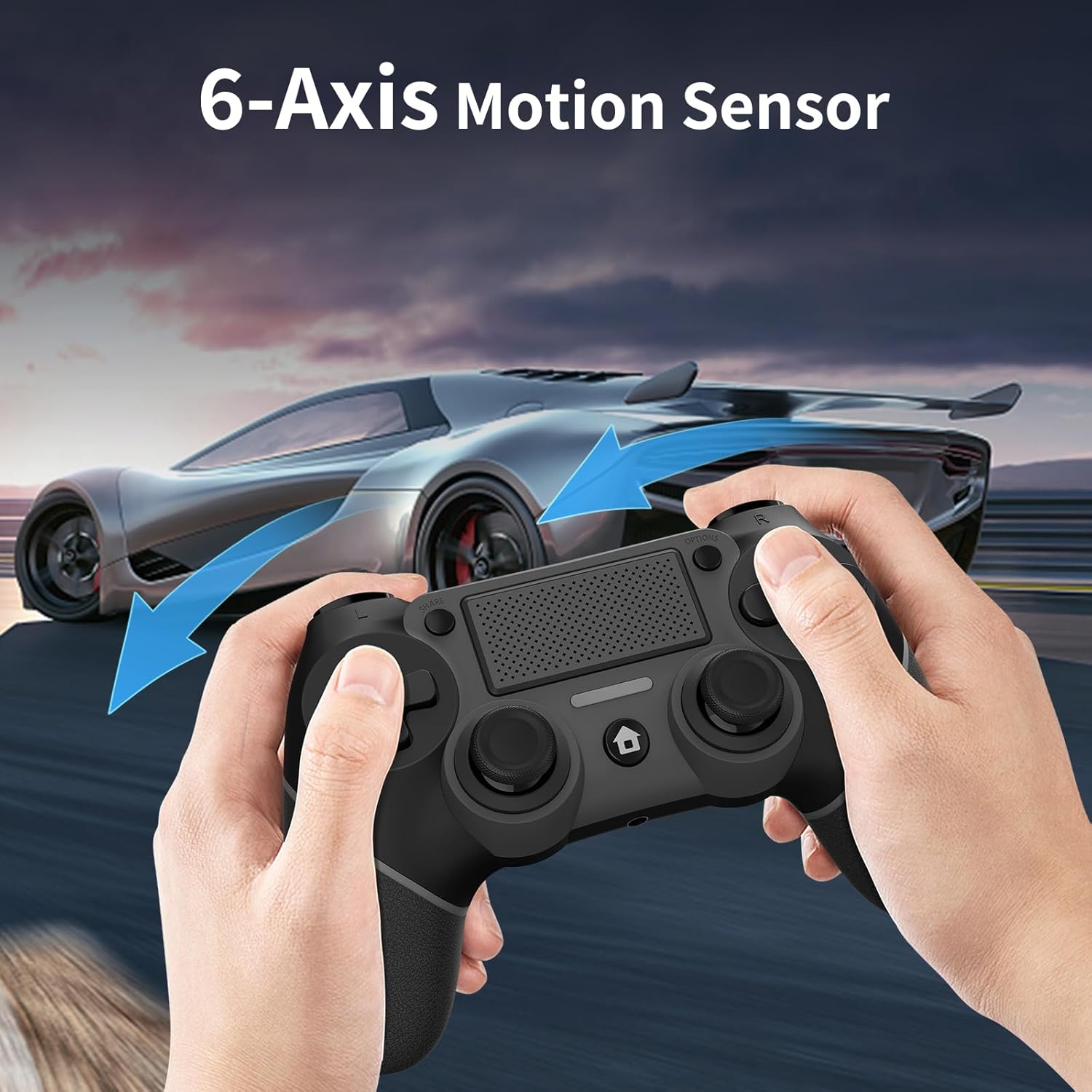
Product Design: High refresh rate joystick allows you to get the fastest feedback on your operation, 2 vibration motors and 6-axis motion sensor, let you enjoy rush and shock.
Amazing Gift: Anyone who plays PS4 and is interested in it is a great gift target, Our game-pad is perfect for game fans,Choose this one and have fun playing with him/her.
Our service: We will never ignore the product quality, we closely supervise the whole process from production to delivery, Trying to make every consumer satisfied, we provide a one-year warranty, if you have any questions, please contact us.
M1/M2 Off/on function Setting method:Press the combination key “Option+SHARE+M1” 2S the motor vibrates once to turn off/ Open the M1 function and press the combination key “Option+SHARE+M2” for 2S Reach vibration once off/on M2 function. Press the 2S motor to vibrate once, generatio.The table is set successfully. Procedure Programming button memory function :M1/M2 programming is completed, and the last programming function is still retained after power failure.
Customers say
Customers find the PS4 controller works perfectly with their PlayStation and appreciate its solid build quality, comfortable grip, and good value for money. Moreover, the controller is easy to connect and serves as a great replacement for the original one. However, the buttons receive mixed feedback, with some customers finding them nice while others report responsiveness issues. Additionally, the wireless connectivity receives mixed reviews, with some customers reporting stable connections while others experience severe connectivity problems.
8 reviews for Wireless Controller For PS4, Black ps4 controller with Dual Vibration/ 6-Axis Motion Sensor/Audio Jack/Touch Pad/Share Button, Recharge Controller For PC, P-4 Accessories Perfect Adaptive Full Version 4/4 Pro/Slim.
Add a review
Related Products


Original price was: €33.€25Current price is: €25.
Liz! –
Very goodish!
Great and inexpensive DS4 replacement. No, the materials don’t feel as quality as a real DS4, but it’s an acceptable difference; the components are by no means “cheap” feeling. D-pad actually feels better than the DS4’s. Ergonomics are comparable.My one tiny complaint is that the buttons aren’t actually blank like they are in the pictures. (I wanted them to be blank so that I could use it with Xbox-style PC games without confusion.) They are painted with a cool, geometric version of the standard PlayStation symbols.Technical stuff to note:- Uses a USB-C cable for charging and wired connectivity, unlike the micro-USB of the real DS4. (If you plan to use it wired, know that the included charging cable is very short.)- Because this is meant as a true PS4 controller, it does not have an Xinput mode, and won’t work for most Windows PC games without the use of 3rd-party software. Some PC games do support this controller’s input type, but that’s going to be very hit-or-miss. If you plan to only use this on PC, I recommend looking for a decent XBOX 360 controller instead.Great DS4 controller replacement!
Jose R. Romero –
Good option for Steam
Using this primarily on PC/Steam. Feels good in the hands, comfortable grip and good weight to it. Analog sticks and gyro feel very good, triggers have a bit more deadzone than I’m used to but are usable. No glaring issues with the d-pad and buttons when playing fighting games. A solid controller for the price.Somewhat wary of the rubberized grips degrading over time. Back buttons are a nice bonus but their positioning takes some getting used. Keep the manual as the remapping process isn’t very intuitive.
Sami Chau –
Great controller
Work as intended, no issues so far. Some connections issues but just a windows things.
Drew –
NOT PC compatible.
This does NOT connect to my Windows 10 PCs. There are no instructions for the PC, only P4. There is no verbiage on the box that says it’s compatible with the PC, only P4. I attempting the “instructions” others gave in comments, no dice.I happened to have bought a different wireless controller at the same time. That one connected to all devices first time, no issues (didn’t even need the instructions).So if you’re buying this for PC use, because the product description has the word “PC” in several places, be warned that you may be wasting your time. The product that arrives does NOT claim any wireless PC support. It does work if you keep it wired, but why buy a wireless controller that needs to be wired.
Kander –
durable quality
My old ps4 controller was having trouble charging which is why I was looking for a new one. This seemed like a solid one and was at an affordable cost. The controller is made from durable material which helps it last. The design makes holding pretty comfortable as well with the indent and shaping. Buttons are interactive and donât have any lag when playing. Vibration is nice on them making the game engaging. It sits on the charger for a bit, and Iâm good for a while when playing. The connection was also very fast for this controller. I didnât have any issues and it was a simple and fast process. The extra buttons on the back can be an issue when gaming. Iâm always accidentally clicking them and they can cause some irritation. Itâll definitely take time to get used to.
ri –
Buy it!!
My sony controller started having a hugeee stick Drift after having it for some years. I didn’t like playing games because my movement would drift a lot. Obviously, a needed a new controller. I didn’t want to spend 60 dollars for another dualshock when i can js buy a bootleg that works the same. This controller just might be better! Left it to charge for an hour and its already at Full battery. No drift at all and theres good grip on the sticks n everything. Buttons and everything work exactly same as your average dualshock. The quality is Top tier. The only thing is, extra buttons on the controller’s back that you can sometimes press. They aren’t super sensitive, so you won’t press them a lot, but they are there. I’m getting used to them so I can use them in games. If you plan on using the back buttons, they are actually lowkey helpful. The left back Button is Jump and the Right is Crouch. anywaysss js buy it. it’s worth it!
Aubrey Strachan –
Nice controller
The handle buttons are sensitive, responsive, and the operation is very smooth. The controller supports wireless connection, stable and reliable connection with the host. I can move freely within a certain range without worrying about signal interruption. Battery life is also excellent, lasting a long time and not requiring frequent charging. This PS4 controller not only has excellent performance, but also has a user-friendly design that makes my gaming experience smoother and more enjoyable. Whether it’s daily entertainment or playing with friends, it’s a great product to buy
Hannah –
Good quality and easy to get use to!
Needed an easy and cheap controller that wasnât an Xbox style for my PC to connect to and this has worked great! Used it for about four months now and itâs holding up well. Occasionally there are connection issues with the Bluetooth when itâs charging but itâs always fixed in a minute or two when it turns off and back on again.Connecting to your PC is pretty simple and easy you just have to hold the button and add it through settings.