

Wireless HDMI Display Dongle Adapter 1080P, Screen Mirroring Adapter/Extender for iOS/Android/Windows/Mac to HDTV/Monitor/Projector, 5G HDMI Wireless Extender Supports AirPlay/Miracast/DLNA
Original price was: €40.€36Current price is: €36.


Price: $39.90 - $35.91
(as of Aug 08, 2025 01:02:11 UTC – Details)
Product Description


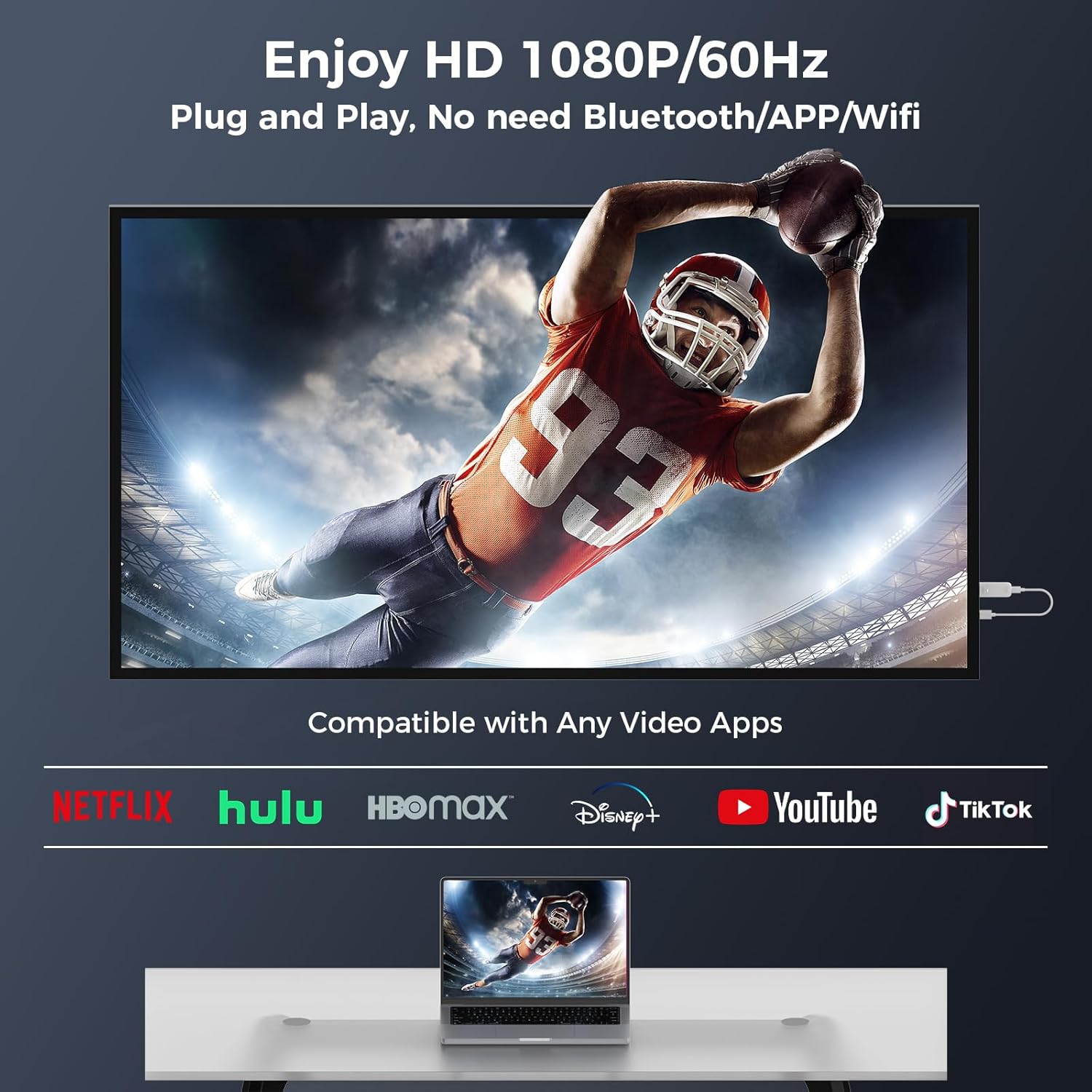
【Stunning HD Experience】Our Screen Mirroring Adapter for TV supports 4K decoding and delivers an impressive 1080P full HD output. Seamlessly switch from a small screen to a larger one and enjoy higher quality audio and video content with friends and family.
【Plug and Play】The wireless display adapter offer true plug-and-play functionality, with no apps required for easy and efficient setup. Simply connect the wireless HDMI adapter to your TV and power it, find mirror function on your device to cast. The included USB cable requires a power supply, many modern TVs and projectors have a USB port near the HDMI input and the battery pack can be used if the port is occupied.
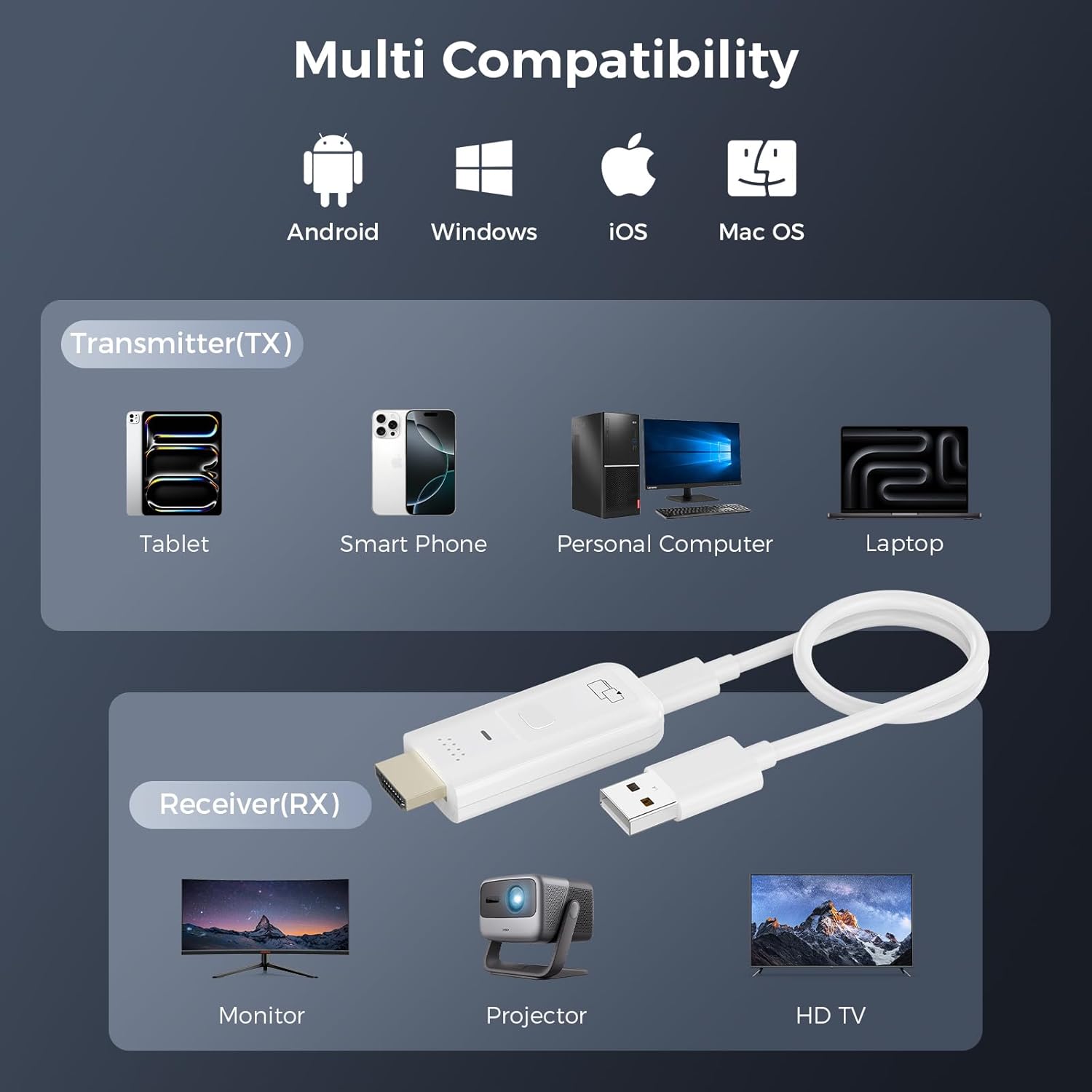
【Screen Sharing】This HDMI Wireless Extender supports Airplay images of iOS/MAC systems, and Miracast standard protocols of Android/Windows systems. The wireless display adapter supports with iPhone, Android, laptops, tablets. The screen can be freely switched between horizontal and vertical modes. Experience smooth, vibrant visuals whether you’re watching movies, gaming, or delivering a business presentation.
【Mirror Apps Limited for iOS Devices】Please note that our wireless HDMI display dongle adapter is not compatible with certain paid apps that employ “HDCP” video copyright protection, such as Netflix, Amazon Prime Videos, Hulu, Comcast TV, Sky Go, BT Sport, and other HDCP copyright apps.
【Wide compatibility】This compact and portable wireless HDMI dongle adapter is ideal for business presentations on the go. Its powerful chipset ensures compatibility with a wide range of HDMI output devices, including laptops, PCs, Blu-ray players, cameras, DVDs, tablets and more. The wireless monitor adapter is perfect for home theater, live sport match, live meeting and online teaching.
【Stable 5G Transmission & Low Latency】The Wireless HDMI Display Adapter utilizes 5G wireless transmission to ensure more stable transmission and high-quality video decoding. With a transmission range of up to 10 meters in open spaces, you can enjoy wireless streaming almost anywhere in the room.
【What You Get】Mtakya Wireless HDMl Receiver x1, User Manual x1, USB C Cable x1. If you encounter any problems when using the Video Mirroring Dongle Receiver, please contact our professional technical team for assistance, we provide 24 months quality replacement service.
Customers say
Customers give positive feedback about the HDMI adapter’s mirroring capabilities, with one mentioning it works well for Windows PC mirroring. However, the functionality receives mixed reviews.
12 reviews for Wireless HDMI Display Dongle Adapter 1080P, Screen Mirroring Adapter/Extender for iOS/Android/Windows/Mac to HDTV/Monitor/Projector, 5G HDMI Wireless Extender Supports AirPlay/Miracast/DLNA
Add a review
Related Products




Original price was: €40.€36Current price is: €36.
Strz –
Excellent
Performed as expected with simple instructions. No additional app required. Plug and play. I have an Android phone. Attached to 5vdc power supply, connected to HDMI port on the TV. Within seconds, the dongle’s home page was displayed. Pressed the “Smart View – Mirror screen” from the phone’s top drop down. A second later, the screen was mirrored. My issue with the other wifi casting item I purchased was that it skipped and paused even though my wifi was working with a router speed of 6 ping, 470.60 Mbps Download and 617.78 Mbps Upload. I tried a cabled connection that required an app and found it to be totally unstable. I was lucky to get three seconds of use and was unable to rotate the phone. THIS ITEM PERFORMED PERFECTLY!
IS –
Buyer beware – No support for streaming services – not as advertised on Amazon product page.
Works fine for 1920 but not for streaming services. Amazon product page description is misleading.1) mirrored fine – good image for displaying what is on the device display. However the Landscape zoom cuts off some of display edge but not to much. Unit has multiple zooms resolutions for landscape and portrait modes you can step through via the button.2) My BIG Issue – will not work for streaming services. I tested a few streamers: Netflix, HBO Max, Apple TV, and xfinity. I stopped there. None worked. Could get program audio but NO video. I admit I did not investigate this streaming service requirement thoroughly enough before buying. (I relied on the Amazon product page) Subsequently learned this device does not support for example apple AirPlay or Chromecast for streaming services.3) upgrade first – via OTA. I could not do this with iPad having only WiFi and no cell connection. Needs a device like iPhone or iPad (tablet) with WiFi and cell connection to bridge a data link between (dongle on) local WiFi network and internet. Connect your device (using scan code instructions) to dongle via wifi. Then using web browser go to 192.168.203.1 via your local WiFi net to connect to dongle. Youâll see menu. Then check for firmware upgrade. If applicable, it will download via cell service datalink through device to dongle on local WiFi network.I took to long to integrate this device. I did it post 30 day return period. Had I checked it out sooner, I would have returned the dongle due to it not supporting the streaming service provider requirements.
Tall Texan (really, I am) –
Great for Windows PC mirroring
Many newer “smart” TVs like the latest Sony models do not directly support Miracast. This device makes it very simple to fix that problem so you can use the Windows 10 and 11 “connect to a display” the way it was intended. Just plug in this device to an open HDMI port on your TV, connect it to power (preferably the USB port on the TV) and that’s it. On Windows, you can use the “Windows Key + K” shortcut and it begins searching for devices to connect to. In a few seconds this device shows up. Click to connect and whatever is on your PC screen shows up on the TV. It really is that simple and there is no need to connect through a WiFi network. It works just like running a long HDMI cable from your computer to the TV.I can’t comment on how it performs with so called “smart phones” since I don’t have any desire to do that.
Mikous I Augustus –
Very good HDMI wireless receiver
Good quality video. My laptop and my android devices connects quickly and the connection is stable.
Chuck Young –
Super lag and distorted image on tv
Gave this a try using both my Android phone and my Windows 11 laptop to my TV. Both devices had high lag times to the TV and picture was grainy. I have a 300 or better mbps wifi network and this well within the range for this device, but its performance was lacking in all respects. This is not the device I expected for streaming from my laptop to my TV
Harry –
Decent solution for the price but has several cons
It is a decent solution to avoid wires for motoring or extending to another display. It is priced cheaper than other competitors.MAJOR WORST PARTS – the product is a good solution for screen mirroring or extending on Microsoft Windows and Mac OSX, but the item does need a Wi-Fi and it does not work while being connected on a work VPN! Also there is a bit of lag so this is not a replacement for a wired mirroring/extending.As a result, it is useless for work purposes since most work laptops on VPN will not work with it.
Andrew –
Does NOT work with Netflix as advertised
Works well, clear picture, but mine DOES NOT work with Netflix, so Iâll likely return for a cheaper one with a clear picture that still doesnât work with Netflix.
Gez –
good quality multicable, usba to usb c micro usb a and lightening cable, ideal for travelling one cable can charge most things.
W.D –
This cable is really great and easy to use for charging four devices at once. The cable length is good and it provides great functionality as you can charge lightning device (iphone/ipad), android and usb-c based devices. It has allowed me to get rid of multiple chargers and multiple cables and has proven value for money for me. The cable has great flexibility and is not easily prone to break. With some chargers, it does get a bit hot towards the ends so need to be careful. The colours are bright and allow different types of connectors to easily recognised.Overall a good multi device charging cable.
Cheekywheels –
A strong corded USB cable with multiple end charging cables (lightning, USB-C, Micro USB). Works really well with no different in device charge time compared to a single end charging cable.
Roger –
A good length cable, braided so it should withstand the usual use from those in the back of the car! The selection of different cables is useful and means you should be able to cater for most device needs. The input end can be USB-C or USB-A and the adapter for this is attached to the cable so it cannot go missing.One thing to be aware of, the wire only separates into the 4 separate cables near the end so you wouldn’t really be able to have 2 people sat next to each other both charging (without fallout!) however individually or for charging things when not actively in use this cable is perfect.
Heather R –
This is a well made, robust charging cable. It has connectors for a wide variety of devices – USB C, micro USB, lightening and USB A, so provides for more or less anything. The length is a real advantage – I don’t have to keep plugging and unplugging to make it reach whatever I need to charge. The only slight (but inevitable) quibble is that if you are charging more than one device at the same time, the charging rate drops dramatically. However, this is true of all multi-cables, and if you are not in a hurry, it gets there in the end. Charging a single device is very fast, and compares to other single connector fast charging cables.Overall, a good bit of kit to have at a very reasonable price.